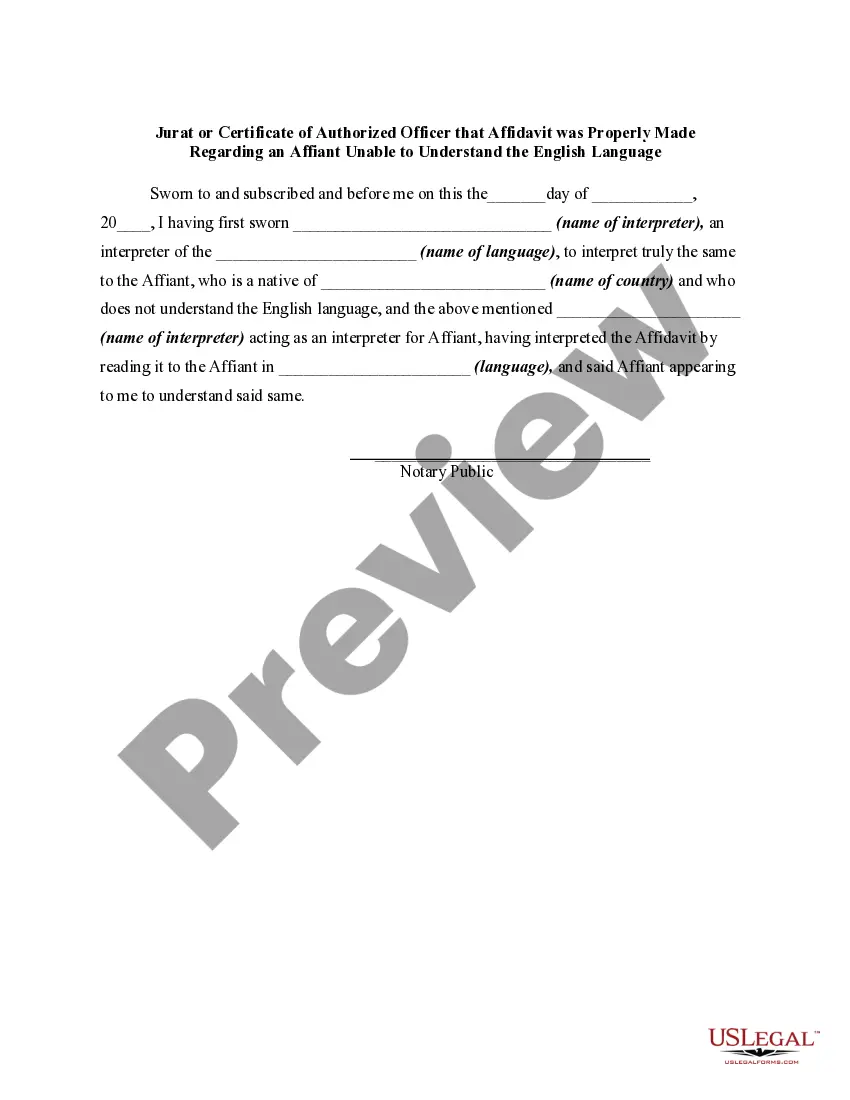
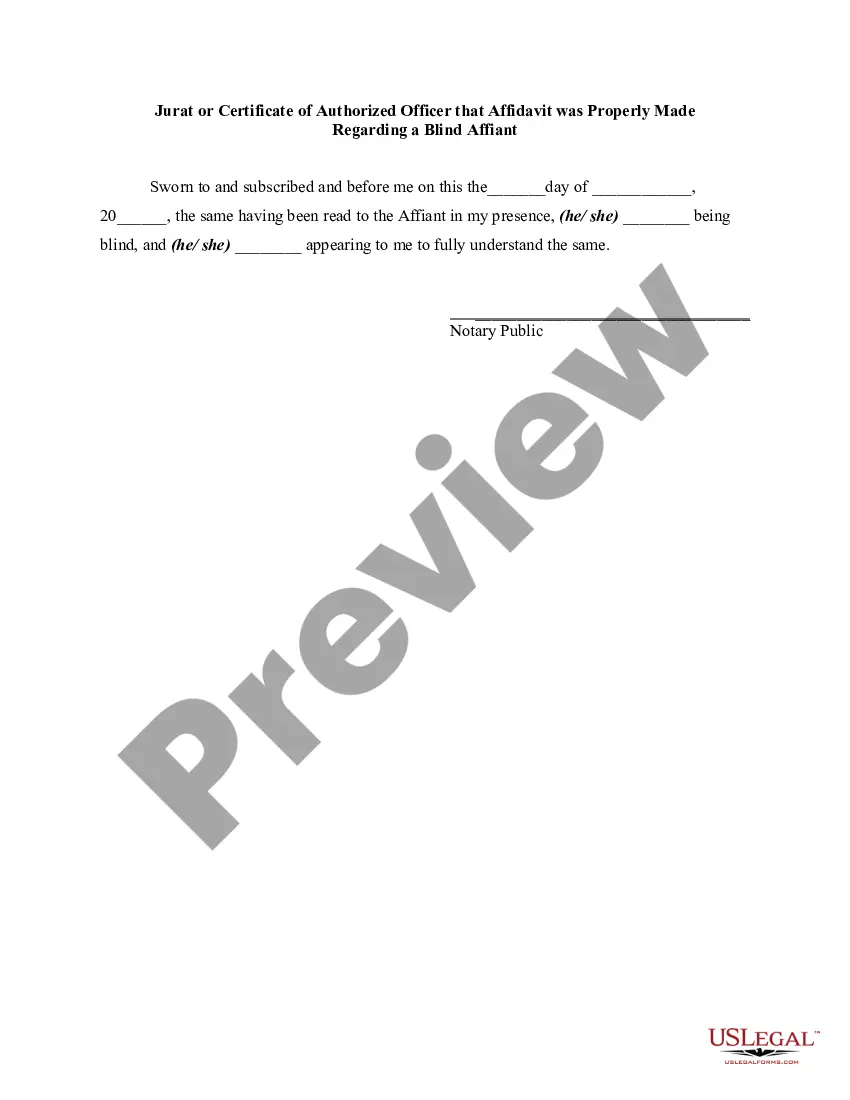
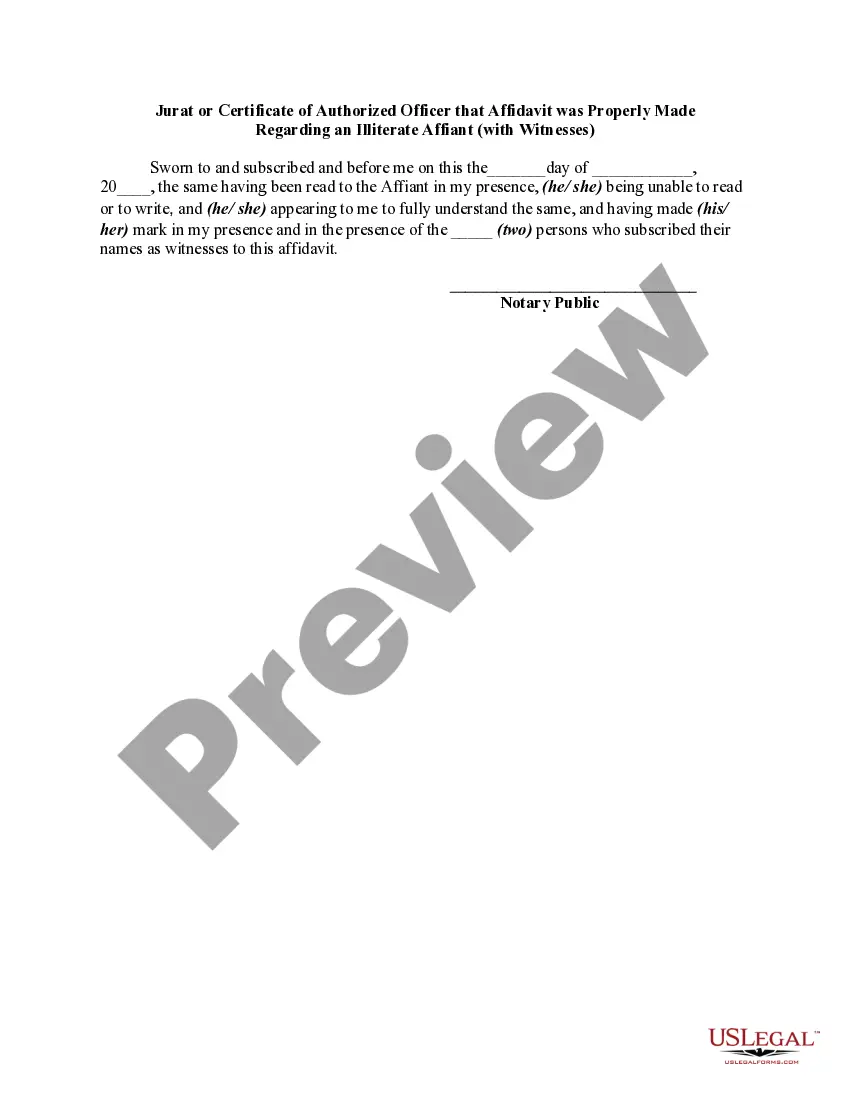
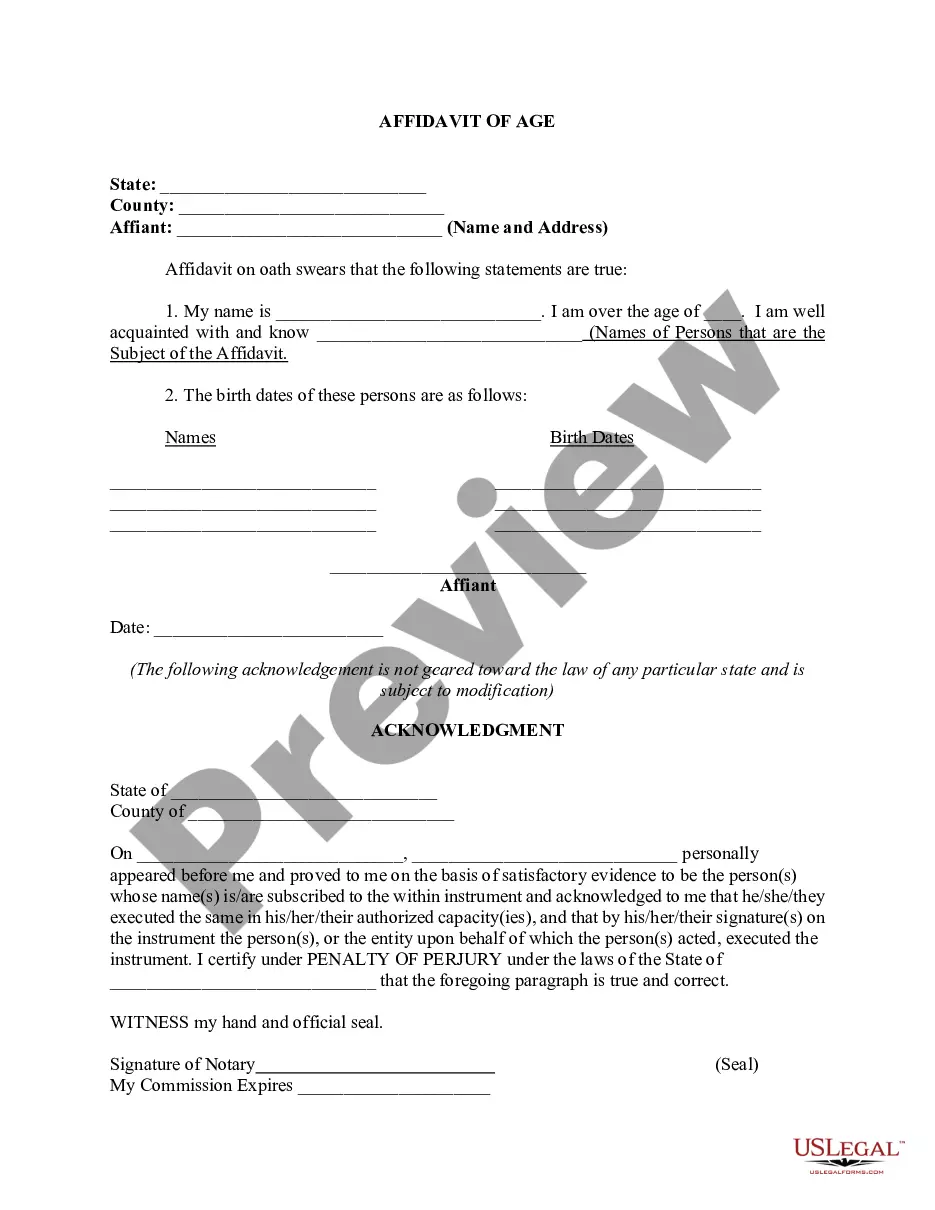
Verification With Jurat
Description

Get your form ready online
Our built-in tools help you complete, sign, share, and store your documents in one place.
Make edits, fill in missing information, and update formatting in US Legal Forms—just like you would in MS Word.
Download a copy, print it, send it by email, or mail it via USPS—whatever works best for your next step.
Sign and collect signatures with our SignNow integration. Send to multiple recipients, set reminders, and more. Go Premium to unlock E-Sign.
If this form requires notarization, complete it online through a secure video call—no need to meet a notary in person or wait for an appointment.
We protect your documents and personal data by following strict security and privacy standards.

Make edits, fill in missing information, and update formatting in US Legal Forms—just like you would in MS Word.

Download a copy, print it, send it by email, or mail it via USPS—whatever works best for your next step.

Sign and collect signatures with our SignNow integration. Send to multiple recipients, set reminders, and more. Go Premium to unlock E-Sign.

If this form requires notarization, complete it online through a secure video call—no need to meet a notary in person or wait for an appointment.

We protect your documents and personal data by following strict security and privacy standards.
Looking for another form?
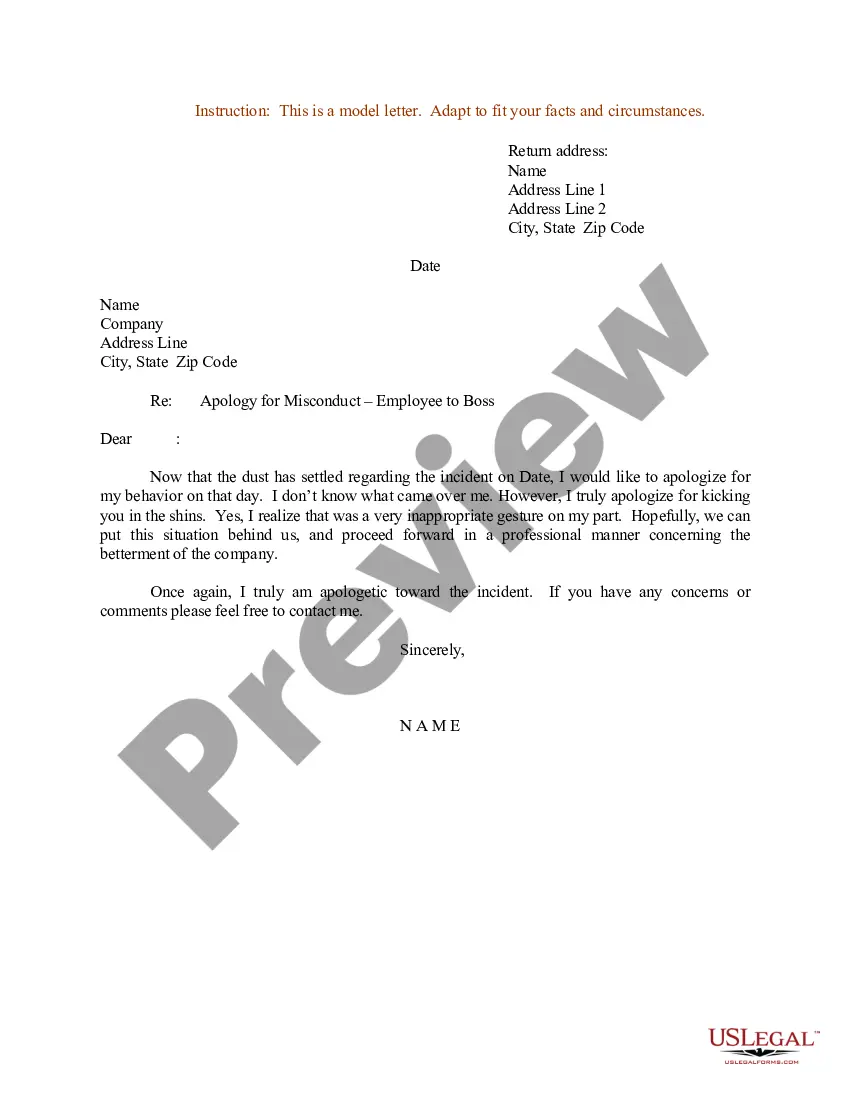
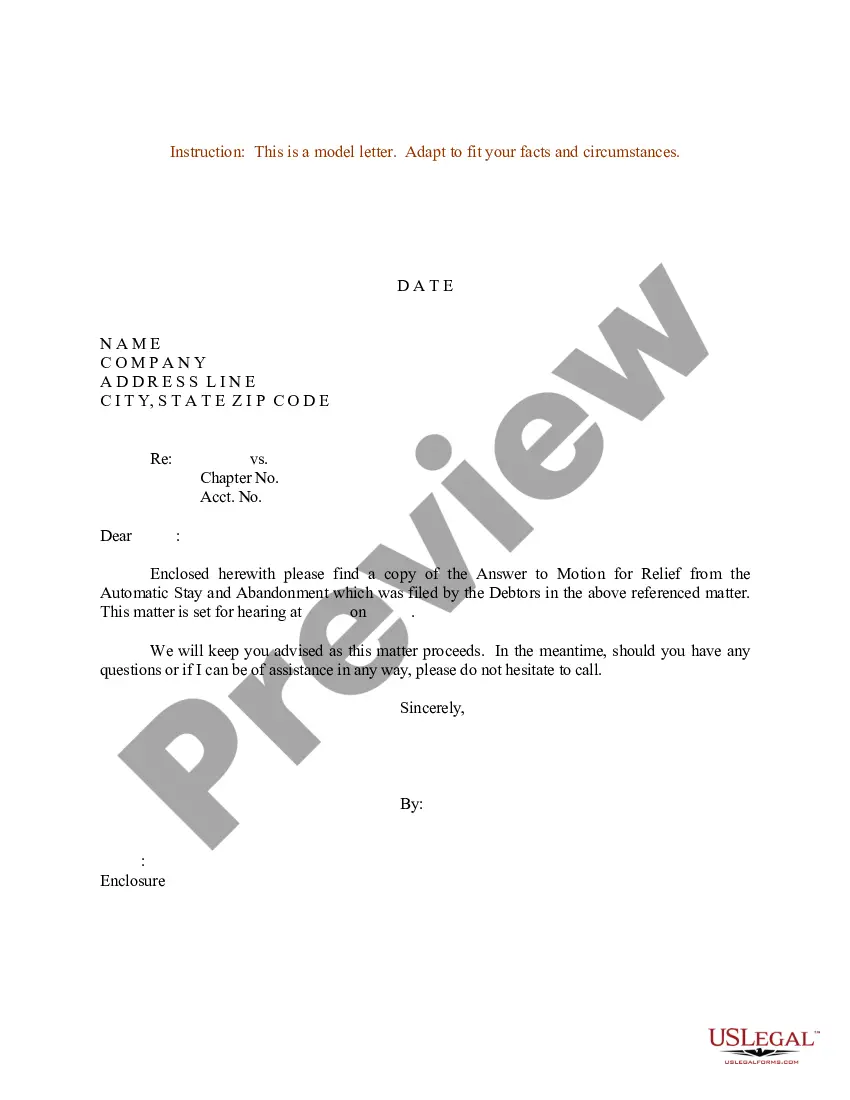
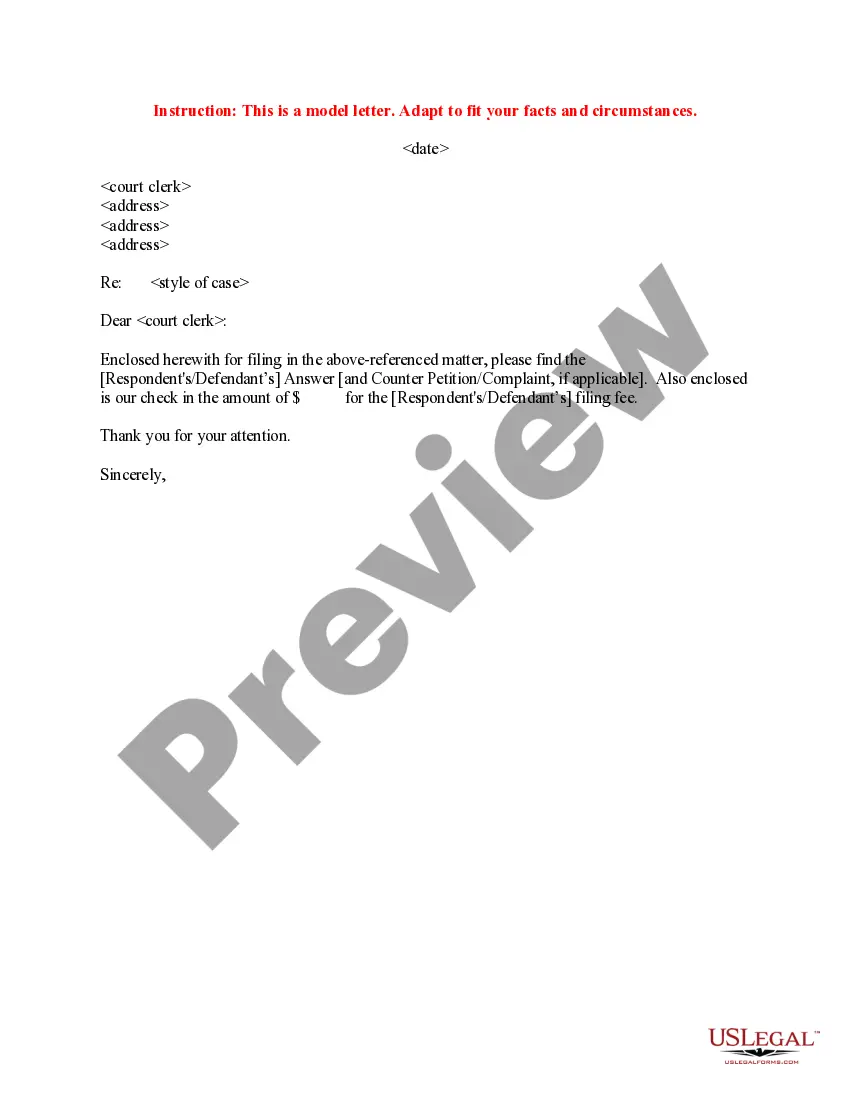
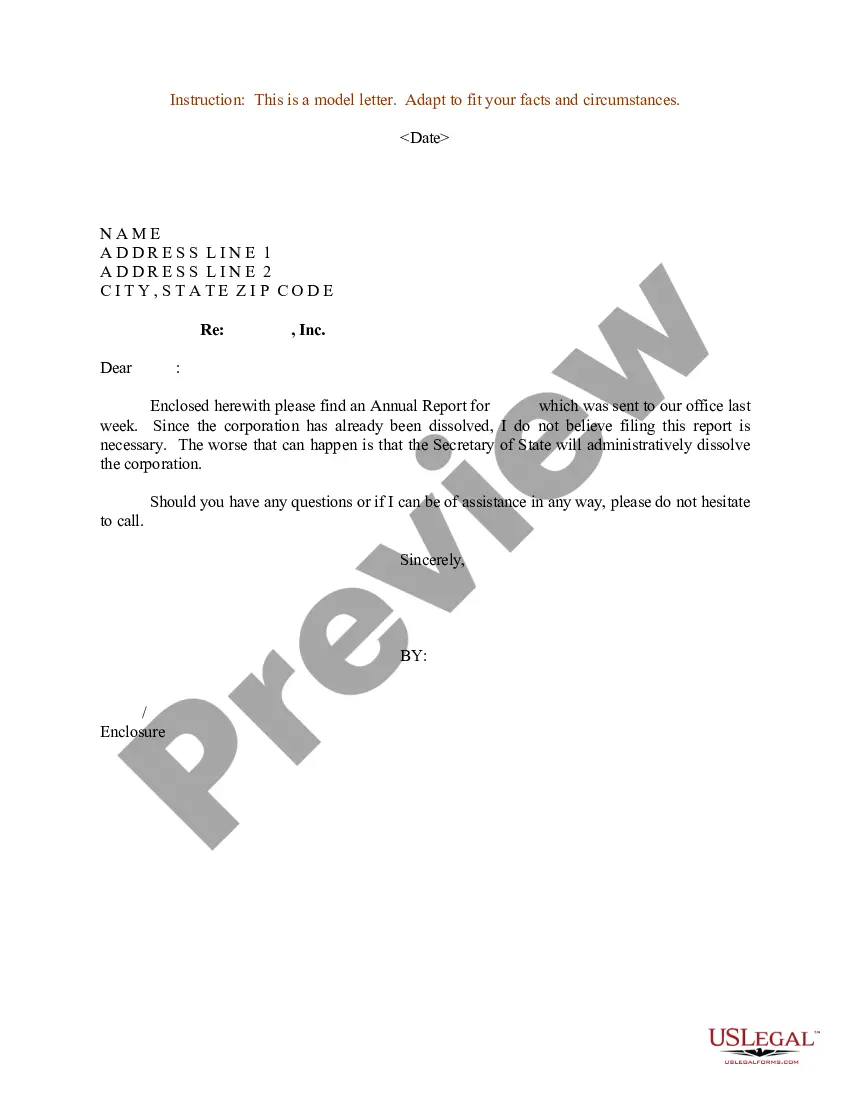

How to fill out Jurat Or Certificate Of Authorized Officer That Affidavit Was Properly Made Regarding An Affiant Unable To Understand The English Language?
- Log in to your account on US Legal Forms if you're an existing user. Ensure your subscription is active before accessing the document.
- For new users, begin by browsing the extensive library. Use the Preview mode to check the details of the document and confirm it meets your needs and complies with local jurisdiction.
- If the selected form doesn’t match your requirements, utilize the Search feature to find an accurate template quickly.
- Once you've identified the correct form, click the Buy Now button to choose your subscription plan. Creating an account is necessary to gain access to the comprehensive resources.
- Proceed to finalize your purchase by entering your credit card information or selecting PayPal for payment.
- After payment, download your form to your device. You can revisit and manage your documents anytime in the My Forms section of your account.
By following these straightforward steps, you can efficiently navigate through the verification process. US Legal Forms not only offers a robust collection of legal documents but also provides access to premium experts for additional guidance, helping ensure your documentation is accurate and effective.
Start taking advantage of the US Legal Forms library today and simplify your document preparation. Don’t wait—empower yourself with the right forms now!
Form popularity
FAQ
One common mistake made by notaries is failing to properly verify the identity of the signer. This can lead to issues regarding the validity of the notarization and the document itself. Ensuring proper identification is vital for the correctness of the verification with jurat process, and US Legal Forms offers resources and tools to help notaries avoid such pitfalls.
Once a document has been notarized, it cannot be altered in any way. Making changes to the document could undermine the integrity established during the verification with jurat process. If updates are necessary, a new document should be signed and notarized again to maintain trust in the documentation.
A jurat is a legal term that refers to a certification added to a document when a notary public witnesses the signing. It signifies that the signer appeared before the notary, confirmed their identity, and swore or affirmed the truthfulness of the document. Essentially, verification with jurat indicates that the content was sworn under oath, ensuring its authenticity.
A jurat example might be found in legal documents like affidavits, where a jurat states: 'I, signer's name, do hereby declare under penalty of perjury that the foregoing is true and correct.' Such statements are essential as they confirm the signer’s commitment to the truth. For effective verification with jurat, understanding these examples can be incredibly helpful.
Filling out a jurat requires you to provide the required details, including the date, the signer's name, and the notary's information. Make sure to include a clear statement that the signer has affirmed the document's content. For a seamless verification with jurat, you can find templates on platforms like USLegalForms to guide you through the process.
An example of a jurat would be a statement that reads: 'Subscribed and sworn to before me this date, by signer's name.' This language confirms that the signer has taken an oath regarding the truthfulness of the document. In practice, your verification with jurat can rely heavily on these formal attestations.
Another name for a jurat is a 'certificate of acknowledgment.' These terms are sometimes used interchangeably, though a jurat specifically implies that the signer has sworn to the truth of the document’s contents. Understanding this distinction is crucial for effective verification with jurat.
To verify a notary document, begin by examining the jurat section for the notary's signature and seal. Next, confirm that the notary's commission is current and valid by checking with their state’s regulatory body. This process ensures your verification with jurat holds up in any legal context, safeguarding your interests.
During a jurat, you should clearly state that you affirm or swear to the truthfulness of the information in the document. It's also important to follow any prompts given by the notary, as they may request specific details to ensure proper verification with jurat. By articulating your commitment to the truth, you reinforce the document's validity.
A notary jurat typically includes the notary's signature, seal, and a statement confirming that the signer appeared before the notary and affirmed the truth of the document's content. Additionally, it may contain the date and the location of the notarization. This information helps ensure the verification with jurat is accurate and legally binding.