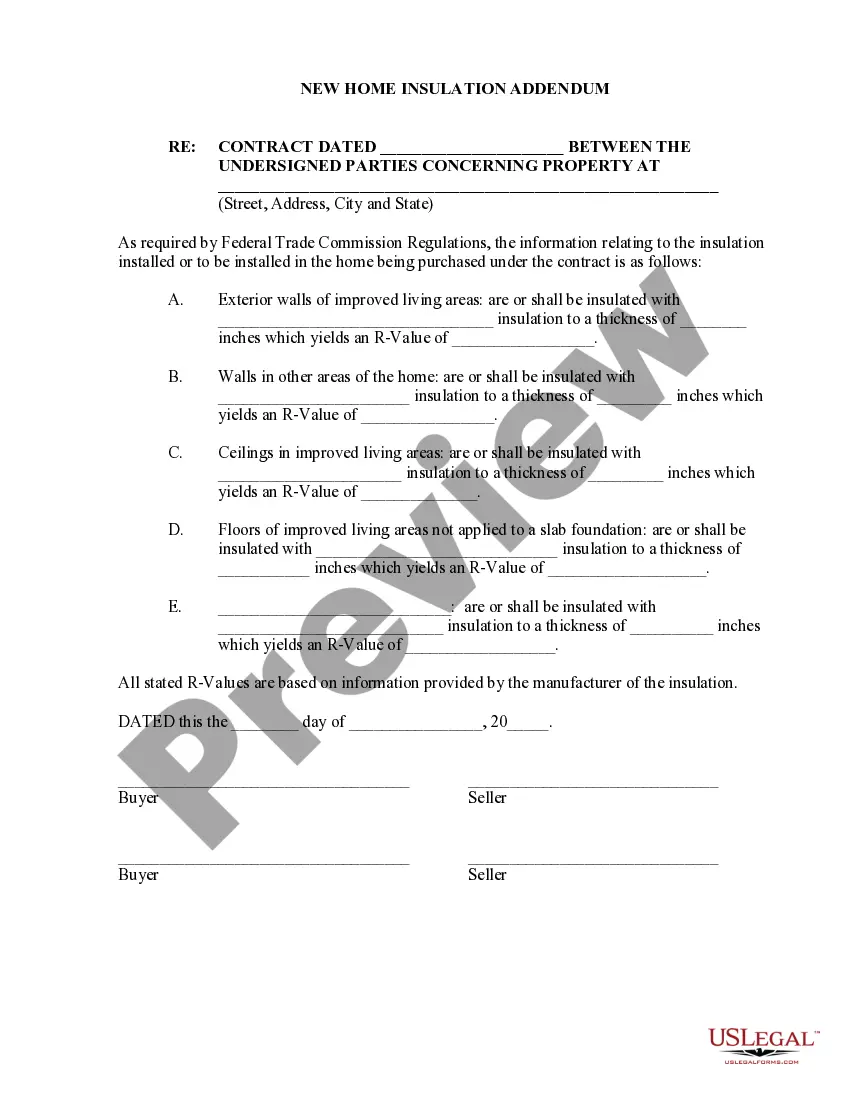
Adding Addendum To Document
Description
Get your form ready online
Our built-in tools help you complete, sign, share, and store your documents in one place.
Make edits, fill in missing information, and update formatting in US Legal Forms—just like you would in MS Word.
Download a copy, print it, send it by email, or mail it via USPS—whatever works best for your next step.
Sign and collect signatures with our SignNow integration. Send to multiple recipients, set reminders, and more. Go Premium to unlock E-Sign.
If this form requires notarization, complete it online through a secure video call—no need to meet a notary in person or wait for an appointment.
We protect your documents and personal data by following strict security and privacy standards.

Make edits, fill in missing information, and update formatting in US Legal Forms—just like you would in MS Word.

Download a copy, print it, send it by email, or mail it via USPS—whatever works best for your next step.

Sign and collect signatures with our SignNow integration. Send to multiple recipients, set reminders, and more. Go Premium to unlock E-Sign.

If this form requires notarization, complete it online through a secure video call—no need to meet a notary in person or wait for an appointment.

We protect your documents and personal data by following strict security and privacy standards.
Looking for another form?
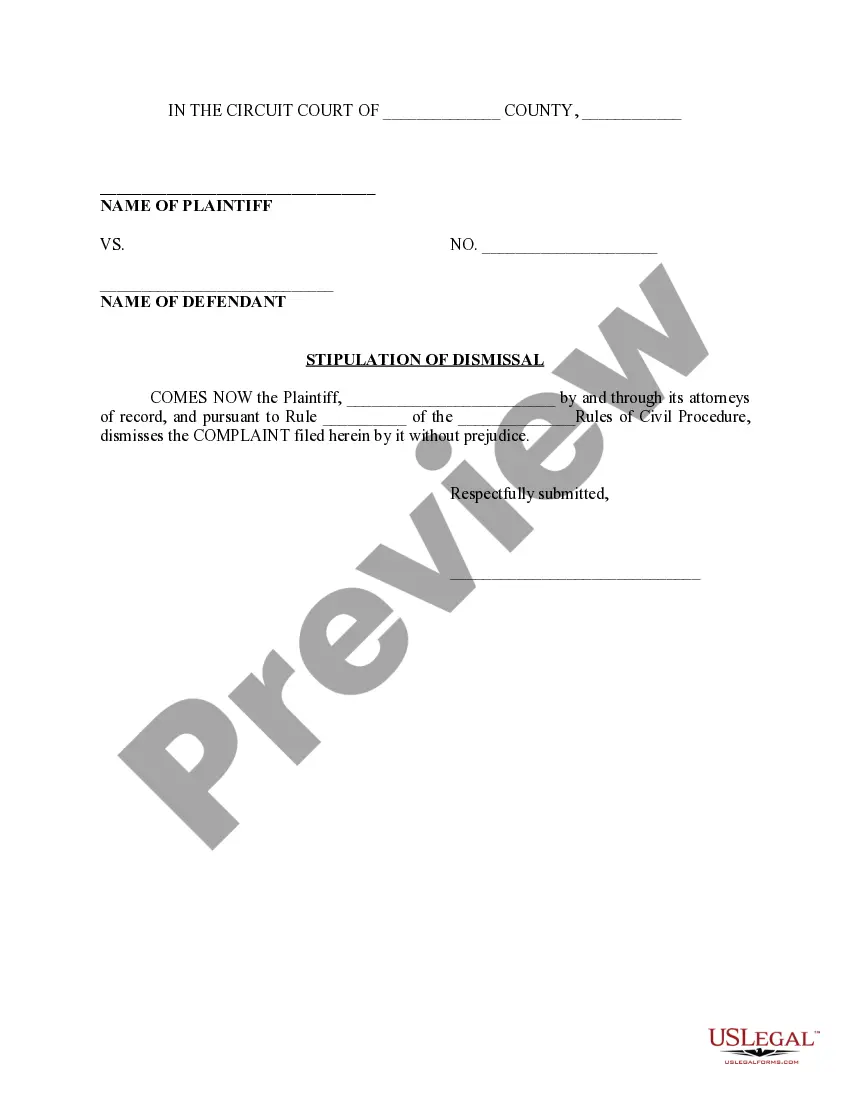

How to fill out Addendum For New Home Insulation Disclosure - Required By Federal Trade Commission?
The Supplementary Addendum To Document you view on this site is a versatile legal template created by expert attorneys in compliance with national and local laws and regulations.
For over 25 years, US Legal Forms has supplied individuals, businesses, and legal professionals with more than 85,000 authenticated, state-specific forms for any commercial and personal purpose. It’s the quickest, simplest, and most trustworthy method to acquire the documents you require, as the service ensures the utmost level of data protection and anti-malware security.
Subscribe to US Legal Forms to have verified legal templates for every life scenario at your fingertips.
- Search for the document you require and examine it.
- Browse through the sample you looked for and preview it or review the form description to confirm it meets your requirements. If it doesn’t, use the search bar to locate the correct one. Click Buy Now once you have discovered the template you need.
- Choose and Log In.
- Pick the subscription plan that best fits you and create an account. Use PayPal or a credit card to make an immediate payment. If you already possess an account, Log In and verify your subscription to proceed.
- Obtain the editable template.
- Select the format you desire for your Supplementary Addendum To Document (PDF, Word, RTF) and store the sample on your device.
- Complete and sign the documentation.
- Print the template to fill it out manually. Alternatively, use an online multi-functional PDF editor to quickly and accurately fill out and sign your form with a valid signature.
- Download your documentation again.
- Utilize the same document again whenever necessary. Access the My documents tab in your profile to redownload any previously downloaded forms.
Form popularity
FAQ
To add an addendum to a Word document, you can create a separate section titled 'Addendum.' Insert the new content clearly and concisely below the heading. Make sure to format it consistently with the rest of the document, maintaining professionalism and clarity throughout the text.
Typically, the party proposing the changes drafts the addendum. This could be an individual, a business, or a legal professional, depending on the context of the document. It's essential that the draft is clear and comprehensive, and platforms like US Legal Forms can provide guidance and templates to assist in this process.
Yes, you can add an addendum after signing the original document, as long as all parties agree to the changes. It is crucial that everyone involved reviews and signs the addendum to ensure that it is legally binding. This process allows for flexibility and adjustments to agreements as circumstances change.
Common examples of addendums include amendments to rental agreements, modifications in contracts, and additional terms in business agreements. Each addendum should clearly outline the new information or changes relevant to the original document. Using templates from US Legal Forms can help you craft precise and effective addendums.
To insert an addendum in a Word document, place your cursor where you want the addendum to appear. You can create a new page or section, then type 'Addendum' as a heading. Follow this by detailing the changes or additions you want to make, ensuring clarity and organization throughout.
Notarization of an addendum is not always necessary, but it depends on the type of document and jurisdiction. If the original document requires notarization, it is often advisable to notarize the addendum as well. This helps to ensure that the addendum holds legal weight and is recognized by all parties.
To add an addendum to a document, start by clearly labeling the new section as an 'Addendum' at the top. Follow this by detailing the specific changes or additions you want to make. Ensure that all parties involved understand and agree to this addendum, which can be easily created using platforms like US Legal Forms.