Contract Cost Plus Form Template With Drop Down Menu In Miami-Dade
Description


Get your form ready online
Our built-in tools help you complete, sign, share, and store your documents in one place.
Make edits, fill in missing information, and update formatting in US Legal Forms—just like you would in MS Word.
Download a copy, print it, send it by email, or mail it via USPS—whatever works best for your next step.
Sign and collect signatures with our SignNow integration. Send to multiple recipients, set reminders, and more. Go Premium to unlock E-Sign.
If this form requires notarization, complete it online through a secure video call—no need to meet a notary in person or wait for an appointment.
We protect your documents and personal data by following strict security and privacy standards.

Make edits, fill in missing information, and update formatting in US Legal Forms—just like you would in MS Word.

Download a copy, print it, send it by email, or mail it via USPS—whatever works best for your next step.

Sign and collect signatures with our SignNow integration. Send to multiple recipients, set reminders, and more. Go Premium to unlock E-Sign.

If this form requires notarization, complete it online through a secure video call—no need to meet a notary in person or wait for an appointment.

We protect your documents and personal data by following strict security and privacy standards.
Looking for another form?




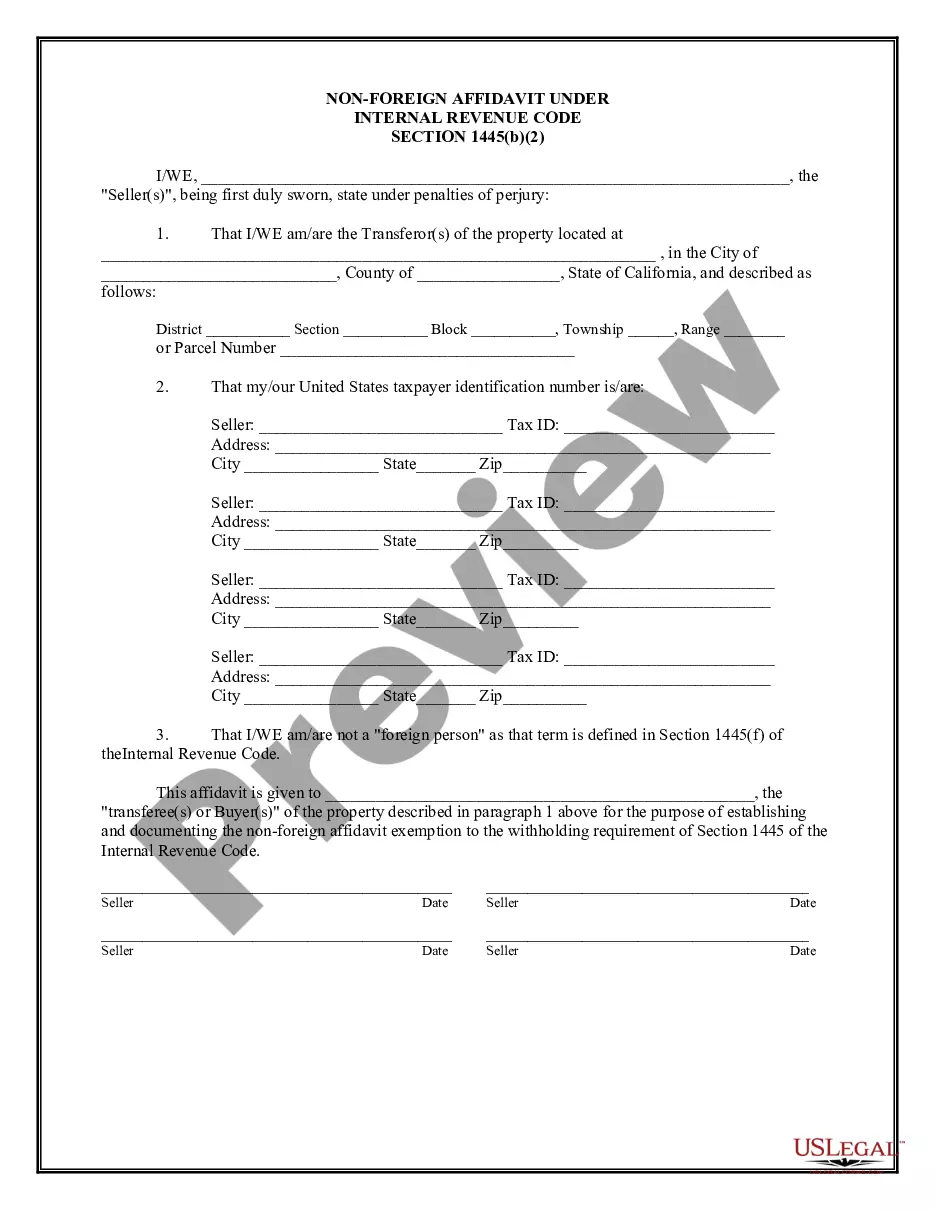

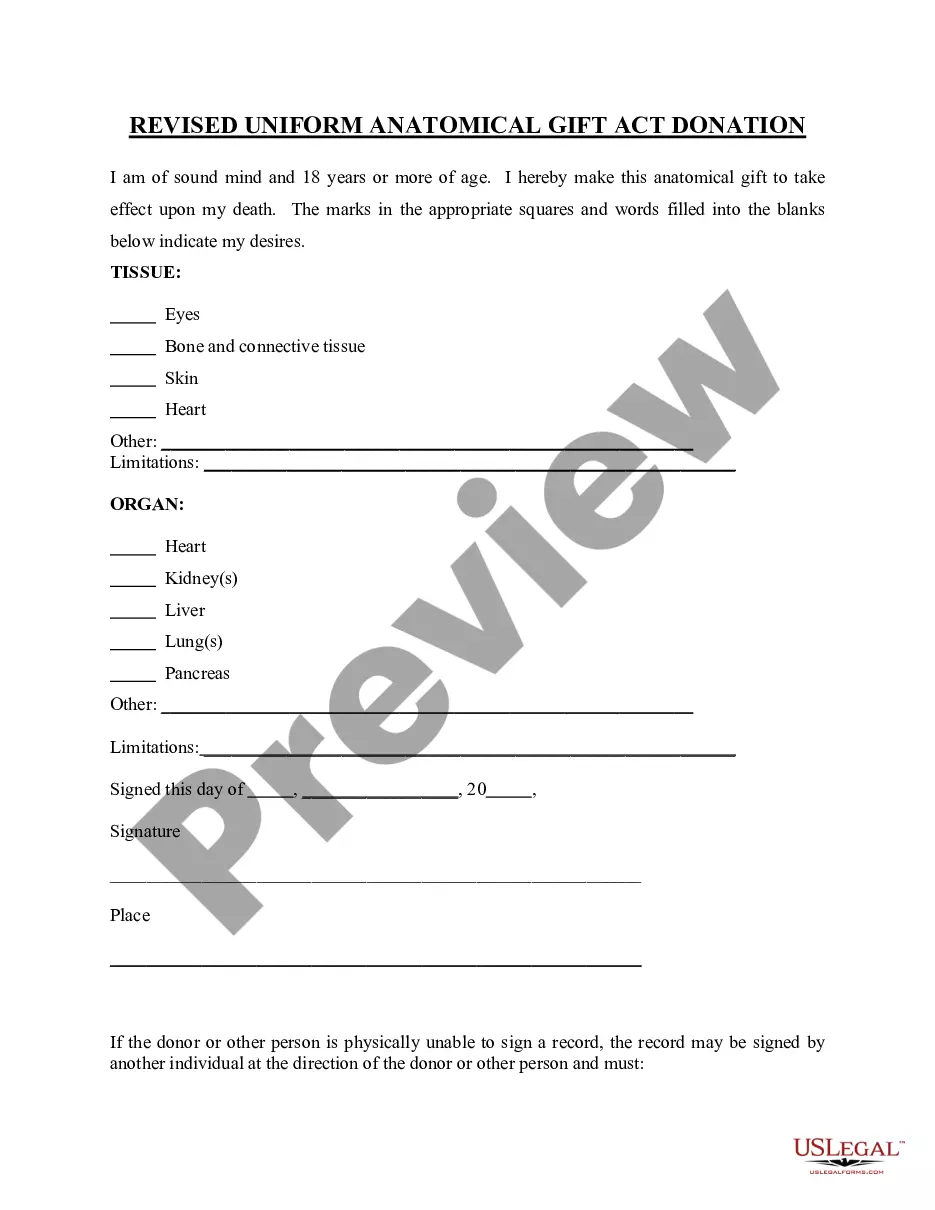


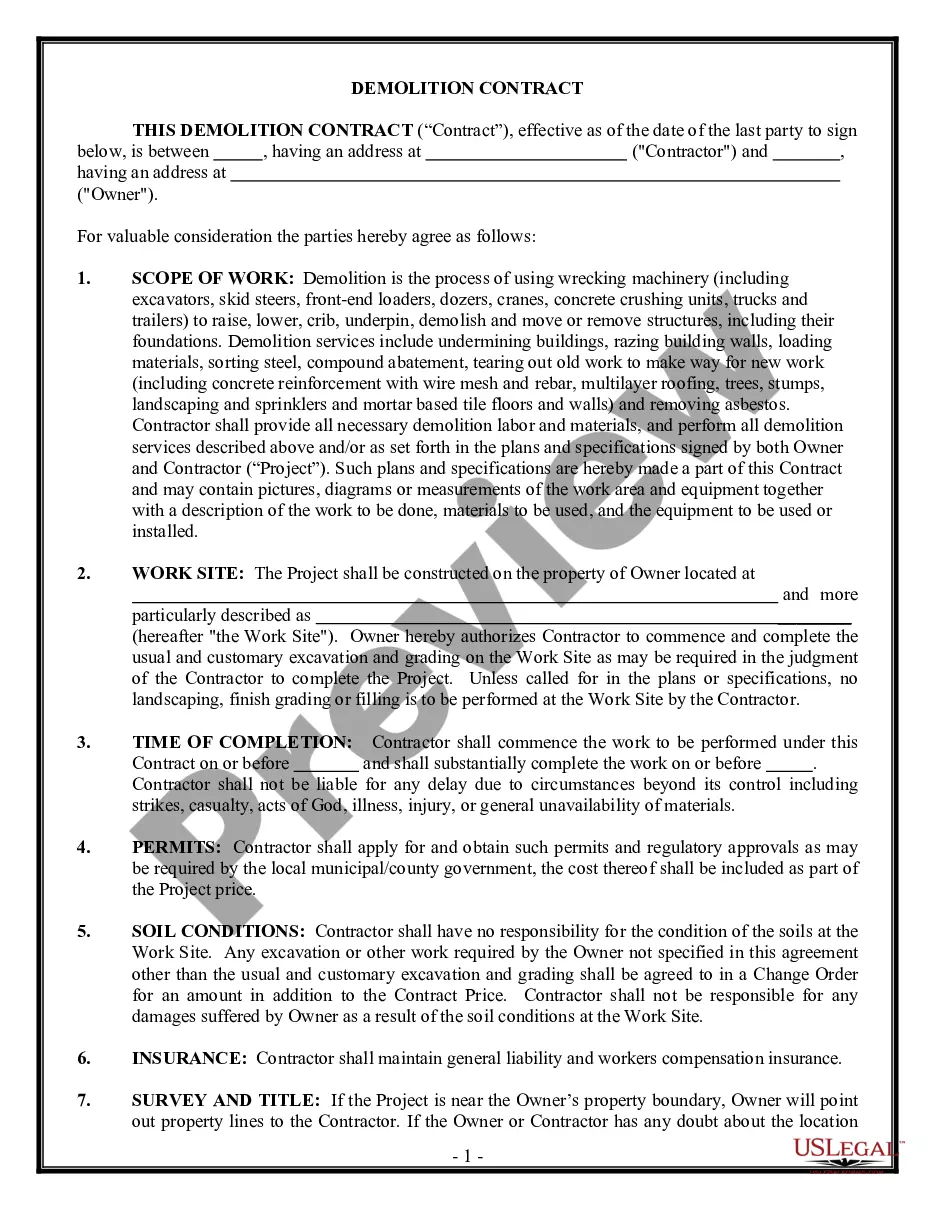
Form popularity
FAQ
Typically, the property owner or GC is responsible for filing or recording this notice. Unlike other construction notices (such as the preliminary notice), the Notice of Commencement is: Recorded: These notices are filed with the county recorder offices in the county where the construction project is located.
By following these steps, the Notice of Commencement can be accurately filed and all parties can be informed of the project's status. Clearly Indicate All Parties Involved. Include an Accurate Description of the Project. Establish the Date and Notarize the Notice. File the Notice with the Appropriate County Clerk.
Change of Contractor requested by New contractor use sample letter COC-4. This letter must be on Company letterhead, signed by the qualifier and notarized. Documents required if the existing Contractor is NOT WILLING to provide letter of withdrawal.
Documents are recorded at the Clerk of the Courts, MIAMI-DADE COUNTY RECORDER, COURTHOUSE EAST, 22 N.W. First Street, 1st Floor, Miami, FL 33128. You can record the Notice of Commencement by mail. The original Notice should be sent to the County Recorder, P.O. Box 011711, Flagler Station, Miami, Florida 33101.
Documents are recorded at the Clerk of the Courts, MIAMI-DADE COUNTY RECORDER, COURTHOUSE EAST, 22 N.W. First Street, 1st Floor, Miami, FL 33128. You can record the Notice of Commencement by mail. The original Notice should be sent to the County Recorder, P.O. Box 011711, Flagler Station, Miami, Florida 33101.
How To Write A Construction Contract With 7 Steps Step 1: Define the Parties Involved. Step 2: Outline the Scope of Work. Step 3: Establish the Timeline. Step 4: Determine the Payment Terms. Step 5: Include Necessary Legal Clauses. Step 6: Address Change Orders and Modifications. Step 7: Sign and Execute the Contract.
