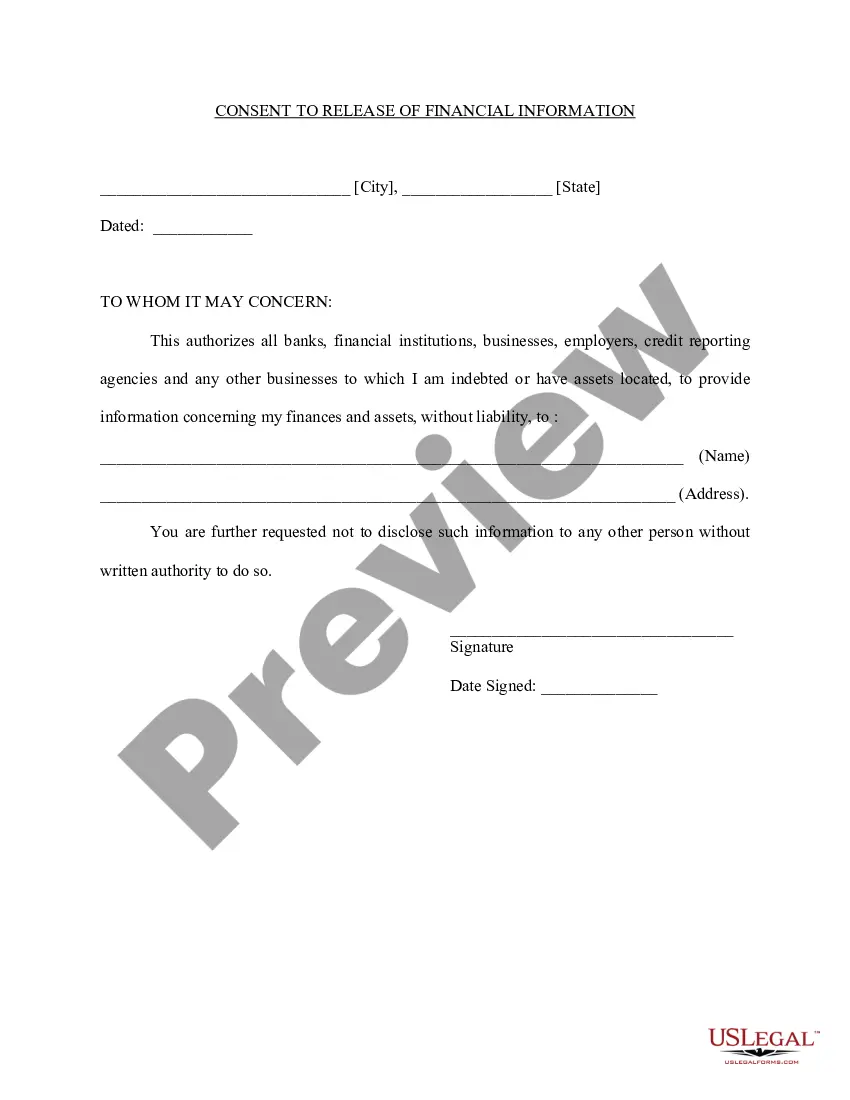
Release Records Without Consent In Riverside
Description


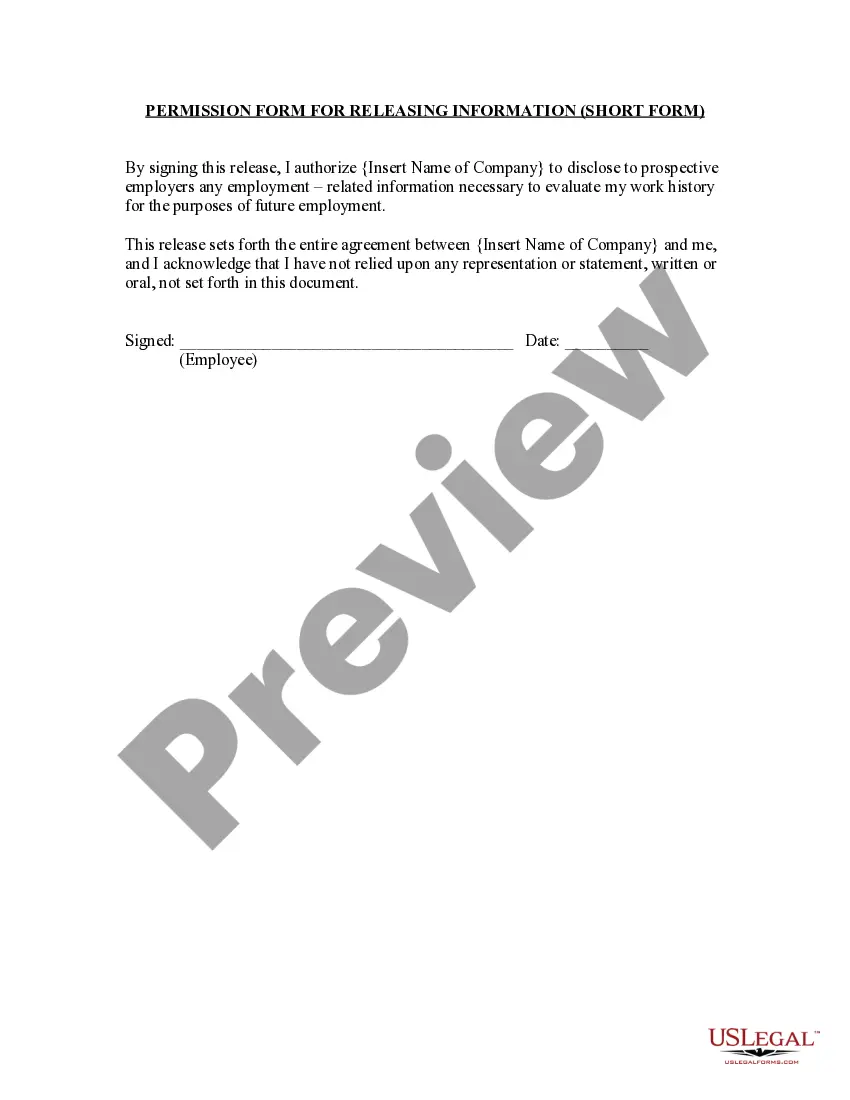

Get your form ready online
Our built-in tools help you complete, sign, share, and store your documents in one place.
Make edits, fill in missing information, and update formatting in US Legal Forms—just like you would in MS Word.
Download a copy, print it, send it by email, or mail it via USPS—whatever works best for your next step.
Sign and collect signatures with our SignNow integration. Send to multiple recipients, set reminders, and more. Go Premium to unlock E-Sign.
If this form requires notarization, complete it online through a secure video call—no need to meet a notary in person or wait for an appointment.
We protect your documents and personal data by following strict security and privacy standards.

Make edits, fill in missing information, and update formatting in US Legal Forms—just like you would in MS Word.

Download a copy, print it, send it by email, or mail it via USPS—whatever works best for your next step.

Sign and collect signatures with our SignNow integration. Send to multiple recipients, set reminders, and more. Go Premium to unlock E-Sign.

If this form requires notarization, complete it online through a secure video call—no need to meet a notary in person or wait for an appointment.

We protect your documents and personal data by following strict security and privacy standards.
Looking for another form?





Form popularity
FAQ
Section 7922.600 - Assistance in creating request (a) When a member of the public requests to inspect a public record or obtain a copy of a public record, the public agency, in order to assist the member of the public make a focused and effective request that reasonably describes an identifiable record or records, ...
The Act provides for two types of access. One is a right to inspect public records: “Public records are open to inspection at all times during the office hours of the state or local agency and every person has a right to inspect any public record, except as hereafter provided.”
Right to limit use and disclosure of sensitive personal information: You can direct businesses to only use your sensitive personal information (for example, your social security number, financial account information, your precise geolocation data, or your genetic data) for limited purposes, such as providing you with ...
The Act provides for two types of access. One is a right to inspect public records: “Public records are open to inspection at all times during the office hours of the state or local agency and every person has a right to inspect any public record, except as hereafter provided.”
Are you a Riverside MyChart user? Log into your MyChart account. Click the “Health” icon (file folder with a small red heart) near the top left of the Home page. Select “Request Medical Records” from the Medical Tools section. Complete all required fields on the “MyChart Request to Release Medical Records”
To contact MUSC Health Information Services (Medical Records) in writing, the address is: 169 Ashley Avenue / MSC 349 /Suite 200/ Attention: Release of Information / Charleston, South Carolina 29425-3490; the phone number is (843) 792-3881; FAX NUMBER 843-876-8080 or 843-876-8055.
Are you a Riverside MyChart user? Log into your MyChart account. Click the “Health” icon (file folder with a small red heart) near the top left of the Home page. Select “Request Medical Records” from the Medical Tools section. Complete all required fields on the “MyChart Request to Release Medical Records”
Riverside Community Hospital is in the top 5% of hospitals nationwide for overall clinical performance, ing to Healthgrades. This new robotic surgery system will support a wide range of procedures and provide precision and efficiency for patients and medical teams.