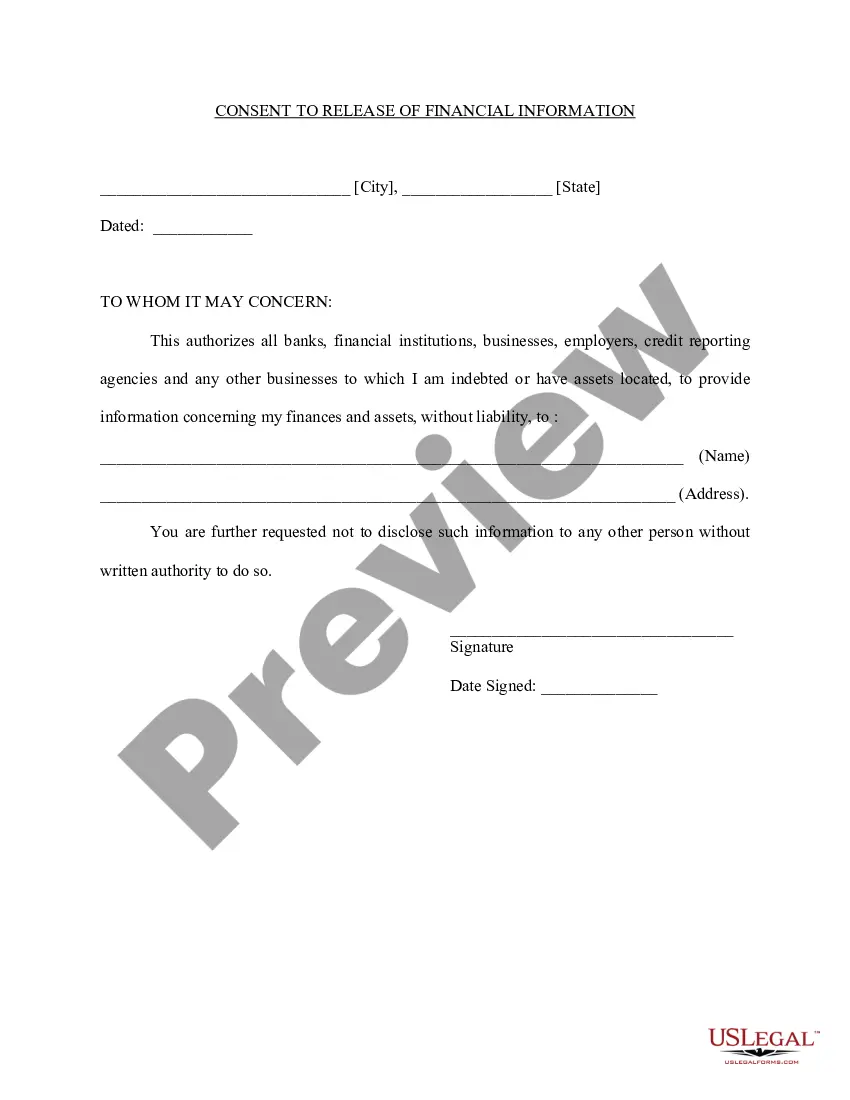
Medical Information Release Consent Form In Cuyahoga
Description


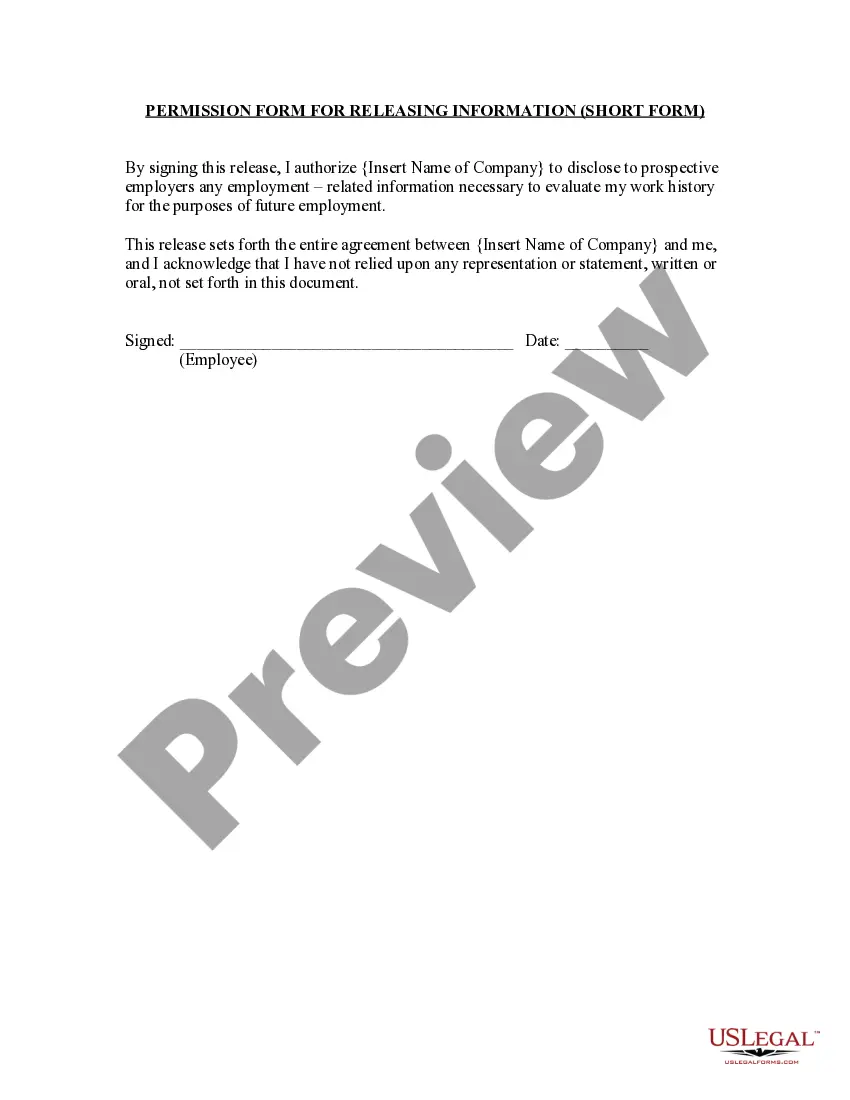

Get your form ready online
Our built-in tools help you complete, sign, share, and store your documents in one place.
Make edits, fill in missing information, and update formatting in US Legal Forms—just like you would in MS Word.
Download a copy, print it, send it by email, or mail it via USPS—whatever works best for your next step.
Sign and collect signatures with our SignNow integration. Send to multiple recipients, set reminders, and more. Go Premium to unlock E-Sign.
If this form requires notarization, complete it online through a secure video call—no need to meet a notary in person or wait for an appointment.
We protect your documents and personal data by following strict security and privacy standards.

Make edits, fill in missing information, and update formatting in US Legal Forms—just like you would in MS Word.

Download a copy, print it, send it by email, or mail it via USPS—whatever works best for your next step.

Sign and collect signatures with our SignNow integration. Send to multiple recipients, set reminders, and more. Go Premium to unlock E-Sign.

If this form requires notarization, complete it online through a secure video call—no need to meet a notary in person or wait for an appointment.

We protect your documents and personal data by following strict security and privacy standards.
Looking for another form?
Form popularity
FAQ
Online. Use an online medical record request form to submit your request electronically. Be prepared to upload a copy of your photo ID. If you are requesting on behalf of the patient, you may be asked to upload supporting documentation in addition to your photo ID.
MyChart is a secure, online health management tool that connects Cleveland Clinic patients to portions of their electronic medical record, 24/7, allowing you to: Receive test results, including labs, radiology, procedures, and pathology.
You will receive an activation code by mail or email within a week. If you have any questions or if you do not receive your activation code, call customer service at 216-444-1740.
Located on an After Visit Summary, the Cleveland Clinic number is in two places abbreviates as “MR#” or “MRN”. on an Appointment Reminder you may receive after an office visit.
Any person who is eligible to be appointed as a personal representative of an estate under the law of this state or named as executor in a will may file an application with the probate court in the county in which the decedent resided seeking the release of the decedent's medical records and medical billing records for ...
In order to be appointed administrator, an application must be filed with the Probate Court which contains the name and address of the surviving spouse and next of kin, if known by the applicant, as well as a general statement as to what property is in the estate and its probable value as well as a statement of the ...
Probate is the legal process after someone dies, during which the decedent's property is assessed and distributed. It includes identifying assets, assigning them a value, paying all of the decedent's debts, and transferring the remaining assets to the beneficiaries.
Executor of Estate Requirements in Ohio: In Ohio the executor of an estate must meet five principle requirements: They must be at least 18 years of age. They must be competent. They must be bonded by a private insurance company. They must have an excellent credit rating (in order to be bonded)
Executors, however, are appointed in the last will and testament by the decedent while administrators are appointed by the probate court in the absence of an executor appointment. Note, however, that Ohio has explicit Ohio residency requirements for intestate administrators.
Any person who is eligible to be appointed as a personal representative of an estate under the law of this state or named as executor in a will may file an application with the probate court in the county in which the decedent resided seeking the release of the decedent's medical records and medical billing records for ...