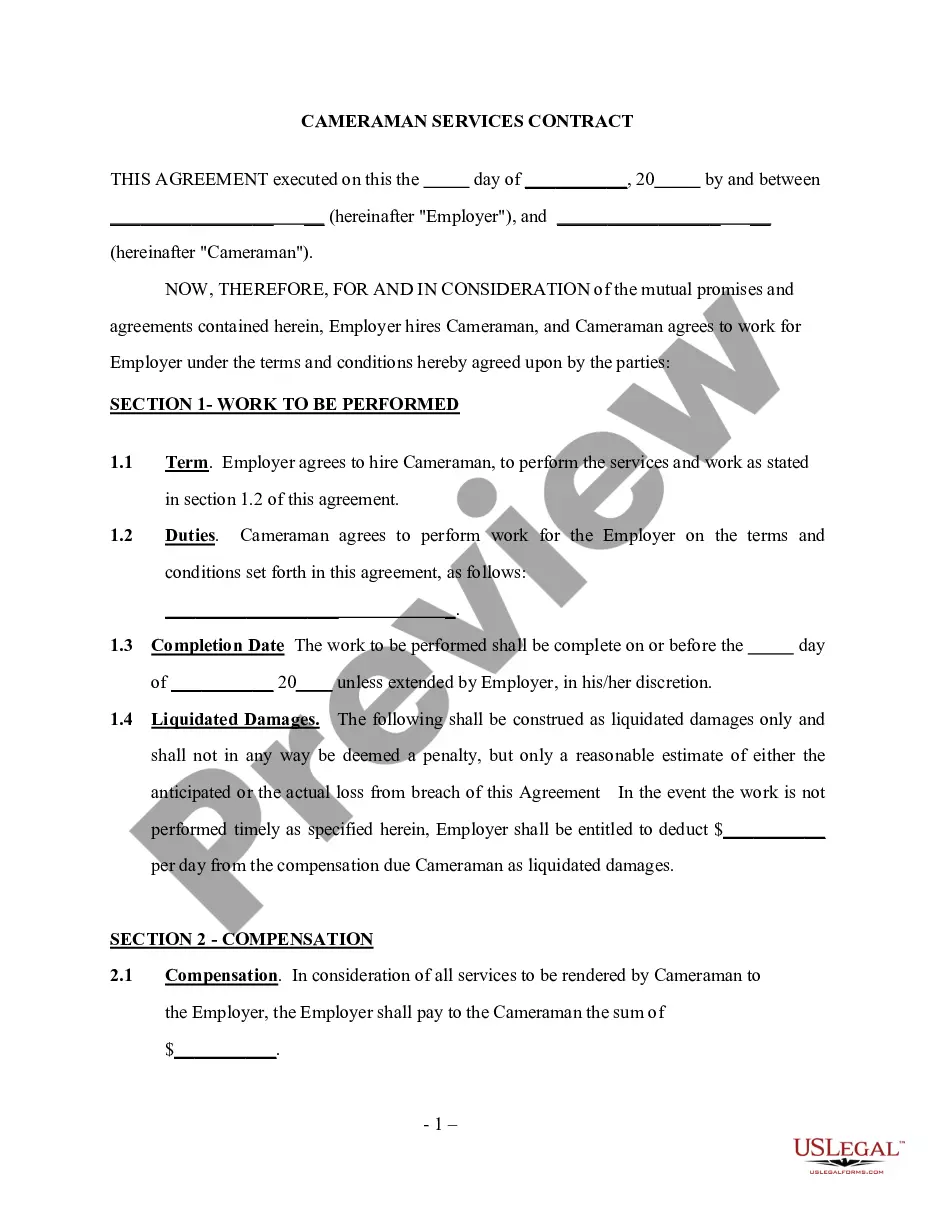
Caregiver Form Template With Drop Down List In Orange
Description






Get your form ready online
Our built-in tools help you complete, sign, share, and store your documents in one place.
Make edits, fill in missing information, and update formatting in US Legal Forms—just like you would in MS Word.
Download a copy, print it, send it by email, or mail it via USPS—whatever works best for your next step.
Sign and collect signatures with our SignNow integration. Send to multiple recipients, set reminders, and more. Go Premium to unlock E-Sign.
If this form requires notarization, complete it online through a secure video call—no need to meet a notary in person or wait for an appointment.
We protect your documents and personal data by following strict security and privacy standards.

Make edits, fill in missing information, and update formatting in US Legal Forms—just like you would in MS Word.

Download a copy, print it, send it by email, or mail it via USPS—whatever works best for your next step.

Sign and collect signatures with our SignNow integration. Send to multiple recipients, set reminders, and more. Go Premium to unlock E-Sign.

If this form requires notarization, complete it online through a secure video call—no need to meet a notary in person or wait for an appointment.

We protect your documents and personal data by following strict security and privacy standards.
Looking for another form?



Form popularity
FAQ
Typical duties of a caregiver might include taking care of someone who has a chronic illness or disease; managing medications or talking to doctors and nurses on someone's behalf; helping to bathe or dress someone who is frail or disabled; or taking care of household chores, meals, or processes both formal and informal ...
By providing emotional support, offering specific help with daily tasks, giving them time to rest, and helping them prioritize their own health, you can make a big difference in a caregiver's life.
Some Golden Rules of Caregiving Identify yourself as a caregiver. A caregiver is anyone who provides unpaid care for someone who is ill, frail or disabled. Know your right to benefits. If you feel you need help, ask. Tell your doctor. Take breaks. Eat well. Get adequate sleep. Get a hobby.
4 legal documents every family caregiver needs A Will. A will is one of the most important legal documents that family caregivers should have. Advance Health Care Plan. Durable Power of Attorney for Health Care. Durable Power of Attorney for Finances.
What to Include in a Checklist for Caregivers Name of caregiver on duty. Date the checklist is being used. Name of patients. Patient's morning, afternoon, and evening routines, such as: Taking medication and vital signs. Eating food and drinking water. Housekeeping tasks to do. Changes in patient's condition, if any.
Working with your drop-down list Select the cells that have the drop-down list. Go to Data > Data Validation. On the Settings tab, click in the Source box. Then do one of the following: If the Source box contains drop-down entries separated by commas, then type new entries or remove ones you don't need.
How to add a combo box (dropdown menu) to a form? Step 1 - Choose the Combo Box feature. Step 2 - Place the field on your PDF. Step 3 - Set your Combo Box properties. Step 4 - Choose Value List Option. Step 5 - Add Values. Step 6 - Edit Public Name and Value Name. Step 7 - Confirm the new value list.
How to make Excel drop down with multiple selections Select one or more cells for your dropdown (D3:D7 in our case). On the Data tab, in the Data Tools group, click Data Validation. In the Allow drop-down box, select List. In the Source box, enter the formula that indirectly refers to Table1's column named Items.
Insert a combo box or a drop-down list Go to Developer > Combo Box Content Control or Drop-Down List Content Control . Select the content control, and then select Properties. To create a list of choices, select Add under Drop-Down List Properties. Type a choice in Display Name, such as Yes, No, or Maybe.
Create a dropdown list on cells with existing data In Google Sheets, open a spreadsheet. Select the cell or cells with existing data. Right-click. Dropdown. Optional: If you enter data in a cell that doesn't match an item on the list, it is rejected. Click Done.
