Care Caregiver Form With 504 In Clark
Description






Get your form ready online
Our built-in tools help you complete, sign, share, and store your documents in one place.
Make edits, fill in missing information, and update formatting in US Legal Forms—just like you would in MS Word.
Download a copy, print it, send it by email, or mail it via USPS—whatever works best for your next step.
Sign and collect signatures with our SignNow integration. Send to multiple recipients, set reminders, and more. Go Premium to unlock E-Sign.
If this form requires notarization, complete it online through a secure video call—no need to meet a notary in person or wait for an appointment.
We protect your documents and personal data by following strict security and privacy standards.

Make edits, fill in missing information, and update formatting in US Legal Forms—just like you would in MS Word.

Download a copy, print it, send it by email, or mail it via USPS—whatever works best for your next step.

Sign and collect signatures with our SignNow integration. Send to multiple recipients, set reminders, and more. Go Premium to unlock E-Sign.

If this form requires notarization, complete it online through a secure video call—no need to meet a notary in person or wait for an appointment.

We protect your documents and personal data by following strict security and privacy standards.
Looking for another form?


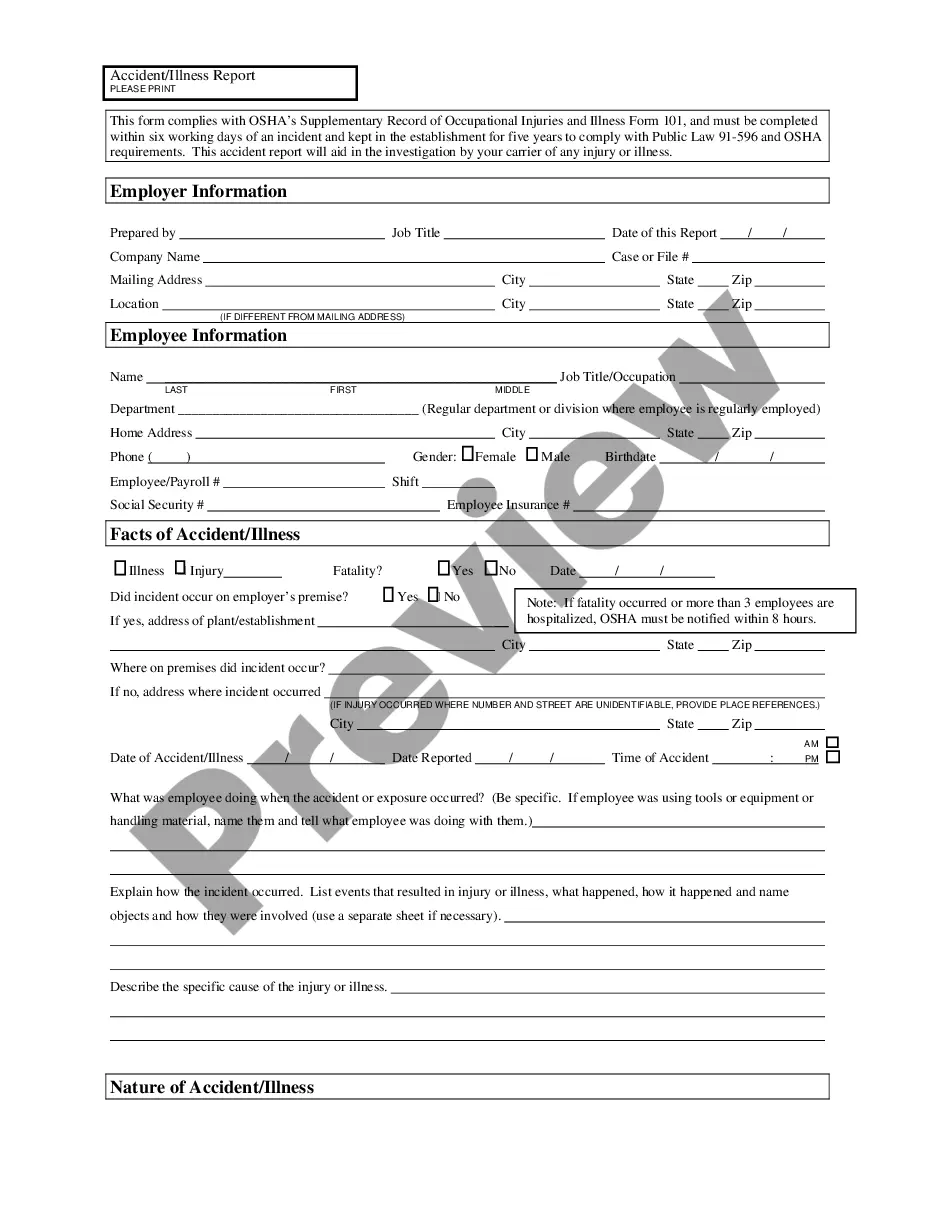

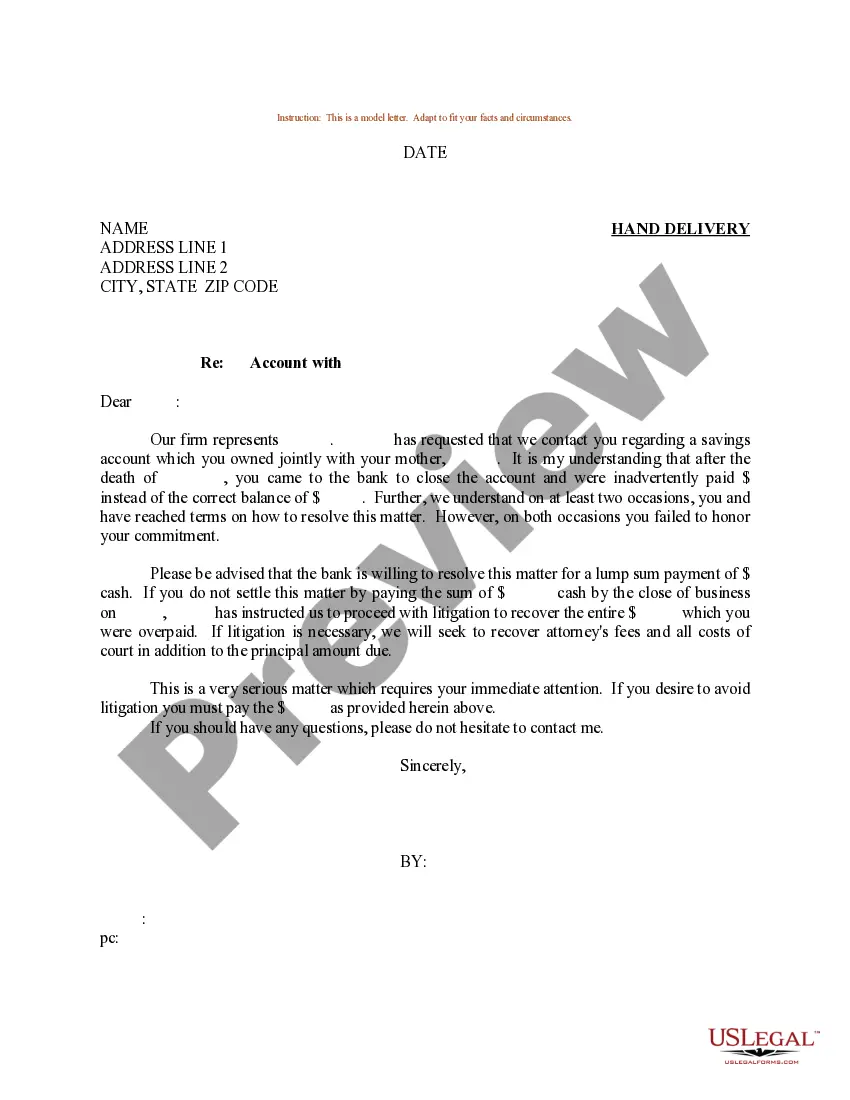

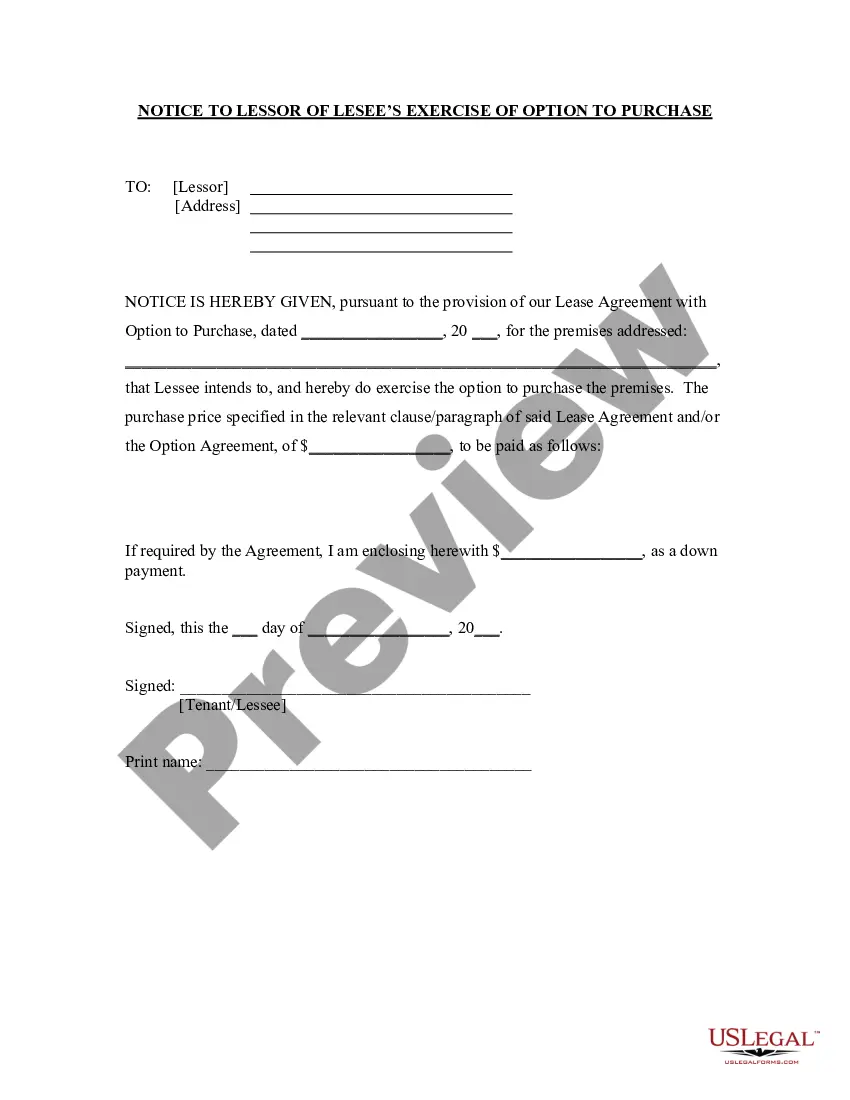


Form popularity
FAQ
Medicaid members may call 877-423-4746 or go online at .gateway.ga to report changes. If I have a question about my Medicaid application who should I contact?
The best way to access information about your Medicaid coverage and other benefits is through the Gateway online portal at gateway.ga. When you visit the Gateway login page, you'll see three buttons on the right sidebar: “Apply for Benefits” “Create an Account”
Medicaid members may call 877-423-4746 or go online at .gateway.ga to report changes. If I have a question about my Medicaid application who should I contact?
Create & Submit Application Visit .gateway.ga. If you have a Gateway account, but have forgotten or misplaced your Gateway password or your Gateway user ID, please refer to the Gateway website for instructions. Select Medical Assistance as a program. Follow the online prompts to apply for Medicaid.
If you have problems that prevent you from continuing, you may call the Customer Support at 1-877-423-4746 during business hours for assistance.
Online: Log on to Georgia Gateway at to apply for benefits. Available 24/7. By Phone: Call the Customer Contact Center at (877) 423-4746 to submit an application by telephone.
