Employee Consent Form Sample In Suffolk
Description
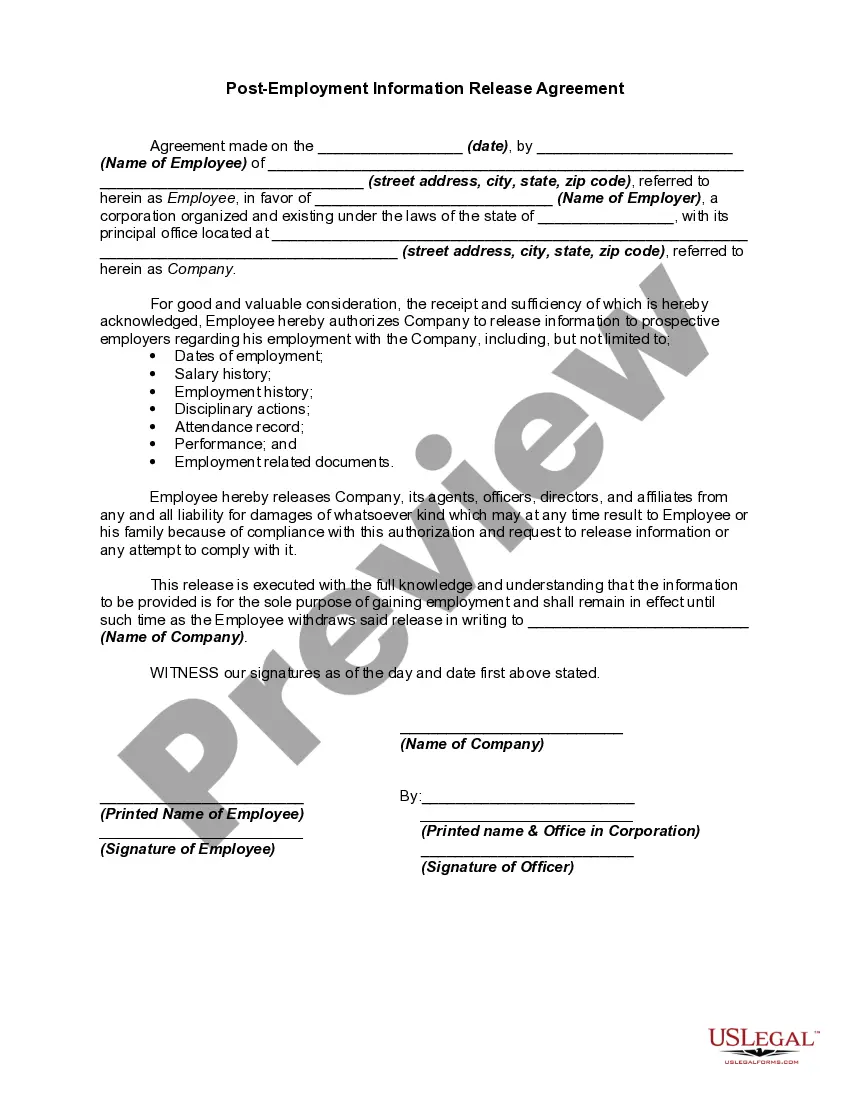
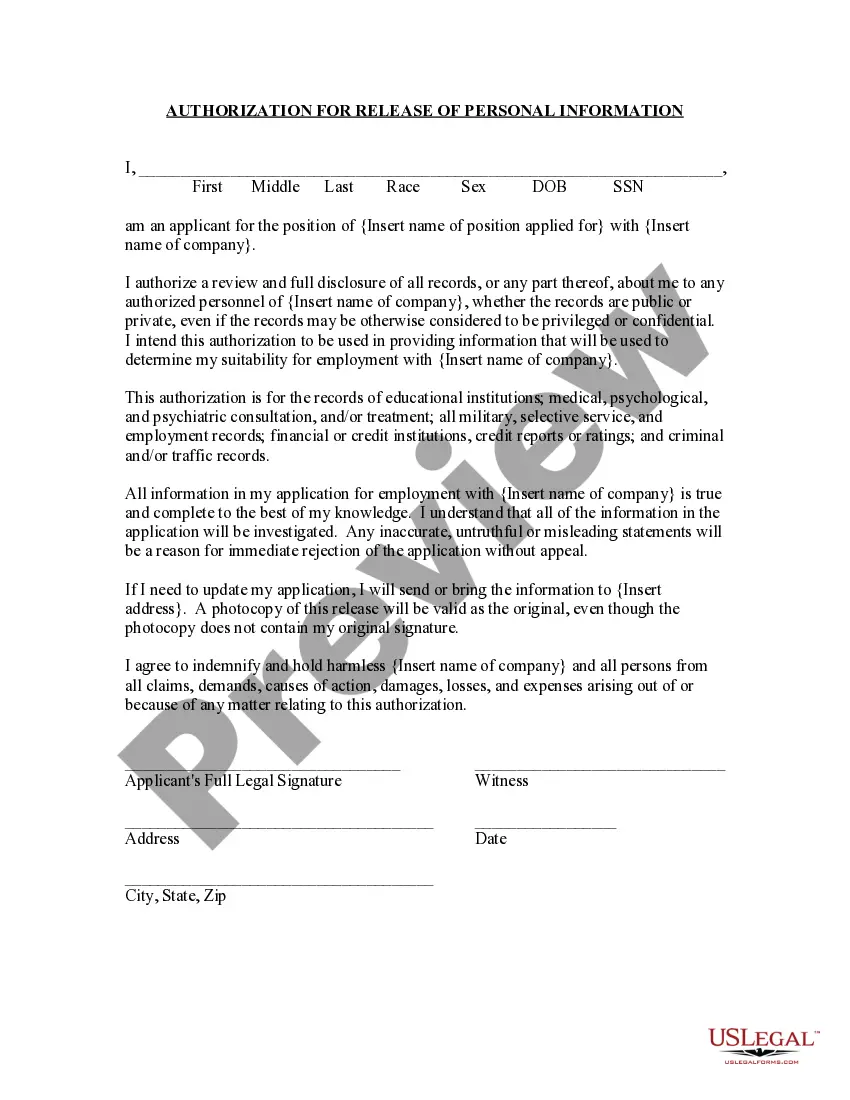
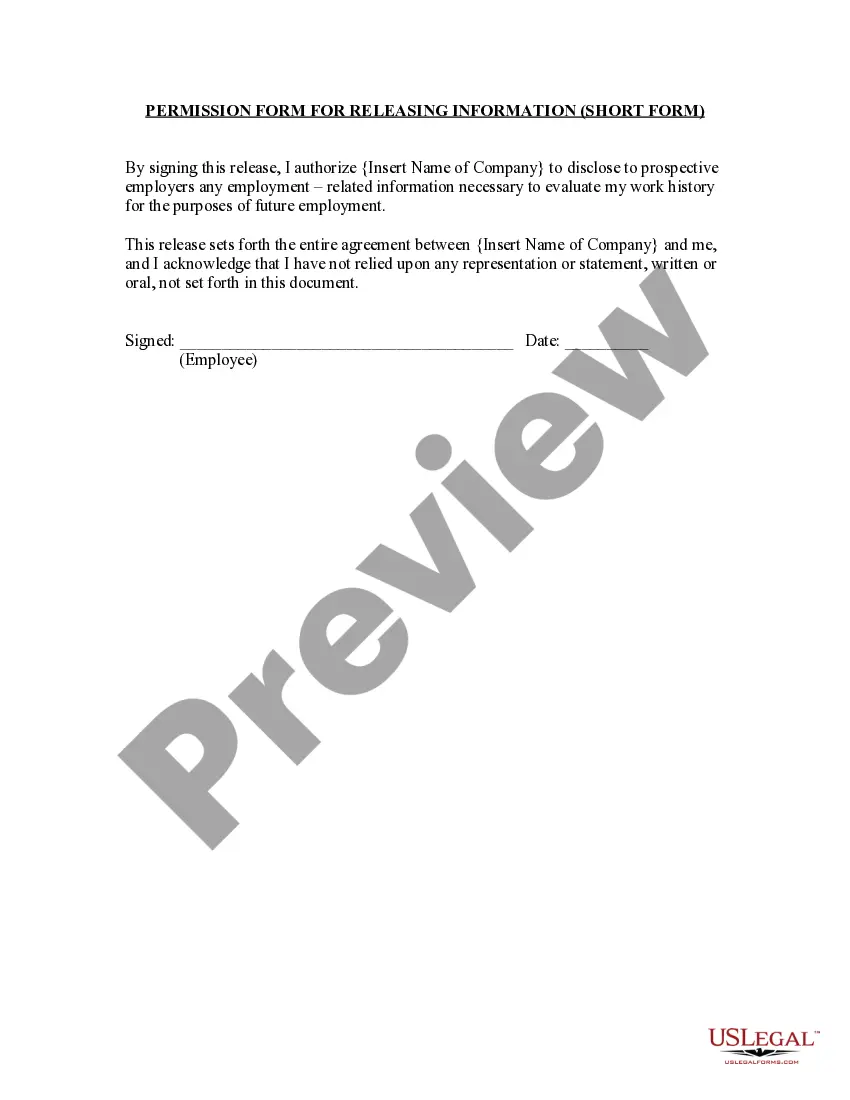
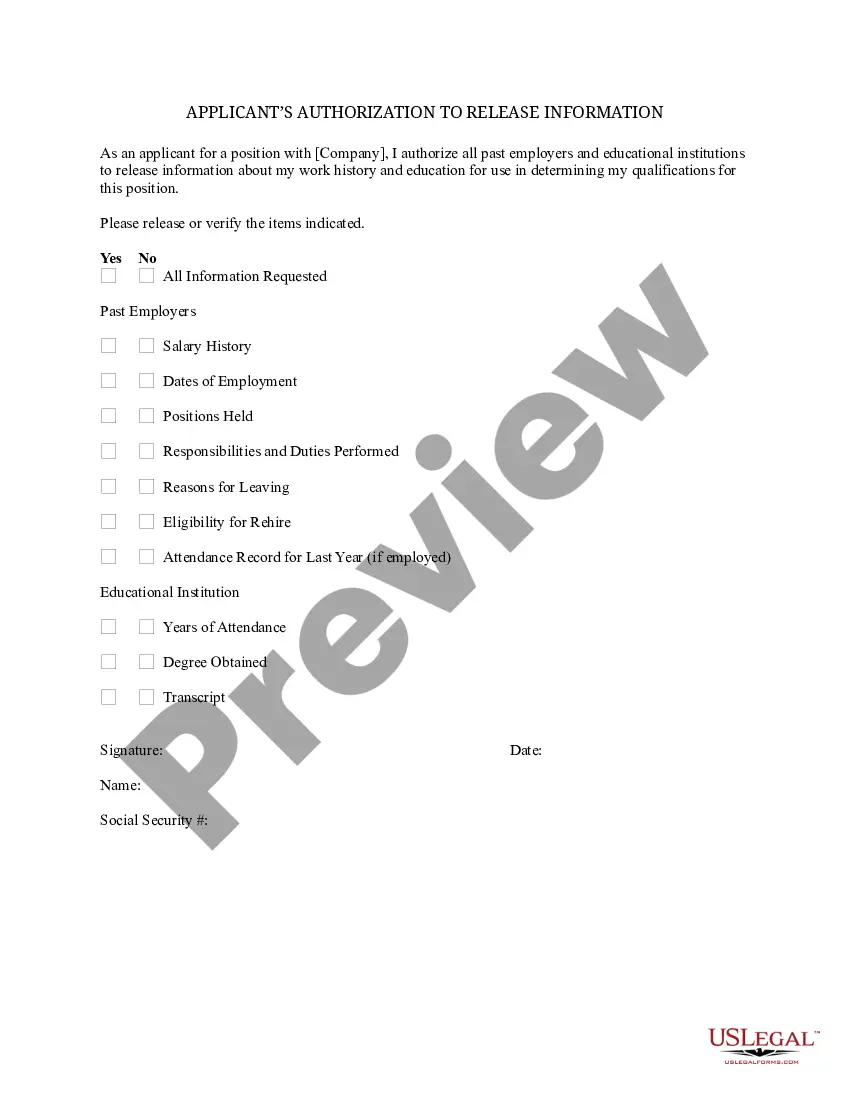
Get your form ready online
Our built-in tools help you complete, sign, share, and store your documents in one place.
Make edits, fill in missing information, and update formatting in US Legal Forms—just like you would in MS Word.
Download a copy, print it, send it by email, or mail it via USPS—whatever works best for your next step.
Sign and collect signatures with our SignNow integration. Send to multiple recipients, set reminders, and more. Go Premium to unlock E-Sign.
If this form requires notarization, complete it online through a secure video call—no need to meet a notary in person or wait for an appointment.
We protect your documents and personal data by following strict security and privacy standards.

Make edits, fill in missing information, and update formatting in US Legal Forms—just like you would in MS Word.

Download a copy, print it, send it by email, or mail it via USPS—whatever works best for your next step.

Sign and collect signatures with our SignNow integration. Send to multiple recipients, set reminders, and more. Go Premium to unlock E-Sign.

If this form requires notarization, complete it online through a secure video call—no need to meet a notary in person or wait for an appointment.

We protect your documents and personal data by following strict security and privacy standards.
Looking for another form?




Form popularity
FAQ
The consent form can be downloaded from the NSFAS website: bitly.ws/3bkEe, student portal: bitly.ws/3bkEq or mobile app. Once completed, the form can be uploaded via any of these three NSFAS platforms. Please note that non-submission of the consent form will result in a delay on the outcome of the application.
The consent form can be downloaded from the NSFAS website: bitly.ws/3bkEe, student portal: bitly.ws/3bkEq or mobile app. Once completed, the form can be uploaded via any of these three NSFAS platforms. Please note that non-submission of the consent form will result in a delay on the outcome of the application.
Follow these steps to write an effective consent form. Step 1: Title and introduction. Step 2: Description of the activity. Step 3: Risks and benefits. Step 4: Confidentiality and data handling. Step 5: Voluntary participation and withdrawal. Step 6: Consent statement. Step 7: Signature and date. Step 8: Contact information.
Informed consent may be “documented” in research protocols by requesting participants to acknowledge their consent in an email message. This may be accomplished by asking a participant to click the “reply back” function of an email message and indicating “yes” or “no” to agreeing to participate.
Steps to upload the consent letter Step 1: Visit the GST portal and go to 'Services' -> 'Registration' -> 'New Registration'. Step 2: While filling up the form, select 'Consent' under the nature of possession of premises if the place of business is a rented premise or the taxpayer uses the premises of a relative.
How to fill out how to fill consent? Start by including the names and contact information of all parties involved in the consent form. Clearly state the purpose of the consent form. Outline any risks associated with the activity for which consent is being sought.
The Consent Form provides an employer's disclosure of information, rights and rules pertaining to the background check and obtains the consumer's authorization to run the background check.
Instructions for Developing an Informed Consent Document General Information. Describe the purpose(s) of this research study in lay terms. Purpose of the Study. Procedures. Risks. Benefits. Compensation, Costs and Reimbursement. Withdrawal or Termination from Study. Confidentiality.
Follow these steps to write an effective consent form. Step 1: Title and introduction. Step 2: Description of the activity. Step 3: Risks and benefits. Step 4: Confidentiality and data handling. Step 5: Voluntary participation and withdrawal. Step 6: Consent statement. Step 7: Signature and date. Step 8: Contact information.

