Release Of Information Form Colorado In Alameda
Description
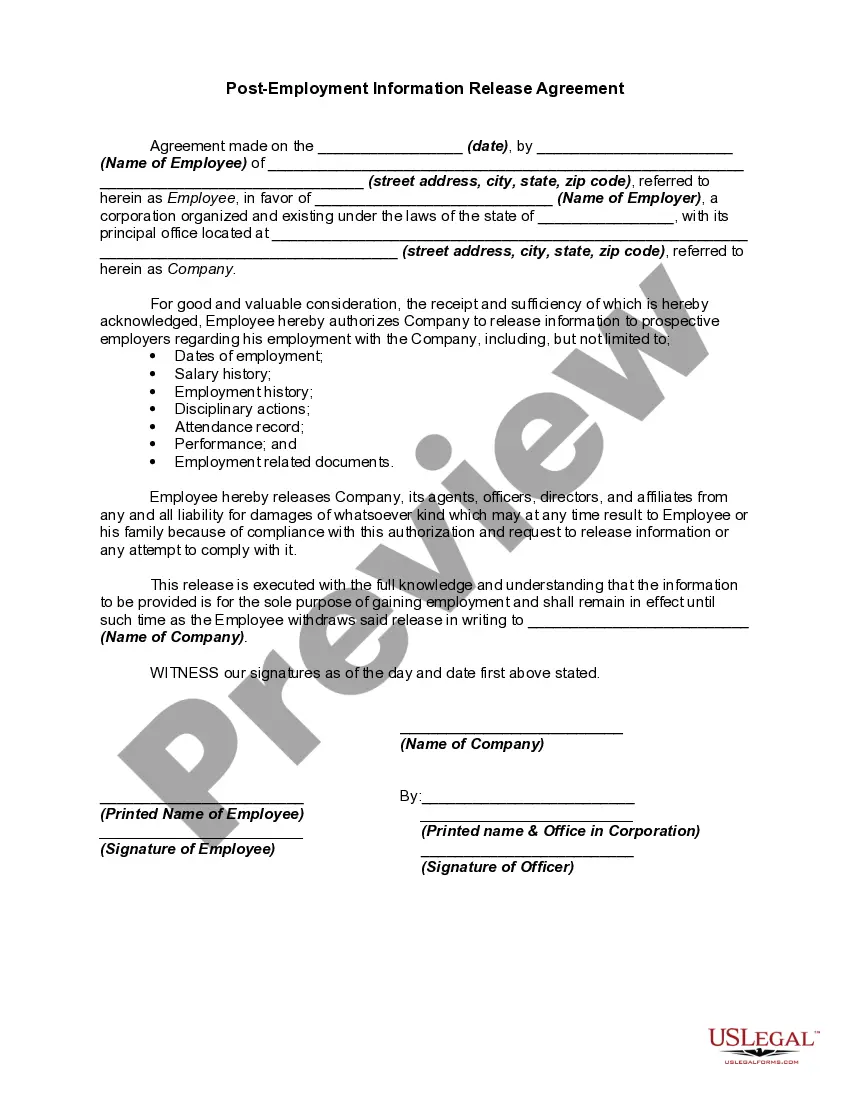


Get your form ready online
Our built-in tools help you complete, sign, share, and store your documents in one place.
Make edits, fill in missing information, and update formatting in US Legal Forms—just like you would in MS Word.
Download a copy, print it, send it by email, or mail it via USPS—whatever works best for your next step.
Sign and collect signatures with our SignNow integration. Send to multiple recipients, set reminders, and more. Go Premium to unlock E-Sign.
If this form requires notarization, complete it online through a secure video call—no need to meet a notary in person or wait for an appointment.
We protect your documents and personal data by following strict security and privacy standards.

Make edits, fill in missing information, and update formatting in US Legal Forms—just like you would in MS Word.

Download a copy, print it, send it by email, or mail it via USPS—whatever works best for your next step.

Sign and collect signatures with our SignNow integration. Send to multiple recipients, set reminders, and more. Go Premium to unlock E-Sign.

If this form requires notarization, complete it online through a secure video call—no need to meet a notary in person or wait for an appointment.

We protect your documents and personal data by following strict security and privacy standards.
Looking for another form?







Form popularity
FAQ
You can search the records in person at our office during office hours. Records prior to 1969 must be searched in person at the Alameda County Clerk-Recorder's Office. See "In Person" below. Records from 1969 to present are electronically indexed and may be searched for online.
Requests for criminal records must be submitted directly to the Superior Court of Alameda County: .
Requests for criminal records must be submitted directly to the Superior Court of Alameda County: .
Release of information (ROI) allows patients to release information from their medical records to authorized individuals or organizations.
A release of information is a legal document that allows patients to specify what parts of their medical records they want to be made public, to whom they want those parts made public, for how long, and under what legal restrictions or rules.
Under rule 10.500 of the California Rules of Court, the public may request copies of most judicial administrative records. The Judicial Council also already posts many judicial administrative records on the California Courts website, urts.ca/.
There are two ways to look at electronic court case records: On a computer at the courthouse. On a computer, tablet, or smart phone anywhere with an internet connection, such as your home, or the public library. This is known as “remote access.”

