Roommate Agreement For College In San Jose
Description

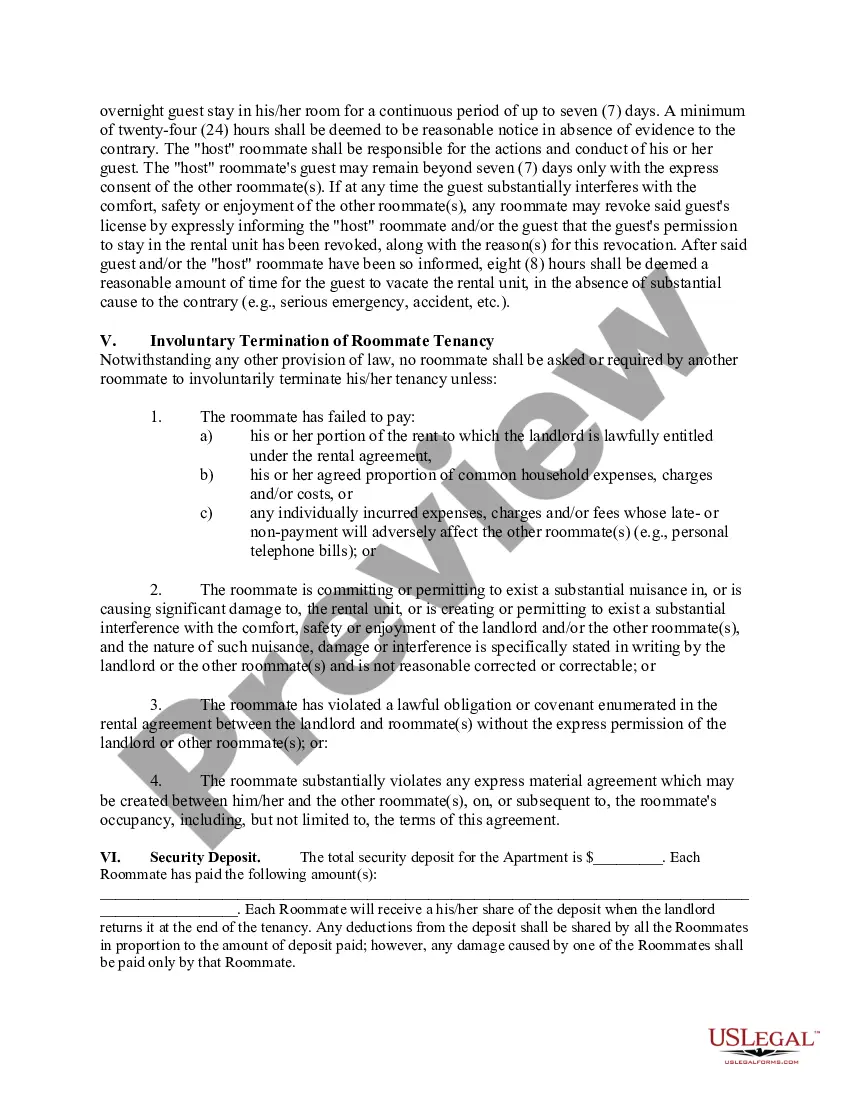
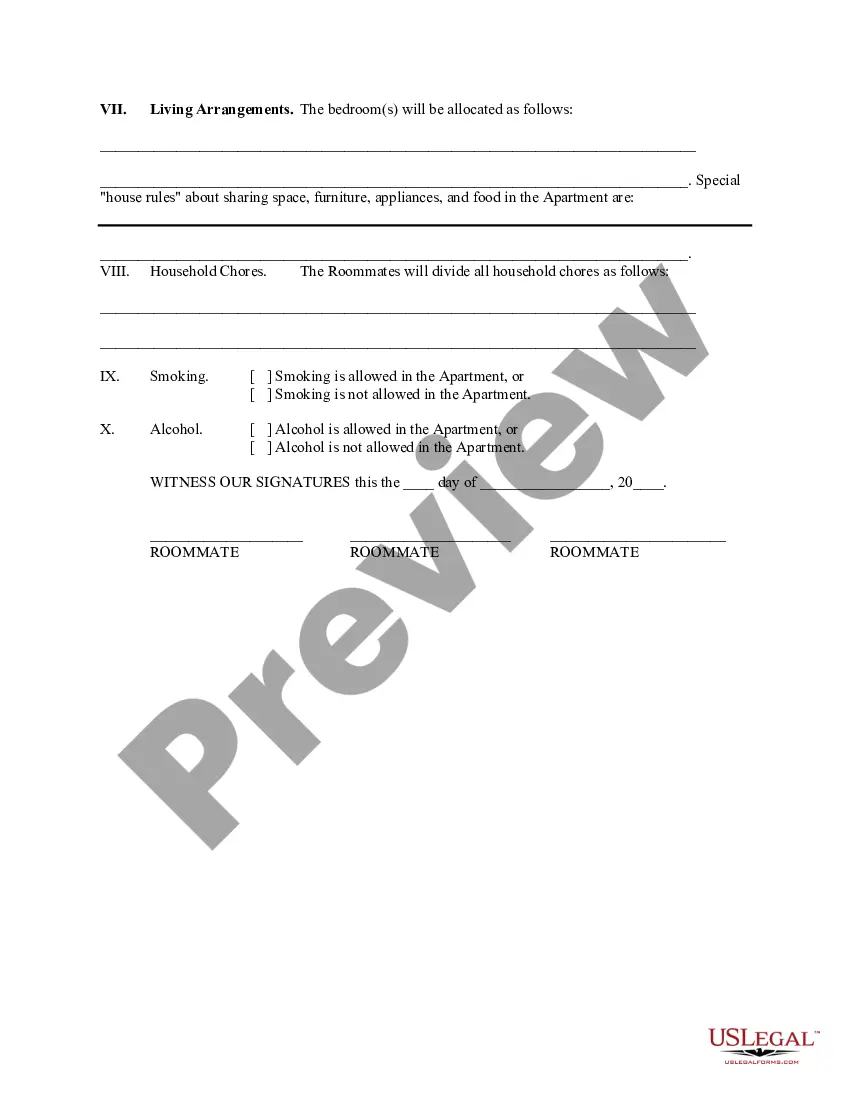
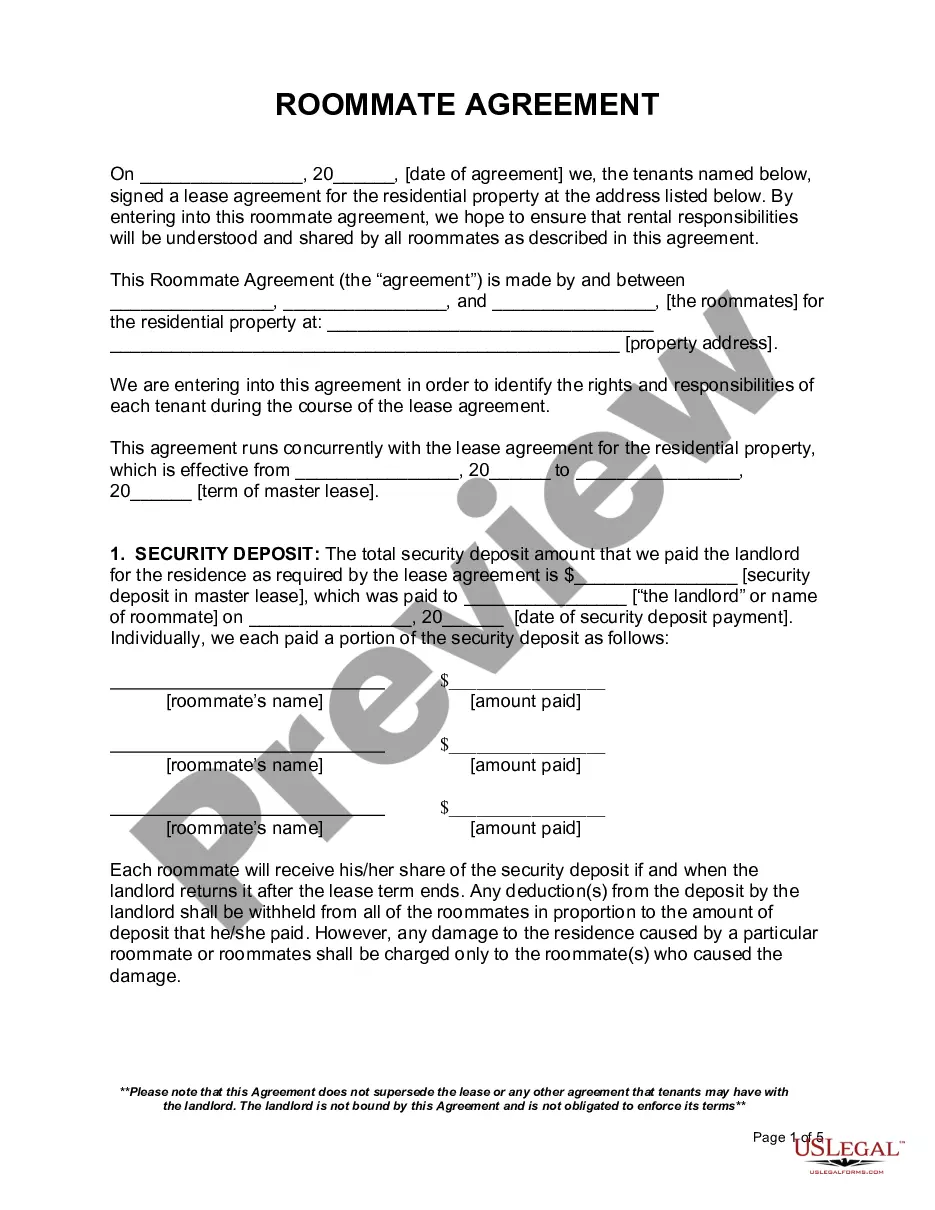
Get your form ready online
Our built-in tools help you complete, sign, share, and store your documents in one place.
Make edits, fill in missing information, and update formatting in US Legal Forms—just like you would in MS Word.
Download a copy, print it, send it by email, or mail it via USPS—whatever works best for your next step.
Sign and collect signatures with our SignNow integration. Send to multiple recipients, set reminders, and more. Go Premium to unlock E-Sign.
If this form requires notarization, complete it online through a secure video call—no need to meet a notary in person or wait for an appointment.
We protect your documents and personal data by following strict security and privacy standards.

Make edits, fill in missing information, and update formatting in US Legal Forms—just like you would in MS Word.

Download a copy, print it, send it by email, or mail it via USPS—whatever works best for your next step.

Sign and collect signatures with our SignNow integration. Send to multiple recipients, set reminders, and more. Go Premium to unlock E-Sign.

If this form requires notarization, complete it online through a secure video call—no need to meet a notary in person or wait for an appointment.

We protect your documents and personal data by following strict security and privacy standards.
Looking for another form?


Form popularity
FAQ
Although University Housing Services strives to provide housing for all incoming frosh, there is no guarantee that all first-year frosh will be accommodated at the start of the academic year.
In order to cancel a housing contract for Summer term, a student must not be attending FSU and must drop all summer courses. To cancel, follow these steps: Login to the myHousing Portal. Select "Contract Cancellation"
Frosh Live-On Requirement Suspended With an increased number of classes online for Academic Year 2025-2026, the University is suspending the Frosh Live-On requirement. No Frosh students will be required to live on campus during the 2025-2026 academic year.
How to write a roommate agreement Names of both tenants. The property address. The dates the lease begins and ends. The amount of rent each person pays. Who pays for utilities. Who pays the security deposit. Which bedroom each person occupies. Who buys food, or if you're each buying your own food.
Cancellation Steps Log into the Student Housing Portal. Select 'Cancellation My Housing Application' from the menu. Click on the term you wish to cancel. Choose a reason for your cancellation and enter any details pertaining to your cancellation request.
Students must submit a cancellation request in writing via the Housing Portal. Students no longer enrolled will receive an email confirmation once the cancellation is processed.
Fill out the “petition to cancel” form, which can be picked up from the UHS front office or printed online at .housing.sjsu. Read all the instructions carefully. 2. Submit “petition to cancel” form along with all required documentation and letter of explanation.
Fill out the “petition to cancel” form, which can be picked up from the UHS front office or printed online at .housing.sjsu. Read all the instructions carefully. 2. Submit “petition to cancel” form along with all required documentation and letter of explanation.
Incoming first year students in 2022 can expect to be charged roughly $21,801 for room, board and other costs ing to current trends. Students obtaining their associate degree would spend around $22,054 in their final year, while bachelor's degree students will probably shell out about $22,645 in their final year.
