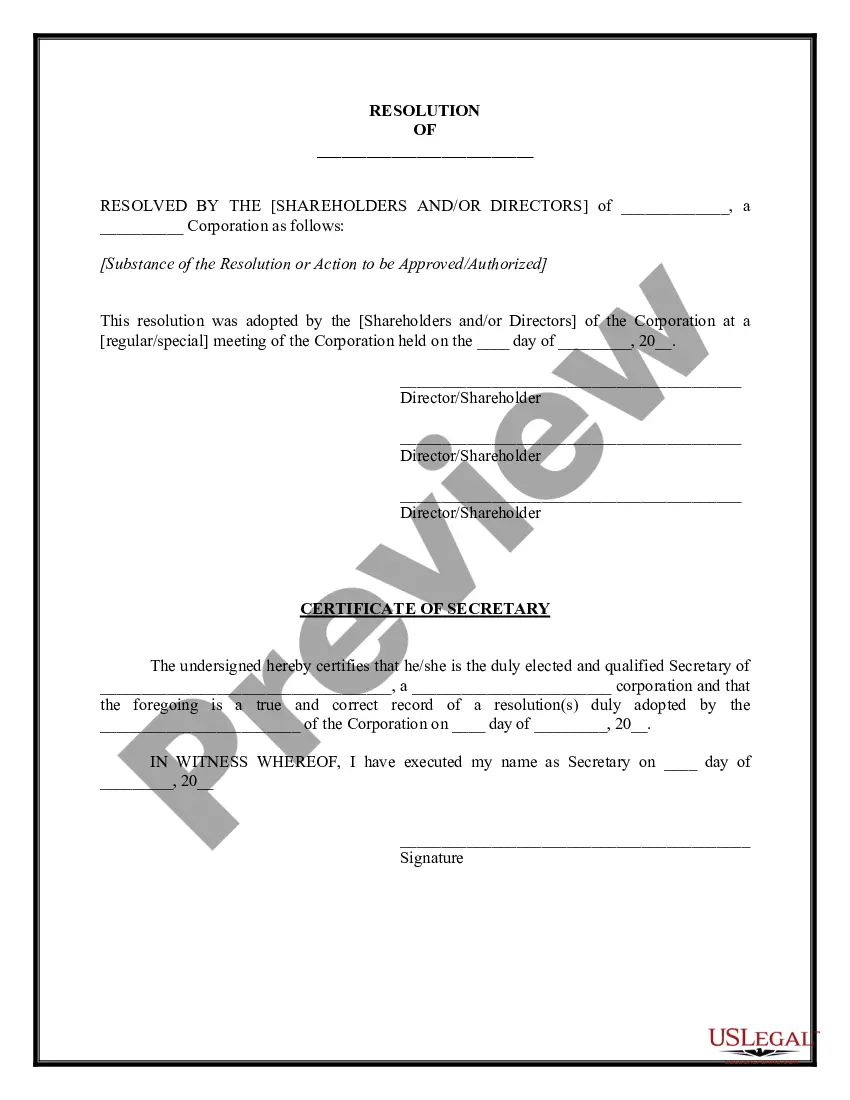
Credit Card Form Statement For Payment In Orange
Description
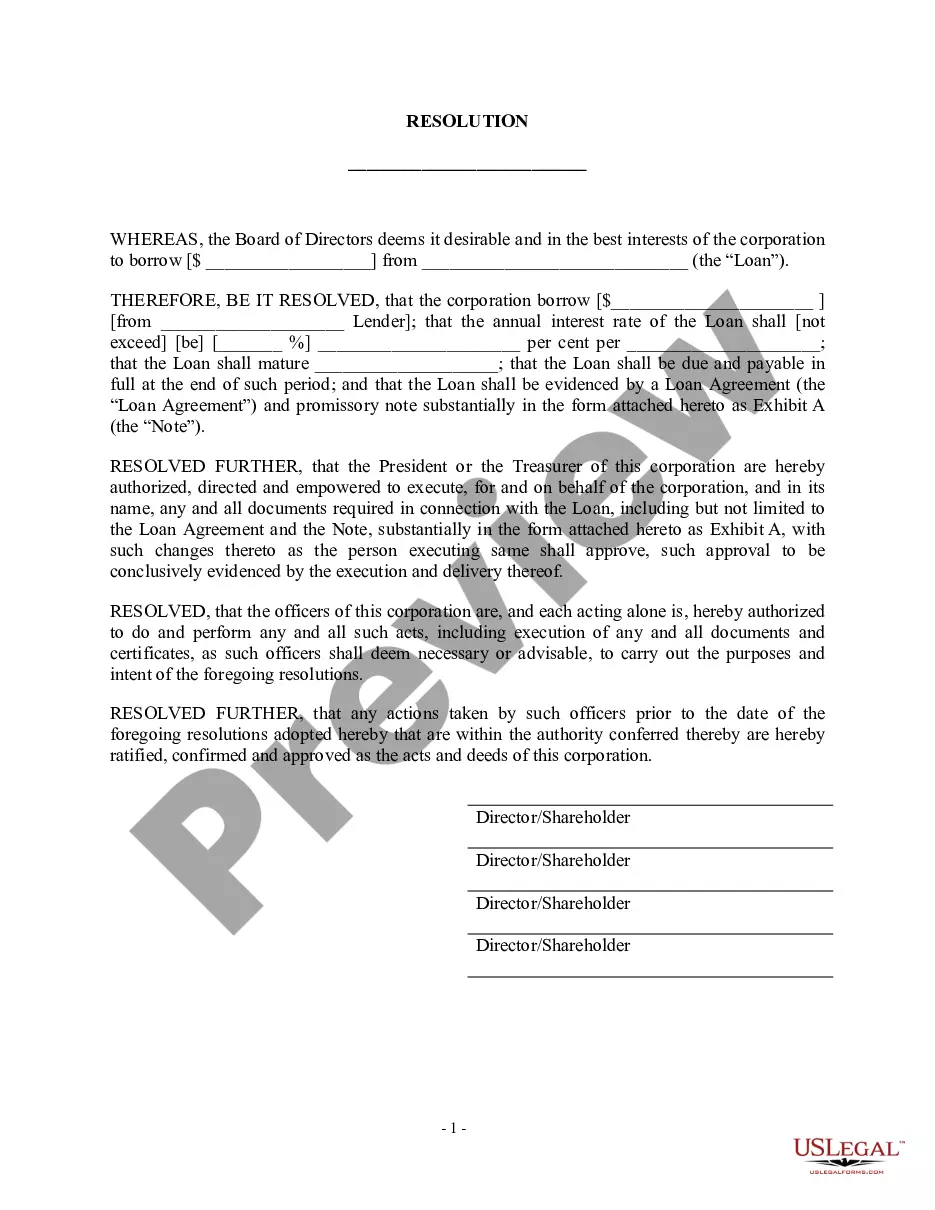
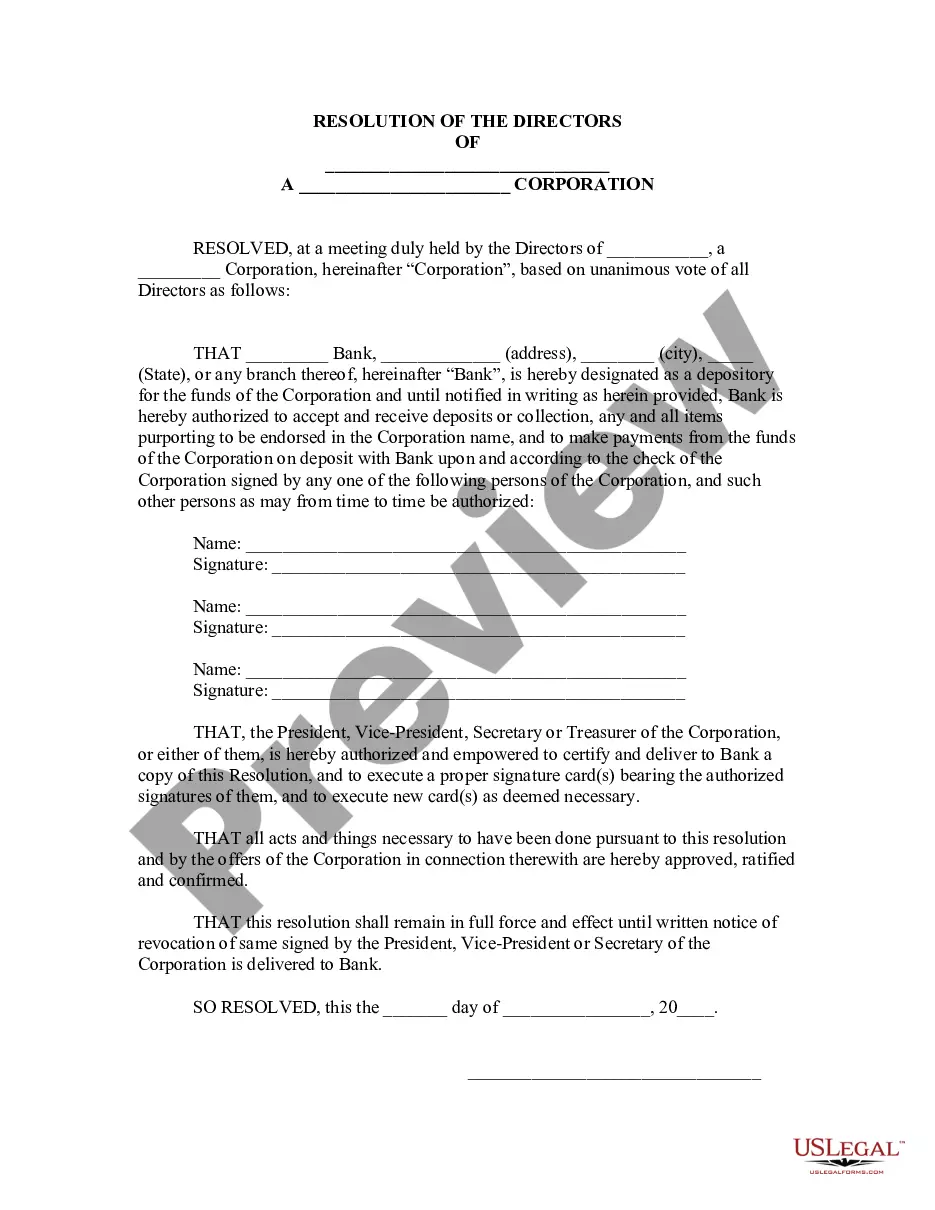
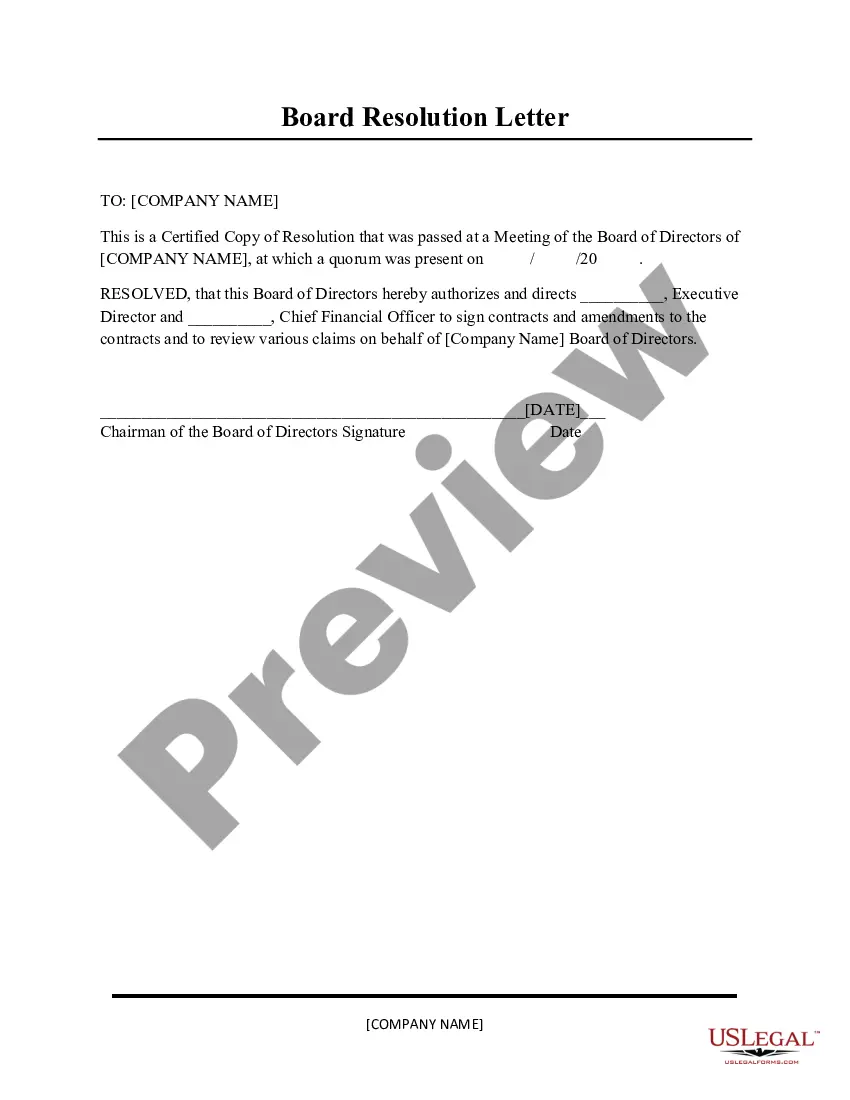
Get your form ready online
Our built-in tools help you complete, sign, share, and store your documents in one place.
Make edits, fill in missing information, and update formatting in US Legal Forms—just like you would in MS Word.
Download a copy, print it, send it by email, or mail it via USPS—whatever works best for your next step.
Sign and collect signatures with our SignNow integration. Send to multiple recipients, set reminders, and more. Go Premium to unlock E-Sign.
If this form requires notarization, complete it online through a secure video call—no need to meet a notary in person or wait for an appointment.
We protect your documents and personal data by following strict security and privacy standards.

Make edits, fill in missing information, and update formatting in US Legal Forms—just like you would in MS Word.

Download a copy, print it, send it by email, or mail it via USPS—whatever works best for your next step.

Sign and collect signatures with our SignNow integration. Send to multiple recipients, set reminders, and more. Go Premium to unlock E-Sign.

If this form requires notarization, complete it online through a secure video call—no need to meet a notary in person or wait for an appointment.

We protect your documents and personal data by following strict security and privacy standards.
Looking for another form?










Form popularity
FAQ
The information on such a form must include: Cardholder's name. Card number. Card network (Visa, Mastercard, American Express, Discover, etc.) Card expiration date. Cardholder's billing zip code. Business name. Statement authorizing charges. Cardholder's signature and the date they signed.
How to Write a Check Step 1: Date the check. Write the date on the line at the top right-hand corner. Step 2: Who is this check for? ... Step 3: Write the payment amount in numbers. Step 4: Write the payment amount in words. Step 5: Write a memo. Step 6: Sign the check.
How do I download my credit card statement? You can download your credit card statement by logging in to the card issuer's Net Banking portal. Additionally, you can also download the statement, when received on your registered mail address, by saving it as a pdf.
The easiest way to check your credit card's transaction history is by logging in to your online account through the issuer's website. This way, you will be able to see your past transactions, including the date each transaction took place, the name of the merchant that charged it and the amount.
byStep Guide: Take out your Orange phone. Dial #997# it's the code to unlock your Orange identity. Press the call button and wait for the magic to happen. Tada! Your Orange number will appear, saving you from the numberchecking dilemma.
Your monthly credit card statement is a record of your recent transactions, activity, and any applicable fees and interest charges. Credit card companies and banks typically mail out your monthly statement after the end of your billing cycle.
USSD services are widely popular, with commonly used codes like 123# for checking balances and 145# for managing mobile services. Major telecom operators such as Orange Senegal, Tigo, and Expresso rely heavily on USSD to offer convenient and accessible services to their users.
Your most recent credit card statement should be available online by logging into your account. You might also receive it by mail based on your paperless billing preference. Federal law requires your credit issuer to send you a statement at least 21 days before payment is due.
Payment information. This section may list your statement balance, which reflects how much you owed at the close of the billing cycle. Additionally, it may list the amount and due date of any required minimum payments. Some card issuers may also list your available credit on the account.