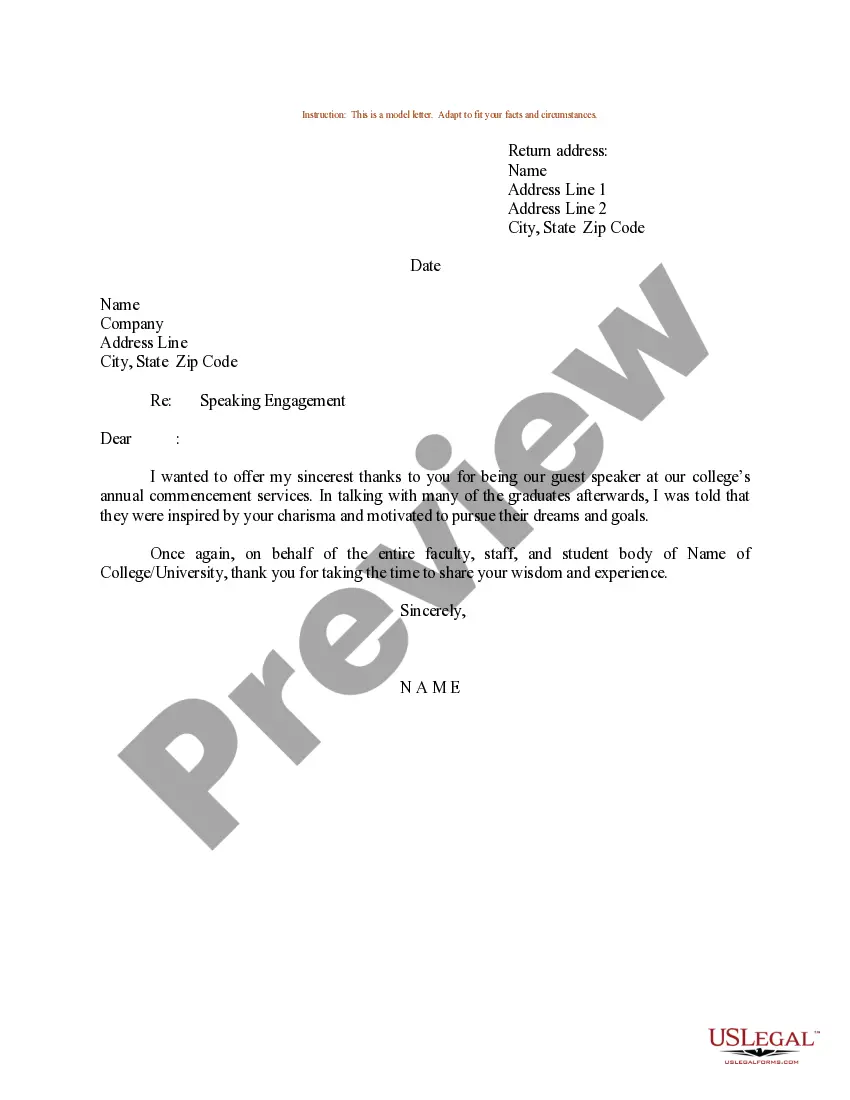
Example Of An Application Letter With Two Addresses
Description
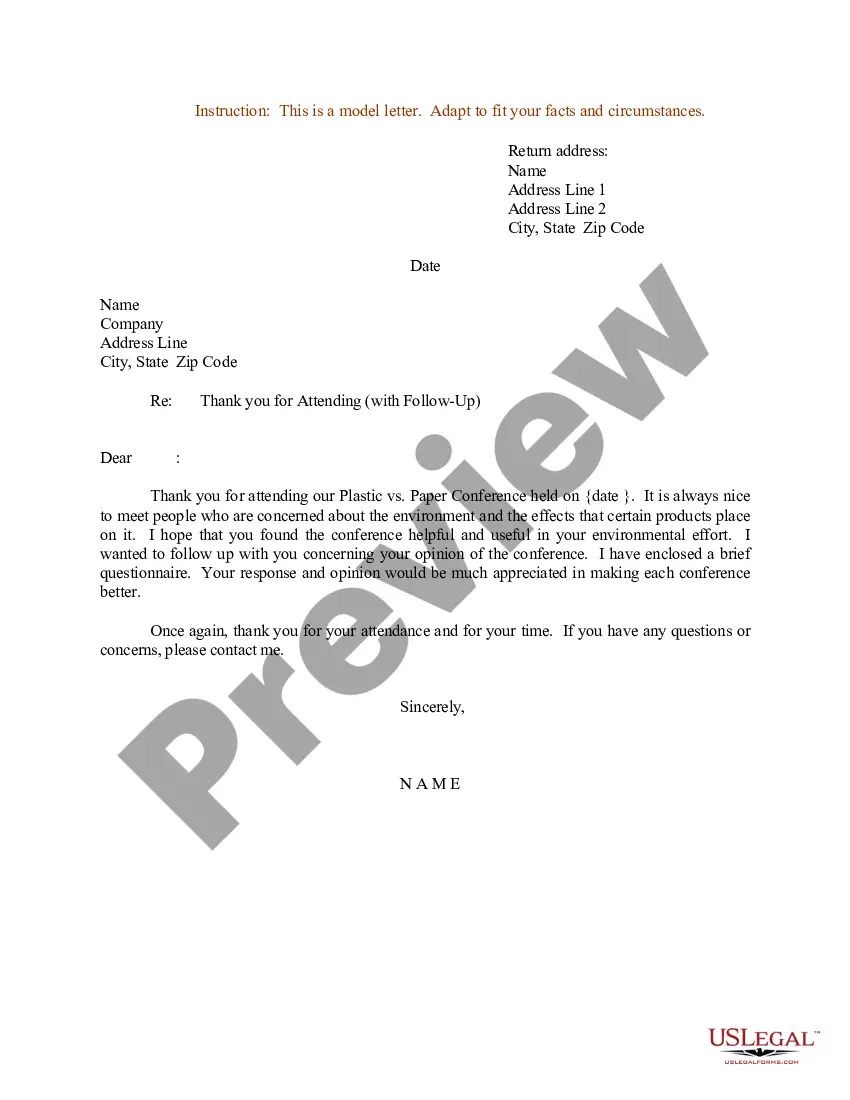
Get your form ready online
Our built-in tools help you complete, sign, share, and store your documents in one place.
Make edits, fill in missing information, and update formatting in US Legal Forms—just like you would in MS Word.
Download a copy, print it, send it by email, or mail it via USPS—whatever works best for your next step.
Sign and collect signatures with our SignNow integration. Send to multiple recipients, set reminders, and more. Go Premium to unlock E-Sign.
If this form requires notarization, complete it online through a secure video call—no need to meet a notary in person or wait for an appointment.
We protect your documents and personal data by following strict security and privacy standards.

Make edits, fill in missing information, and update formatting in US Legal Forms—just like you would in MS Word.

Download a copy, print it, send it by email, or mail it via USPS—whatever works best for your next step.

Sign and collect signatures with our SignNow integration. Send to multiple recipients, set reminders, and more. Go Premium to unlock E-Sign.

If this form requires notarization, complete it online through a secure video call—no need to meet a notary in person or wait for an appointment.

We protect your documents and personal data by following strict security and privacy standards.
Looking for another form?

How to fill out Sample Letter For Speaking Engagement?
Regardless of whether it's for professional reasons or personal matters, everyone must confront legal situations at some time in their life.
Filling out legal documents requires meticulous attention, starting with selecting the appropriate form template. For example, if you select an incorrect version of a Sample Application Letter with Two Addresses, it will be dismissed upon submission.
With a comprehensive US Legal Forms catalog available, you do not have to waste time searching for the correct template online. Utilize the library's straightforward navigation to find the suitable template for any scenario.
- Locate the template you require by utilizing the search box or catalog navigation.
- Review the form's description to confirm it aligns with your situation, state, and county.
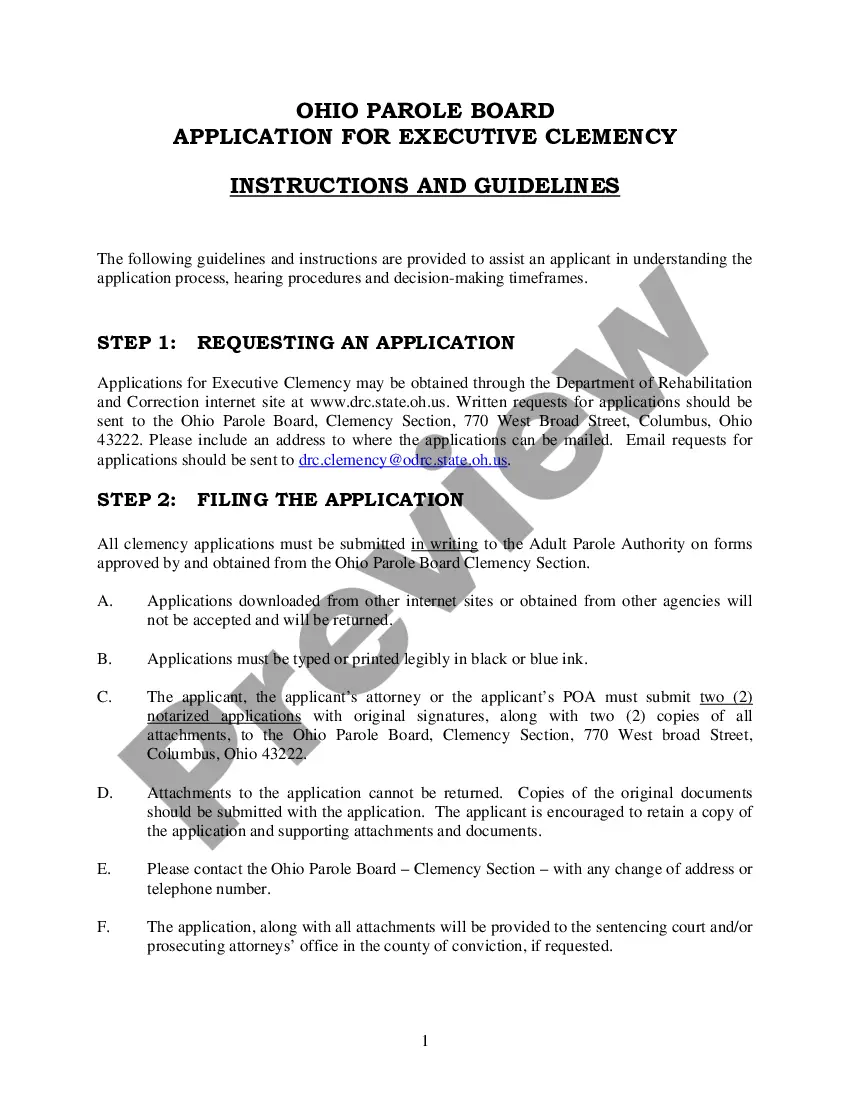
- Click on the form's preview to examine it.
- If it is not the correct document, return to the search function to find the Sample Application Letter with Two Addresses template you need.
- Obtain the template if it meets your specifications.
- If you already possess a US Legal Forms account, click Log in to retrieve previously saved documents in My documents.
- If you do not yet have an account, you can acquire the form by clicking Buy now.
- Select the appropriate pricing option.
- Fill out the account registration form.
- Choose your payment method: use a credit card or PayPal account.
- Select the file format you prefer and download the Sample Application Letter with Two Addresses.
- Once it is downloaded, you can complete the form using editing software or print it and finish it by hand.
Form popularity
FAQ
Hear this out loud PauseThe Normal informal letter has only one address, which is the sender address that is written at the top right hand corner. A business informal letter has two addresses, which is the sender address and the receiver address that is written at the top left hand corner.
Address two recipients in the same fashion as you would if you had one recipient. This means that you will include the recipient's names, and the company name and address for both parties. The order of the addressees will be in alphabetical order by company. State the full name of the recipient and his title.
No, cover letters do not need an address. Traditionally, cover letters were sent in the mail or submitted in person, so they included both the applicant's and the recipient's addresses. However, cover letters are now almost exclusively submitted electronically, so physical addresses are no longer needed.
We write job-winning resumes, cover letters, and? Many cover letter templates typically show the intended company's full physical address (sometimes after the applicant's full physical address), with each address item on a new line. This takes up at least a third of the page before getting to the actual letter.
Always begin your letter with your contact information at the top left of your letter. Write your address on the top right hand side of the letter and the address of the recipient thus the person you are writing the letter to on the left side mostly starting from below your address.