Service Agreement Provider With Mobile Number In Philadelphia
Description

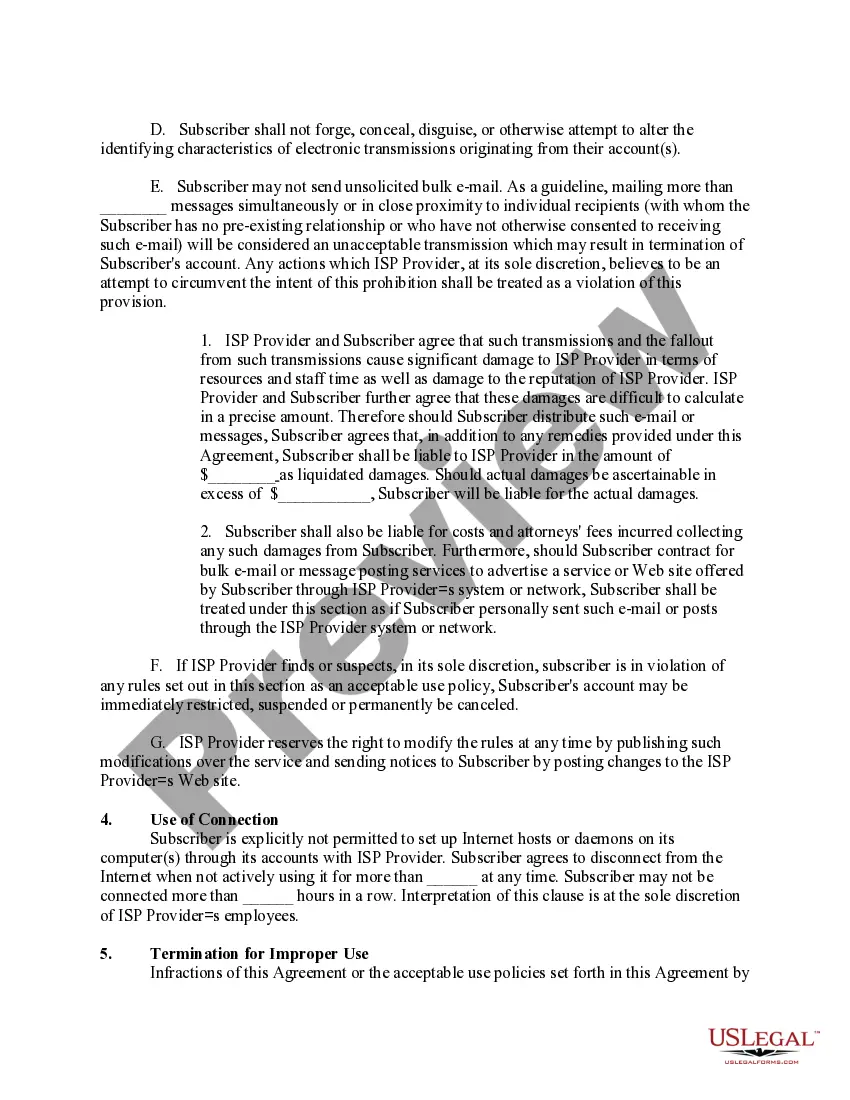
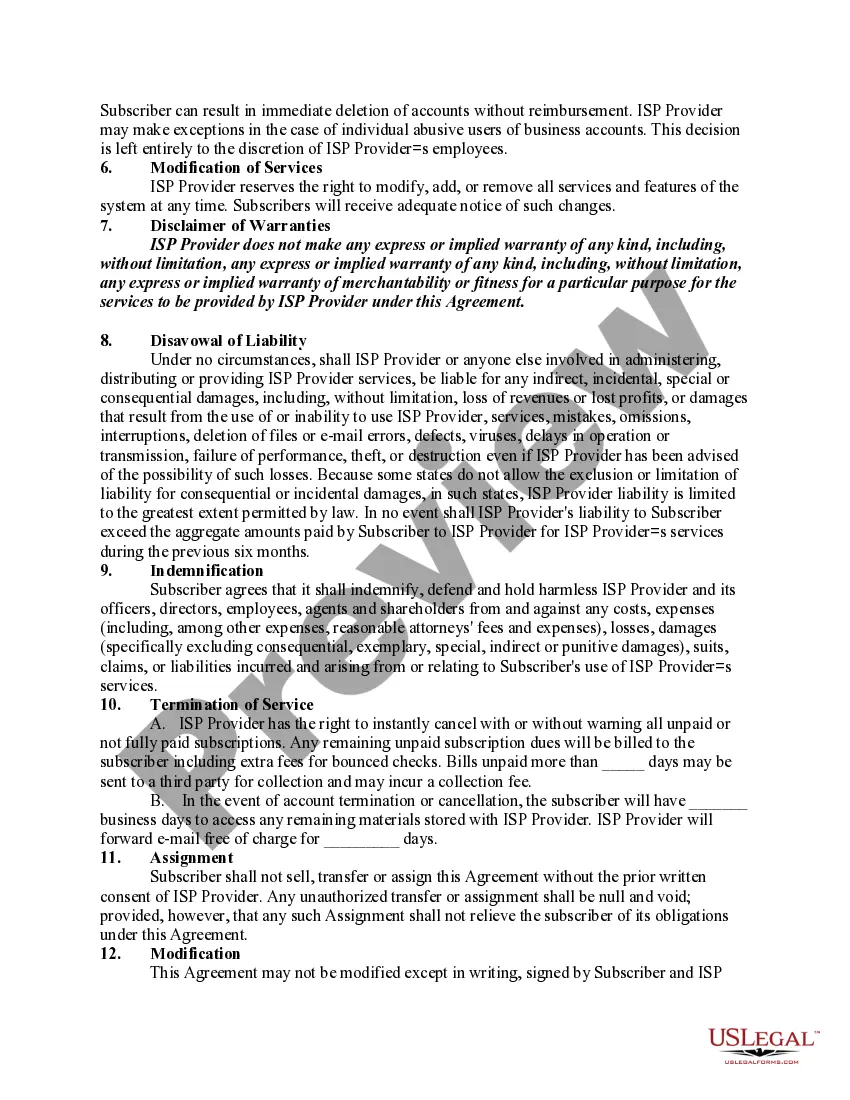
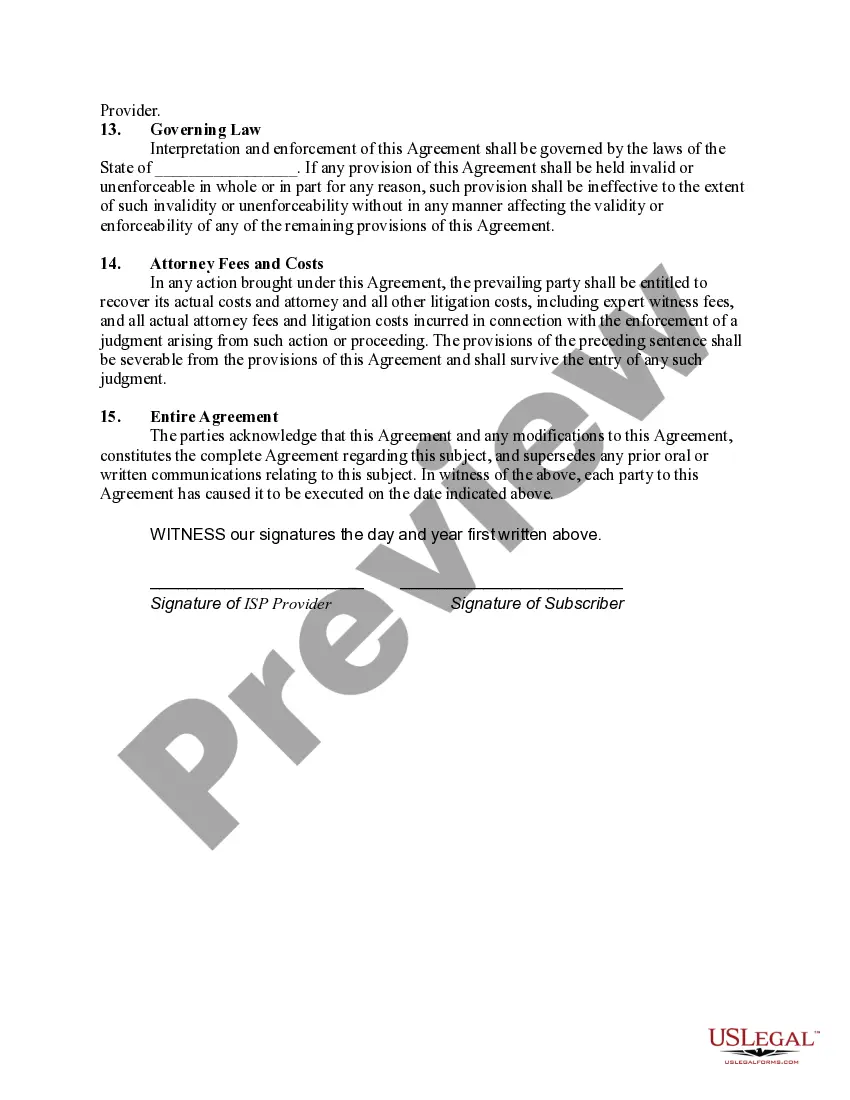
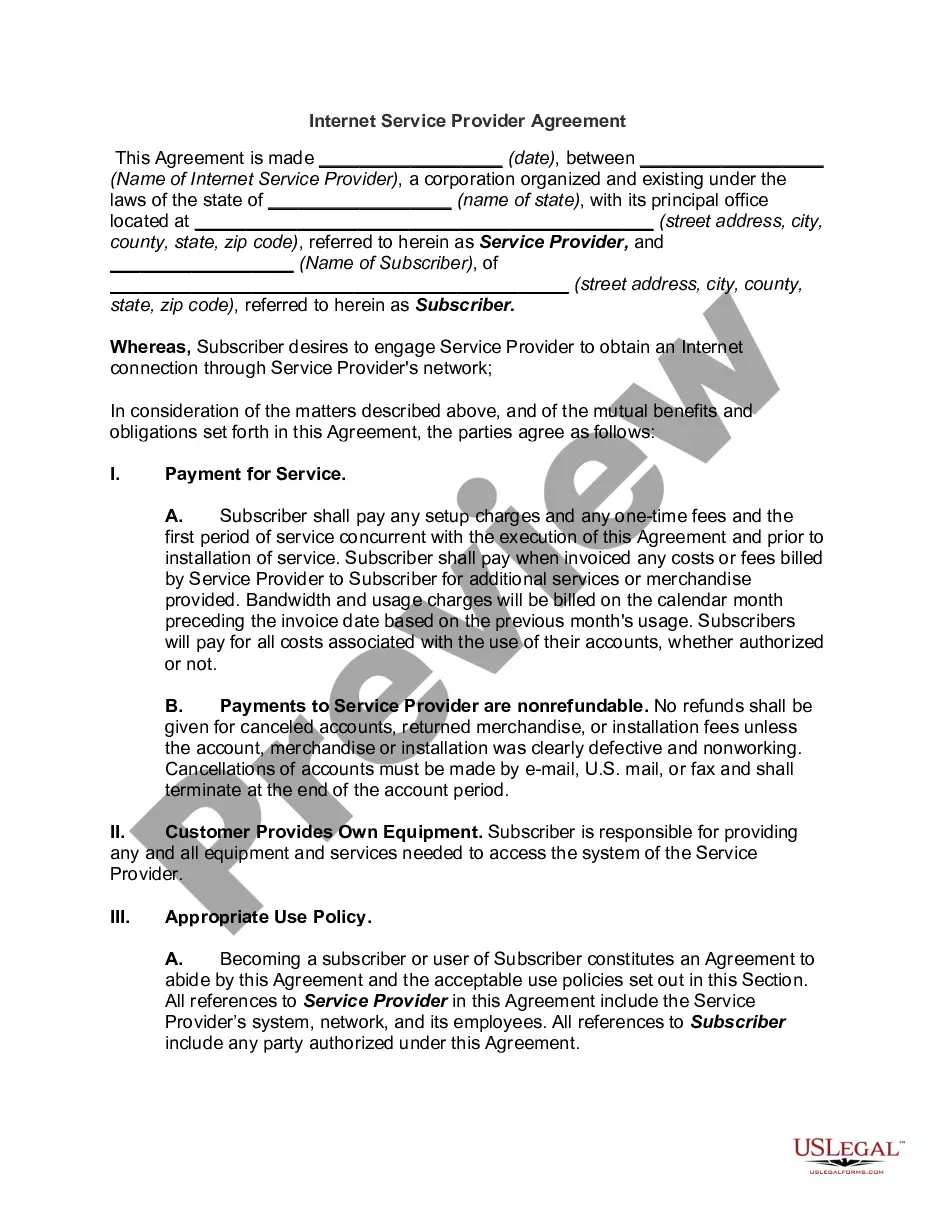
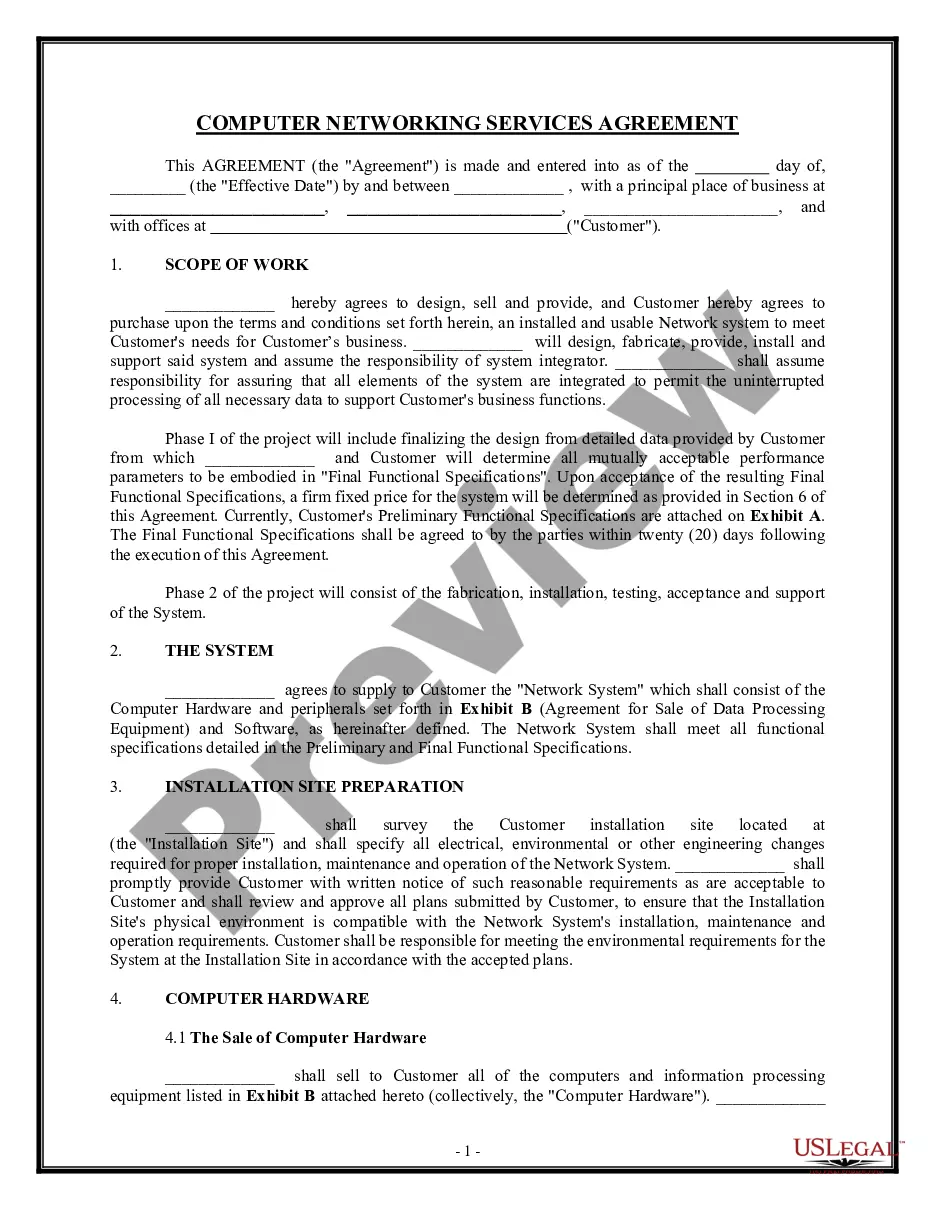
Get your form ready online
Our built-in tools help you complete, sign, share, and store your documents in one place.
Make edits, fill in missing information, and update formatting in US Legal Forms—just like you would in MS Word.
Download a copy, print it, send it by email, or mail it via USPS—whatever works best for your next step.
Sign and collect signatures with our SignNow integration. Send to multiple recipients, set reminders, and more. Go Premium to unlock E-Sign.
If this form requires notarization, complete it online through a secure video call—no need to meet a notary in person or wait for an appointment.
We protect your documents and personal data by following strict security and privacy standards.

Make edits, fill in missing information, and update formatting in US Legal Forms—just like you would in MS Word.

Download a copy, print it, send it by email, or mail it via USPS—whatever works best for your next step.

Sign and collect signatures with our SignNow integration. Send to multiple recipients, set reminders, and more. Go Premium to unlock E-Sign.

If this form requires notarization, complete it online through a secure video call—no need to meet a notary in person or wait for an appointment.

We protect your documents and personal data by following strict security and privacy standards.
Looking for another form?







Form popularity
FAQ
Essential Elements of a Service Agreement Template: A Detailed and Actionable Guide Identifying the Parties Involved. Defining the Scope of Services. Establishing Payment Terms. Setting Contract Duration. Outlining Termination Conditions. Protecting Confidential Information. Addressing Dispute Resolution.
In order to create a service contract, you need to select and enter the fields from the Business Unit and Legal Entity list. Then you choose the contract type that you created during contract setup. You create and manage a service contract with the same Contracts UI that's used when you create a contract.
How to Write a Service Agreement Step 1: Identify the parties involved. Step 2: Define the scope of services. Step 3: Set payment terms. Step 4: Outline the responsibilities of each party. Step 5: Add termination, dispute resolution, and other essential clauses. Step 6: Review and finalize.
Service Agreements can be made between individuals, a business and an individual, or between two or more businesses. Having a Service Agreement in place is equally as important for service providers as for the receivers of services.
(215) 685-7458for general inquiries (staffed M-F, a.m.-5 p.m.)
In short, your Terms of Service should cover: An introduction and how the terms may change. A link to your Privacy Policy. Rules for user behavior. Copyright rules. Limitations on your liability and disclaimers. Payment and refund details. How to settle disagreements. Your contact information.
Applying for an initial provider number Log on to HPOS using your PRODA account. Select My Details. Select My provider numbers. Select Create a new provider location. Complete the questions in the application and select Submit location.
Here are some helpful tips on using Medical Assistance: If you need a new ACCESS card, call: 1-877-395-8930. If you live in Philadelphia, call: 1-215-560-7226. For more information about what is included in these healthcare services along with any limits, please call: 1-800-537-8862, option # 1, # 2, # 3.
How do I switch insurance providers? Call Pennsylvania Enrollment Services at 1-800-440-3989. You can also visit PA Enrollment Services. You will need: patient's name, address, date of birth and social security number, and which Medicaid plan you want to select.
Medicaid (also called Medical Assistance in Pennsylvania) is a healthcare program that helps eligible people access physical and behavioral healthcare and other supportive services that they need to live well.