Estate Claim Form With Irs In Arizona
Description
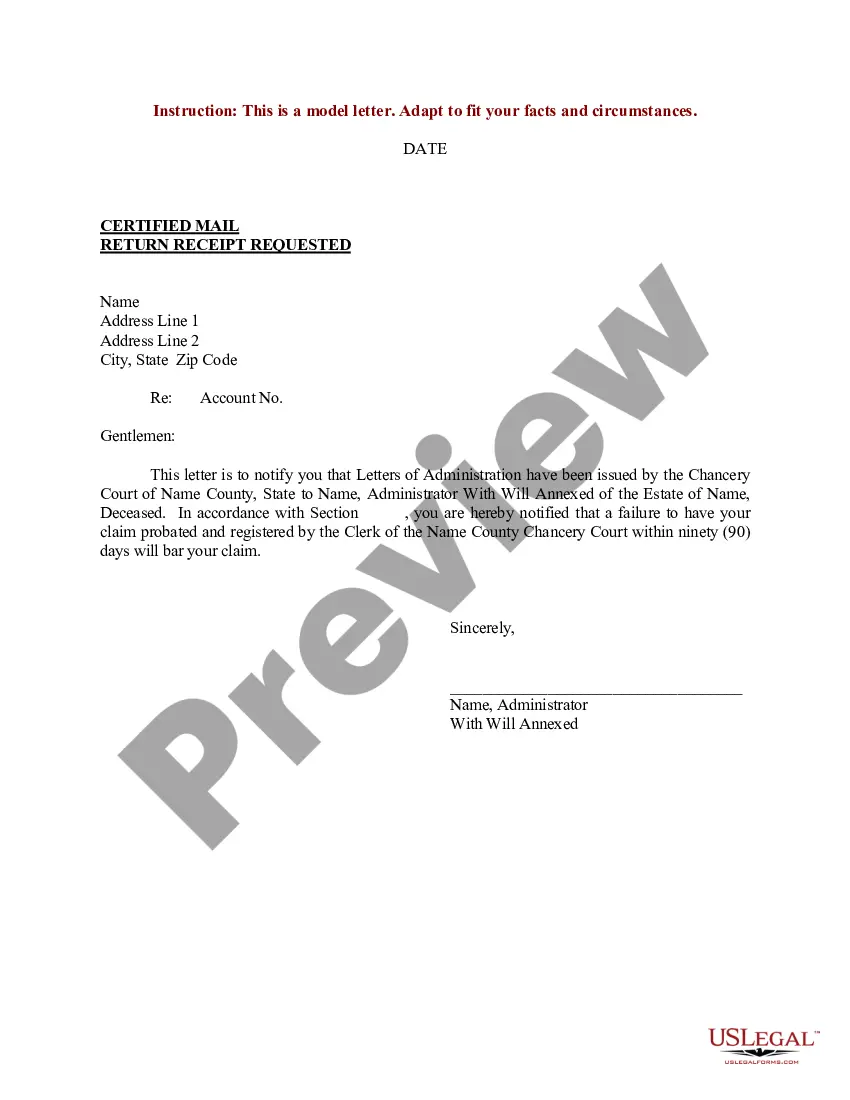
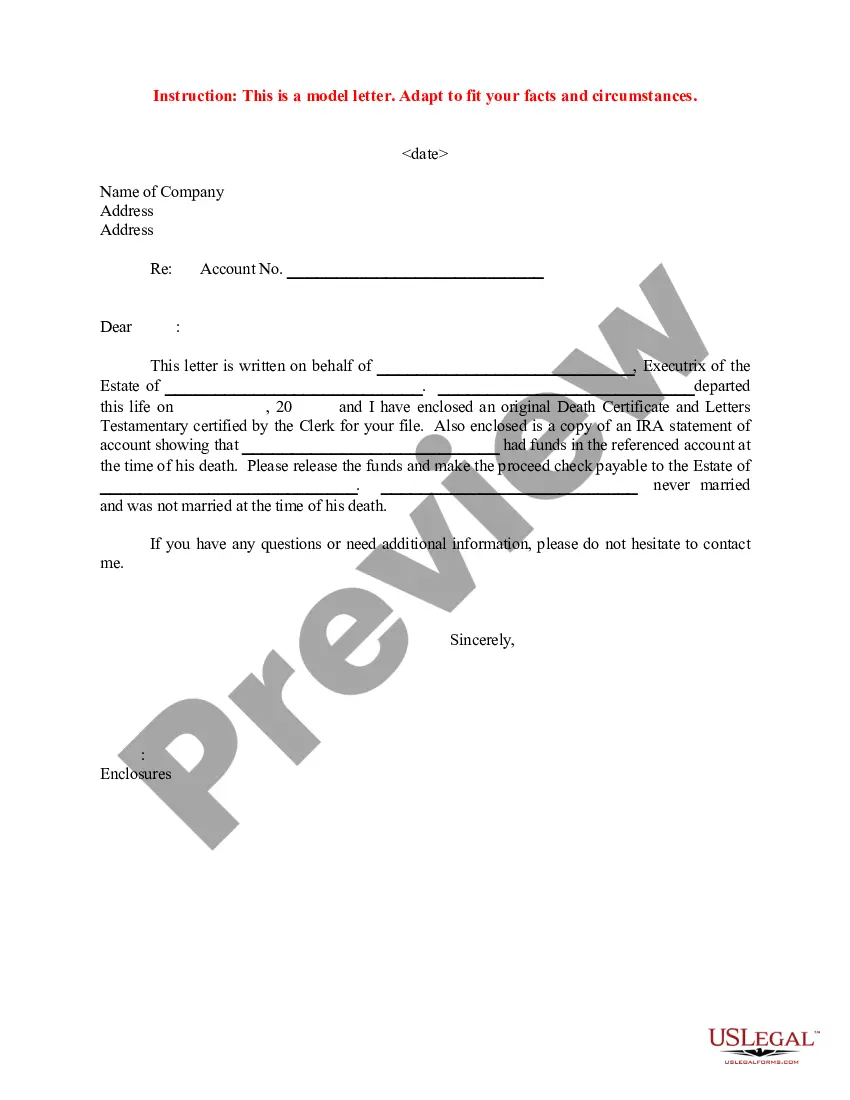
Get your form ready online
Our built-in tools help you complete, sign, share, and store your documents in one place.
Make edits, fill in missing information, and update formatting in US Legal Forms—just like you would in MS Word.
Download a copy, print it, send it by email, or mail it via USPS—whatever works best for your next step.
Sign and collect signatures with our SignNow integration. Send to multiple recipients, set reminders, and more. Go Premium to unlock E-Sign.
If this form requires notarization, complete it online through a secure video call—no need to meet a notary in person or wait for an appointment.
We protect your documents and personal data by following strict security and privacy standards.

Make edits, fill in missing information, and update formatting in US Legal Forms—just like you would in MS Word.

Download a copy, print it, send it by email, or mail it via USPS—whatever works best for your next step.

Sign and collect signatures with our SignNow integration. Send to multiple recipients, set reminders, and more. Go Premium to unlock E-Sign.

If this form requires notarization, complete it online through a secure video call—no need to meet a notary in person or wait for an appointment.

We protect your documents and personal data by following strict security and privacy standards.
Looking for another form?
Form popularity
FAQ
Use Form 709 only to report those transfers where the ETIP closed due to something other than the donor's death. (If the ETIP closed as the result of the donor's death, report the transfer on Form 706, United States Estate (and Generation-Skipping Transfer) Tax Return.)
The Gift Tax Return (Form 709) and the Estate Tax Return (Form 706) document your estate planning and provide the “Paper Trail” for the IRS and state departments of revenue. Most of the estate planning techniques must be reported on these tax returns.
Ing to the Internal Revenue Code, the Collection Statute Expiration Date (CSED) for taxes owed is 10 years after the date that a tax liability was assessed. In addition to collecting taxes, the IRS may also audit the tax returns filed by a deceased person in the years prior to his or her death.
General Requirement: Any U.S. citizen or resident who makes a gift exceeding the annual exclusion amount must file Form 709. This includes gifts of future interests, which are not subject to the annual exclusion. Special Cases: Nonresident aliens must also file if the transfer is subject to U.S. gift tax laws.
This code indicates that Form 706, which is used to determine the amount of the estate tax, has been accepted as filed and an examination has been concluded.
You must complete and include Arizona Form 301 and the credit form(s) with your Arizona income tax return to claim nonrefundable tax credits unless you meet one of the exceptions listed under When Form 301 is Not Required. Use this form to: • Summarize your total available nonrefundable tax credits.
So, is there an inheritance tax in Arizona? The answer is no. However, if you are inheriting property from someone that lives in another state, you might find yourself subject to that state's inheritance taxation laws. For example, Pennsylvania has an inheritance tax that applies to out-of-state heirs.
Arizona does not impose an inheritance or gift tax. An inheritance tax waiver is not required for decedents dying after 2004 as there is no possibility of tax due.
Form 1310 can be filed electronically when it is attached to a Form 1040, 1040-SR, 1040-NR, or 1040-SS being filed electronically. If you are filing Form 1310 separately, send it to the same Internal Revenue Service Center where the original return was filed.
Use Arizona Form 131 to claim a refund on behalf of a deceased taxpayer for Forms 140, 140A, 140EZ, 140NR, 140PY or 140X. NOTE: If you are filing a Small Business Income Tax return, Use Form 131-SBI to claim a refund on behalf of a deceased taxpayer for Forms 140-SBI, 140NR-SBI, 140PY-SBI or 140X-SBI.

