Agreement Letter Format In Queens
Description


Get your form ready online
Our built-in tools help you complete, sign, share, and store your documents in one place.
Make edits, fill in missing information, and update formatting in US Legal Forms—just like you would in MS Word.
Download a copy, print it, send it by email, or mail it via USPS—whatever works best for your next step.
Sign and collect signatures with our SignNow integration. Send to multiple recipients, set reminders, and more. Go Premium to unlock E-Sign.
If this form requires notarization, complete it online through a secure video call—no need to meet a notary in person or wait for an appointment.
We protect your documents and personal data by following strict security and privacy standards.

Make edits, fill in missing information, and update formatting in US Legal Forms—just like you would in MS Word.

Download a copy, print it, send it by email, or mail it via USPS—whatever works best for your next step.

Sign and collect signatures with our SignNow integration. Send to multiple recipients, set reminders, and more. Go Premium to unlock E-Sign.

If this form requires notarization, complete it online through a secure video call—no need to meet a notary in person or wait for an appointment.

We protect your documents and personal data by following strict security and privacy standards.
Looking for another form?









Form popularity
FAQ
You will have 14 days (2 weeks) from the date that you receive the Board of Studies decision letter to submit your appeal. To do so, you would need to contact the Secretary of USAB in the Office of the University Secretariat and Legal Counsel at usabsecretary@queensu.ca.
Please follow these steps to access Verification of Enrolment forms: Log into SOLUS Student Centre. Select the Academic Records tile. Select the Verification of Enrollment navigation. Select the applicable year. Select the Retrieve button (see note below) When finished, select SOLUS Student Centre to return to the main page.
Registration, Tuition and Fees: solus@queensu.ca or (613) 533-6894. Student Records: solus@queensu.ca or (613) 533-6894. Transcripts: transcpt@queensu.ca or (613) 533-2040.
The contents, terms, and conditions of this Agreement must be kept confidential by Employee.Name and may only be disclosed to their accountant or attorneys or pursuant to subpoena or court order. Any breach of this confidentiality provision shall be deemed a material breach of this Agreement.
A Confidential Disclosure Agreement (CDA), also referred to as non-disclosure agreement (NDA) or secrecy agreement, is a legal agreement between a minimum of two parties which outlines information the parties wish to share with one another for certain evaluation purposes, but wish to restrict from wider use and ...
Confidentiality Agreement is used when more secrecy is required. Non-disclosure implies you must not disclose personal or private information. However, keeping confidential implies you should be more proactive in making sure information is kept secret.
What is an NDA? NDAs, or non-disclosure agreements, are legally enforceable contracts that create a confidential relationship between a person who has sensitive information and a person who will gain access to that information.
A confidentiality agreement binds all parties to keep secret information confidential, while an NDA upholds secrecy by creating a confidential relationship between the parties who sign it.
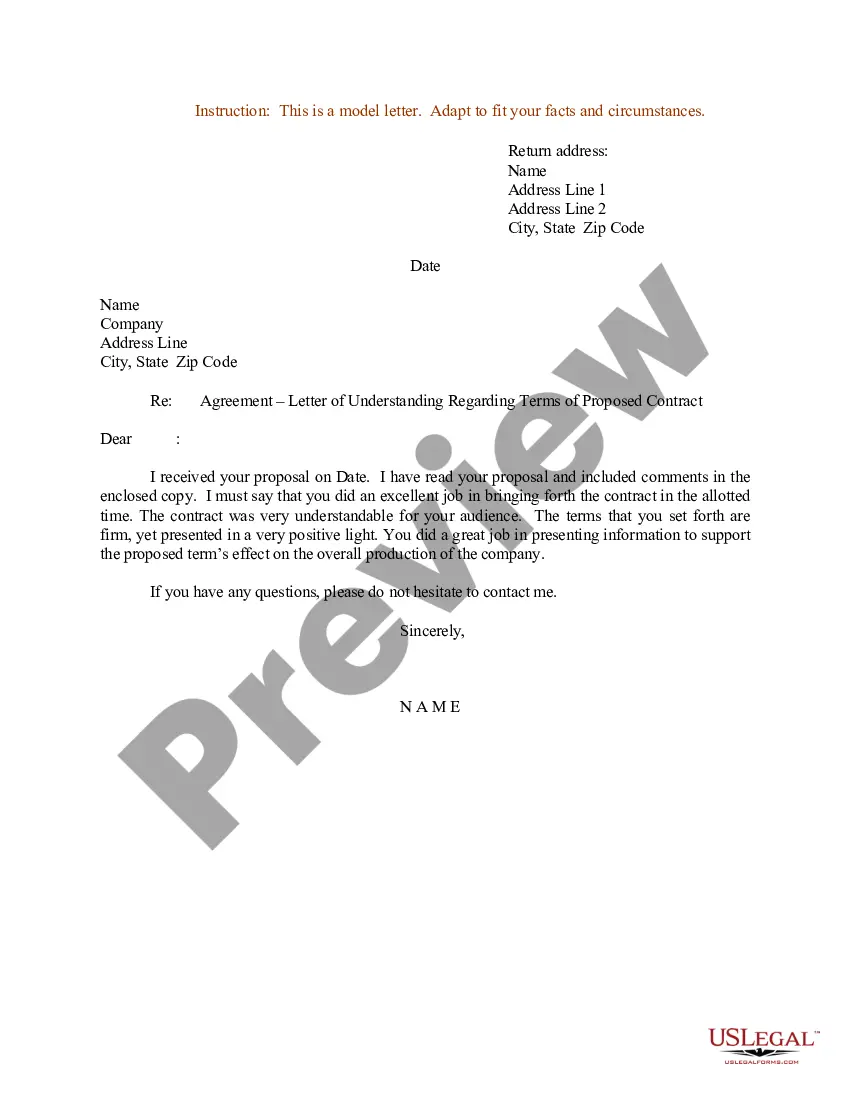
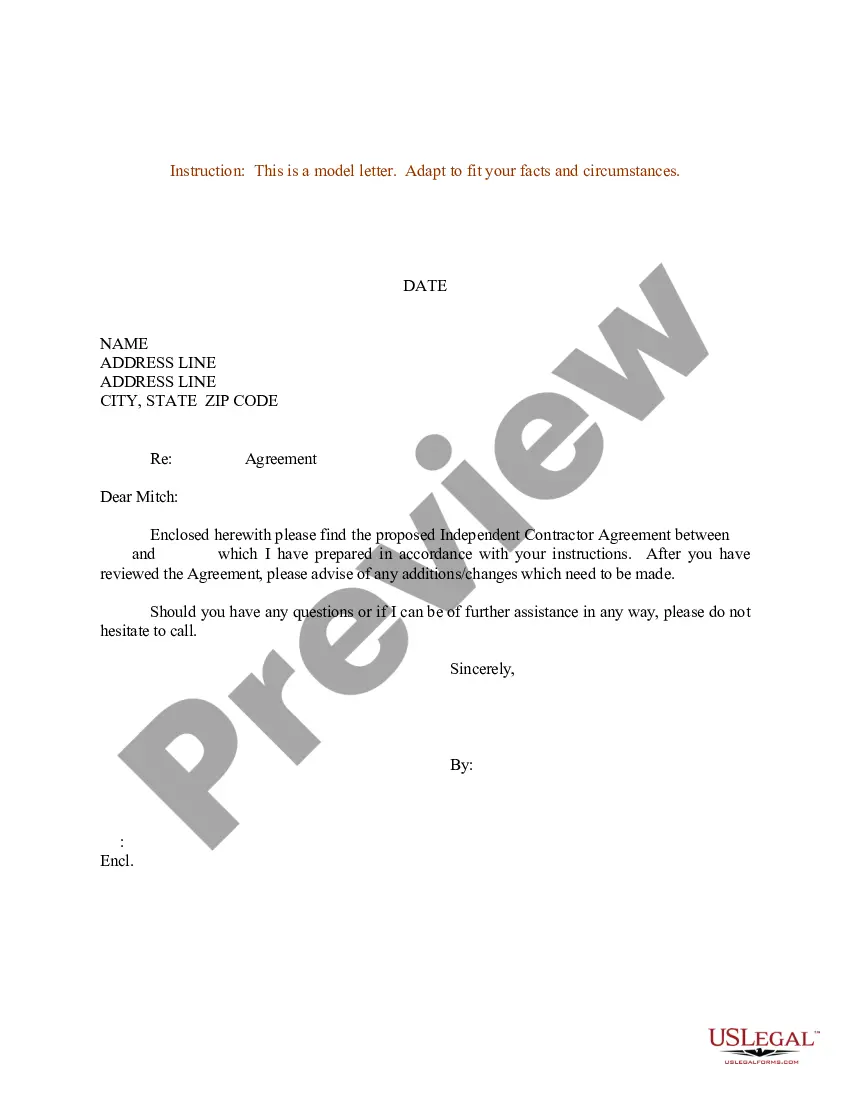
In terms of how to write an agreement letter for business, incorporate the following elements into your overall contract template design: The names and address of the parties involved. The terms and conditions upon which you agreement. How payments are made and invoicing is accomplished.
I will establish and maintain security measures to safeguard the confidential information from unauthorised access, use, copying, reproduction or disclosure and will protect the confidential information using the same degree of care as a prudent person would use to protect their own confidential information.

