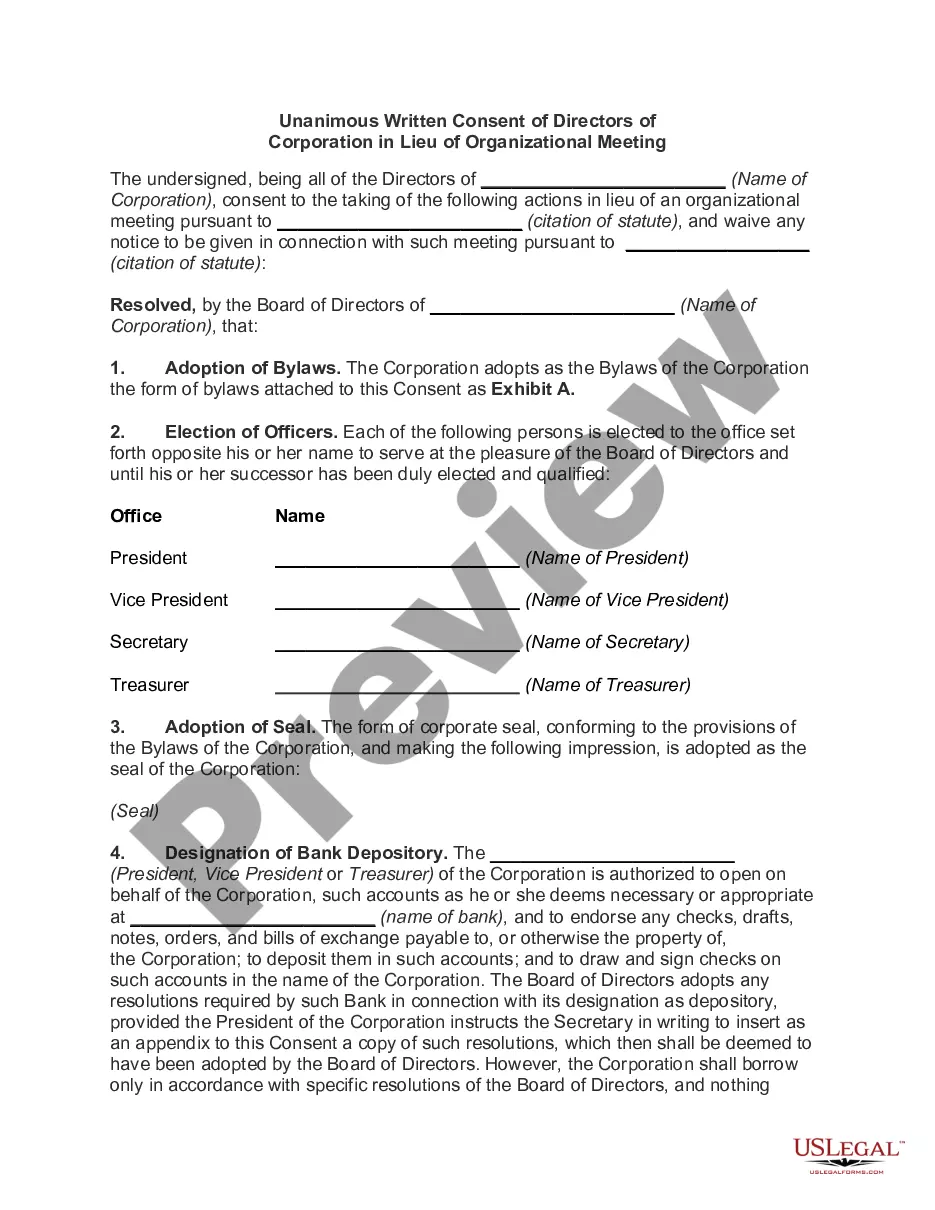
Directors Consent Form Companies Office In Maricopa
Description

Get your form ready online
Our built-in tools help you complete, sign, share, and store your documents in one place.
Make edits, fill in missing information, and update formatting in US Legal Forms—just like you would in MS Word.
Download a copy, print it, send it by email, or mail it via USPS—whatever works best for your next step.
Sign and collect signatures with our SignNow integration. Send to multiple recipients, set reminders, and more. Go Premium to unlock E-Sign.
If this form requires notarization, complete it online through a secure video call—no need to meet a notary in person or wait for an appointment.
We protect your documents and personal data by following strict security and privacy standards.

Make edits, fill in missing information, and update formatting in US Legal Forms—just like you would in MS Word.

Download a copy, print it, send it by email, or mail it via USPS—whatever works best for your next step.

Sign and collect signatures with our SignNow integration. Send to multiple recipients, set reminders, and more. Go Premium to unlock E-Sign.

If this form requires notarization, complete it online through a secure video call—no need to meet a notary in person or wait for an appointment.

We protect your documents and personal data by following strict security and privacy standards.
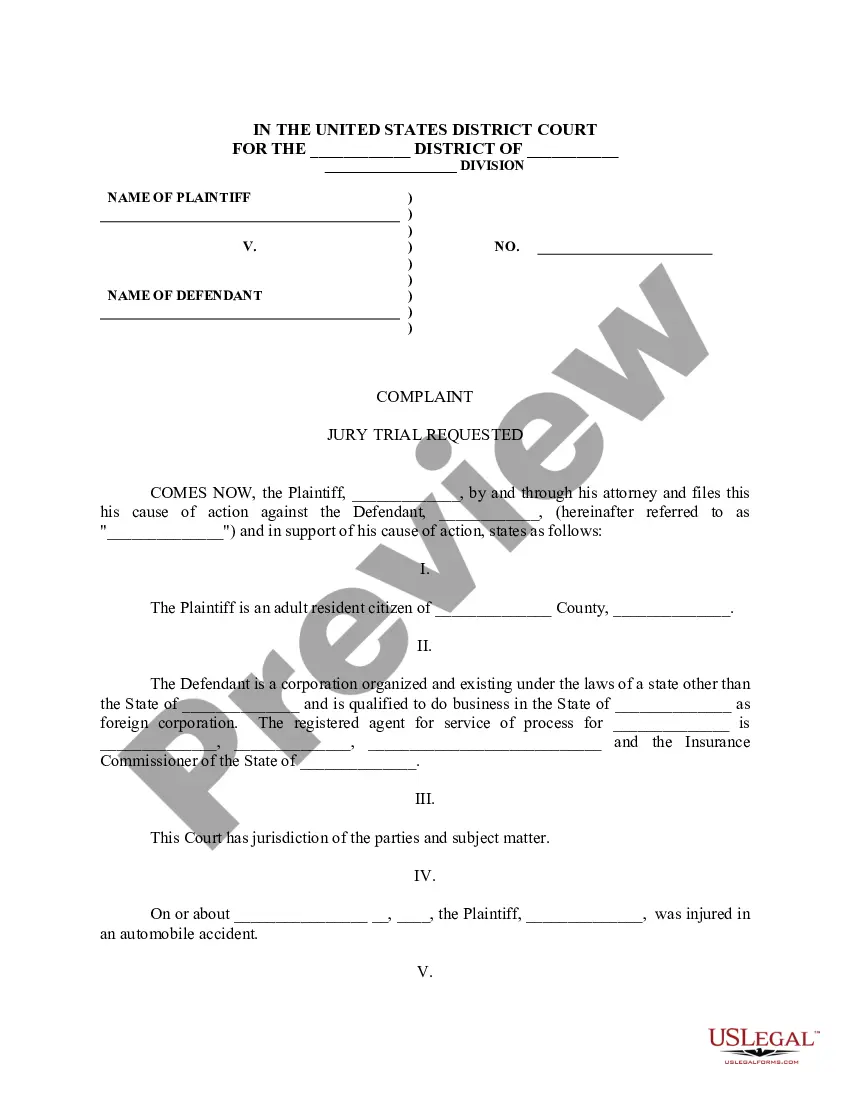
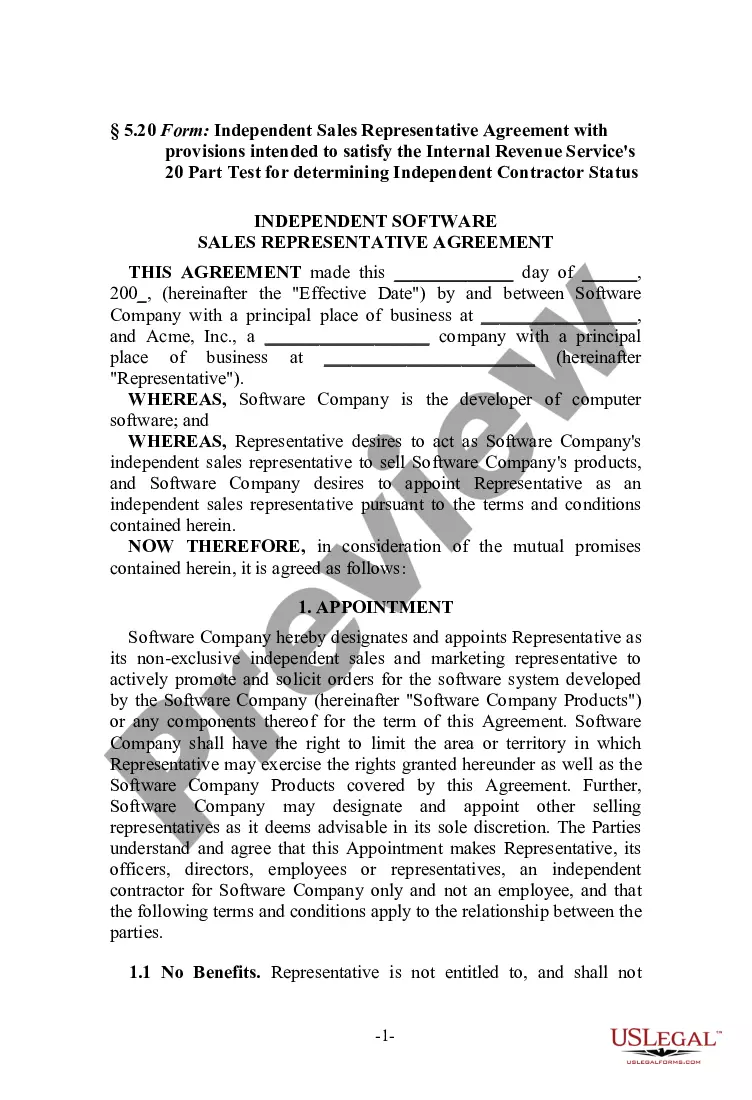
Looking for another form?






Form popularity
FAQ
The act of giving consent means that a person intends to allow, approve, agree, or is willing to comply with something. A consent form is a document that is signed by a person (or on behalf of the person whom they are a guardian) to show that they are in agreement with the contents of the document.
Consent forms, sometimes called release forms, are legal documents that serve as written permission to send or receive information among participating parties. They often inform them of associated use risks and release the provider from associated claims.
When appointing officeholders such as a director or secretary, written and signed consent must be provided by the officeholder. This highlights the importance of the role and that the director or company secretary formally acknowledge their position.
The Consent Form provides an employer's disclosure of information, rights and rules pertaining to the background check and obtains the consumer's authorization to run the background check.
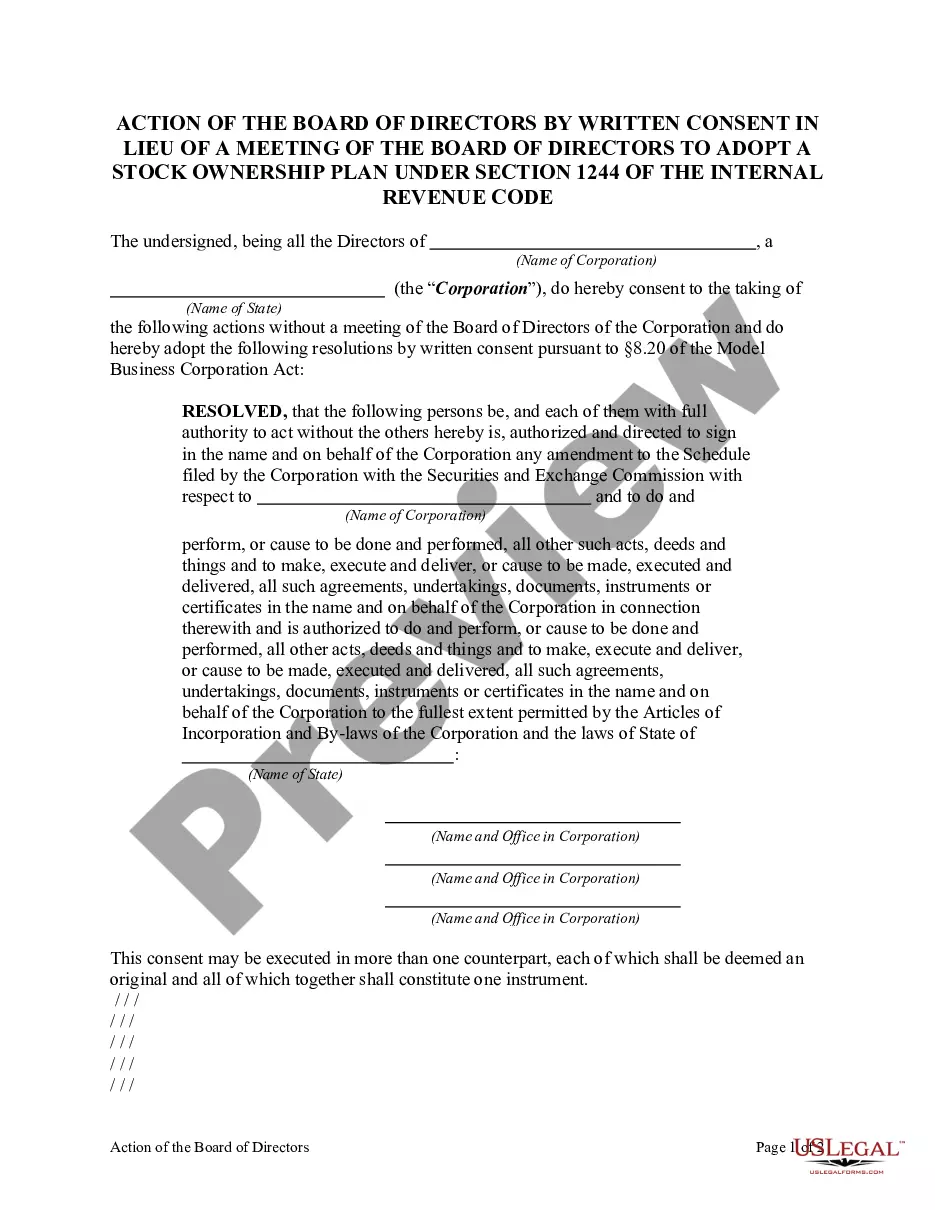
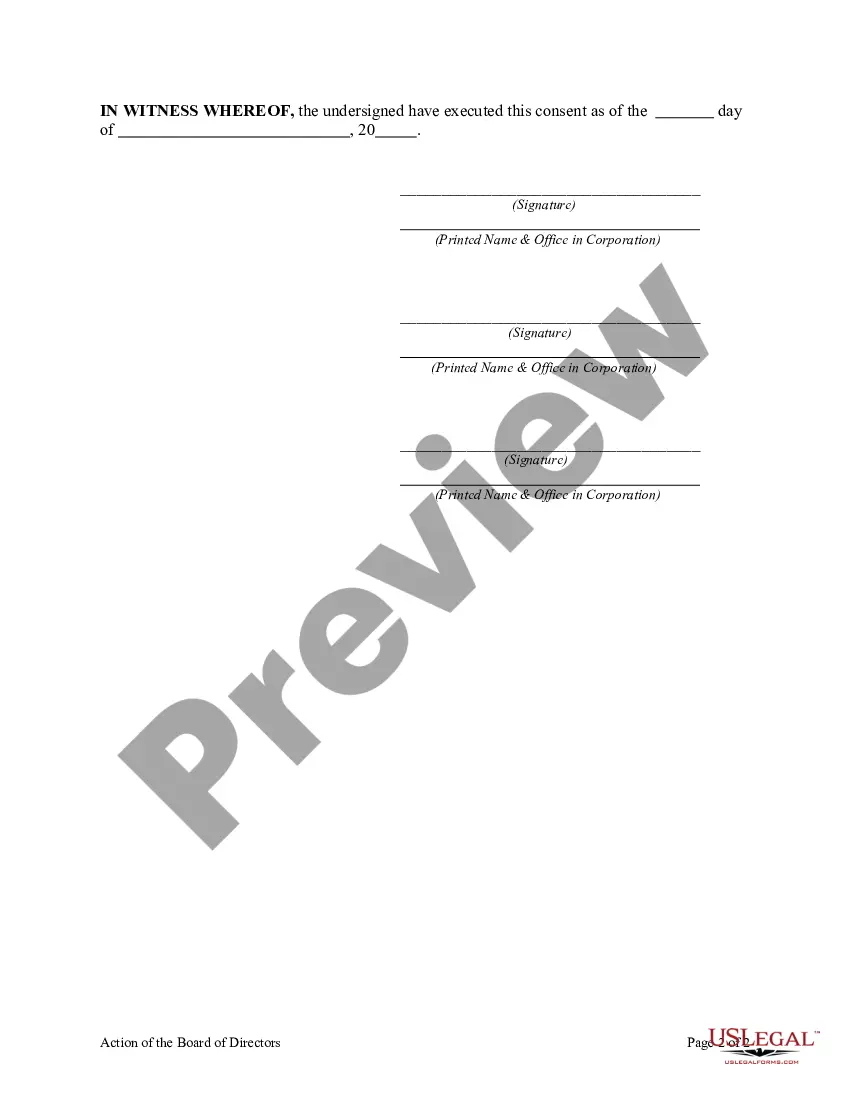
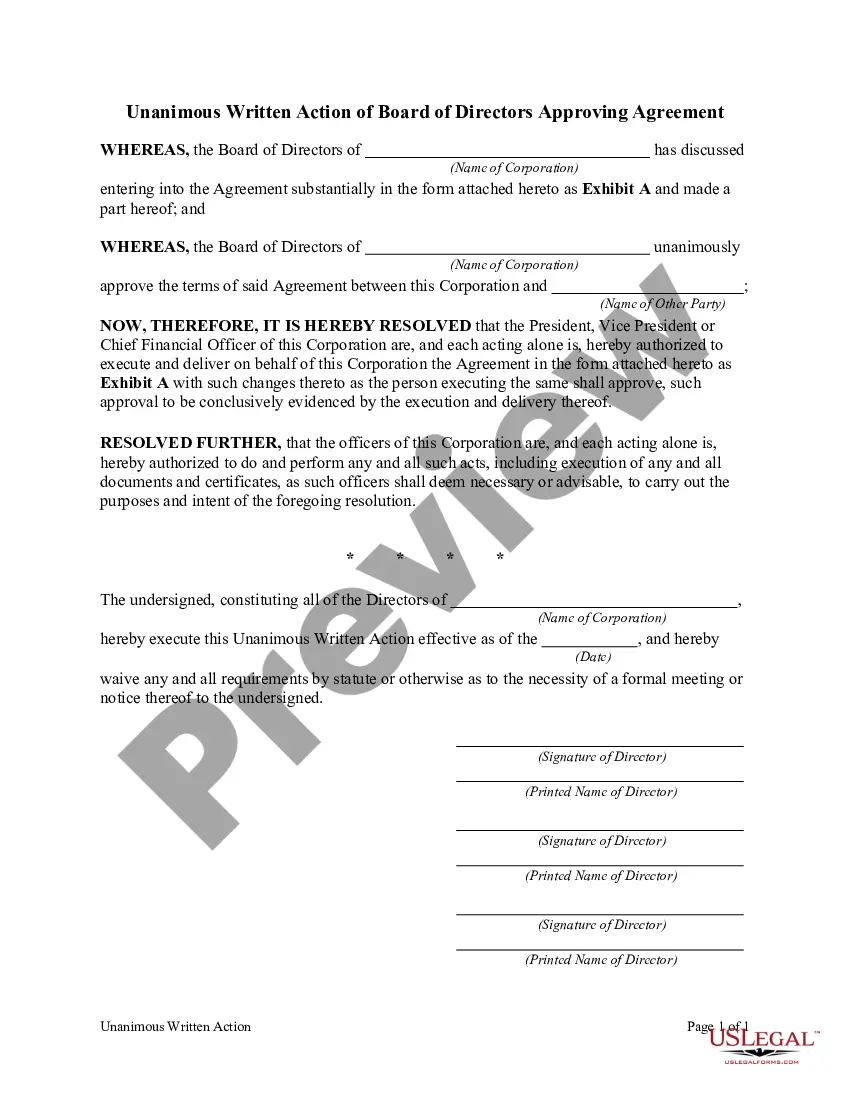
What is a director's consent? In a director's consent an individual agrees in writing to be a director of a nonprofit. Every director who is elected or appointed needs to sign a consent. The consent needs to be signed within 10 days of being elected or appointed as a director.
By obtaining consent, employers can officially certify that they have: Notified candidates about the details of the background screening process. Informed candidates about their legal rights in case of an adverse action. Taken steps to ensure candidate privacy and prevent discrimination.
Subject: Consent to act as a director. I ………………………, hereby give my consent to act as director of ……….. (name of the company), pursuant to sub-section (5) of section 152 of the Companies Act, 2013 and certify that I am not disqualified to become a director under the Companies Act, 2013.
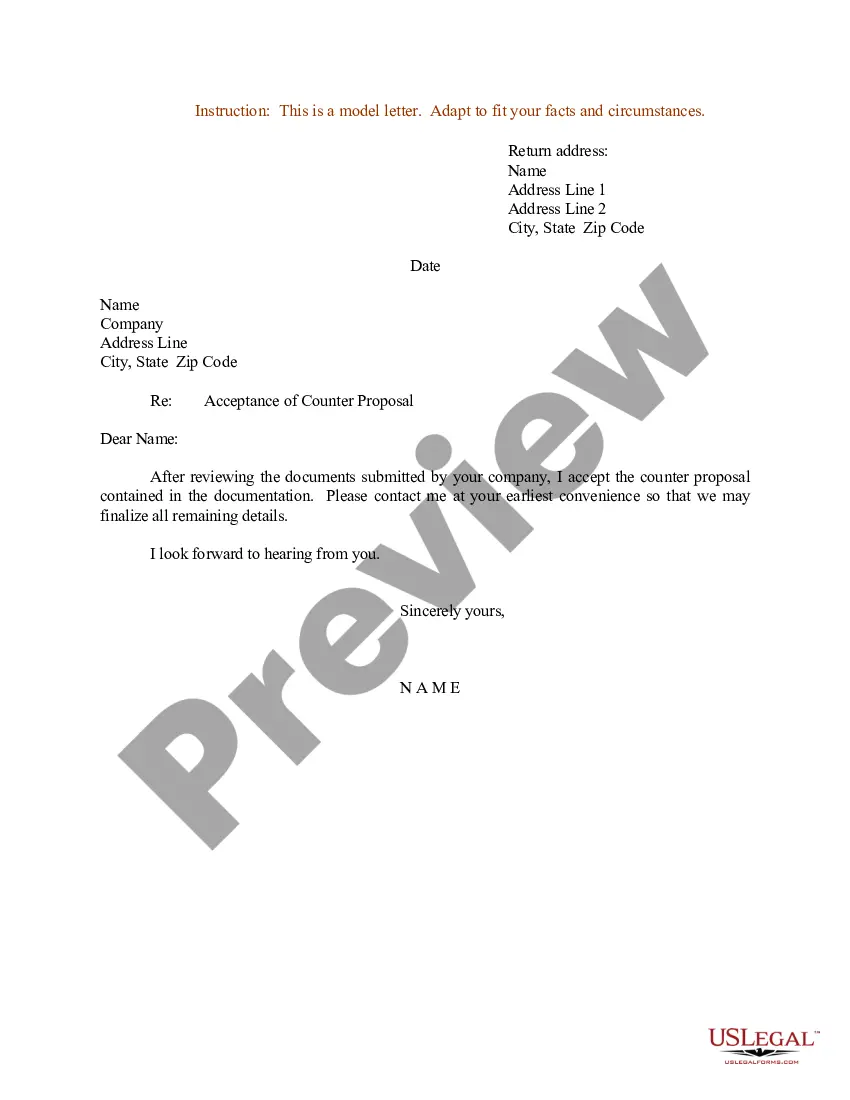
A standard document providing a specimen form of notice of willingness or consent to be appointed and act as a director of the company.
The statutory provision allowing any director to be removed from office by ordinary resolution of the shareholders is in Section 168 of the Companies Act 2006 (CA06). Importantly, the resolution must be proposed at a formal shareholders' meeting and cannot be passed as a written resolution.