List Realtor Property With Realtor.com In Nassau
Description

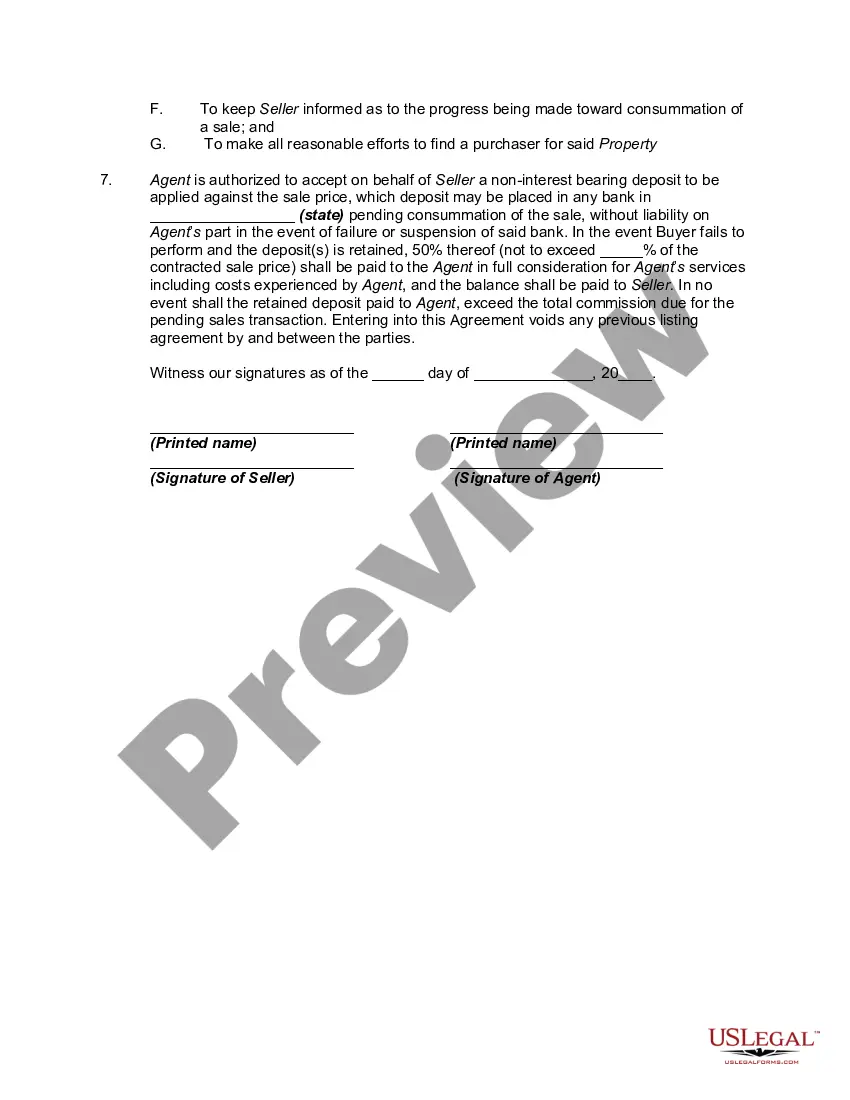

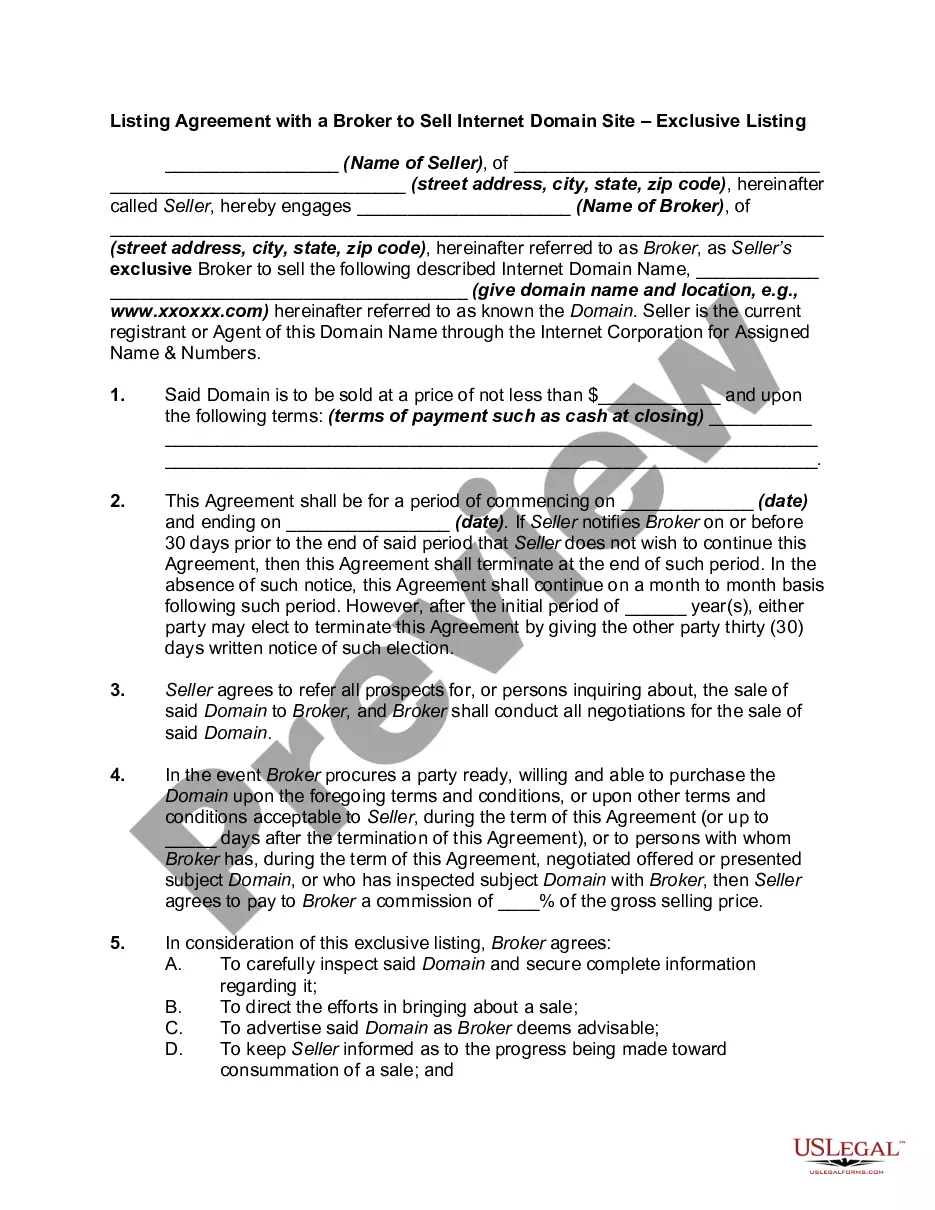
Get your form ready online
Our built-in tools help you complete, sign, share, and store your documents in one place.
Make edits, fill in missing information, and update formatting in US Legal Forms—just like you would in MS Word.
Download a copy, print it, send it by email, or mail it via USPS—whatever works best for your next step.
Sign and collect signatures with our SignNow integration. Send to multiple recipients, set reminders, and more. Go Premium to unlock E-Sign.
If this form requires notarization, complete it online through a secure video call—no need to meet a notary in person or wait for an appointment.
We protect your documents and personal data by following strict security and privacy standards.

Make edits, fill in missing information, and update formatting in US Legal Forms—just like you would in MS Word.

Download a copy, print it, send it by email, or mail it via USPS—whatever works best for your next step.

Sign and collect signatures with our SignNow integration. Send to multiple recipients, set reminders, and more. Go Premium to unlock E-Sign.

If this form requires notarization, complete it online through a secure video call—no need to meet a notary in person or wait for an appointment.

We protect your documents and personal data by following strict security and privacy standards.
Looking for another form?
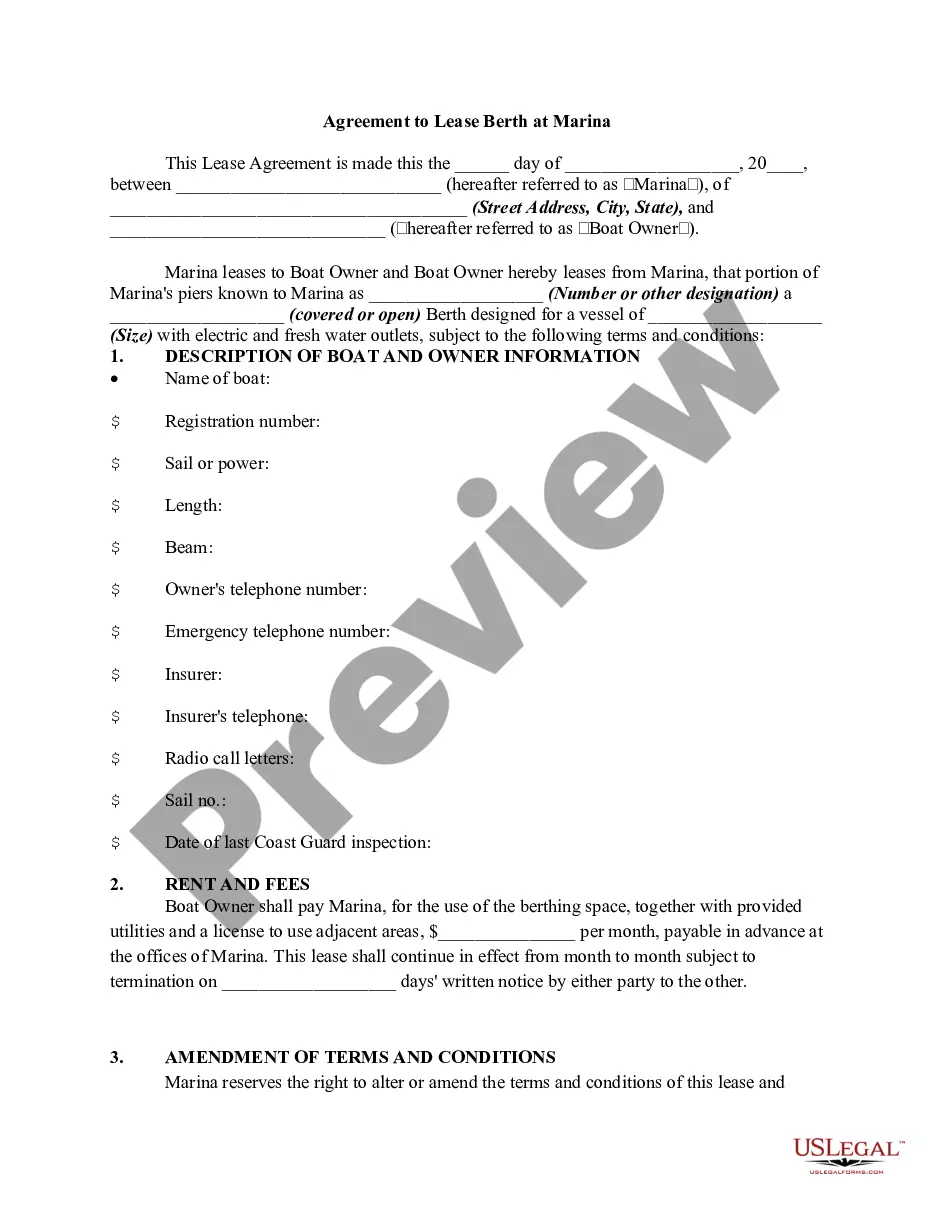
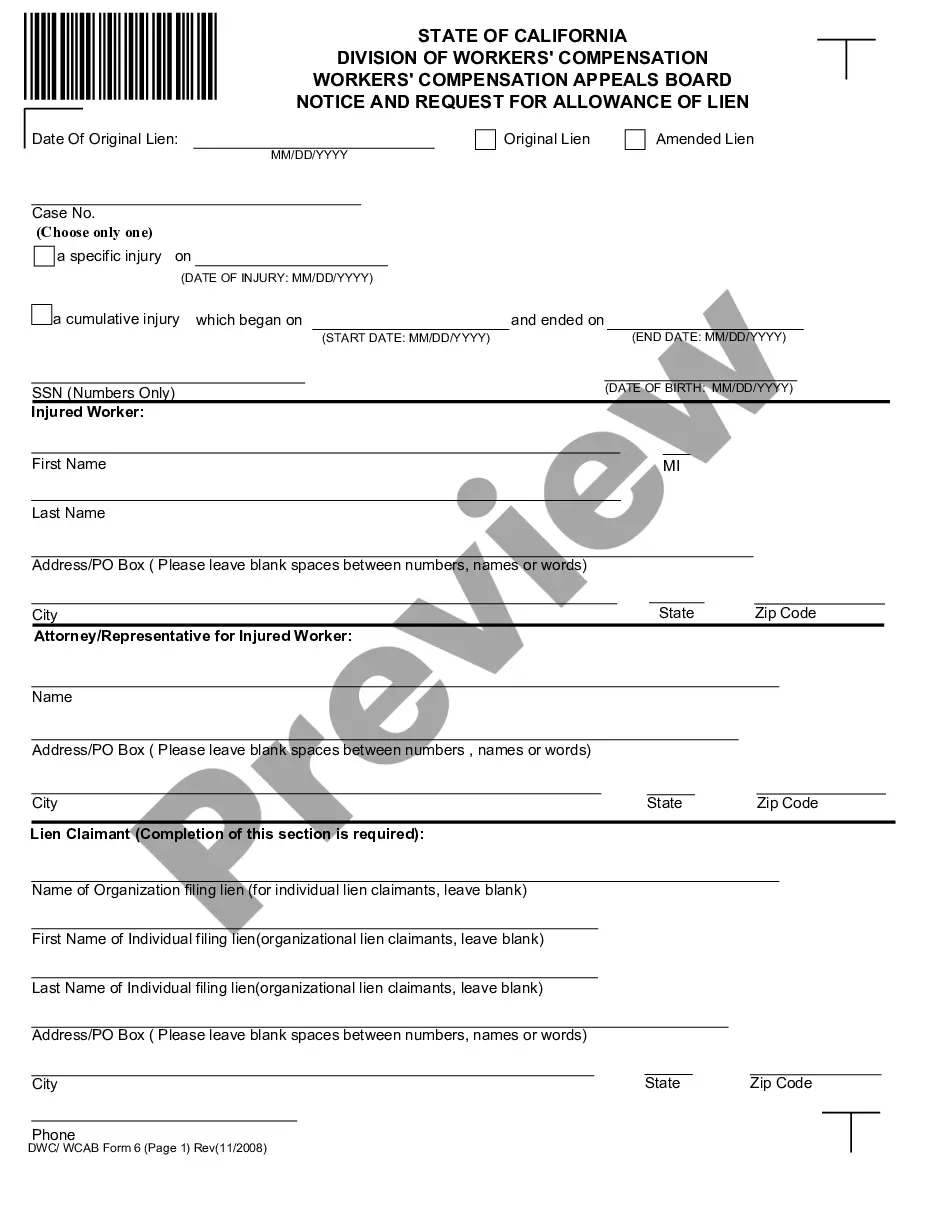






Form popularity
FAQ
Here's a snapshot of Bimini, Bahamas real estate prices: Low: Vacant land lots and condos average around $200,000. Mid-range: Condos and single-family homes average around $550,000. High: Luxury homes, harbor lots, and businesses with property, average of around $3.5 million.
If you feel confident creating and signing legally-binding documents, it is possible to sell your house without a Realtor. However, you will also be responsible for the marketing, negotiating, and transitioning of the property from one owner to the next.
Top 12 Tips to Get More Listings as a New Real Estate Agent Leverage Your Sphere of Influence. Utilize Direct Mail and Email Marketing. Host Open Houses & Neighborhood Events. Target For Sale by Owner (FSBO) Properties. Follow Up With Expired Listings. Leverage Online Platforms and Social Media.
How To Make The Realtor Symbol For PC Type Ctrl+Alt+R. This works in Microsoft apps like Outlook and Word. In Google apps (like Google Docs) just type “(r)” and it will auto-correct to the ® symbol.
Because Realtor is a registered trademark, it's always capitalized — similar to brand names like Nike or Apple. It signifies that the individual is not just a licensed real estate professional, but a member of NAR who abides by its strict Code of Ethics.
The preferred form of the term is REALTOR®—in all caps, and using the registered trademark symbol. If using the symbol isn't possible, then the next best form is in all caps: REALTOR.
To insert the registered trademark symbol, press Ctrl+Alt+R.
Take every real estate course you can at the local community college; some can be taken online. Or you can try getting a degree in finance or real estate, if available. After few classes you'll be ready to take your real estate salesperson exam - get licensed. It will help you even if you are not planning to use it.
Keep reading to learn how to get more listings, help more clients and watch your business grow! Start conversations with your sphere. Grow your sphere consistently and purposefully. Prospect old expired listings. Buy listing leads. Go door knocking in target neighborhoods. Host open houses for other agents.
