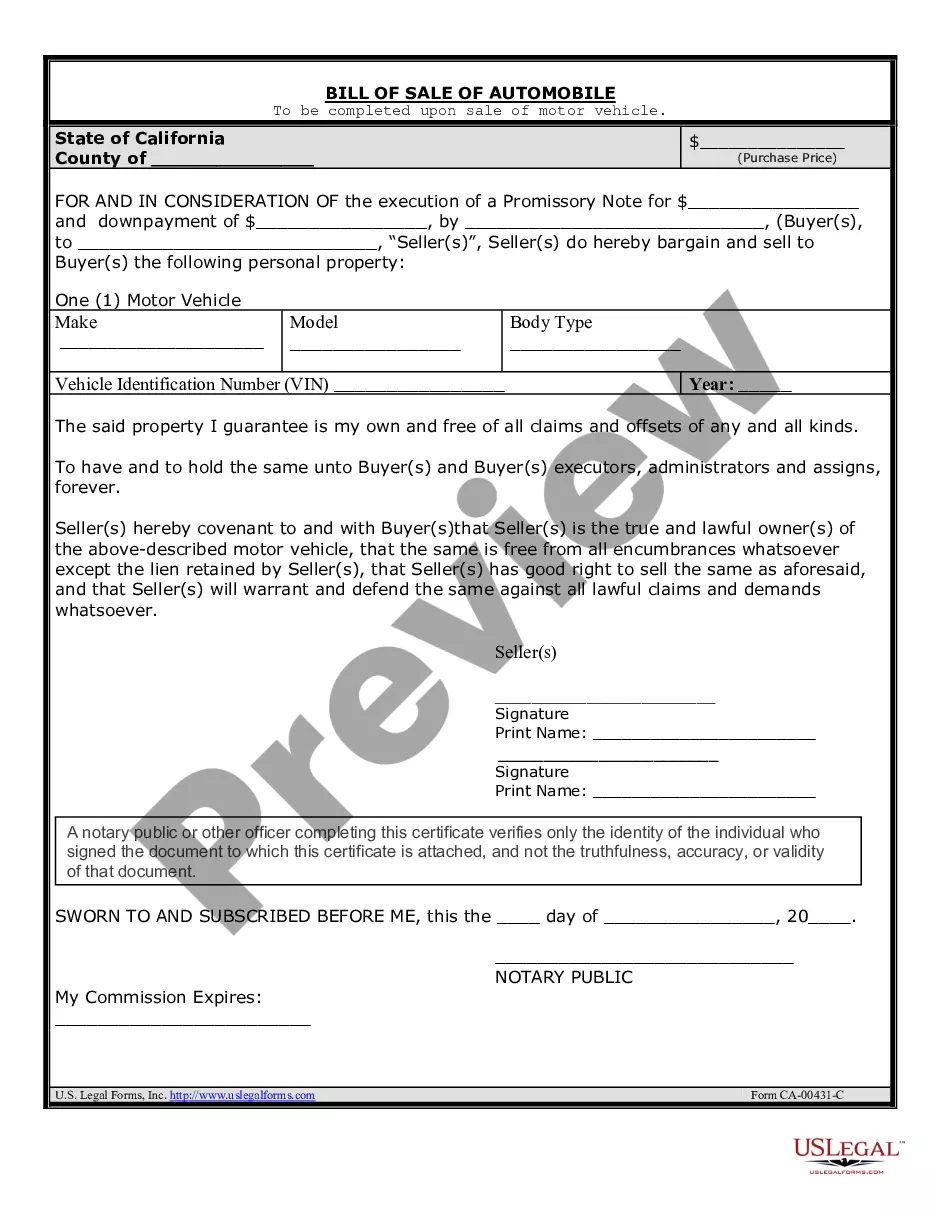
Listing Agreement Commercial With Broker Patrick
Description


Get your form ready online
Our built-in tools help you complete, sign, share, and store your documents in one place.
Make edits, fill in missing information, and update formatting in US Legal Forms—just like you would in MS Word.
Download a copy, print it, send it by email, or mail it via USPS—whatever works best for your next step.
Sign and collect signatures with our SignNow integration. Send to multiple recipients, set reminders, and more. Go Premium to unlock E-Sign.
If this form requires notarization, complete it online through a secure video call—no need to meet a notary in person or wait for an appointment.
We protect your documents and personal data by following strict security and privacy standards.

Make edits, fill in missing information, and update formatting in US Legal Forms—just like you would in MS Word.

Download a copy, print it, send it by email, or mail it via USPS—whatever works best for your next step.

Sign and collect signatures with our SignNow integration. Send to multiple recipients, set reminders, and more. Go Premium to unlock E-Sign.

If this form requires notarization, complete it online through a secure video call—no need to meet a notary in person or wait for an appointment.

We protect your documents and personal data by following strict security and privacy standards.
Looking for another form?







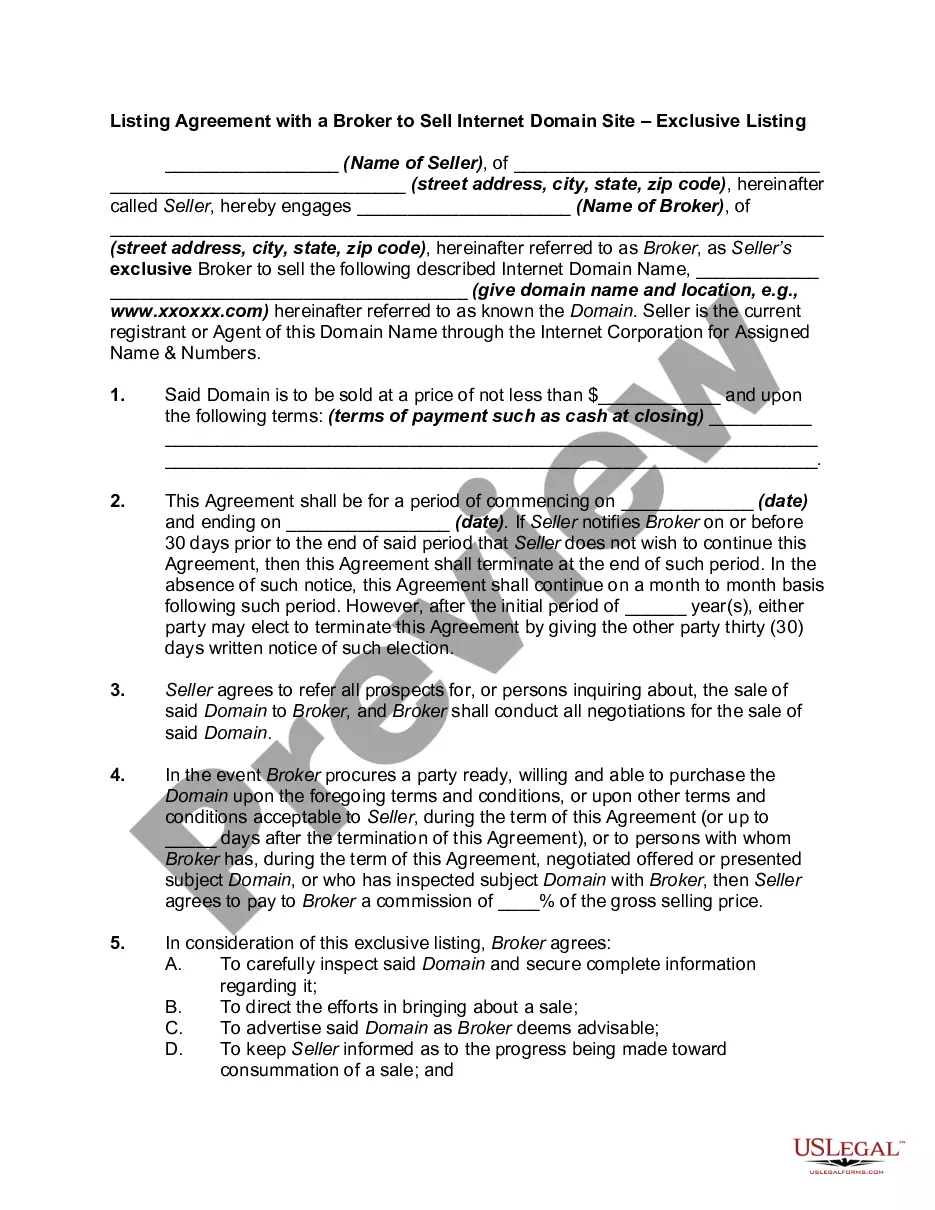
How to fill out Listing Agreement With A Broker Or Realtor To Sell Commercial Property Or Real Estate - Exclusive Listing?
How can you locate professional legal documents that adhere to your state laws and create the Listing Agreement Commercial With Broker Patrick without consulting an attorney.
Numerous online services provide templates to address various legal situations and requirements. However, identifying which of the available examples meet both your specific needs and legal standards can be time-consuming.
US Legal Forms is a reliable service that assists you in finding formal documents crafted according to the latest state legislation updates, helping you save on legal fees.
If you do not have an account at US Legal Forms, please follow the instructions below: Review the web page you've opened to confirm that the form meets your requirements. Utilize the form description and preview options if accessible. Search for an alternative template in the header, indicating your state if necessary. When you discover the suitable document, click the Buy Now button. Select the most appropriate pricing plan, then Log In or register for an account. Choose your payment method (via credit card or PayPal). Change the file format for your Listing Agreement Commercial With Broker Patrick and click Download. The downloaded documents remain in your possession: you can revisit them anytime from the My documents section of your profile. Register for our platform and create legal documents independently like a proficient legal professional!
- US Legal Forms is not just an ordinary web directory.
- It hosts over 85,000 confirmed templates for different business and personal scenarios.
- All documents are categorized by area and state to enhance your search experience, making it faster and simpler.
- The platform also collaborates with advanced tools for PDF modification and electronic signatures, allowing users with a Premium subscription to efficiently manage their paperwork online.
- You can secure the required documents with minimal effort and time.
- If you already possess an account, Log In and verify that your subscription is current.
- To download the Listing Agreement Commercial With Broker Patrick, click the appropriate button alongside the file name.
Form popularity
FAQ
A safety protection clause in a listing agreement entitles the real estate broker or agent to a commission after the listing expires or is canceled. This applies when the final buyer was brought to the deal by the broker.
A safety clause in a listing contract means what? The broker may claim a commission if the owner sells to a person the broker introduced to the property within a certain time after the listing expired. The owner is protected from any liability from actions the broker performed while the listing was in force.
An exclusive right to sell listing is the most widely-used listing agreement. Under this agreement, the broker has the exclusive right to market the property for a specified period of time.
A A protection or safety clause provides that a broker may be entitled to a commission if the property sells during a certain period following the termination of the listing agreement.
What type of clause allows a broker to collect a commission for some period of time after the listing expires? a deed restriction.