Defamation Template For Instagram In Mecklenburg
Description
Get your form ready online
Our built-in tools help you complete, sign, share, and store your documents in one place.
Make edits, fill in missing information, and update formatting in US Legal Forms—just like you would in MS Word.
Download a copy, print it, send it by email, or mail it via USPS—whatever works best for your next step.
Sign and collect signatures with our SignNow integration. Send to multiple recipients, set reminders, and more. Go Premium to unlock E-Sign.
If this form requires notarization, complete it online through a secure video call—no need to meet a notary in person or wait for an appointment.
We protect your documents and personal data by following strict security and privacy standards.

Make edits, fill in missing information, and update formatting in US Legal Forms—just like you would in MS Word.

Download a copy, print it, send it by email, or mail it via USPS—whatever works best for your next step.

Sign and collect signatures with our SignNow integration. Send to multiple recipients, set reminders, and more. Go Premium to unlock E-Sign.

If this form requires notarization, complete it online through a secure video call—no need to meet a notary in person or wait for an appointment.

We protect your documents and personal data by following strict security and privacy standards.
Looking for another form?


Form popularity
FAQ
To prove defamation, you will need evidence that a false statement was presented as fact, posted on a social media platform, and caused harm to your reputation. Depending on the jurisdiction, you might need to prove that the person making the post acted intentionally.
Report a post through Feed: Tap. above the post. Tap Report. Follow the on-screen instructions.
The best way to report abusive content or spam on Instagram is by using the Report link near the content itself. You can also report a post or profile on Instagram.
Follow the instructions below: Click through to Instagram. Scroll down to bottom of Instagram and click Support. In the left-hand menu, click Privacy and Safety Center. Click Report Something. Click on the type of issue you're experiencing. Look for a link that says report it. Each issue has a unique form to fill out.
Follow the instructions below: Click through to Instagram. Scroll down to bottom of Instagram and click Support. In the left-hand menu, click Privacy and Safety Center. Click Report Something. Click on the type of issue you're experiencing. Look for a link that says report it. Each issue has a unique form to fill out.
You can also tap Explore and search their username to go to their profile. Tap Options in the top right of the profile. Tap Report. Follow the on-screen instructions.
How many reports are needed to ban an account? It's a myth that you have to report an account so many times for it to get banned. Instagram prioritizes banning accounts based on different factors, and severity is one of them.
When you report a piece of content (example: post, comment, story) to us, we will take action to hide or remove that content from Instagram if we find that it goes against our Community Guidelines. Our Community Guidelines define what is and isn't allowed on Instagram, and they apply all over the world.
Report someone for impersonation in the top right of the profile. Tap Report, then tap Something about this account. Tap They're pretending to be someone else. Select the type of impersonation and follow the on-screen instructions.
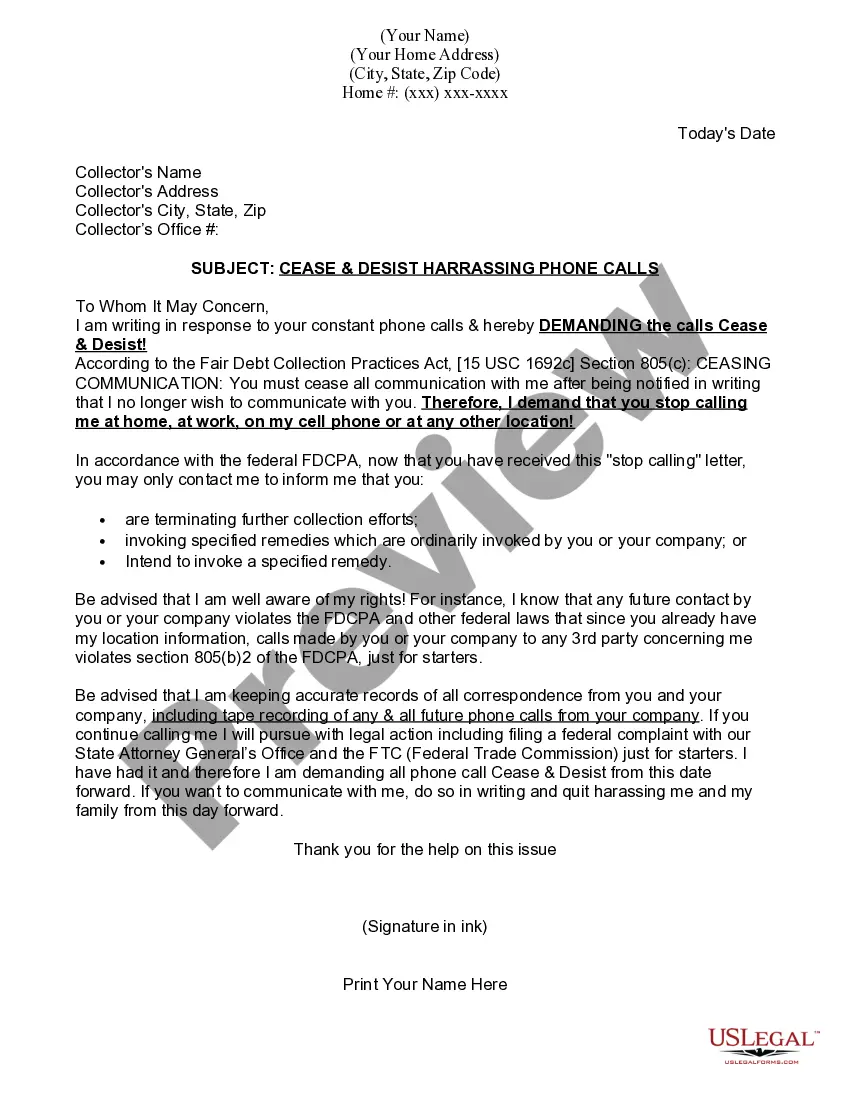
An effective defamation cease and desist letter will usually begin with a clear and factual introduction of the involved parties. Following this, the letter should present the facts in a chronological order, beginning with the earliest incident and progressing through subsequent events.

