Defamation For Google Review In Los Angeles
Description
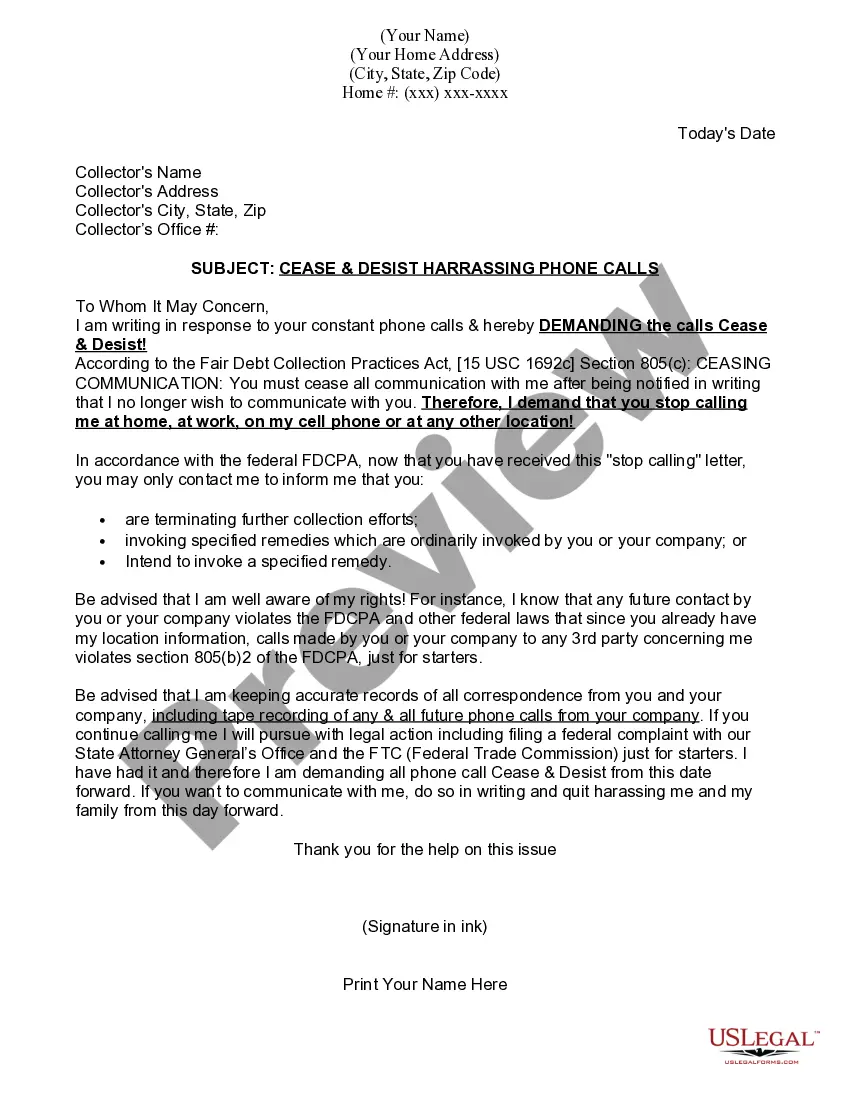
Get your form ready online
Our built-in tools help you complete, sign, share, and store your documents in one place.
Make edits, fill in missing information, and update formatting in US Legal Forms—just like you would in MS Word.
Download a copy, print it, send it by email, or mail it via USPS—whatever works best for your next step.
Sign and collect signatures with our SignNow integration. Send to multiple recipients, set reminders, and more. Go Premium to unlock E-Sign.
If this form requires notarization, complete it online through a secure video call—no need to meet a notary in person or wait for an appointment.
We protect your documents and personal data by following strict security and privacy standards.

Make edits, fill in missing information, and update formatting in US Legal Forms—just like you would in MS Word.

Download a copy, print it, send it by email, or mail it via USPS—whatever works best for your next step.

Sign and collect signatures with our SignNow integration. Send to multiple recipients, set reminders, and more. Go Premium to unlock E-Sign.

If this form requires notarization, complete it online through a secure video call—no need to meet a notary in person or wait for an appointment.

We protect your documents and personal data by following strict security and privacy standards.
Looking for another form?
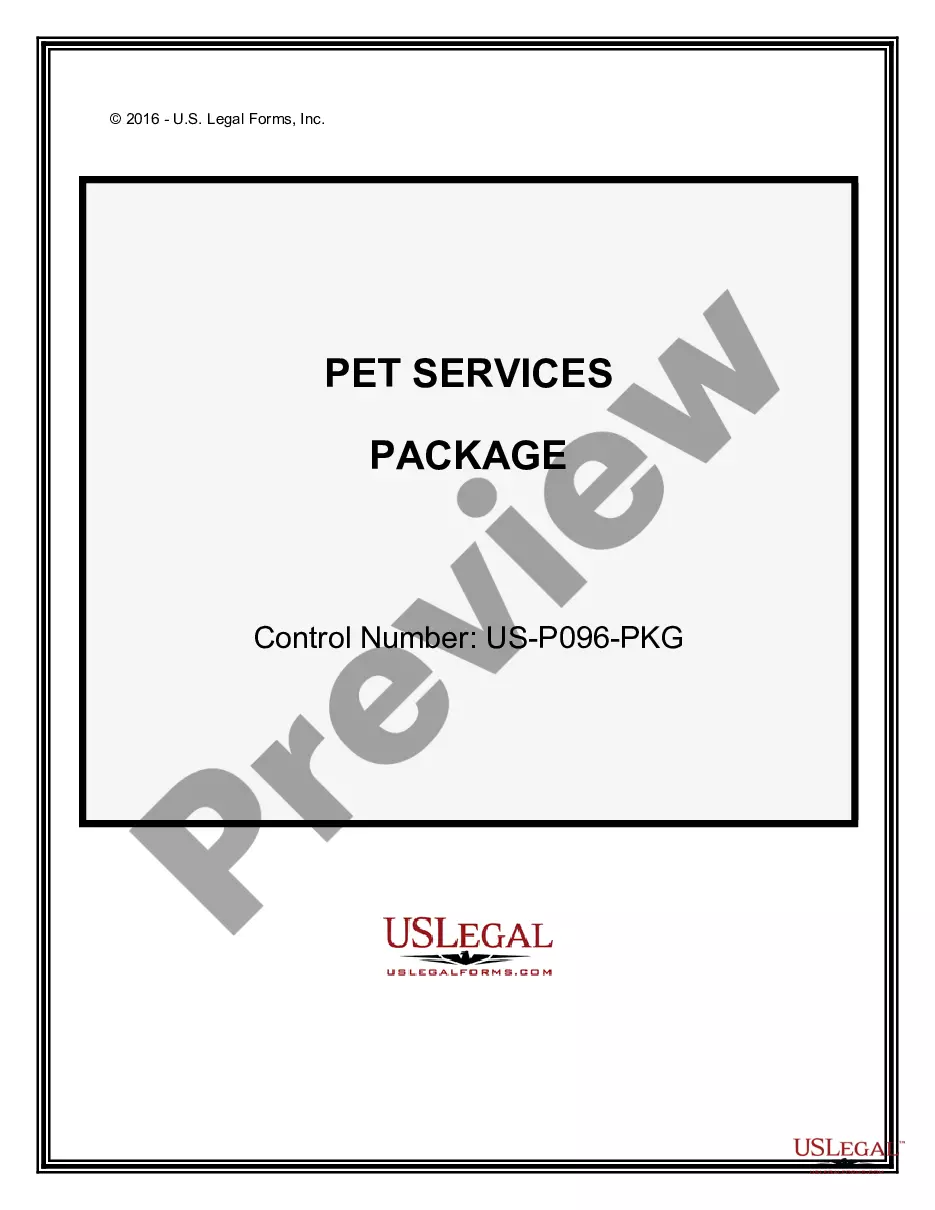





Form popularity
FAQ
Google must face a class action privacy lawsuit alleging it collected users' mobile device data without consent after a judge refused to dismiss the case in a ruling Tuesday. The case, Rodriguez v. Google LLC, which was first filed in 2020, is now scheduled for a federal jury trial on Aug.
Google's immunity is vast but not unlimited. You can sue Google if: Google is the original creator of the objectionable content. Google contributes to intellectual property infringement.
If you are unable to find guidance about your concern on these resources, you may reach out through the Grievance Redressal Mechanism by sending an email to support-in@google.
How to contact google regarding reviews Go to the Google My Business Help Center ( ) Click on the ``Contact Us'' button Describe the issue you want to report (in this case, ``Report inappropriate reviews''). Follow the prompts to fill out a contact form and submit your request.
Consult a Lawyer. Google is a powerful company. If you do believe you have grounds to sue them, you would benefit from consulting an experienced consumer protection attorney. Google has an army of lawyers on its side, and you will need the experience and knowledge of a skilled attorney on your side.
Submit an appeal. In the new tab, fill out the form and submit. You'll receive an email with the verdict about your appeal. If the review is found to violate our policy, it'll be removed.
While content removals for policy violations are often global, legal standards vary by country/region. When content is found to violate a specific local law, we typically remove or restrict access to the content only in the country/region where it appears to be illegal.
How to respond & handle negative reviews on Google: Assess the review and investigate the reasons behind it Keep your tone respectful and professional Address the specific issue they raised without getting defensive Offer a brief explanation if appropriate Clarify any misinformation.
How to contact google regarding reviews Go to the Google My Business Help Center ( ) Click on the ``Contact Us'' button Describe the issue you want to report (in this case, ``Report inappropriate reviews''). Follow the prompts to fill out a contact form and submit your request.
How to contact google regarding reviews Go to the Google My Business Help Center ( ) Click on the ``Contact Us'' button Describe the issue you want to report (in this case, ``Report inappropriate reviews''). Follow the prompts to fill out a contact form and submit your request.

