Overpayment For Unemployment In Nassau
Description
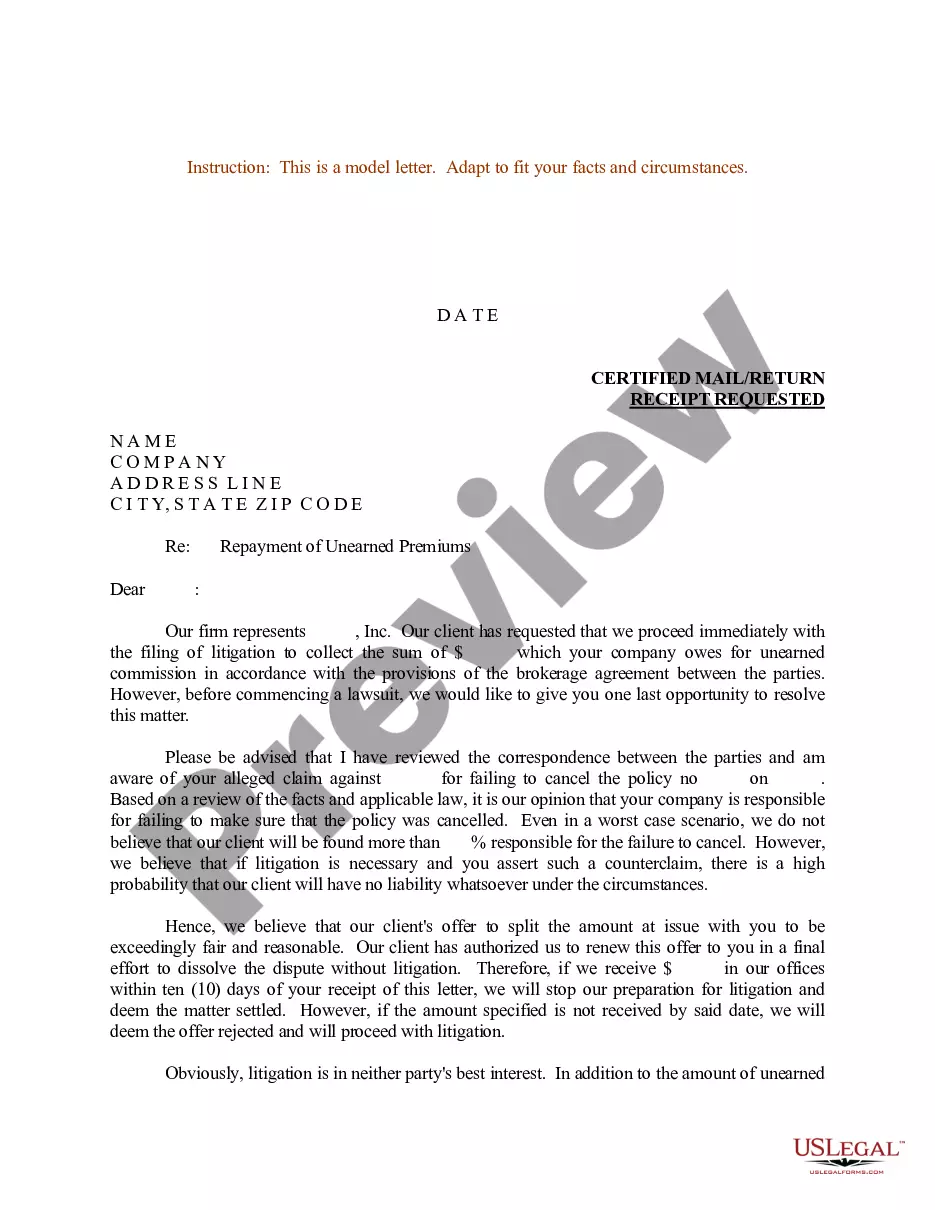
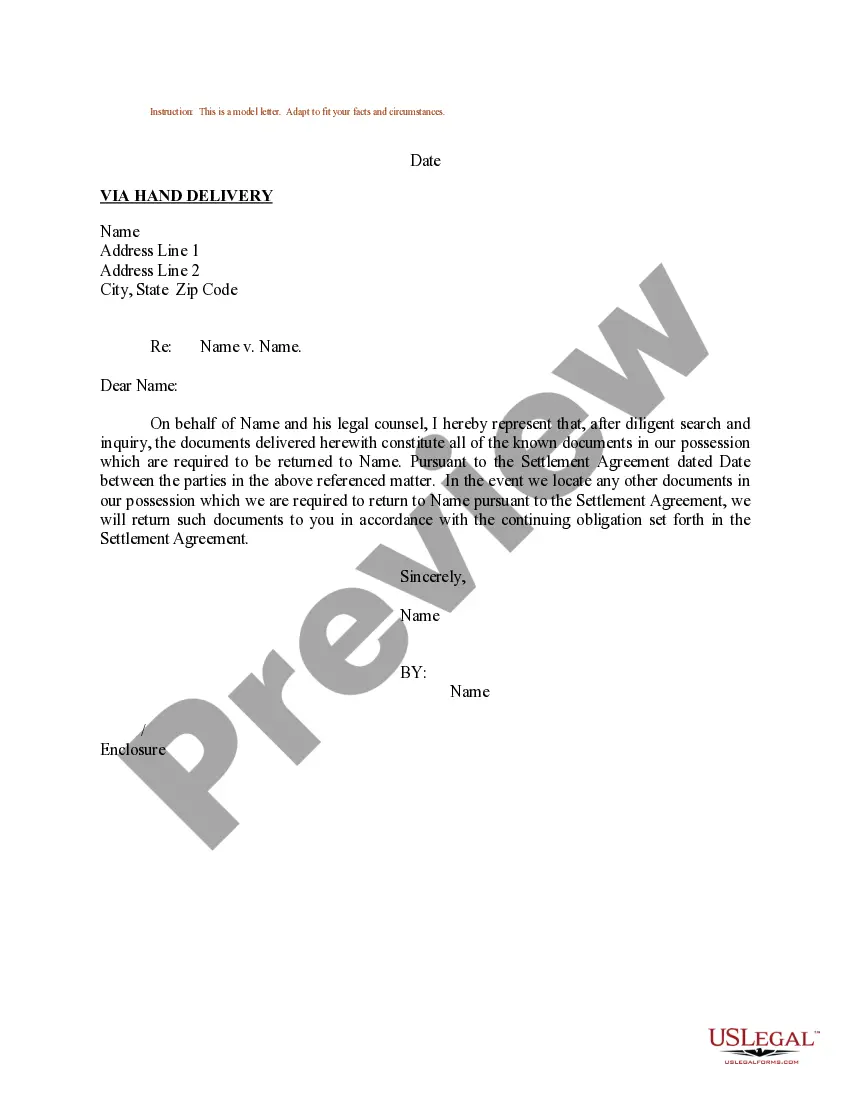
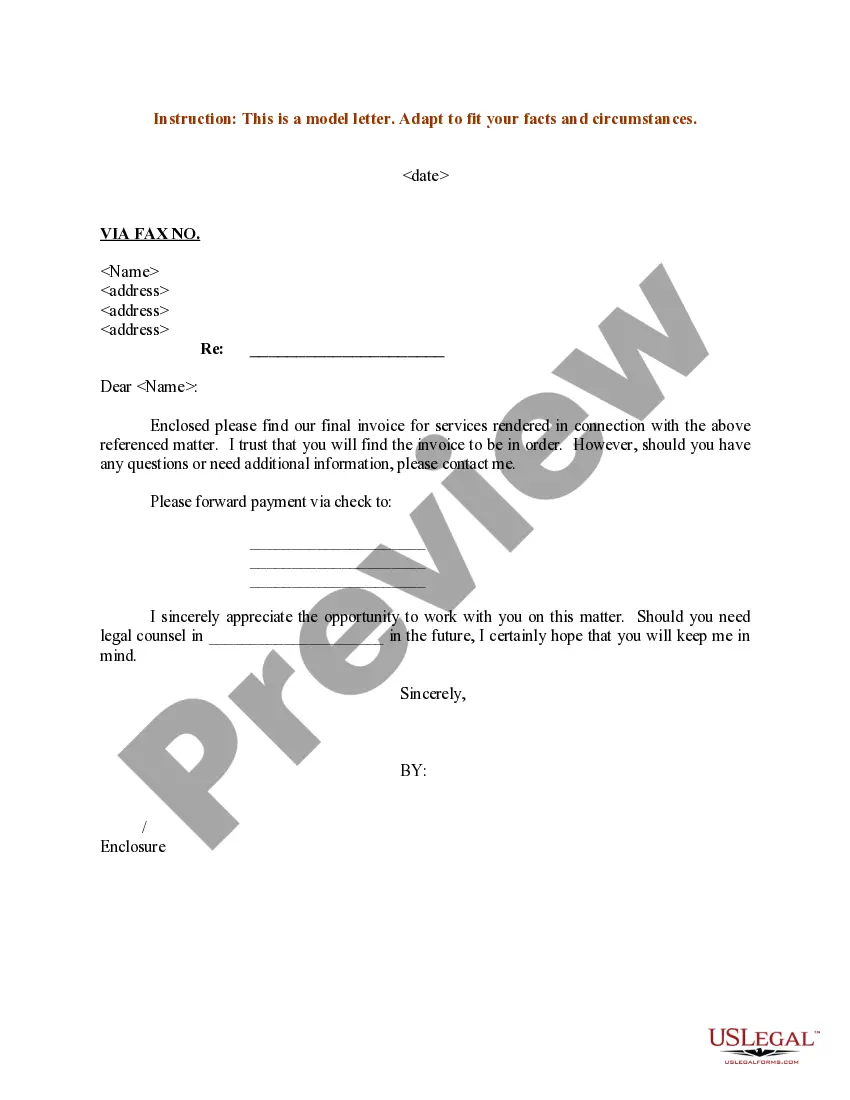
Get your form ready online
Our built-in tools help you complete, sign, share, and store your documents in one place.
Make edits, fill in missing information, and update formatting in US Legal Forms—just like you would in MS Word.
Download a copy, print it, send it by email, or mail it via USPS—whatever works best for your next step.
Sign and collect signatures with our SignNow integration. Send to multiple recipients, set reminders, and more. Go Premium to unlock E-Sign.
If this form requires notarization, complete it online through a secure video call—no need to meet a notary in person or wait for an appointment.
We protect your documents and personal data by following strict security and privacy standards.

Make edits, fill in missing information, and update formatting in US Legal Forms—just like you would in MS Word.

Download a copy, print it, send it by email, or mail it via USPS—whatever works best for your next step.

Sign and collect signatures with our SignNow integration. Send to multiple recipients, set reminders, and more. Go Premium to unlock E-Sign.

If this form requires notarization, complete it online through a secure video call—no need to meet a notary in person or wait for an appointment.

We protect your documents and personal data by following strict security and privacy standards.
Looking for another form?
Form popularity
FAQ
Agency: New York State Department of Labor. Division: Division of Labor Standards Local Office. Phone Number: (888) 469-7365. Business Hours: Monday - Friday: AM - PM. Staff is available through the automated phone system during business hours. Call volume is often high. If you don't get through, call back later.
If you are eligible, It typically takes 3-6 weeks to begin receiving UI benefits. Complex claims, claims missing information, claims being adjudicated, and hearings will take longer. Before receiving benefits on a new UI claim, you must serve an unpaid waiting period that equals one full week (four days) of benefits.
Send a secure message: Sign in to your NY account at: .labor.ny/signin. Click on the envelope icon in the upper right of the My Online Services page.
An overpayment occurs when someone pays more than the required or agreed-upon amount for a product or service. It can happen due to various reasons, such as a billing error, incorrect calculations, or misunderstandings between the payer and the recipient.
Email. If you have a general Unemployment Insurance (UI) question or a claim-specific question not answered in our Frequently Asked Questions section, you may send us a secure message. Sign in with your NY ID and click on "Messages." Read How to Send a Message for more information.
If you submit your request through your online account, first select “Submit Documents” and then “Submit Wage Documents.” Please use the subject line “Wage Documentation”.
You have the right to appeal an overpayment determination. You must submit your appeal in writing within 30 days of the mailing date on the Notice of Overpayment (DE 1444). You can still submit an appeal after the 30-day deadline, but you must provide the reasons why you missed the appeal deadline.
You get an overpayment credit when your tax payments exceed what you owe. You'll automatically receive a refund of the credit. However, you can ask us to apply the credit as an advance payment towards next year's taxes instead of sending it to you as a refund.

