Compensation Agreement Template With Notary In Philadelphia
Description

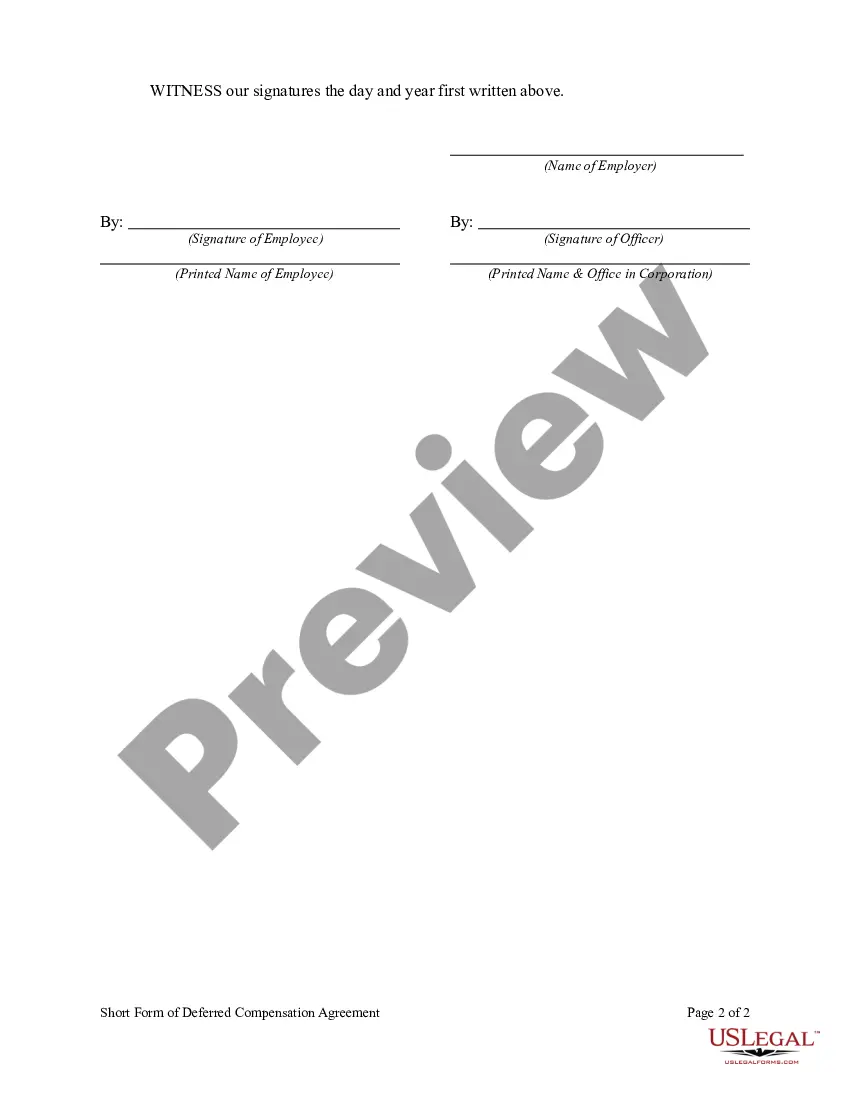


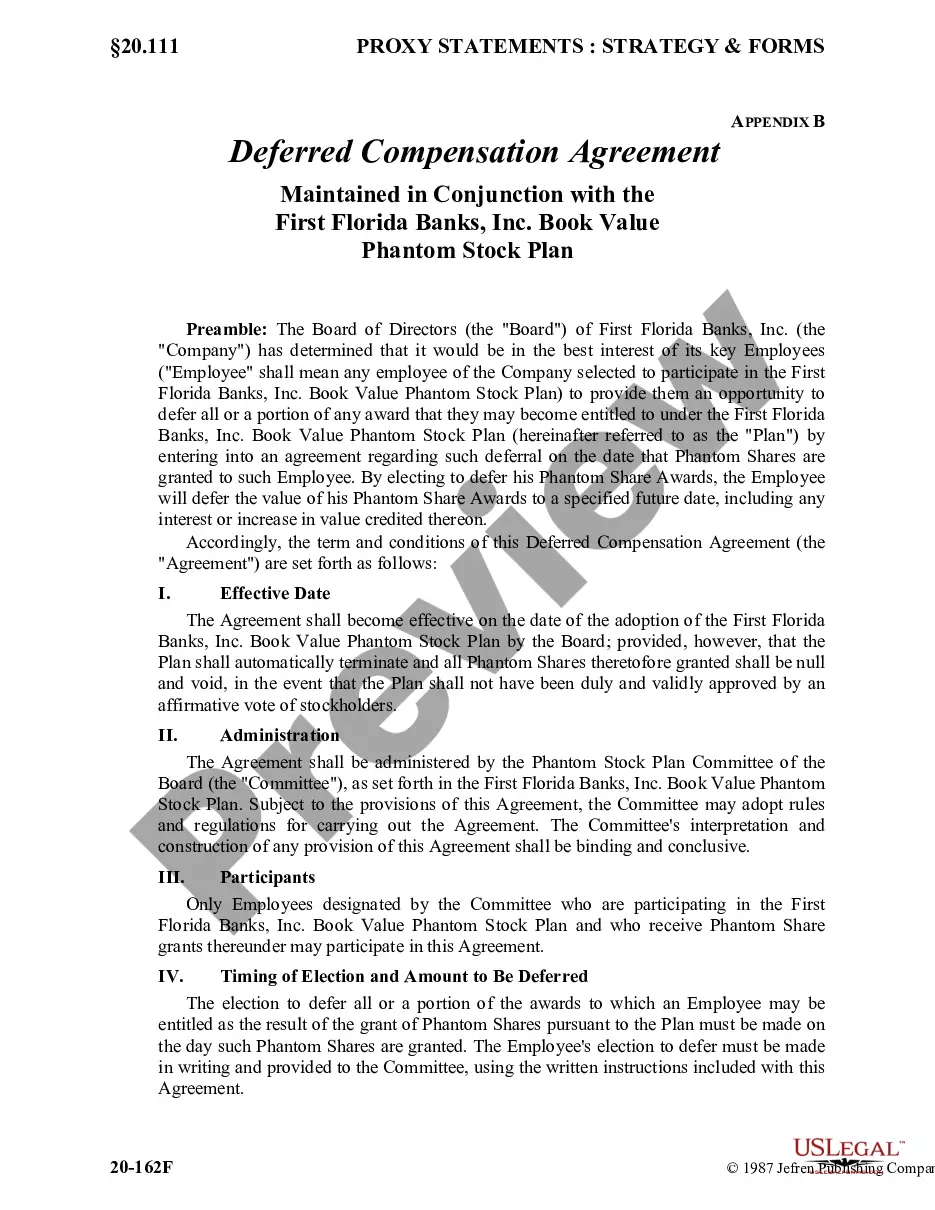
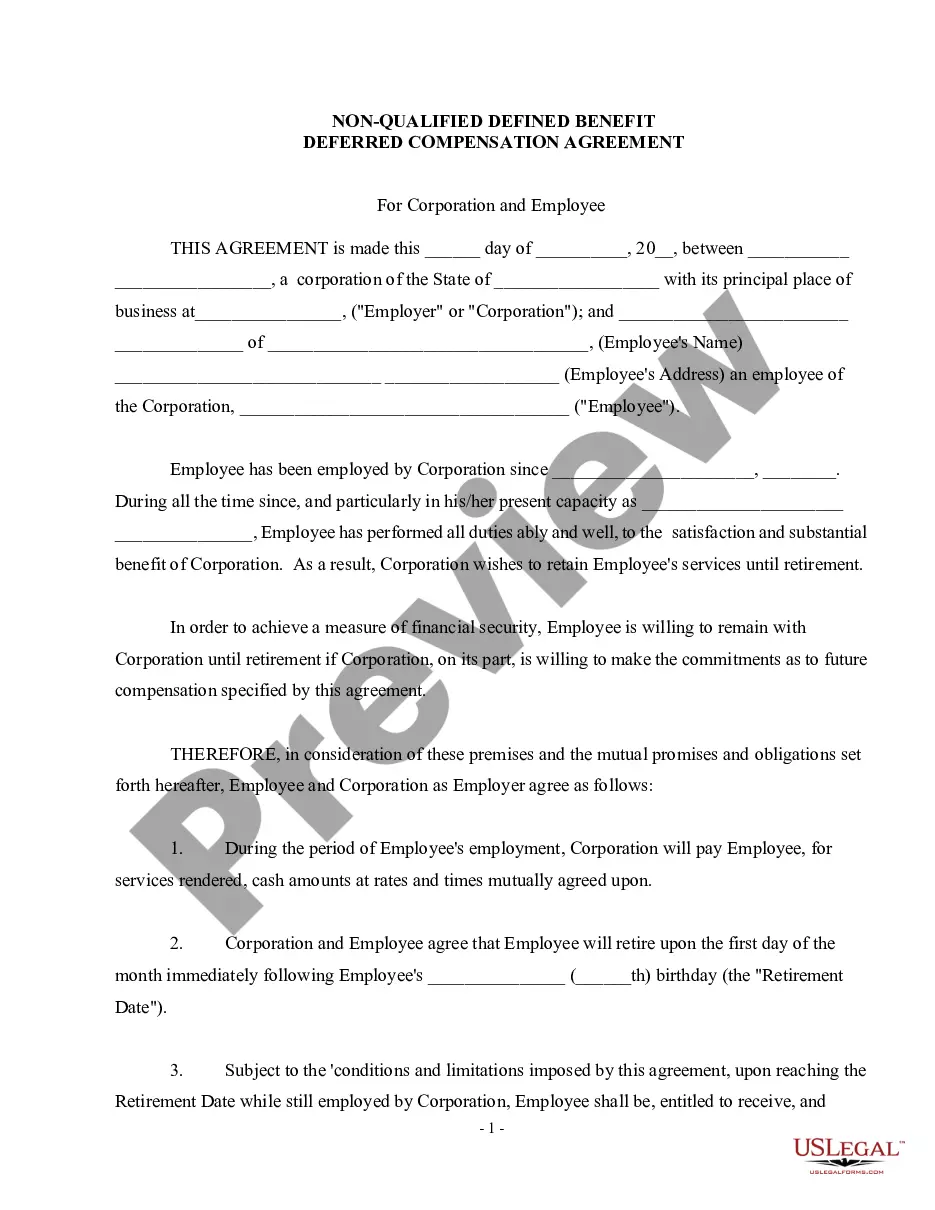
Get your form ready online
Our built-in tools help you complete, sign, share, and store your documents in one place.
Make edits, fill in missing information, and update formatting in US Legal Forms—just like you would in MS Word.
Download a copy, print it, send it by email, or mail it via USPS—whatever works best for your next step.
Sign and collect signatures with our SignNow integration. Send to multiple recipients, set reminders, and more. Go Premium to unlock E-Sign.
If this form requires notarization, complete it online through a secure video call—no need to meet a notary in person or wait for an appointment.
We protect your documents and personal data by following strict security and privacy standards.

Make edits, fill in missing information, and update formatting in US Legal Forms—just like you would in MS Word.

Download a copy, print it, send it by email, or mail it via USPS—whatever works best for your next step.

Sign and collect signatures with our SignNow integration. Send to multiple recipients, set reminders, and more. Go Premium to unlock E-Sign.

If this form requires notarization, complete it online through a secure video call—no need to meet a notary in person or wait for an appointment.

We protect your documents and personal data by following strict security and privacy standards.
Looking for another form?
Form popularity
FAQ
How to write an agreement letter Title your document. Provide your personal information and the date. Include the recipient's information. Address the recipient and write your introductory paragraph. Write a detailed body. Conclude your letter with a paragraph, closing remarks, and a signature. Sign your letter.
The following needs to take place: The customer personally appears. The notary identifies the customer. The customer speaks to the notary. The customer signs the electronic document. The notary prints the electronic document, before placing their official stamp and signature on the record.
One of the most common mistakes that notaries make is not printing or signing their name exactly as it appears on their notary commission.
Getting a document notarized is easy. Upload or scan your document. Create a Proof account. Verify your connection. Verify your identity. Connect with a notary on a video call. Access your completed document. Download or send document to another person.
At The UPS Store Philadelphia we have a commissioned notary public on staff ready to help you get your business and personal documents notarized quickly and efficiently. This local store's notary may be able to help notarize your wills, trusts, deeds, contracts, affidavits and more.
