Dog Walking Client Form With Two Points
Description

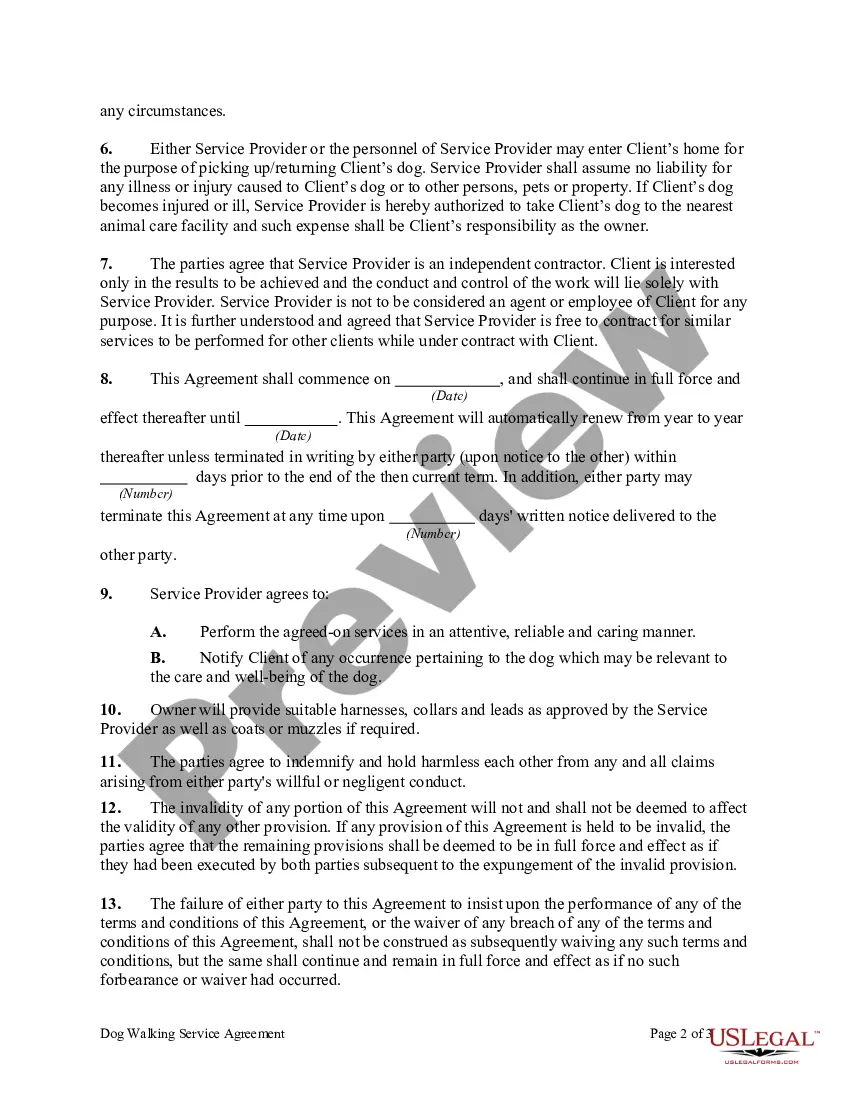
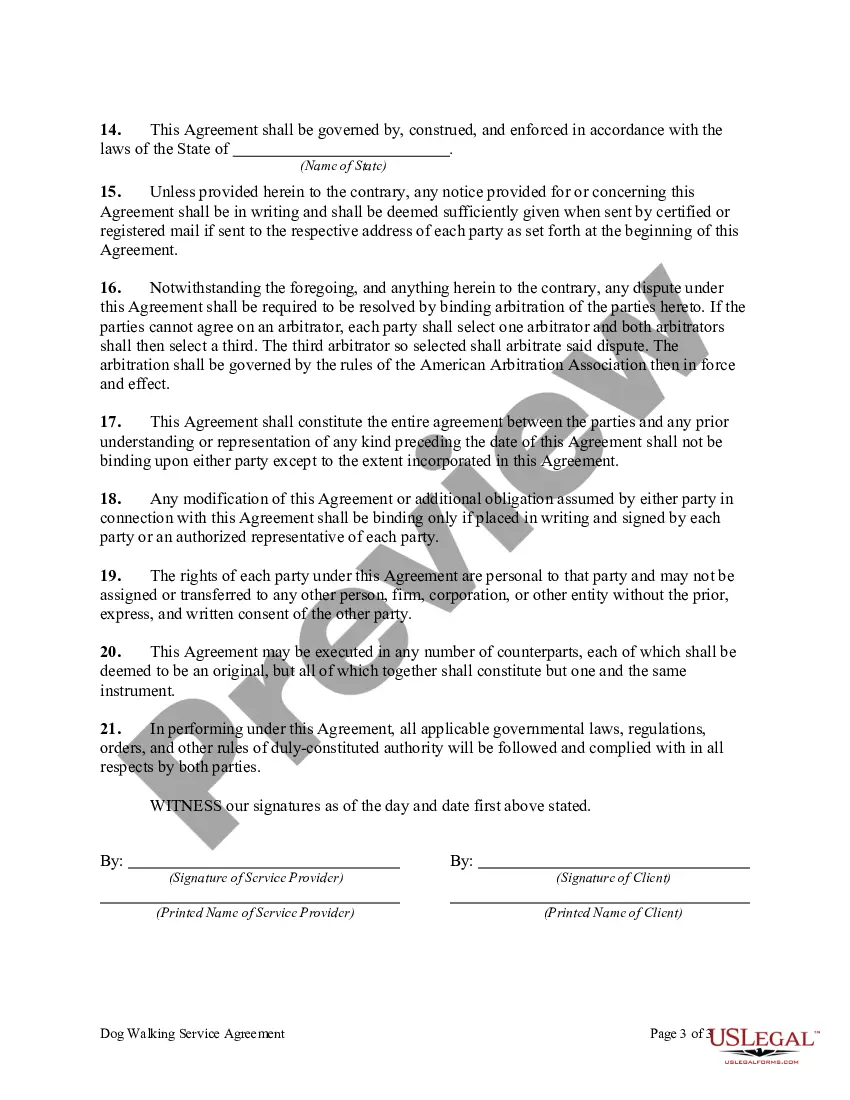
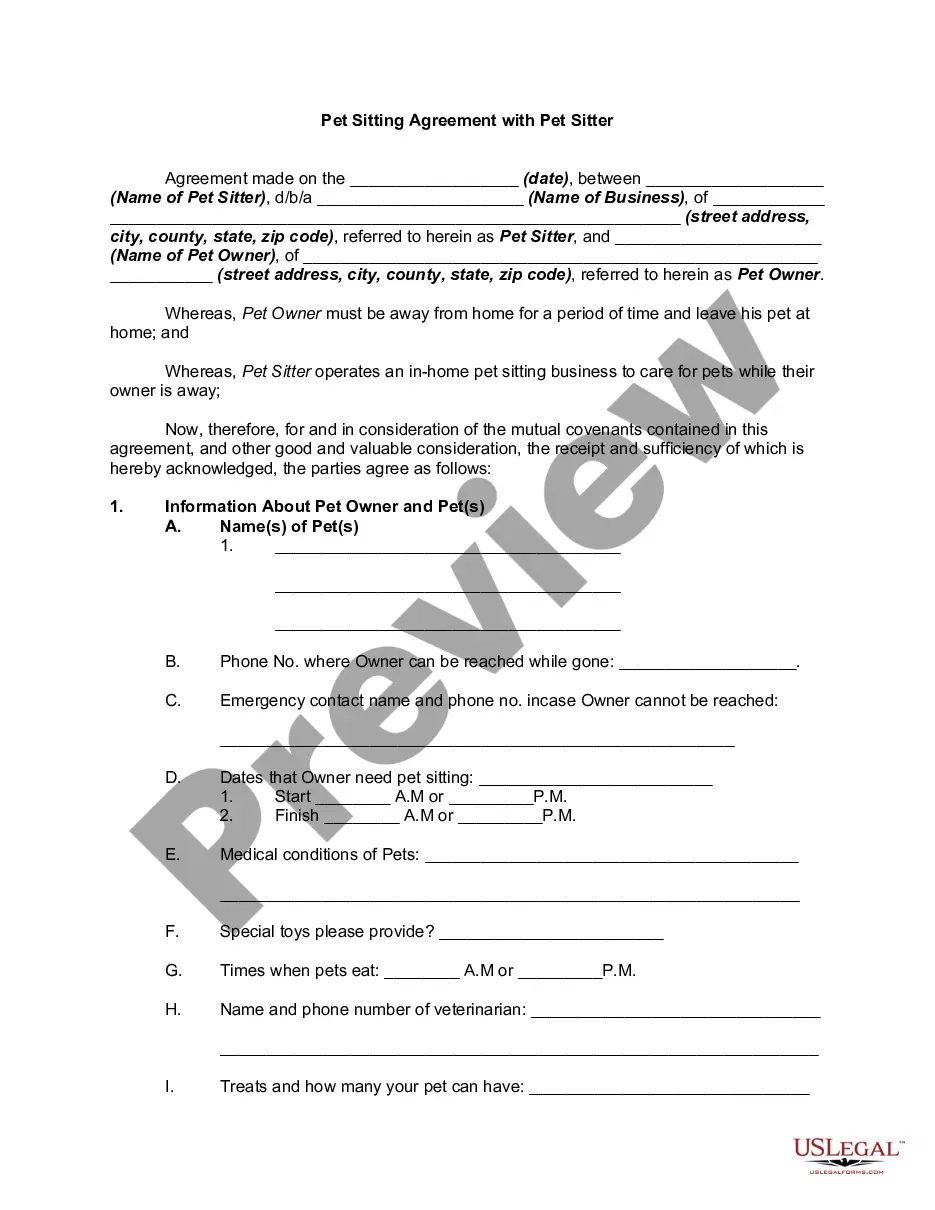
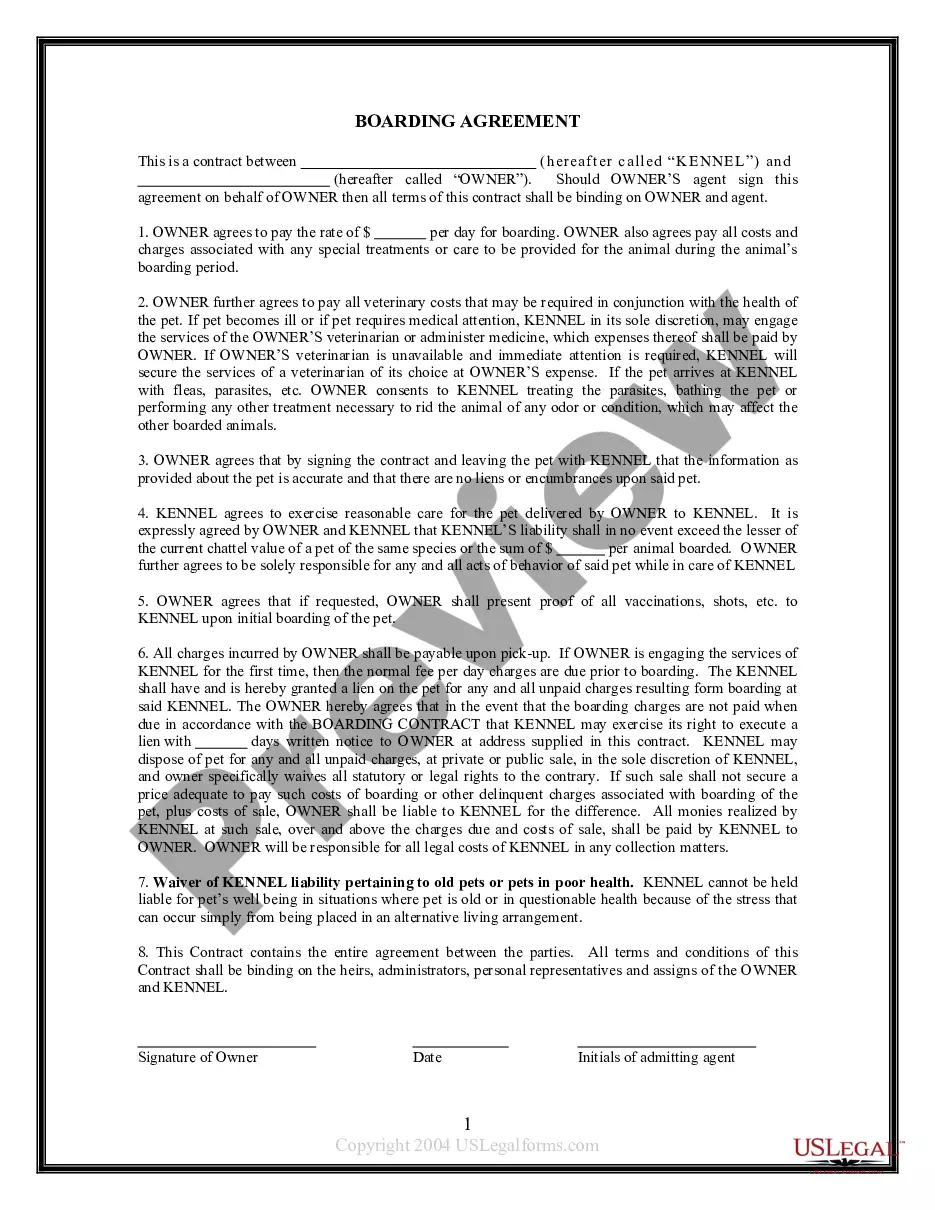
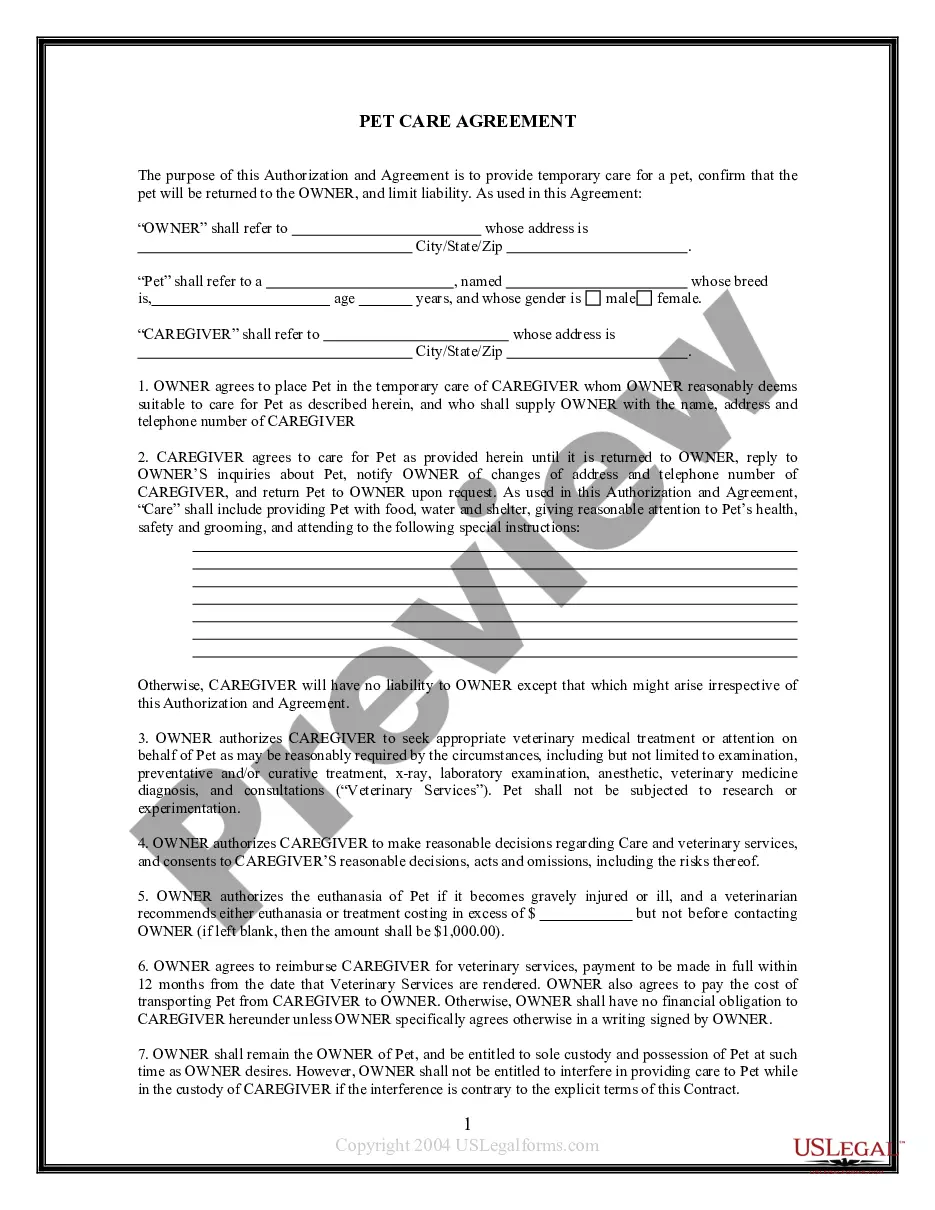
Get your form ready online
Our built-in tools help you complete, sign, share, and store your documents in one place.
Make edits, fill in missing information, and update formatting in US Legal Forms—just like you would in MS Word.
Download a copy, print it, send it by email, or mail it via USPS—whatever works best for your next step.
Sign and collect signatures with our SignNow integration. Send to multiple recipients, set reminders, and more. Go Premium to unlock E-Sign.
If this form requires notarization, complete it online through a secure video call—no need to meet a notary in person or wait for an appointment.
We protect your documents and personal data by following strict security and privacy standards.

Make edits, fill in missing information, and update formatting in US Legal Forms—just like you would in MS Word.

Download a copy, print it, send it by email, or mail it via USPS—whatever works best for your next step.

Sign and collect signatures with our SignNow integration. Send to multiple recipients, set reminders, and more. Go Premium to unlock E-Sign.

If this form requires notarization, complete it online through a secure video call—no need to meet a notary in person or wait for an appointment.

We protect your documents and personal data by following strict security and privacy standards.
Looking for another form?
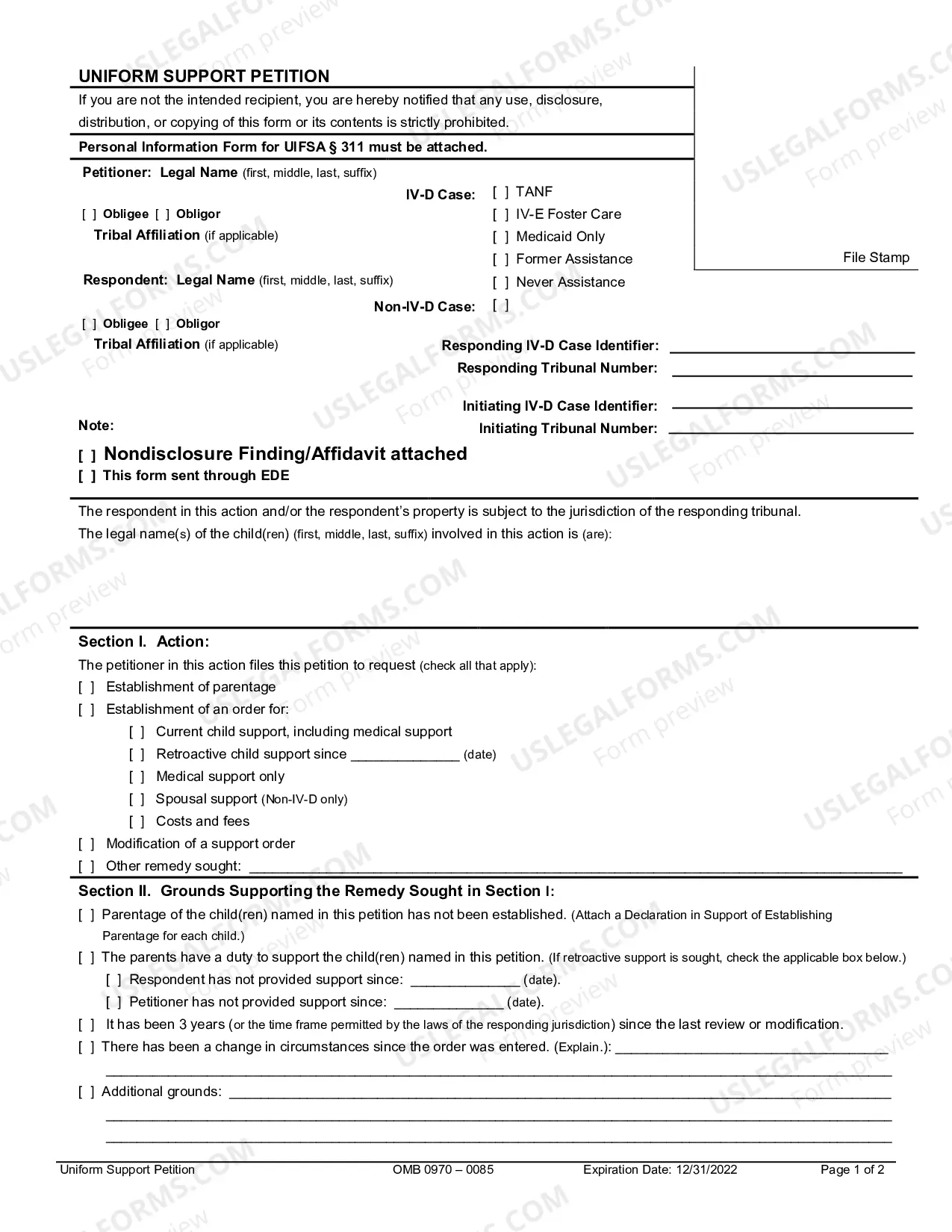


How to fill out Dog Walking Service Agreement?
The Dog Walking Client Template With Two Points that you see on this website is a versatile formal model created by experienced attorneys following federal and state regulations.
For over 25 years, US Legal Forms has offered individuals, businesses, and lawyers more than 85,000 verified, state-oriented templates for any commercial and personal scenario. It’s the swiftest, simplest, and most reliable method to acquire the documents you require, as the service ensures the utmost level of data protection and anti-malware safety.
Register for US Legal Forms to access verified legal templates for all of life's situations at your fingertips.
- Explore the document you require and verify it.
- Search through the file you looked for and preview it or assess the form description to confirm it meets your requirements. If it does not, use the search function to discover the appropriate one. Click Buy Now once you have found the template you desire.
- Select and sign in.
- Pick the pricing option that best fits you and set up an account. Utilize PayPal or a credit card for a swift payment. If you already possess an account, Log In and check your membership to continue.
- Acquire the editable template.
- Select the format you prefer for your Dog Walking Client Template With Two Points (PDF, DOCX, RTF) and download the example to your device.
- Fill out and sign the document.
- Print the template to complete it manually. Alternatively, employ an online versatile PDF editor to quickly and precisely fill out and sign your form with validity.
- Download your documents again.
- Utilize the same document again whenever required. Access the My documents tab in your profile to redownload any previously downloaded templates.
Form popularity
FAQ
Create a Winning Dog Walking Flyer in 5 Easy Steps Lead with the Benefit. The headline of your flyer needs to pull the pet parent in and entice them to keep reading. ... Make Your Sales Pitch. ... Include Social Proof in Your Dog Walking Flyer. ... Attach a Keepsake to Your Dog Walking Flyer. ... A/B Test Your Dog Walking Flyer.
Example: ?When I meet a new client and their pet for the first time, I always make sure to introduce myself and explain my experience as a dog walker. I'm a certified pet first aid and CPR instructor, and I also have extensive experience handling different breeds and sizes of dogs.
The dogwalk app uses your phone's built-in GPS sensor to record your dog walking route. Simply tap on the start button and you are ready to track your walk. Dog Walk takes care of the rest: It shows you the exact distance, duration of your walk and your current position on the map.
Profile. A professional Dog Walker with three years of experience in animal care services, specializing in pet care, client relations, pet grooming, and animal safety. A strong history of delivering compassionate and empathetic care for animal companions in a variety of settings.
Include These Dog Walker Skills Love for animals and knowing how to interact with them. Patience. Attention to safety. Stamina and a good energy level. Physical fitness. Customer service orientation. Self-promotion skills. A friendly personality.