Notary Affidavit For Identity In Santa Clara
Description

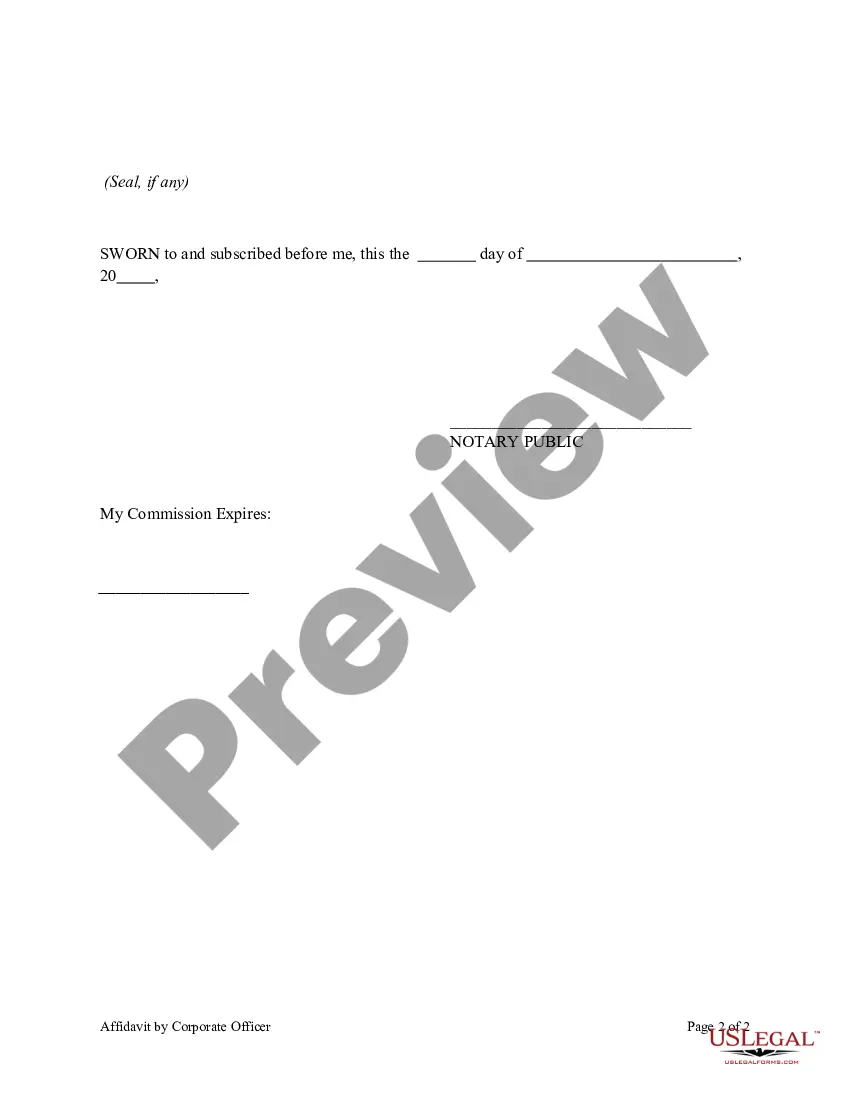
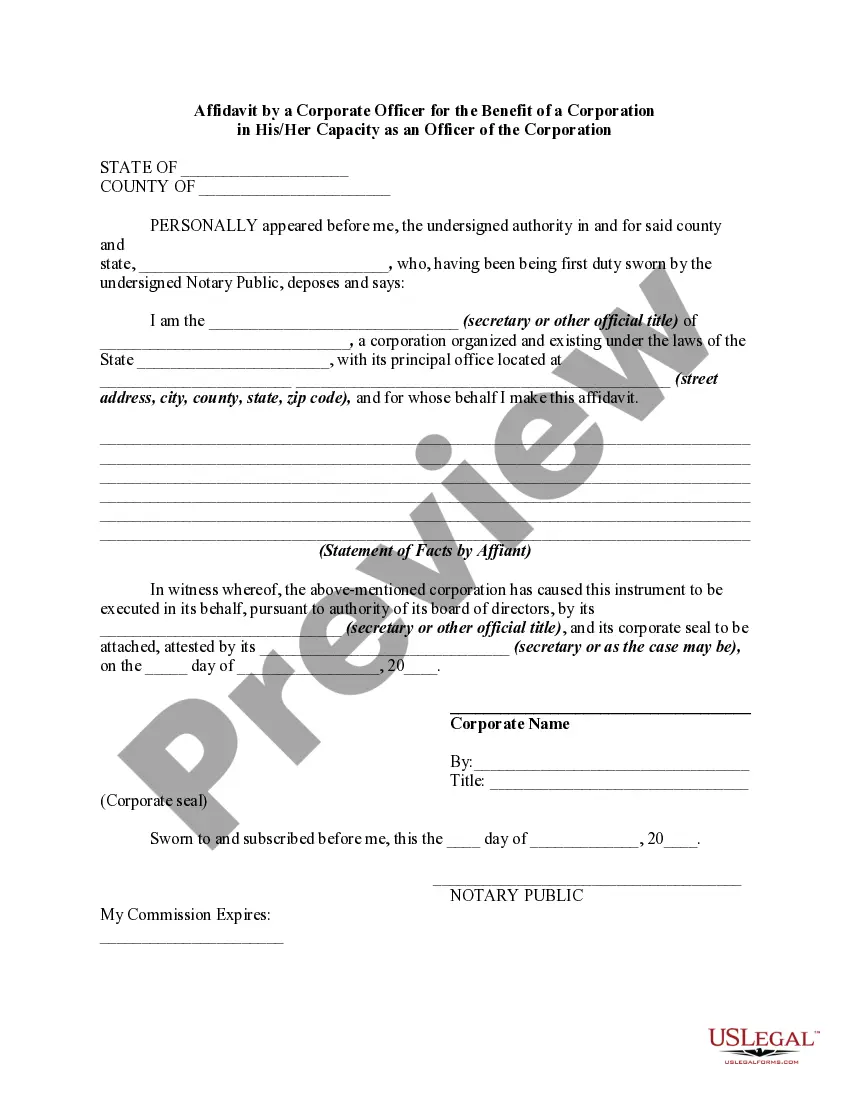
Get your form ready online
Our built-in tools help you complete, sign, share, and store your documents in one place.
Make edits, fill in missing information, and update formatting in US Legal Forms—just like you would in MS Word.
Download a copy, print it, send it by email, or mail it via USPS—whatever works best for your next step.
Sign and collect signatures with our SignNow integration. Send to multiple recipients, set reminders, and more. Go Premium to unlock E-Sign.
If this form requires notarization, complete it online through a secure video call—no need to meet a notary in person or wait for an appointment.
We protect your documents and personal data by following strict security and privacy standards.

Make edits, fill in missing information, and update formatting in US Legal Forms—just like you would in MS Word.

Download a copy, print it, send it by email, or mail it via USPS—whatever works best for your next step.

Sign and collect signatures with our SignNow integration. Send to multiple recipients, set reminders, and more. Go Premium to unlock E-Sign.

If this form requires notarization, complete it online through a secure video call—no need to meet a notary in person or wait for an appointment.

We protect your documents and personal data by following strict security and privacy standards.
Looking for another form?






Form popularity
FAQ
One of the most common mistakes that notaries make is not printing or signing their name exactly as it appears on their notary commission.
Acknowledgement and jurat certificates are the two most common notarial acts, yet, for many signers, there is confusion about the difference between these forms. Some notaries even find it difficult to remember which procedures apply to which certificate.
Here are the top twelve most common errors made by notaries: Making an Illegible Notary Stamp Impression. Improper Storage of Your Notary Stamp and Journal. Not Determining the Signer's Competency and Willingness to Sign. Notarizing for Close Relatives. Failing to Remain Properly Trained.
Does California allow remote online notaries? Yes. Starting January 1, 2024, Californians will have the option to get their documents notarized online, based on California Senate Bill 696.
How to notarize a document in California Step 1: Personal appearance is required. Step 2: Check over the document before notarizing. Step 3: Carefully identify the signer. Step 4: Complete your journal entry. Step 5: Fill in the notarial certificate.
Restrictions to Notarial Acts Notaries may not proceed with the notarization if the signer can't prove their identity. Unlike some states, California prohibits identification solely on personal knowledge—the signer must provide an acceptable form of ID, such as a driver's license, ID card, or passport.
If you need to visit a Notary during regular business hours, you can usually find notarial services at banks, libraries, and mailbox/photocopy shops. Other businesses with Notaries on-site include: FindaNotary. AAA and UPS Stores.
UPS notary fees in California often adhere to state regulations, which cap fees at $15 per signature for acknowledgments and jurats. These charges generally apply uniformly across many UPS locations. Additional services, such as document copying or faxing, might incur extra costs.
