Affidavit Letter Sample For Friend In Fulton
Description
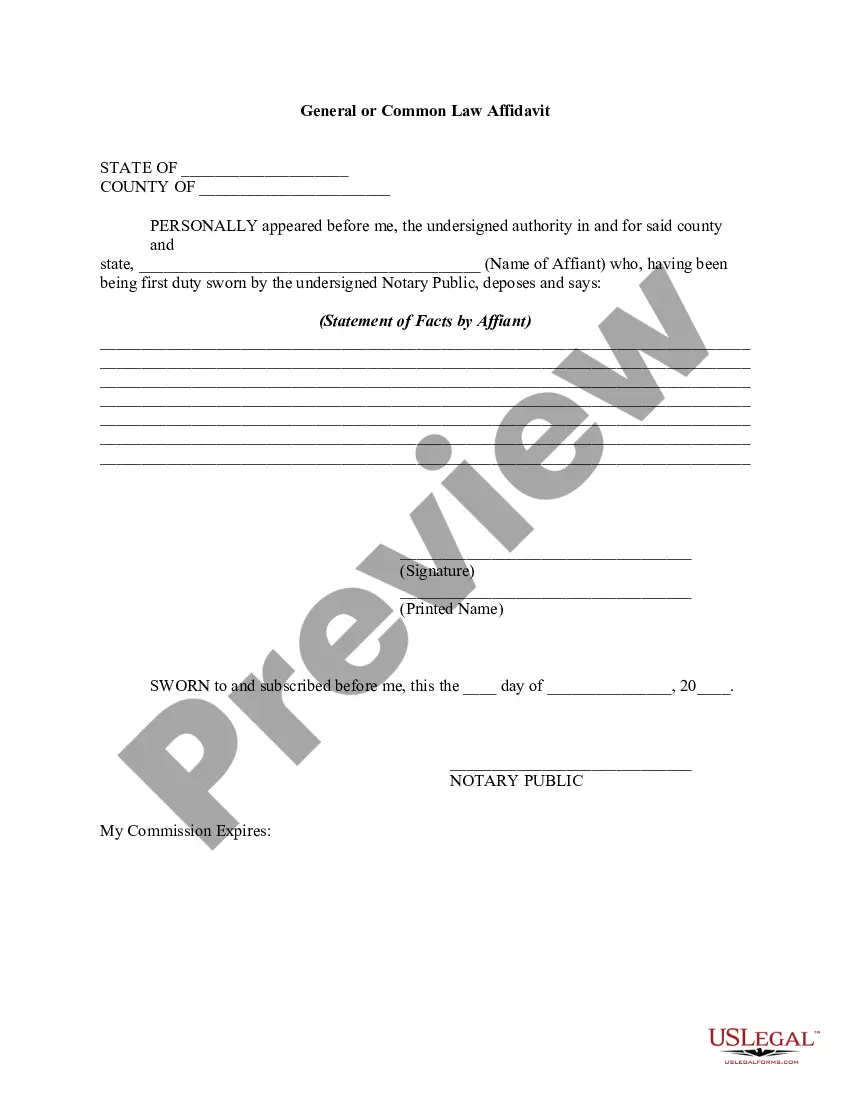
Get your form ready online
Our built-in tools help you complete, sign, share, and store your documents in one place.
Make edits, fill in missing information, and update formatting in US Legal Forms—just like you would in MS Word.
Download a copy, print it, send it by email, or mail it via USPS—whatever works best for your next step.
Sign and collect signatures with our SignNow integration. Send to multiple recipients, set reminders, and more. Go Premium to unlock E-Sign.
If this form requires notarization, complete it online through a secure video call—no need to meet a notary in person or wait for an appointment.
We protect your documents and personal data by following strict security and privacy standards.

Make edits, fill in missing information, and update formatting in US Legal Forms—just like you would in MS Word.

Download a copy, print it, send it by email, or mail it via USPS—whatever works best for your next step.

Sign and collect signatures with our SignNow integration. Send to multiple recipients, set reminders, and more. Go Premium to unlock E-Sign.

If this form requires notarization, complete it online through a secure video call—no need to meet a notary in person or wait for an appointment.

We protect your documents and personal data by following strict security and privacy standards.
Looking for another form?


Form popularity
FAQ
Each affidavit must contain the full name and address of the person making the affidavit; date and place of birth of the person making the affidavit; and complete information and details explaining how the person acquired their knowledge of your marriage;
An Affidavit of Support, also called the Form I-864, is a document an individual signs to accept financial responsibility for the applicant who is coming to live in the United States. The person who signs the Affidavit of Support is also called the “sponsor.”
How to Write an Affidavit Step 1: Writing the Title of the Affidavit. Step 2: Providing Personal Background Information. Step 3: Opening Sentence in First Person Tense. Step 4: Stating the Facts of the Case. Step 5: Including One Fact Per Paragraph. Step 6: Including Exhibits. Step 7: Confirming the Truth.
How to write a general affidavit? Title your affidavit. Don't forget to list any relevant contact or identification information that you may need to include in the heading. Write your statement. Verify that your information is true. Finalize and notarize.
The following are six critical sections that must be included: Title. This is either your name (“Affidavit of Jane Doe”) or the specific case information. Statement of identity. The next paragraph tells the court about yourself. Statement of truth. Statement of facts. Closing statement of truth. Sign and notarize.
We have a signed affidavit stating that the two men were seen entering the building. The claims in the affidavit have not been proven in court.
An affidavit is a sworn statement put in writing. When you use an affidavit, you're claiming that the information within the document is true and correct to the best of your knowledge. Like taking an oath in court, an affidavit is only valid when you make it voluntarily and without any coercion.
Step 1: Decide what the title of your affidavit will be. Step 2: Put the name and personal background information of the person giving the information in the first paragraph. Step 3: Write an opening sentence in the first person tense. Step 4: Make an outline of the information given or state the facts of the case.
Affidavit templates in Word format can often be found online through legal document websites, templates libraries, or by utilizing Microsoft Word's built-in template feature.

