Patent Trademark Application Form 2023 In Los Angeles
Description

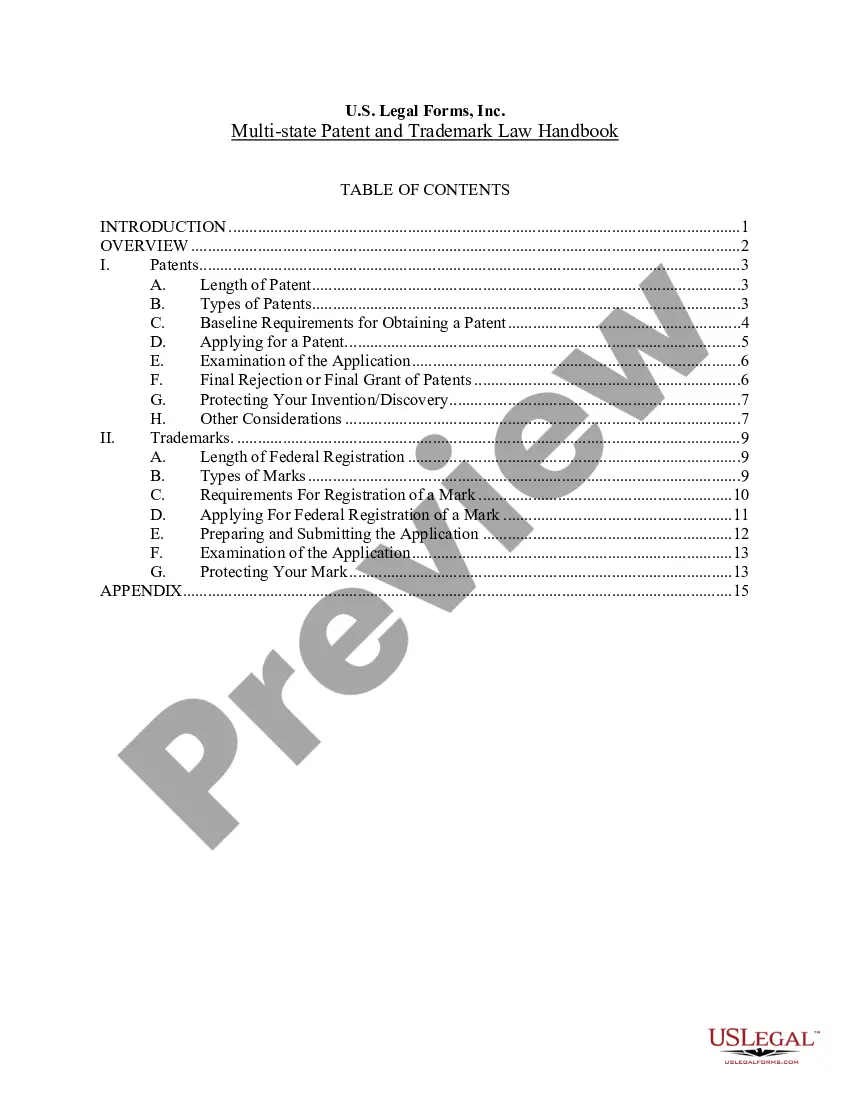
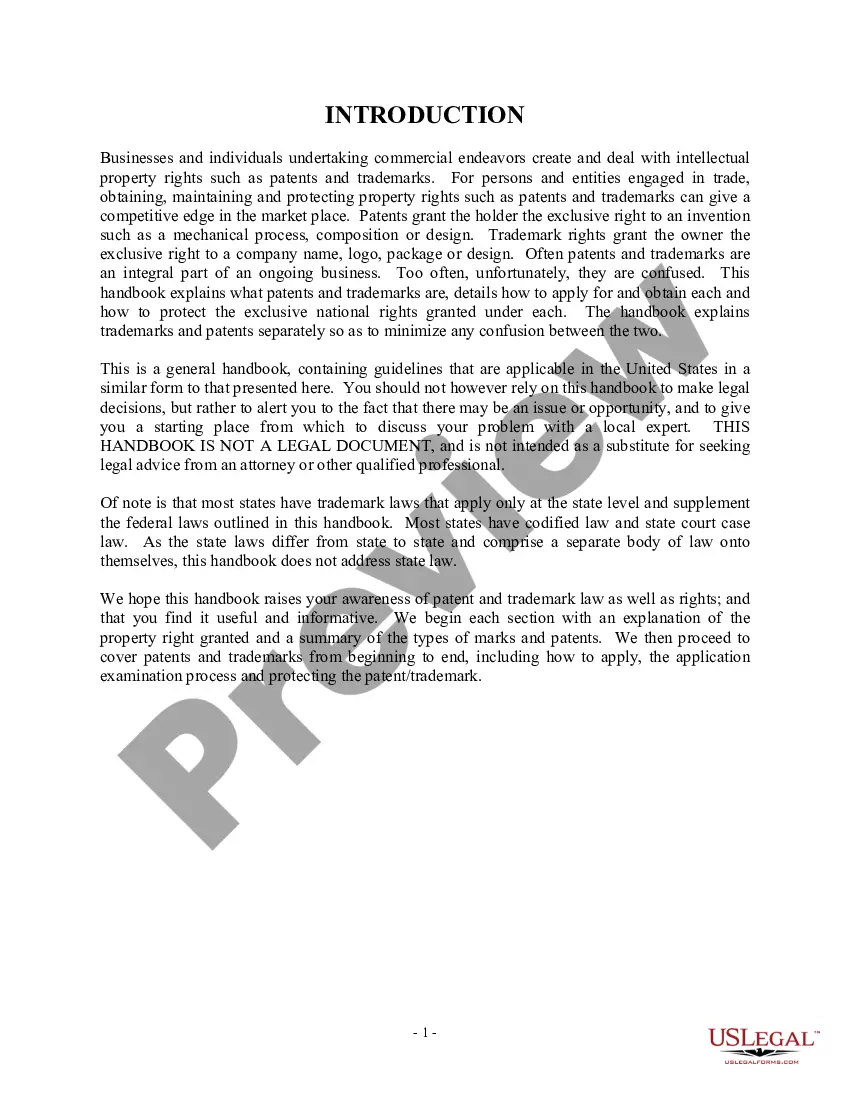
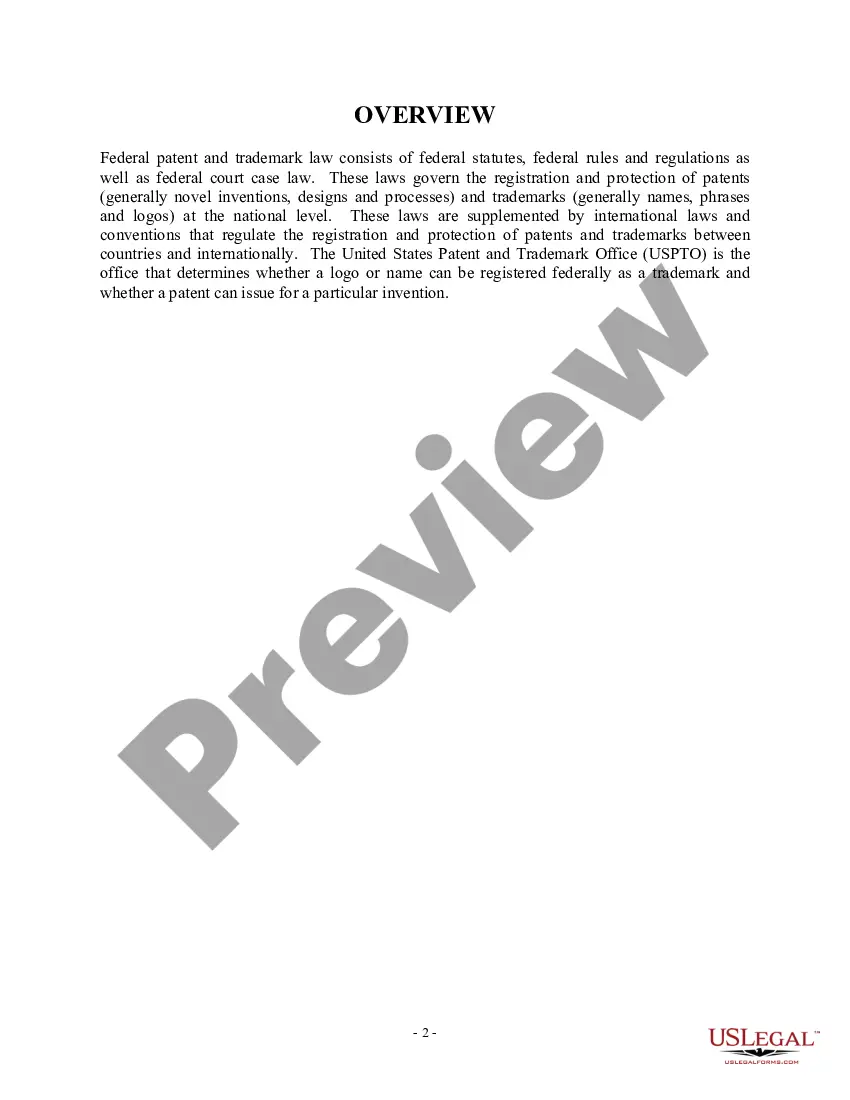
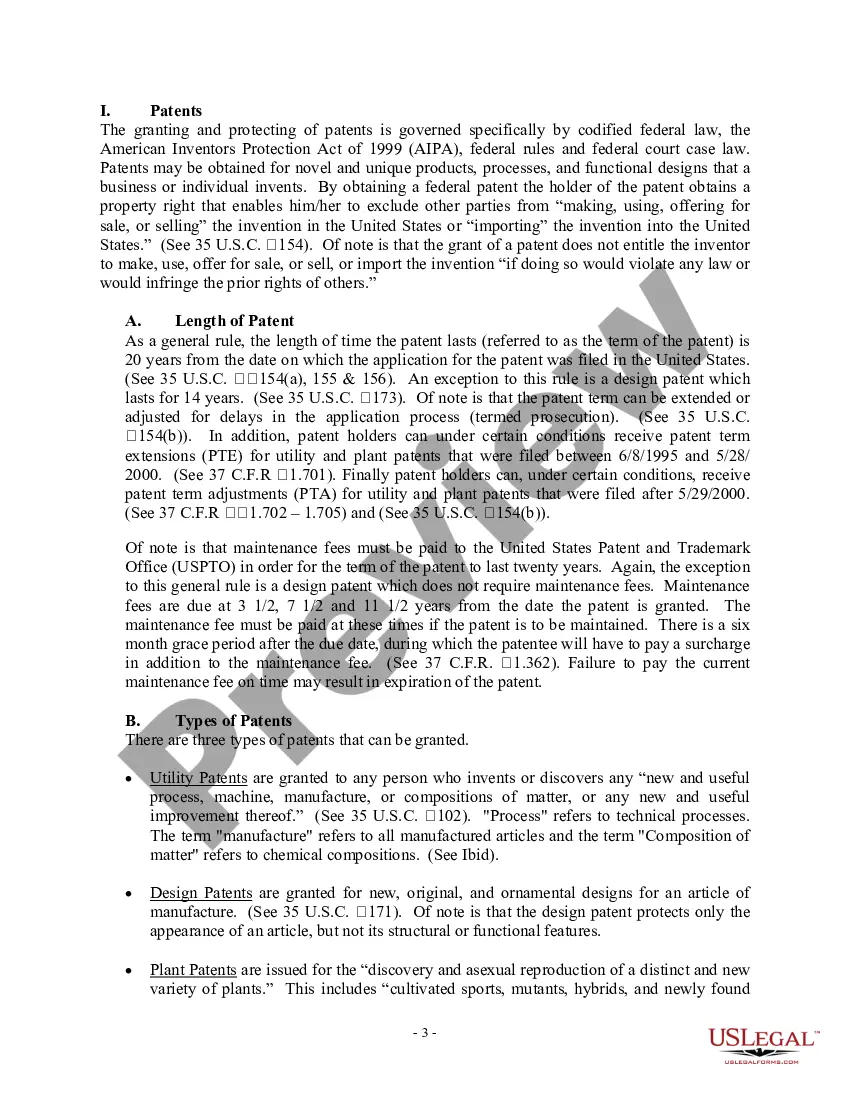


Get your form ready online
Our built-in tools help you complete, sign, share, and store your documents in one place.
Make edits, fill in missing information, and update formatting in US Legal Forms—just like you would in MS Word.
Download a copy, print it, send it by email, or mail it via USPS—whatever works best for your next step.
Sign and collect signatures with our SignNow integration. Send to multiple recipients, set reminders, and more. Go Premium to unlock E-Sign.
If this form requires notarization, complete it online through a secure video call—no need to meet a notary in person or wait for an appointment.
We protect your documents and personal data by following strict security and privacy standards.

Make edits, fill in missing information, and update formatting in US Legal Forms—just like you would in MS Word.

Download a copy, print it, send it by email, or mail it via USPS—whatever works best for your next step.

Sign and collect signatures with our SignNow integration. Send to multiple recipients, set reminders, and more. Go Premium to unlock E-Sign.

If this form requires notarization, complete it online through a secure video call—no need to meet a notary in person or wait for an appointment.

We protect your documents and personal data by following strict security and privacy standards.
Looking for another form?





Form popularity
FAQ
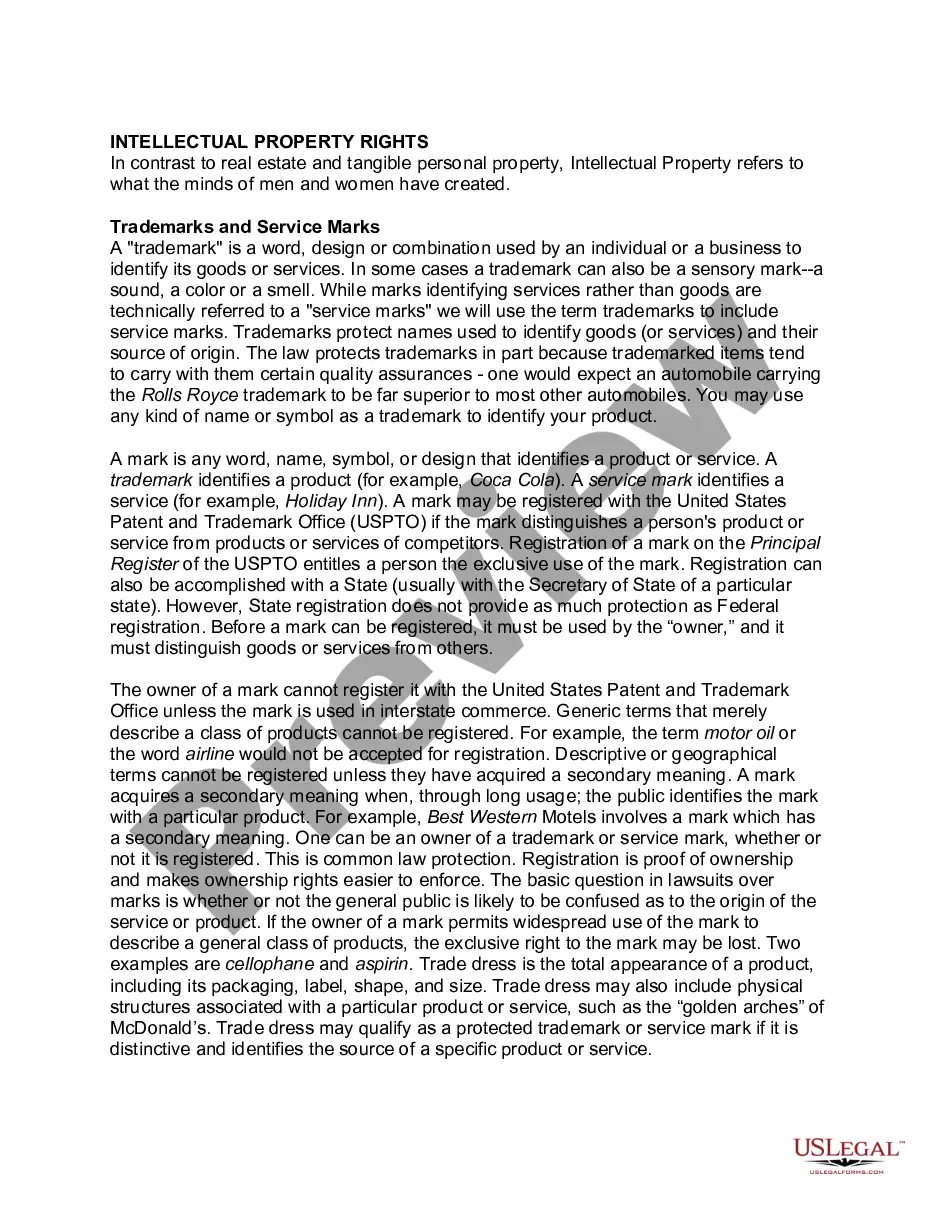
You can do this online, through the USPTO Trademark Center, an online trademark filing service, an attorney, or by submitting a paper application.
The TM symbol is used when an application for trademark is made with the trademark registry. The TM symbol is thus used to indicate the fact that a trademark application exists with respect to the trademark and serves as a warning for infringers and counter-fitters.
Trademark process Step 1: Is a trademark application right for you? ... Step 2: Get ready to apply. Step 3: Prepare and submit your application. Step 4: Work with the assigned USPTO examining attorney. Step 5: Receive approval/denial of your application. Step 6: Maintain your registration.
State whether the trademark is in use or there is a real intent to use. Provide a drawing of the trademark. List the products and/or services sold under the trademark. The trademark must be distinctive.
Take the following steps to pursue a registered trademark for your assets. Search the trademark database. Start a trademark application. Complete the applicant information. Select and submit your mark information. Submit a specimen (if required). Indicate your mark's goods and services.
Steps on How to Register a Trademark in California Step 1: Conduct a Trademark Search. Step 2: Choose the Appropriate Trademark Class. Step 3: Prepare and File a Trademark Application. Step 4: Respond to Office Actions and Opposition. Step 5: Finalize the Trademark Registration. Step 6: Maintain and Renew Your Trademark.
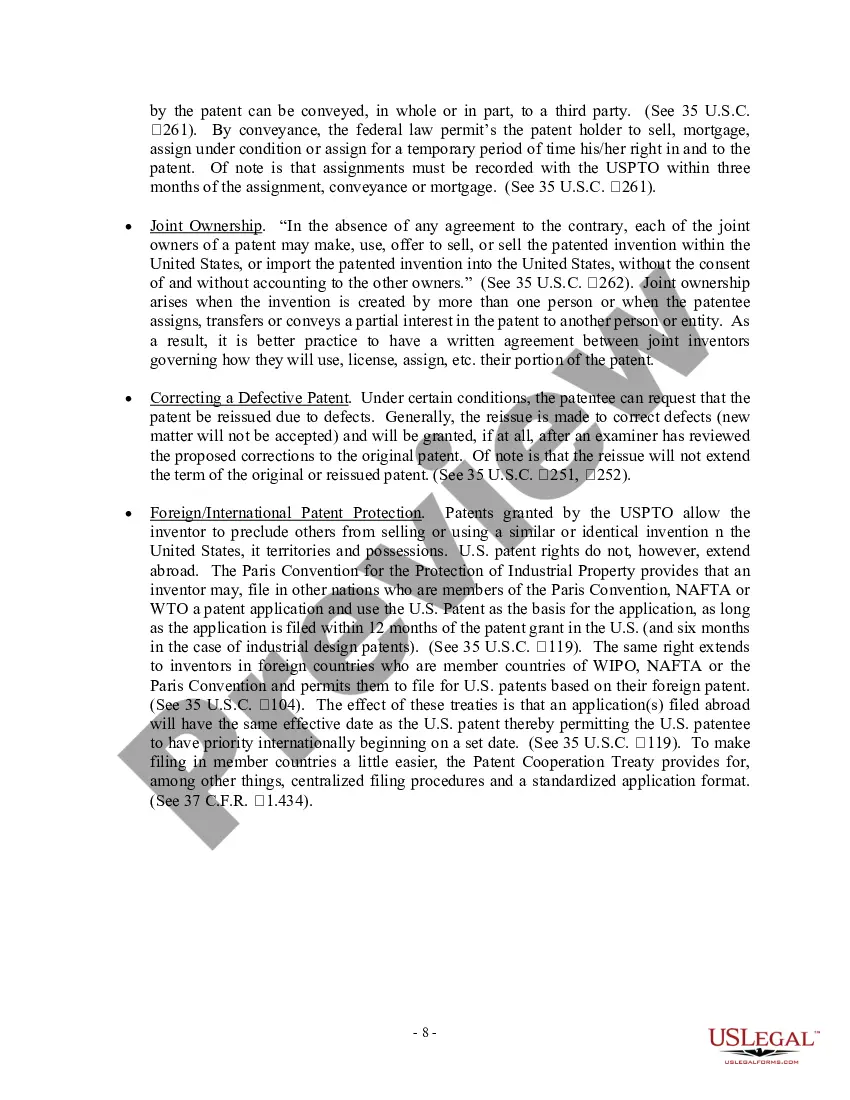
Patent application forms can be found on the USPTO website. All of the forms related to patent applications can be found on the link here, or by navigating to the USPTO website and clicking on the “Forms” link under the “Apply for a Patent” section on the “Patents” page.
How Long Will My California Trademark or Servicemark Registration Take to Complete? Top of Page. The registration process may typically take around four to six weeks to wrap up.
Trademarks Online: Applications to file a Trademark or Service Mark registration can be submitted online through the California Secretary of State's bizfile California portal, in person at the Sacramento office, or through the mail.
Filing Patent Application Patent application in Form-1. Proof of right to file application from the inventor. Provisional specifications, if complete specifications are not available. Complete specification in Form-2 within 12 months of filing of provisional specification.
