Patent Trademark Application Format In King
Description

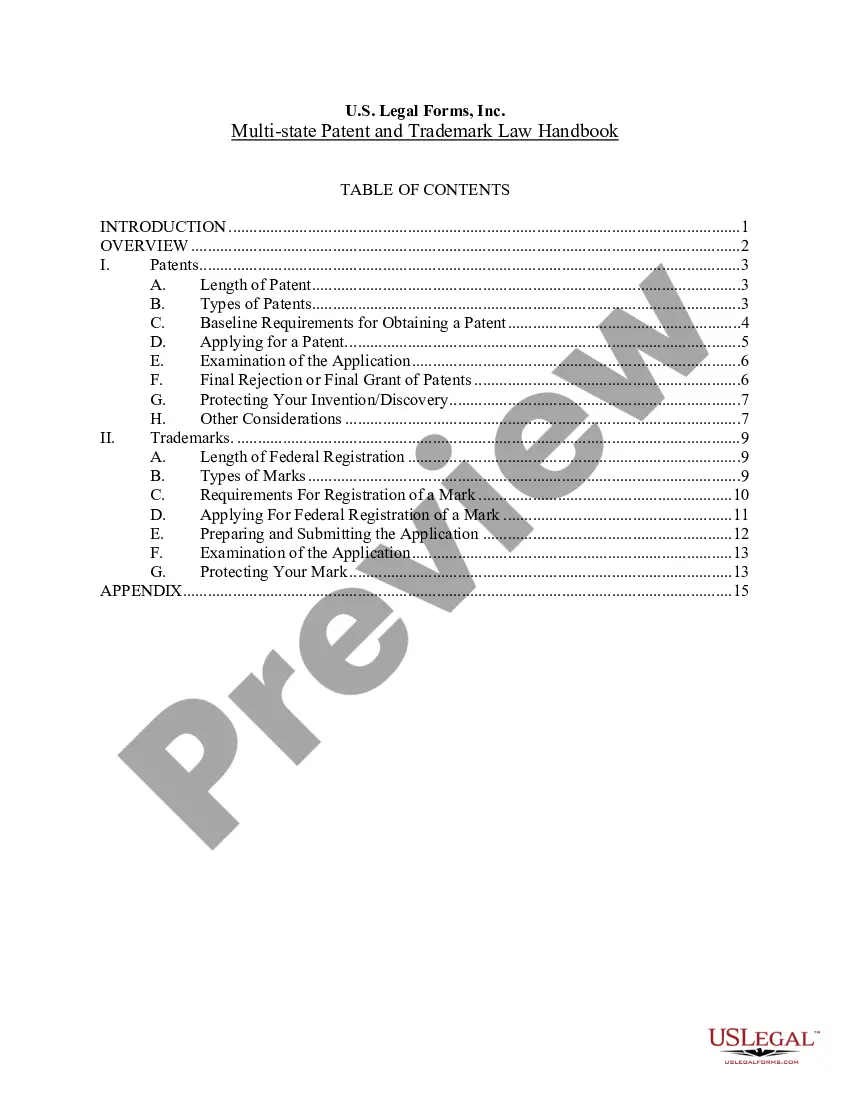
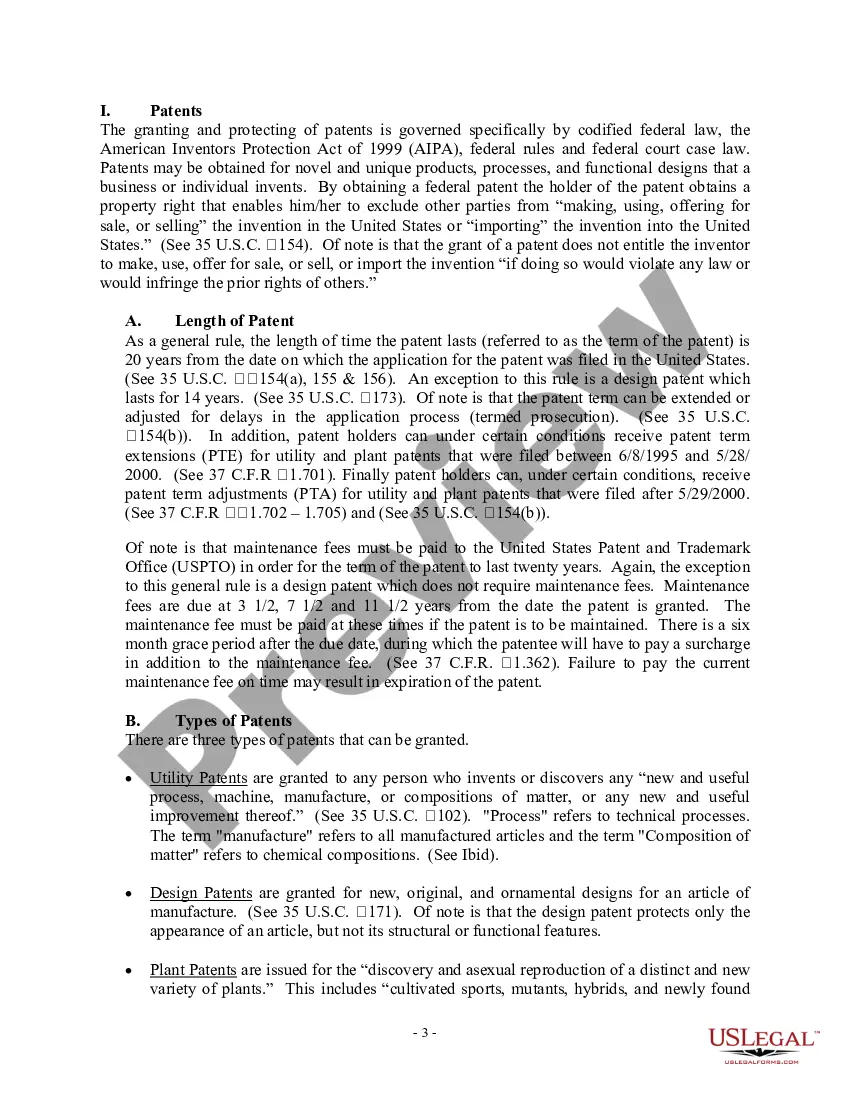
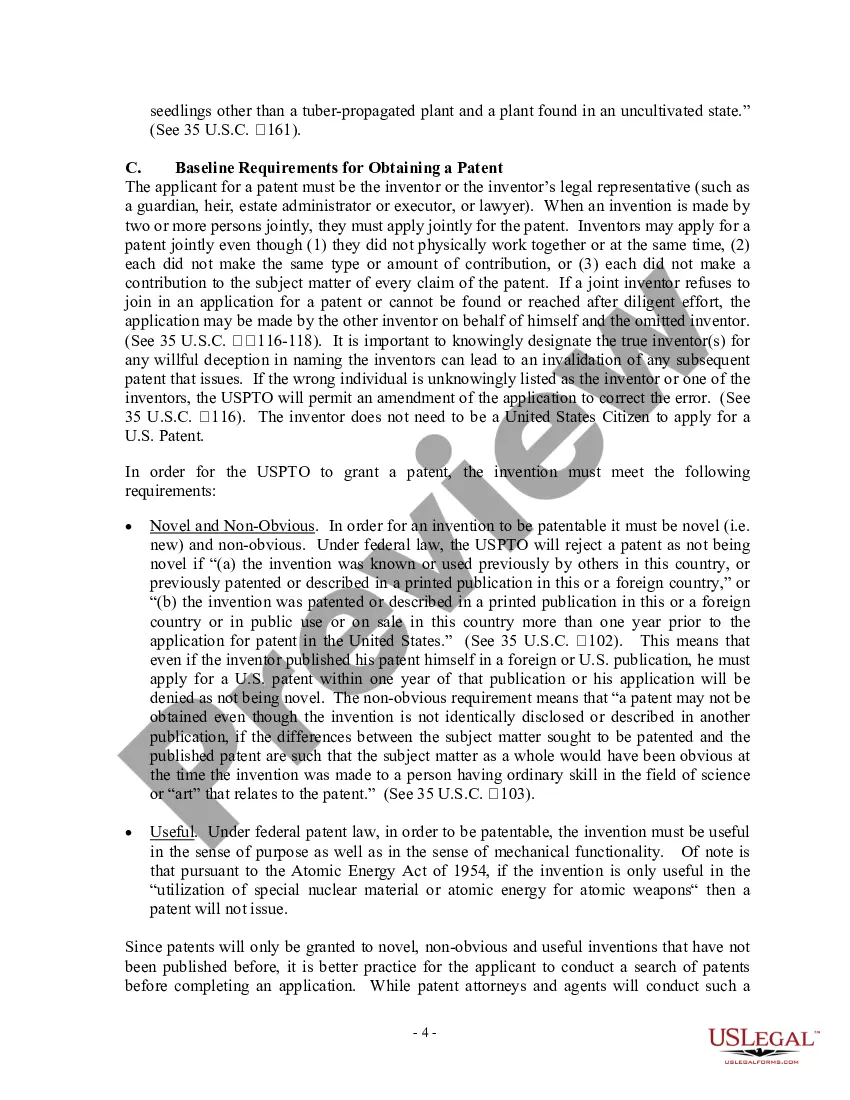
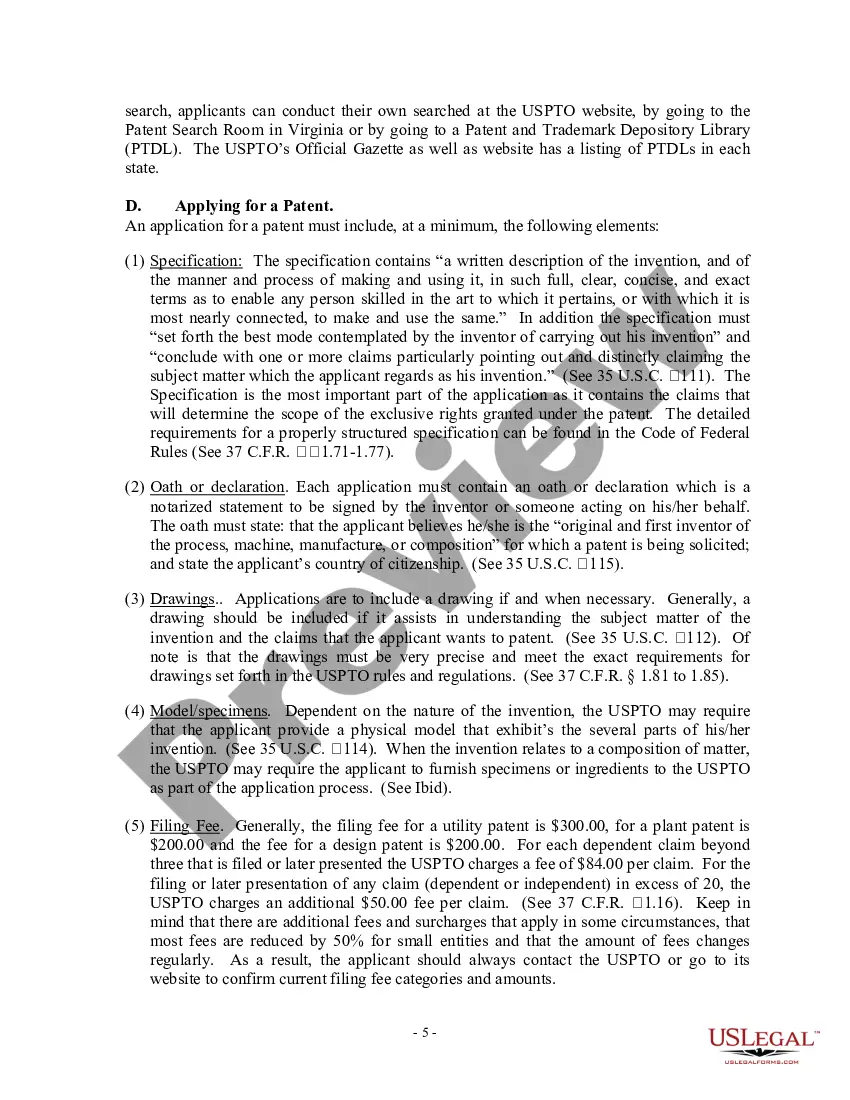
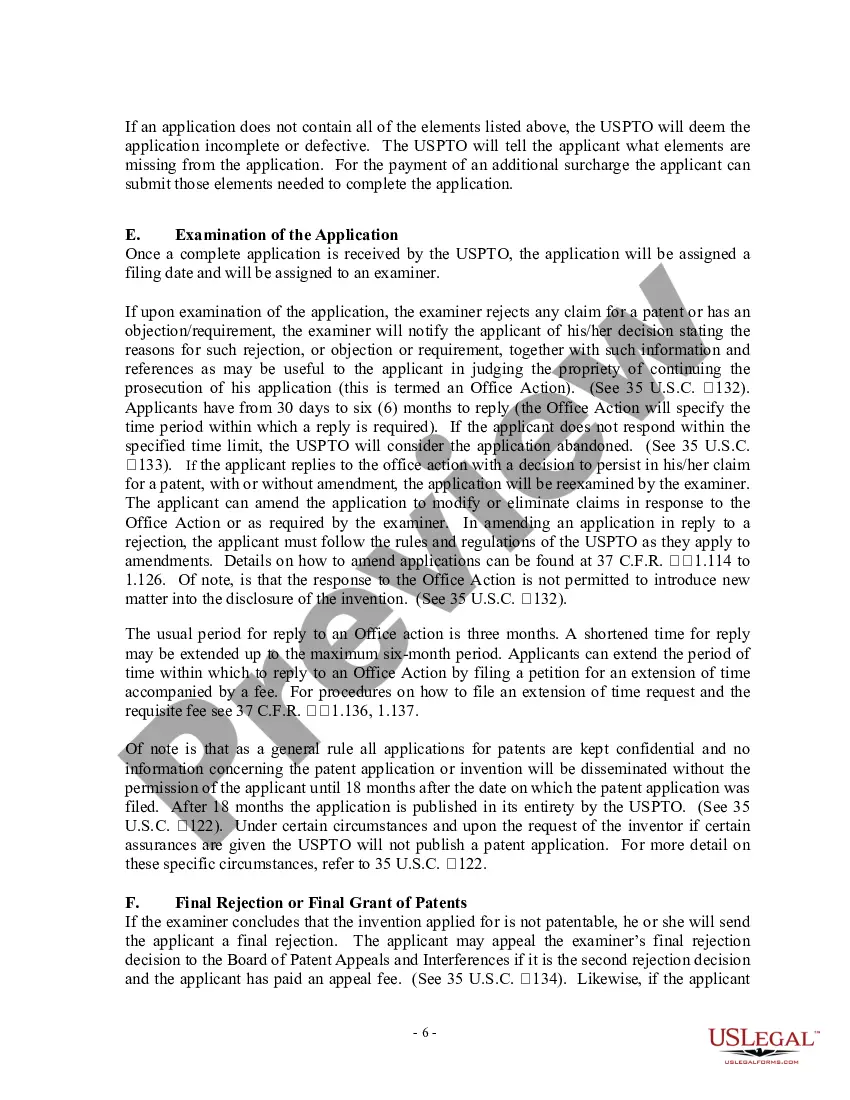
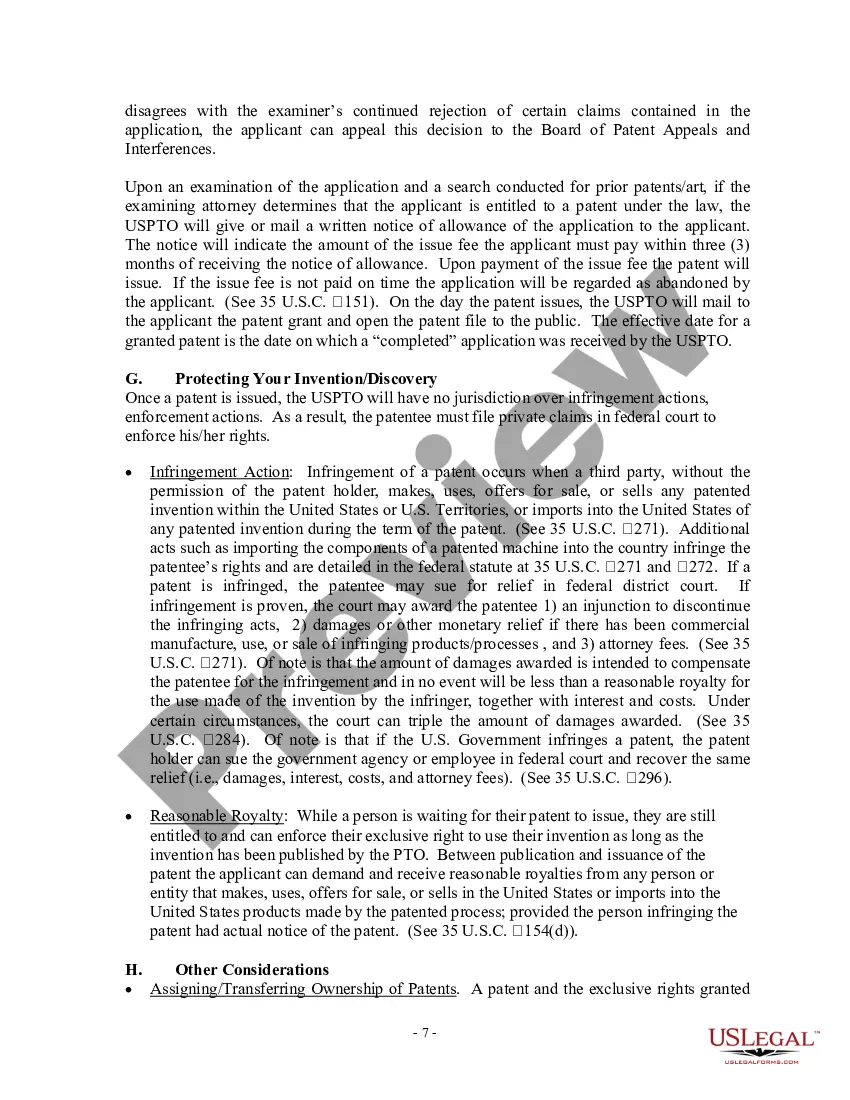
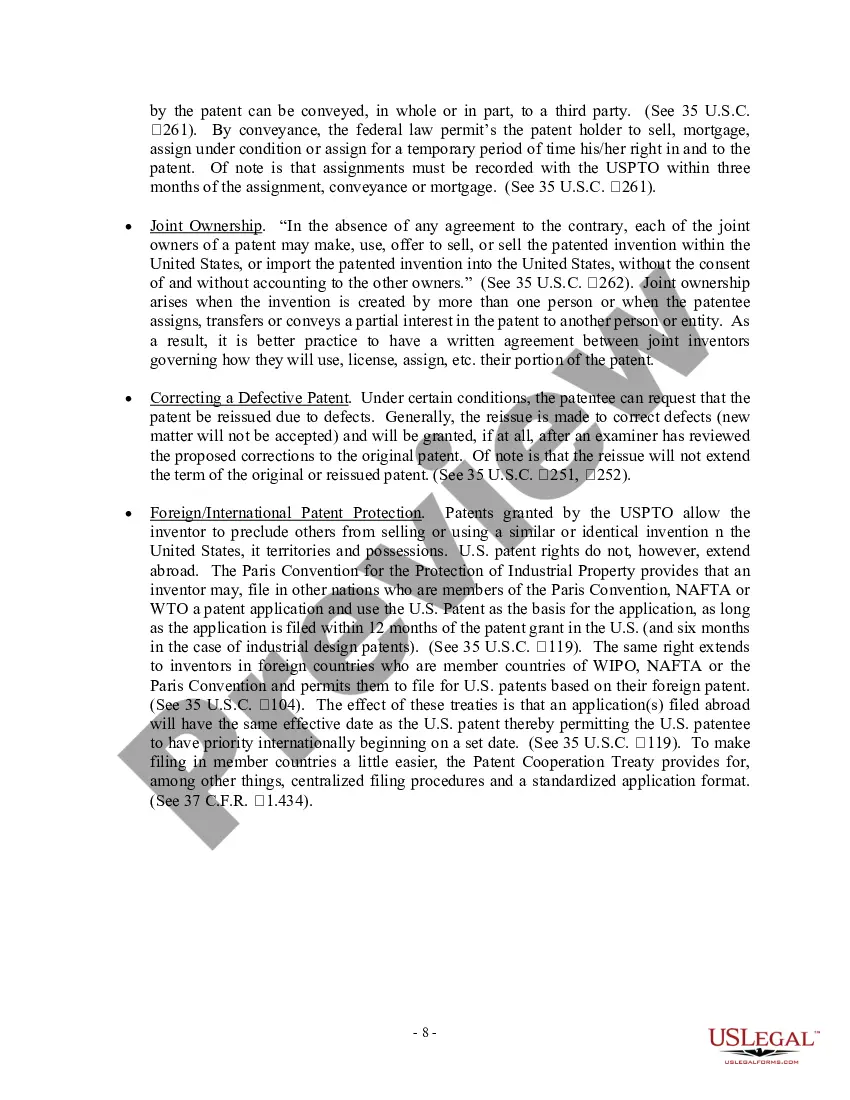


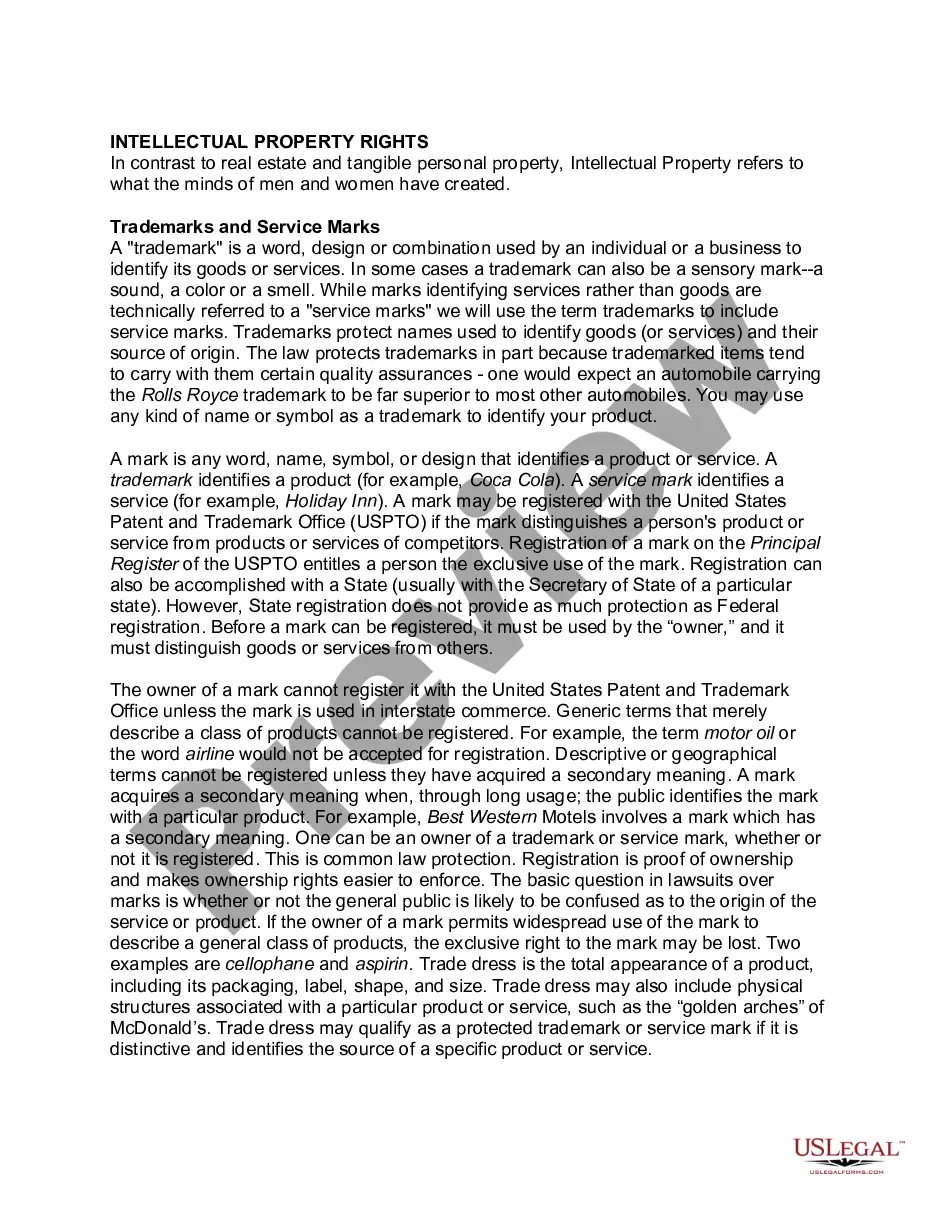
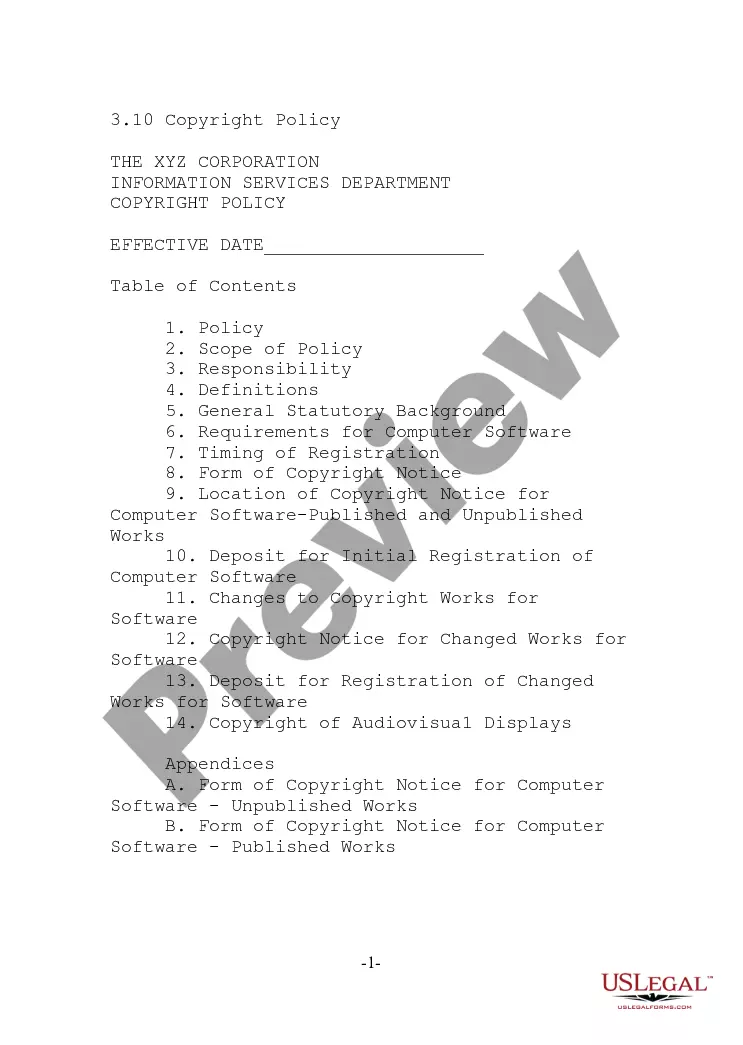
Get your form ready online
Our built-in tools help you complete, sign, share, and store your documents in one place.
Make edits, fill in missing information, and update formatting in US Legal Forms—just like you would in MS Word.
Download a copy, print it, send it by email, or mail it via USPS—whatever works best for your next step.
Sign and collect signatures with our SignNow integration. Send to multiple recipients, set reminders, and more. Go Premium to unlock E-Sign.
If this form requires notarization, complete it online through a secure video call—no need to meet a notary in person or wait for an appointment.
We protect your documents and personal data by following strict security and privacy standards.

Make edits, fill in missing information, and update formatting in US Legal Forms—just like you would in MS Word.

Download a copy, print it, send it by email, or mail it via USPS—whatever works best for your next step.

Sign and collect signatures with our SignNow integration. Send to multiple recipients, set reminders, and more. Go Premium to unlock E-Sign.

If this form requires notarization, complete it online through a secure video call—no need to meet a notary in person or wait for an appointment.

We protect your documents and personal data by following strict security and privacy standards.
Looking for another form?









Form popularity
FAQ
Trademark registration process in Georgia Filing. New trademark application. Formal examination. Check of formal requirements. Publication and Substantive examination. The Office runs examination for up to 6 months. Registration. Issuing of registration certificate.
The standard registration period for a trademark is 11-12 months from the date of filing the application. The accelerated registration period for a trademark is 10 working days from the date of filing the application. Trademark registrations in Georgia are valid for 10 years from the filing date.
How to Trademark a Name: A Step-by-Step Guide Decide if a Trademark is Right for You. Identify Your Category. Search for Existing Trademarks. Prepare Your Trademark Application. File Your Trademark Registration Application. Receive USPTO Approval or Rejection. Maintain Your Trademark.
Keyboard Shortcut: On a Windows computer, you can use the keyboard shortcut “Alt + 0153” (numeric keypad) to insert the trademark symbol (™). Make sure the Num Lock is enabled. On a Mac, you can use the keyboard shortcut “Option + 2” to insert the trademark symbol.
R gives you much greater legal protections compared to an unregistered trademark (TM). If you register your brand name or logo (otherwise known as a “mark”), you get a legal presumption of ownership over it.
Likelihood of confusion is a common reason for refusal of a trademark application. The USPTO will review your application and compare your mark to any existing trademark applications or registered trademarks.
Keyboard Shortcut: On a Windows computer, you can use the keyboard shortcut “Alt + 0153” (numeric keypad) to insert the trademark symbol (™). Make sure the Num Lock is enabled. On a Mac, you can use the keyboard shortcut “Option + 2” to insert the trademark symbol.
Where should a trademark symbol be placed? While a trademark symbol can, in fact, be used anywhere around a mark, it is customary to place the symbol either directly after the mark, in the upper-right corner (superscript); in the lower-right corner (subscript); or level with the mark.
The McDonald's golden arches design is an example of a registered trademark in special form format. The company Nike registered this trademark in special form format, combining the stylized word Nike with their swoosh logo. The format of the trademark you apply to register affects your application filing requirements.
You use the registered trademark symbol (®) to identify a registered trademark. There is some flexibility in how you use any trademark symbol. Still, you typically put the registered trademark symbol (®) immediately next to the trademark and in the upper right corner for words and the lower right corner for logos.
