Advertising For Website In Palm Beach
Description

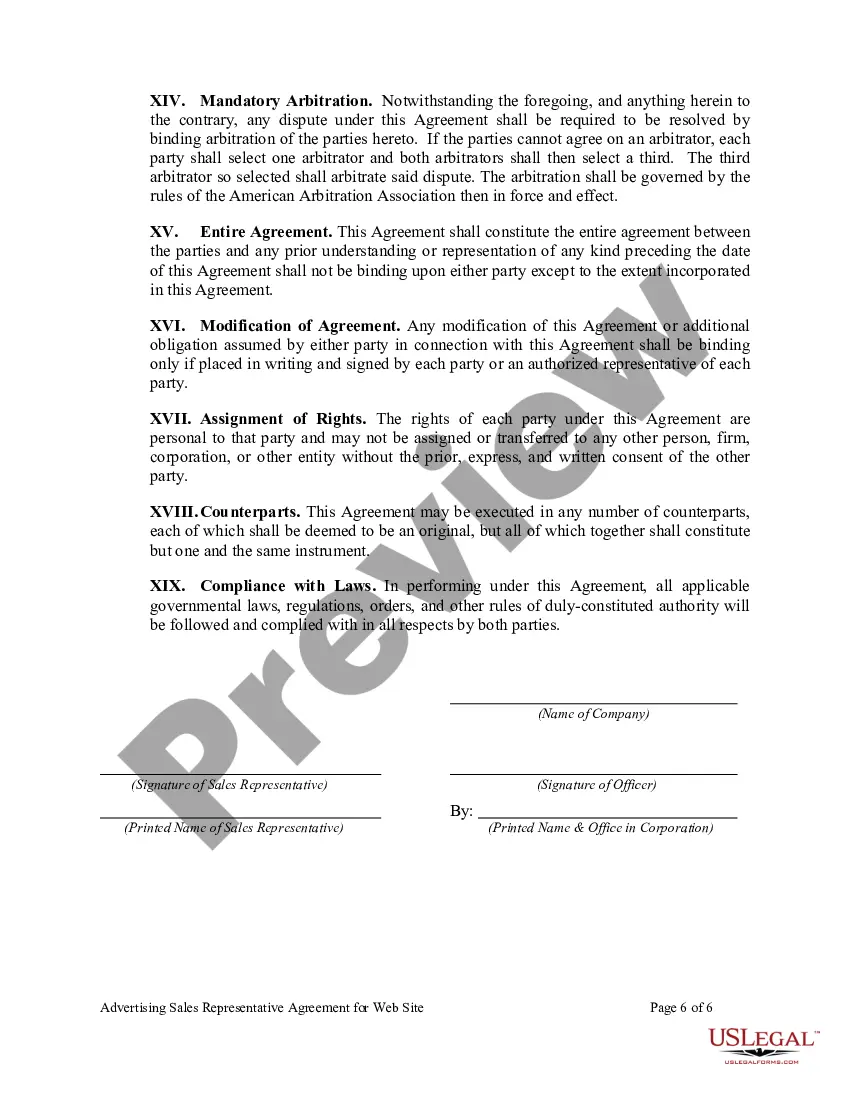
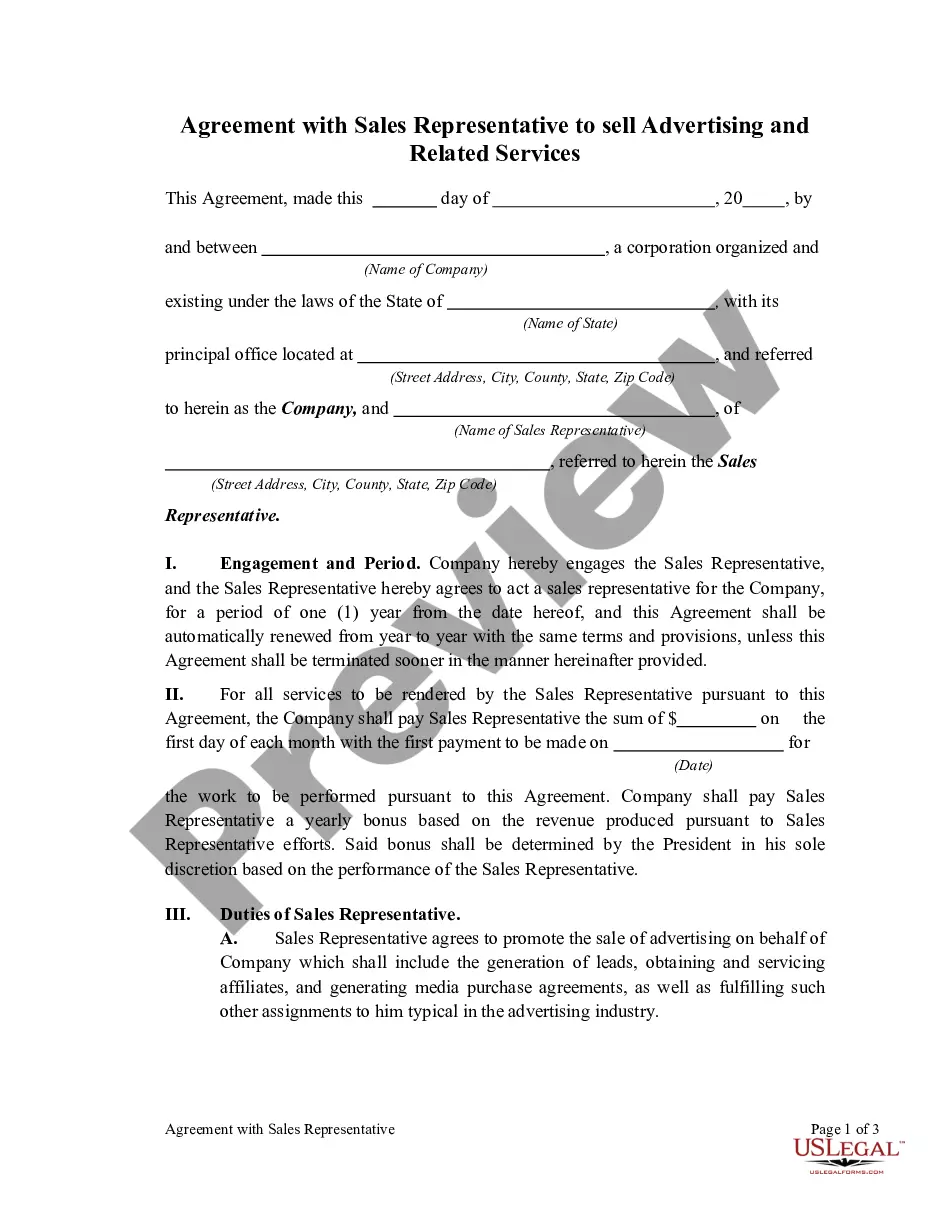
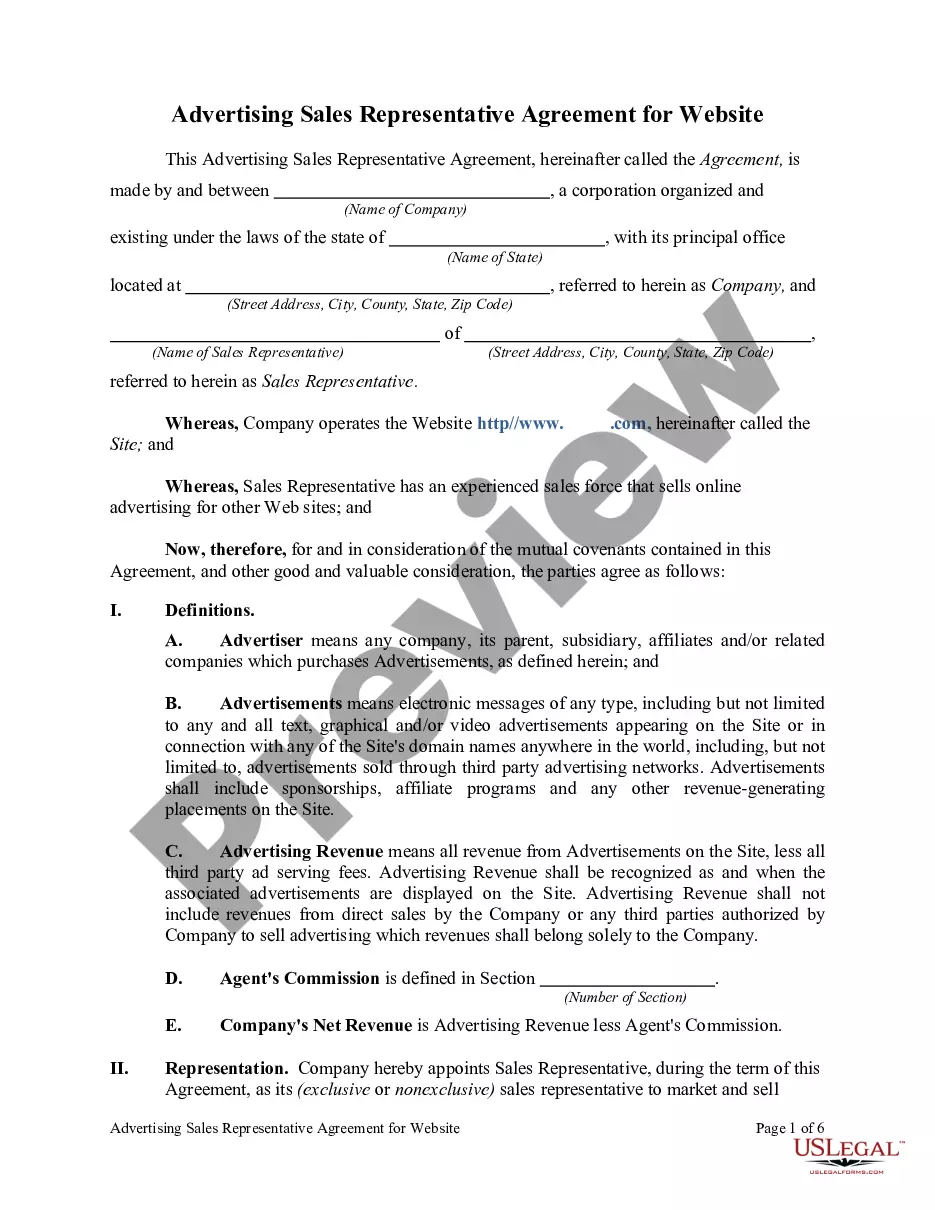
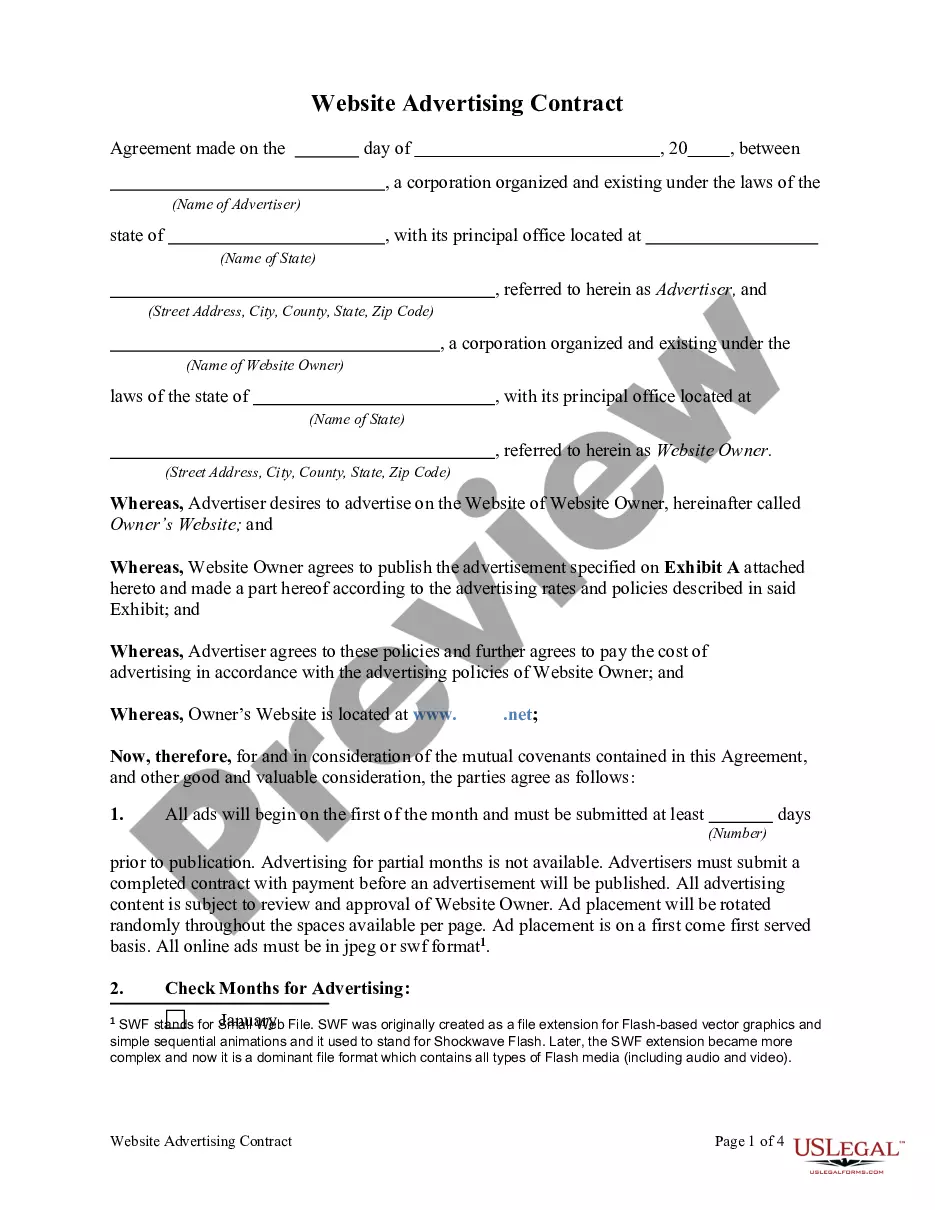
Get your form ready online
Our built-in tools help you complete, sign, share, and store your documents in one place.
Make edits, fill in missing information, and update formatting in US Legal Forms—just like you would in MS Word.
Download a copy, print it, send it by email, or mail it via USPS—whatever works best for your next step.
Sign and collect signatures with our SignNow integration. Send to multiple recipients, set reminders, and more. Go Premium to unlock E-Sign.
If this form requires notarization, complete it online through a secure video call—no need to meet a notary in person or wait for an appointment.
We protect your documents and personal data by following strict security and privacy standards.

Make edits, fill in missing information, and update formatting in US Legal Forms—just like you would in MS Word.

Download a copy, print it, send it by email, or mail it via USPS—whatever works best for your next step.

Sign and collect signatures with our SignNow integration. Send to multiple recipients, set reminders, and more. Go Premium to unlock E-Sign.

If this form requires notarization, complete it online through a secure video call—no need to meet a notary in person or wait for an appointment.

We protect your documents and personal data by following strict security and privacy standards.
Looking for another form?





Form popularity
FAQ
Your ads can appear on websites based on the targeting methods you choose. On the Display Network, there are several ways to target your ads: Choose keywords and topics related to what your offer. Choose specific websites or pages.
If you want to list ads on your website, then you'll need to have a decent amount of written content so that you can get monetized later. After choosing to monetize with Google AdSense, you will need to go through the content to ad-ratio policies for meeting the eligibility criteria and minimum requirements.
How to Put Ads on Your Website? 6 Effective Ways Promote a product via affiliate marketing. Use ad networks. Approach advertisers directly. Create a media kit. Sign up for blogging ad programs. Insert an “advertise” link on your website.
Use the Auto-Ads Code# Click on "Ads", then, "By site", and, finally, on "get code". After it, copy the code snippet and add it to your website pages. Google will figure out for you the best size, location, and type of the ad to be placed.
How to Add Google Ads to Your Website Introduction. Step 1: Create a Google Ads Account. Step 2: Set Up Billing Information. Step 3: Create a New Campaign. Step 4: Design Your Ads. Step 5: Select Keywords. Step 6: Set Up Ad Extensions. Step 7: Implement Conversion Tracking.
How to Put Ads on Your Website? 6 Effective Ways Promote a product via affiliate marketing. Use ad networks. Approach advertisers directly. Create a media kit. Sign up for blogging ad programs. Insert an “advertise” link on your website.
To place a legal ad in the Palm Beach Post, call 844-885-6985 ext. 3 or send an email to legals@pbpost. Our notice specialists will be able to walk you through the process – but be prepared with: Your name, billing address, telephone number and email address.
Is $100 enough for Facebook ads? While $100 can be a starting point, it may not provide significant results in terms of reach and effectiveness. Facebook ads typically require a sufficient budget to generate meaningful impressions and engagement. Consider allocating a higher budget for better outcomes.
Sign in to your AdSense account. On the AdSense homepage, click Add site. Enter the URL of the site that you want to show ads on. If you use Blogger or YouTube (or another AdSense partner), you should sign up for AdSense via your account there as these products follow a different process.
Recap Table: The 7 Best Advertising Platforms in 2025 PlatformAudience Size Instagram Ads 1.4 billion users LinkedIn Ads 700 million pros YouTube Ads 2.7 billion users Microsoft Ads Smaller but engaged3 more rows •
