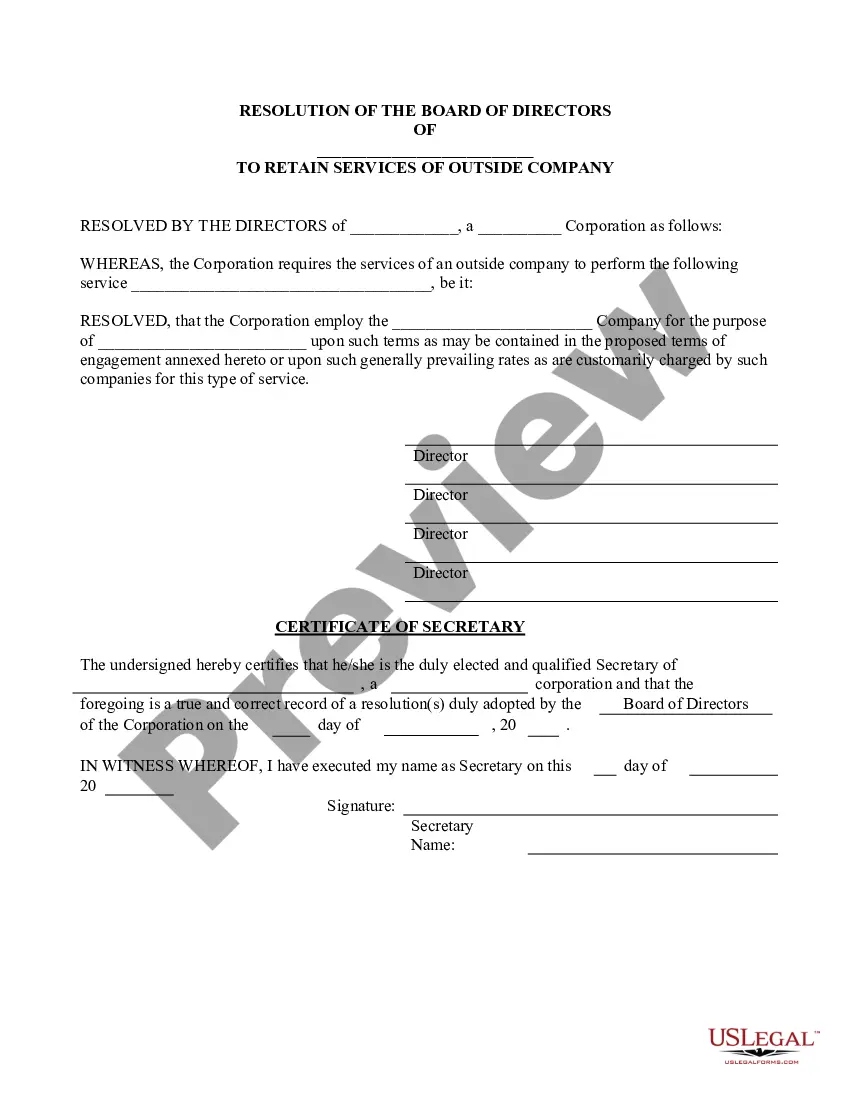
Corporate Resolution Form For Signing Authority In Illinois
Description



Get your form ready online
Our built-in tools help you complete, sign, share, and store your documents in one place.
Make edits, fill in missing information, and update formatting in US Legal Forms—just like you would in MS Word.
Download a copy, print it, send it by email, or mail it via USPS—whatever works best for your next step.
Sign and collect signatures with our SignNow integration. Send to multiple recipients, set reminders, and more. Go Premium to unlock E-Sign.
If this form requires notarization, complete it online through a secure video call—no need to meet a notary in person or wait for an appointment.
We protect your documents and personal data by following strict security and privacy standards.

Make edits, fill in missing information, and update formatting in US Legal Forms—just like you would in MS Word.

Download a copy, print it, send it by email, or mail it via USPS—whatever works best for your next step.

Sign and collect signatures with our SignNow integration. Send to multiple recipients, set reminders, and more. Go Premium to unlock E-Sign.

If this form requires notarization, complete it online through a secure video call—no need to meet a notary in person or wait for an appointment.

We protect your documents and personal data by following strict security and privacy standards.
Looking for another form?
Form popularity
FAQ
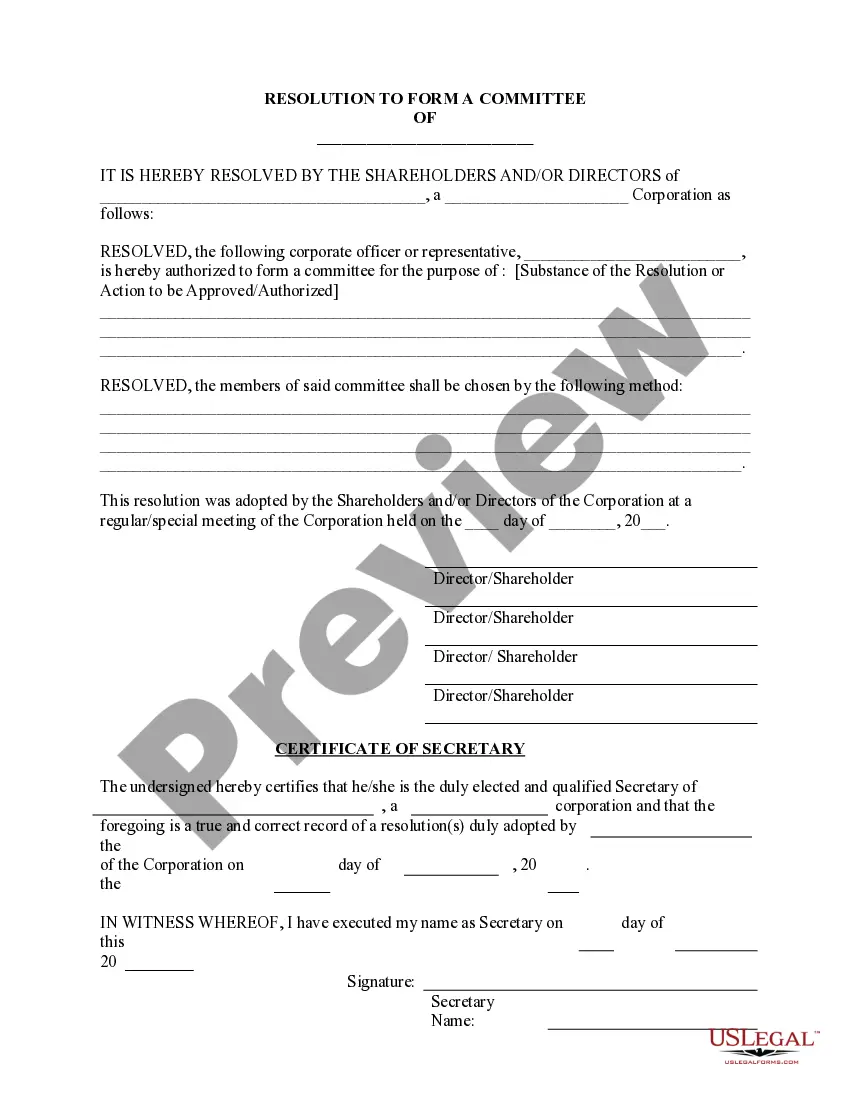
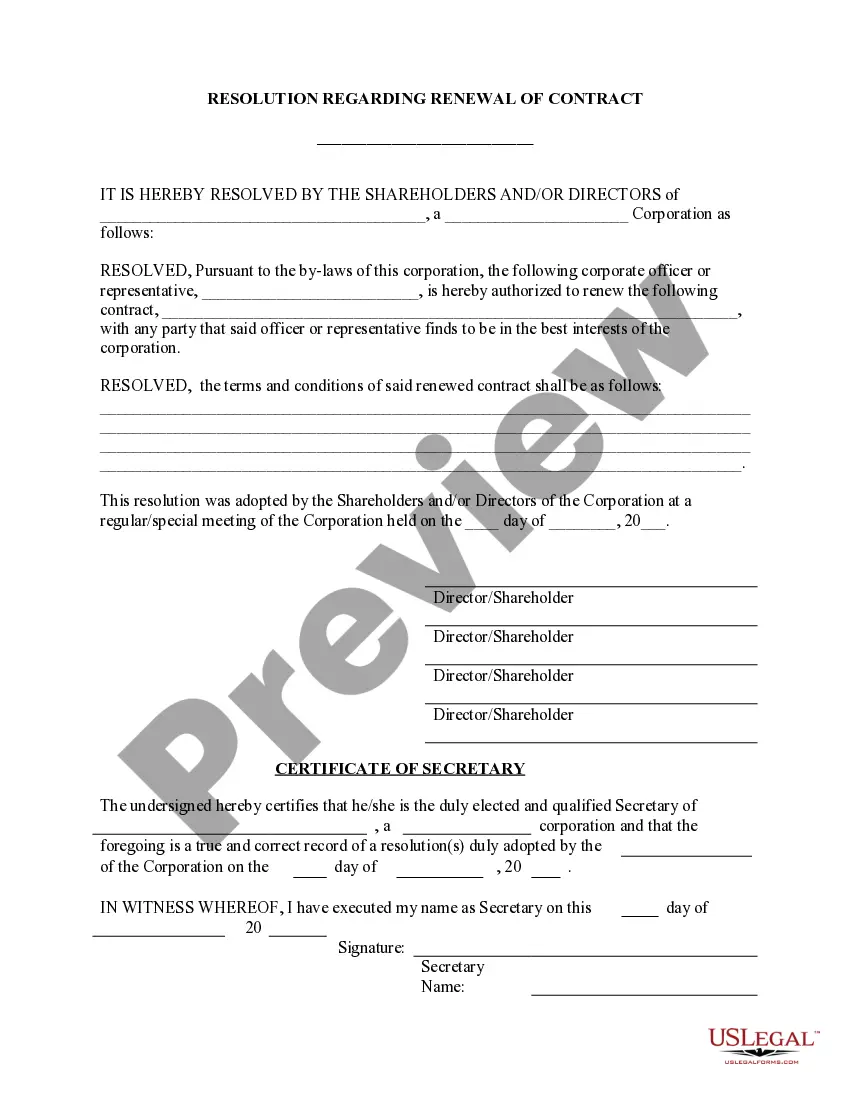
These resolutions formally record any major corporate decision so that they can then be filed with the company's official records. Corporate resolutions for signing are particular resolutions that clarify and define which corporate officers have the legal standing to sign contracts on behalf of the corporation.
The corporate resolution for signing authority is a specific corporate resolution that authorizes specific corporate officers with the legal standing to sign contracts on behalf of the corporation.
A directors' resolution is an effective way of explicitly granting this authorisation, as the directors are able to exercise the authority of the company at a meeting. However, users should ensure that any methods of authorisation are in ance with the company's constitution.
“RESOLVED FURTHER THAT, any one of the above officials of the Company/Bank/Cooperative Society/Trust/legal entity, be and is hereby authorized to do all such acts, deeds, things, sign all such papers, documents, power of attorneys, indemnities, correspondence and to do and perform all such acts, deeds and things and ...
Board Resolution Granting Signing Authority BE IT RESOLVED, that the board of directors hereunder authorizes Authorized Individual's Name, Position, to sign, execute, and endorse on behalf of Company Name for all financial transactions, legal documents, and other official agreements.
Corporate signing authority resolutions specify who has the legal authority to bind the corporation through contracts. Individuals with the authority to sign can create legally binding contracts such as employment contracts, real estate transactions, and other important agreements.
How to write a corporate resolution Hold a board meeting. Board members typically create corporate resolutions at their board meetings to summarize what they discussed. Include introductory elements. Write a statement of consent. List the resolutions. Conclude with a statement of resolution. Proofread the document.
The purpose of an Authorization Letter is to: (a) demonstrate that the individual(s) signing contracts and reviewing and submitting invoices have been authorized to do so by the organization's Board of Directors; and (b) provide a sample of the signatures of the organization's authorized signatories.
Clearly state your name and that you're writing to grant authorization to another individual or organization. In the body of your letter, identify the parties involved, specify the authority you're granting, define the duration, and include any other necessary information.