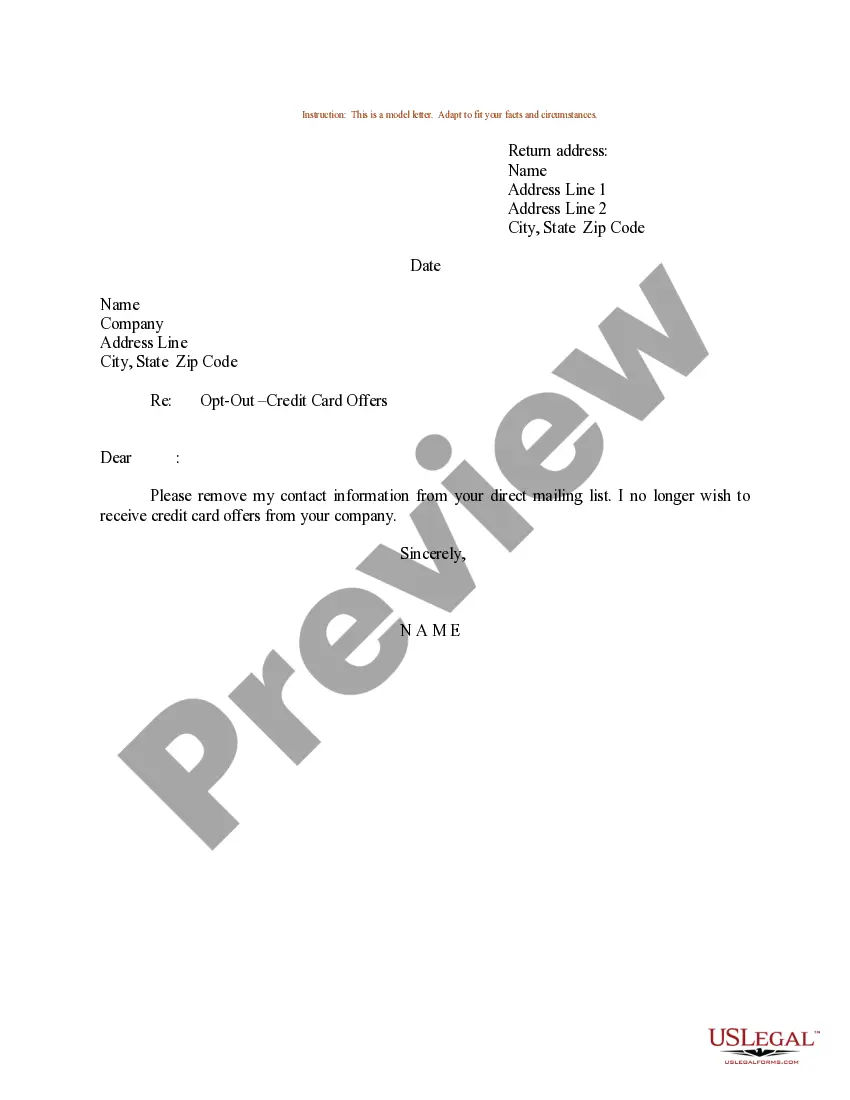
Sample Letter To Be Removed From Mailing List For A Company In Mecklenburg
Description

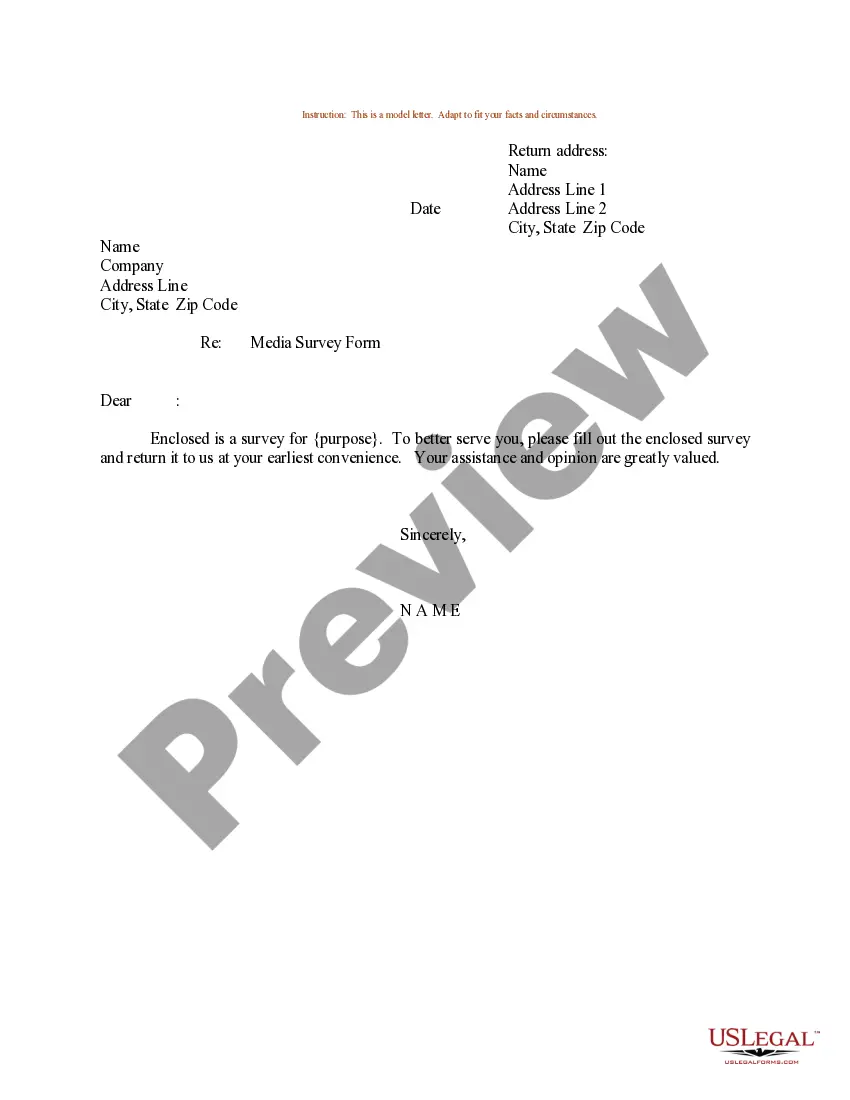
Get your form ready online
Our built-in tools help you complete, sign, share, and store your documents in one place.
Make edits, fill in missing information, and update formatting in US Legal Forms—just like you would in MS Word.
Download a copy, print it, send it by email, or mail it via USPS—whatever works best for your next step.
Sign and collect signatures with our SignNow integration. Send to multiple recipients, set reminders, and more. Go Premium to unlock E-Sign.
If this form requires notarization, complete it online through a secure video call—no need to meet a notary in person or wait for an appointment.
We protect your documents and personal data by following strict security and privacy standards.

Make edits, fill in missing information, and update formatting in US Legal Forms—just like you would in MS Word.

Download a copy, print it, send it by email, or mail it via USPS—whatever works best for your next step.

Sign and collect signatures with our SignNow integration. Send to multiple recipients, set reminders, and more. Go Premium to unlock E-Sign.

If this form requires notarization, complete it online through a secure video call—no need to meet a notary in person or wait for an appointment.

We protect your documents and personal data by following strict security and privacy standards.
Looking for another form?




Form popularity
FAQ
How to remove someone from your email list Go to your contacts, lists, subscribers, or audiences. Place a checkmark by each contact you want to remove. Choose to unsubscribe, or delete.
Removing someone from your email list is very simple, and depending on the email client or marketing tools you use, the process of removing them is relatively the same. Go to your contacts, lists, subscribers, or audiences. Place a checkmark by each contact you want to remove. Choose to unsubscribe, or delete.
When you start getting mail from a new company that you don't want, call them up and ask to be removed from their list. Be proactive. Do it once and save yourself a thousand future postcards (think of the rainforests!).
Dear Sir/Madam, This is a request that my personal information is removed from all of your mailing lists for unsolicited mail. I would like my name and address removed, effective immediately. You are currently sending unsolicited mail to: insert name, address, and zip code.
Remove members from a Group in Outlook Under the Group name, select the text showing the number of members. Remove from group. Select Yes to confirm.
Hover over your email and click Edit, or create a new email. Click the Send or schedule tab. Click the Don't send to dropdown menu to search for lists and/or individual contacts. Select the checkbox next to a list or contact to exclude them from this email.
Delete contacts On your Android device, open the Contacts app . Select an option. Single contact: Tap the contact. Your deleted contacts are moved to your Trash. After 30 days in your Trash, contacts are deleted permanently. To delete contacts permanently, in your Trash: Single contact: Tap the contact Delete forever.
TIP Reply to the sender. Ask them to remove you from the list. Have these unwanted newsletters or promotions redirected to another email folder. Block the sender (You can unblock this address at any time) Filter messages from the company. Most, if not all, ESPs have a provision for filtering emails.
If you add or remove recipients when replying to an email, make a note in the body, such as "Adding Fred and Bert", "Removing Alice", or "Copying Product team only". Never 'BCC' & 'To' Together. If you want to copy someone on an email without the recipient knowing, never use BCC (Blind CC).