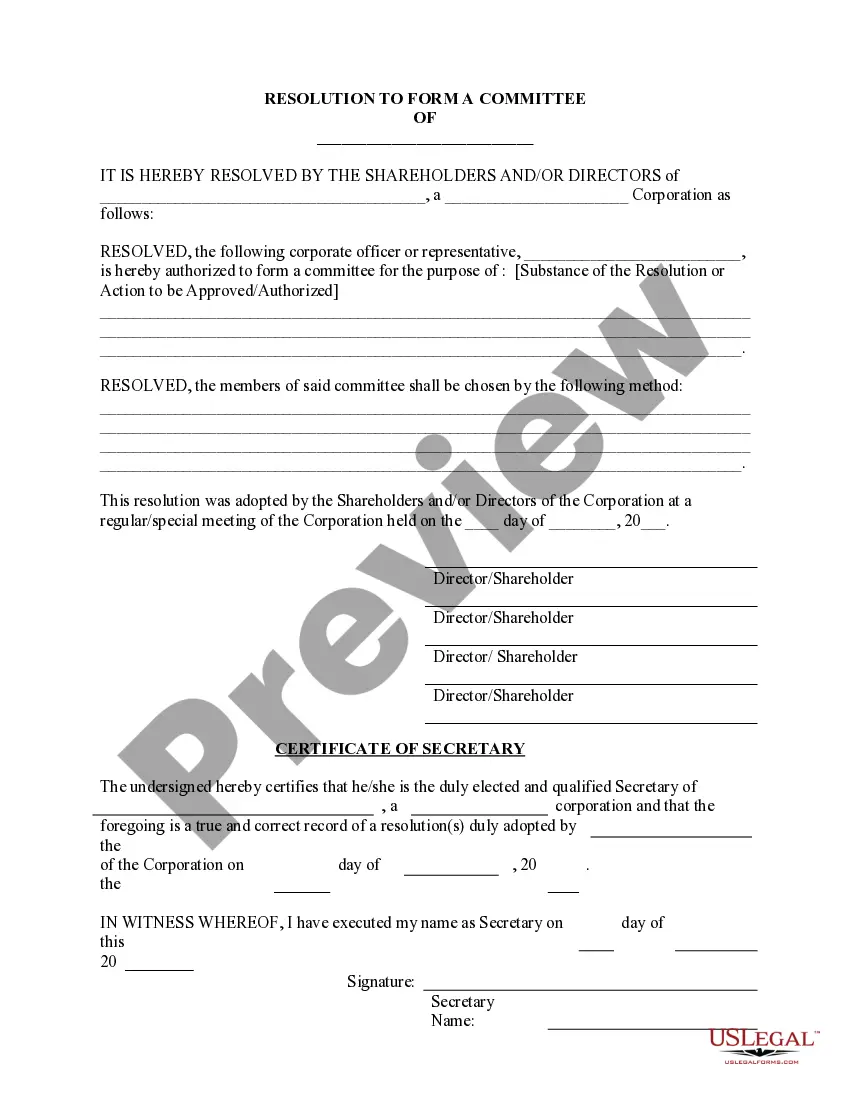
Official Resolution Form For Llc In San Diego
Description





Get your form ready online
Our built-in tools help you complete, sign, share, and store your documents in one place.
Make edits, fill in missing information, and update formatting in US Legal Forms—just like you would in MS Word.
Download a copy, print it, send it by email, or mail it via USPS—whatever works best for your next step.
Sign and collect signatures with our SignNow integration. Send to multiple recipients, set reminders, and more. Go Premium to unlock E-Sign.
If this form requires notarization, complete it online through a secure video call—no need to meet a notary in person or wait for an appointment.
We protect your documents and personal data by following strict security and privacy standards.

Make edits, fill in missing information, and update formatting in US Legal Forms—just like you would in MS Word.

Download a copy, print it, send it by email, or mail it via USPS—whatever works best for your next step.

Sign and collect signatures with our SignNow integration. Send to multiple recipients, set reminders, and more. Go Premium to unlock E-Sign.

If this form requires notarization, complete it online through a secure video call—no need to meet a notary in person or wait for an appointment.

We protect your documents and personal data by following strict security and privacy standards.
Looking for another form?









Form popularity
FAQ
An LLC's corporate resolution form will need to include the following: The business name. Member signatures. If a vote is taken, a record of who voted and their vote. Signatures of others involved/present (secretaries, corporate officers, lawyers, third-party representatives, etc.) Date and location.
§ 501-LLC. (January 2022) A Non Government Agency. Corporate Processing Service. California Limited Liability Company Biennial Order Form.
To submit Form SI-100, you may file it online at the California Secretary of State's website or mail it to the Statement of Information Unit at P.O. Box 944230, Sacramento, CA 94244-2300. For in-person submissions, visit the Sacramento office located at 1500 11th Street, Sacramento, CA 95814.
Setting Up an LLC in California Step 1: Confirm That an LLC is Right for Your Business. Step 2: Choose a Business Name. Step 3: Appoint a Registered Agent. Step 4: File Articles of Organization. Step 5: Create an Operating Agreement. Step 6: File a Statement of Information. Step 7: Fulfill Tax Requirements.
How to Start an LLC in California Choose a Name for Your California LLC. Choose a California Registered Agent. Decide on Member vs. Manager Management. File Articles of Organization With the SOS. Prepare an Operating Agreement. File Initial and Biennial Reports. Comply With Other Tax and Regulatory Requirements.
Setting Up an LLC in California Step 1: Confirm That an LLC is Right for Your Business. Step 2: Choose a Business Name. Step 3: Appoint a Registered Agent. Step 4: File Articles of Organization. Step 5: Create an Operating Agreement. Step 6: File a Statement of Information. Step 7: Fulfill Tax Requirements.
An LLC's corporate resolution form will need to include the following: The business name. Member signatures. If a vote is taken, a record of who voted and their vote. Signatures of others involved/present (secretaries, corporate officers, lawyers, third-party representatives, etc.) Date and location.
Your Initial Resolutions are a legal document stating who has control over your LLC, which can be used to prove LLC ownership. This document needs to be signed by the organizer of your LLC (the person who signed the Articles of Organization).
LLC resolutions should be signed by all members or authorized representatives of the LLC who are involved in the decision or action being documented in the resolution.
Voting Resolutions: Voting resolutions are used to make important decisions in the LLC. Voting resolutions require the approval of a certain number of members for the resolution to pass. Consent Resolutions: Consent resolutions are used when all members of the LLC agree to a certain action or decision.
