Official Resolution Form For Signing Authority In Salt Lake
Description



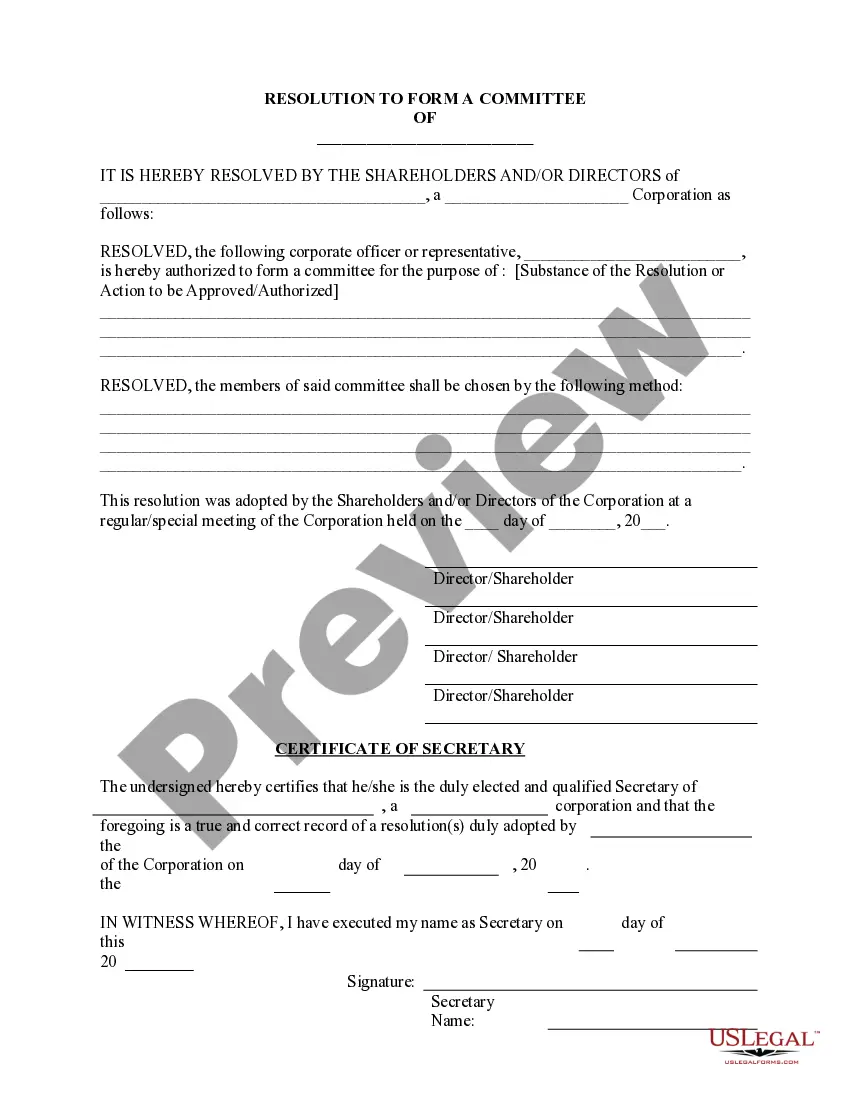


Get your form ready online
Our built-in tools help you complete, sign, share, and store your documents in one place.
Make edits, fill in missing information, and update formatting in US Legal Forms—just like you would in MS Word.
Download a copy, print it, send it by email, or mail it via USPS—whatever works best for your next step.
Sign and collect signatures with our SignNow integration. Send to multiple recipients, set reminders, and more. Go Premium to unlock E-Sign.
If this form requires notarization, complete it online through a secure video call—no need to meet a notary in person or wait for an appointment.
We protect your documents and personal data by following strict security and privacy standards.

Make edits, fill in missing information, and update formatting in US Legal Forms—just like you would in MS Word.

Download a copy, print it, send it by email, or mail it via USPS—whatever works best for your next step.

Sign and collect signatures with our SignNow integration. Send to multiple recipients, set reminders, and more. Go Premium to unlock E-Sign.

If this form requires notarization, complete it online through a secure video call—no need to meet a notary in person or wait for an appointment.

We protect your documents and personal data by following strict security and privacy standards.
Looking for another form?










Form popularity
FAQ
(4)A company is required to circulate the resolution and any accompanying statement once it has received requests that it do so from members representing not less than the requisite percentage of the total voting rights of all members entitled to vote on the resolution.
All eligible directors must either sign copies of the written resolution, or otherwise agree to it in writing. A sole director will usually make decisions by written resolution.
In the case of a director's circulating resolution, instead of requiring all directors to sign, your company's constitution may allow a circulating resolution to pass if a majority (50% or more) or special majority (usually, 75% or more) of directors sign the resolution stating that they are in favour of it.
The purpose of an Authorization Letter is to: (a) demonstrate that the individual(s) signing contracts and reviewing and submitting invoices have been authorized to do so by the organization's Board of Directors; and (b) provide a sample of the signatures of the organization's authorized signatories.
The Companies Ordinance provides that a resolution in writing shall be treated as a resolution (or, where relevant, a special resolution) passed at a general meeting. A written resolution must be signed by all the members entitled to attend and vote at a general meeting.
Each shareholder will usually sign and return the written resolution to the company to signify agreement. This can be on paper or electronically.
The corporate resolution for signing authority is a specific corporate resolution that authorizes specific corporate officers with the legal standing to sign contracts on behalf of the corporation.
Board Resolution Granting Signing Authority BE IT RESOLVED, that the board of directors hereunder authorizes Authorized Individual's Name, Position, to sign, execute, and endorse on behalf of Company Name for all financial transactions, legal documents, and other official agreements.
Clearly state your name and that you're writing to grant authorization to another individual or organization. In the body of your letter, identify the parties involved, specify the authority you're granting, define the duration, and include any other necessary information.
