Resolution For Form 10 In California
Description



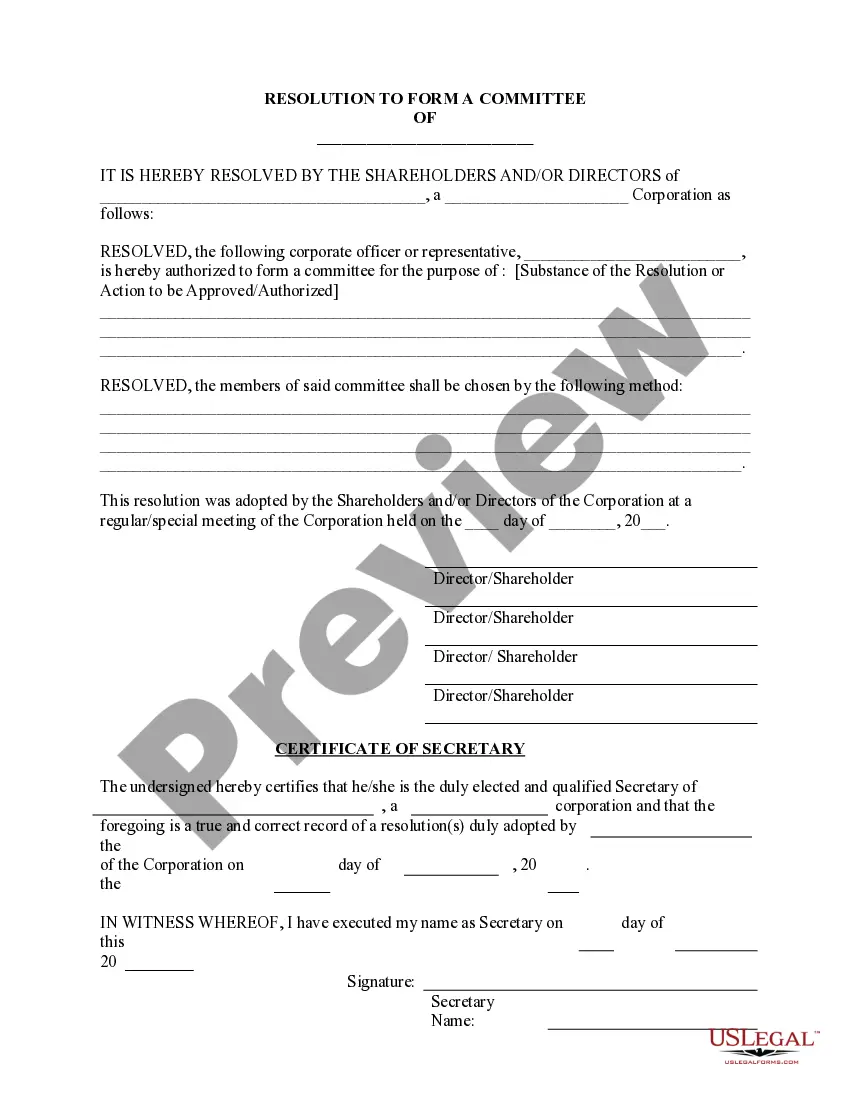


Get your form ready online
Our built-in tools help you complete, sign, share, and store your documents in one place.
Make edits, fill in missing information, and update formatting in US Legal Forms—just like you would in MS Word.
Download a copy, print it, send it by email, or mail it via USPS—whatever works best for your next step.
Sign and collect signatures with our SignNow integration. Send to multiple recipients, set reminders, and more. Go Premium to unlock E-Sign.
If this form requires notarization, complete it online through a secure video call—no need to meet a notary in person or wait for an appointment.
We protect your documents and personal data by following strict security and privacy standards.

Make edits, fill in missing information, and update formatting in US Legal Forms—just like you would in MS Word.

Download a copy, print it, send it by email, or mail it via USPS—whatever works best for your next step.

Sign and collect signatures with our SignNow integration. Send to multiple recipients, set reminders, and more. Go Premium to unlock E-Sign.

If this form requires notarization, complete it online through a secure video call—no need to meet a notary in person or wait for an appointment.

We protect your documents and personal data by following strict security and privacy standards.
Looking for another form?






Form popularity
FAQ
Resolutions begin with "Whereas" statements, which provides the basic facts and reasons for the resolution, and conclude with "Resolved" statements which, identifies the specific proposal for the requestor's course of action.
Steps to Write a Corporate Resolution Write the Company's Name. Indicate Further Legal Identification. Include Location, Date, and Time. List the Board Resolutions. Sign the Document and Write the Document.
What's included in a corporate resolution? Legal company identification. Company legal name. Title and purpose of the resolution. Signatures of the individual(s) designated to sign resolutions (typically a chairman) List of board members present at the meeting. Date, time, and location of a board meeting.
RESOLVED, that the Board of Directors is hereby authorized and approved to authorize and empower the following individual to make, execute, endorse and deliver in the name of and on behalf of the corporation, but shall not be limited to, any and all written instruments, agreements, documents, execution of deeds, powers ...
How to fill out the Limited Liability Company Resolution Template? Gather the required company details and officer names. Fill in the meeting date, time, and location. Document the resolutions discussed and decisions made. Sign the resolution as required by company policy.
File the appropriate dissolution, surrender, or cancellation SOS form(s) within 12 months of filing your final tax return. Currently, LLCs can submit termination forms online. Online submission for Corporation and Partnership dissolution/cancellation forms is not available at this time.
You can also submit a change of address by submitting a signed written request by mail or fax at (916) 653-7625 that includes: your old and new address, your new telephone numbers, your Safe at Home four-digit Authorization ID number, the effective date of the change, your name, and your signature.
A Statement of Information must be filed either every year for California stock, cooperative, credit union, and all qualified out-of-state corporations or every two years (only in odd years or only in even years based on year of initial registration) for California nonprofit corporations and all California and ...
