Travel Expenses Corporate Without Receipt In Utah
Description


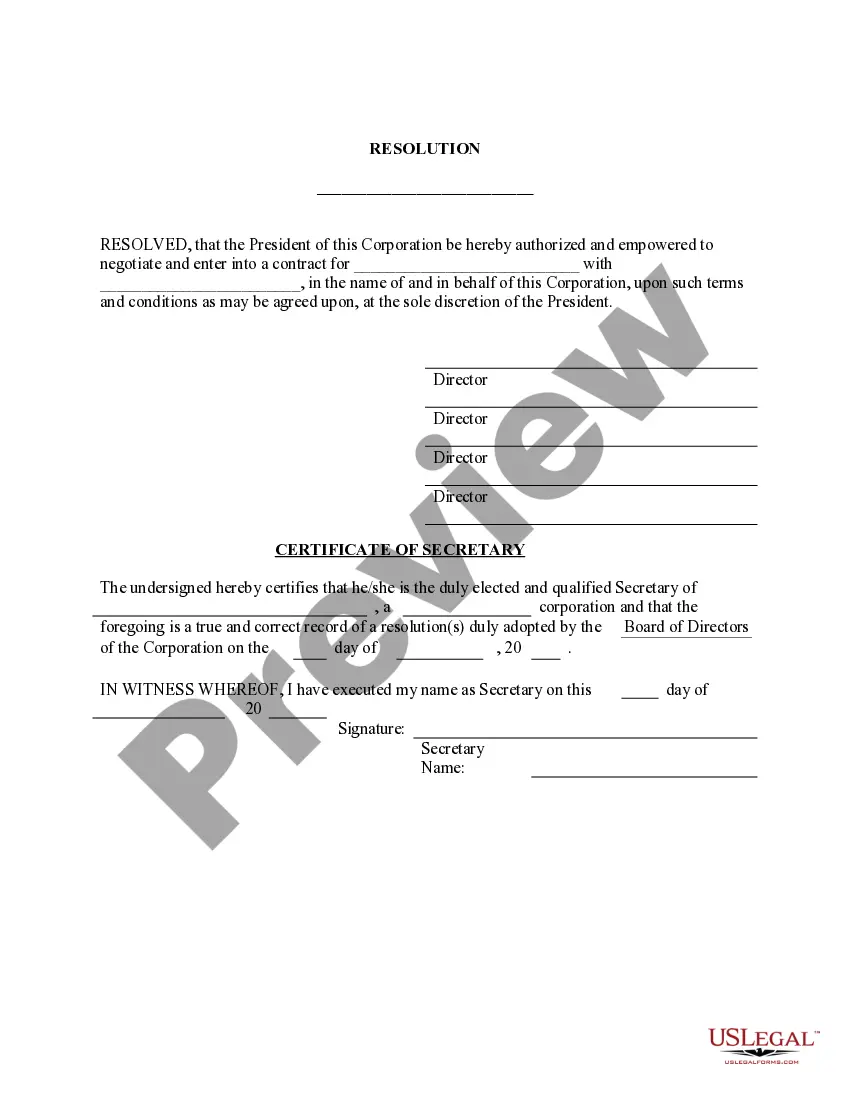

Get your form ready online
Our built-in tools help you complete, sign, share, and store your documents in one place.
Make edits, fill in missing information, and update formatting in US Legal Forms—just like you would in MS Word.
Download a copy, print it, send it by email, or mail it via USPS—whatever works best for your next step.
Sign and collect signatures with our SignNow integration. Send to multiple recipients, set reminders, and more. Go Premium to unlock E-Sign.
If this form requires notarization, complete it online through a secure video call—no need to meet a notary in person or wait for an appointment.
We protect your documents and personal data by following strict security and privacy standards.

Make edits, fill in missing information, and update formatting in US Legal Forms—just like you would in MS Word.

Download a copy, print it, send it by email, or mail it via USPS—whatever works best for your next step.

Sign and collect signatures with our SignNow integration. Send to multiple recipients, set reminders, and more. Go Premium to unlock E-Sign.

If this form requires notarization, complete it online through a secure video call—no need to meet a notary in person or wait for an appointment.

We protect your documents and personal data by following strict security and privacy standards.
Looking for another form?

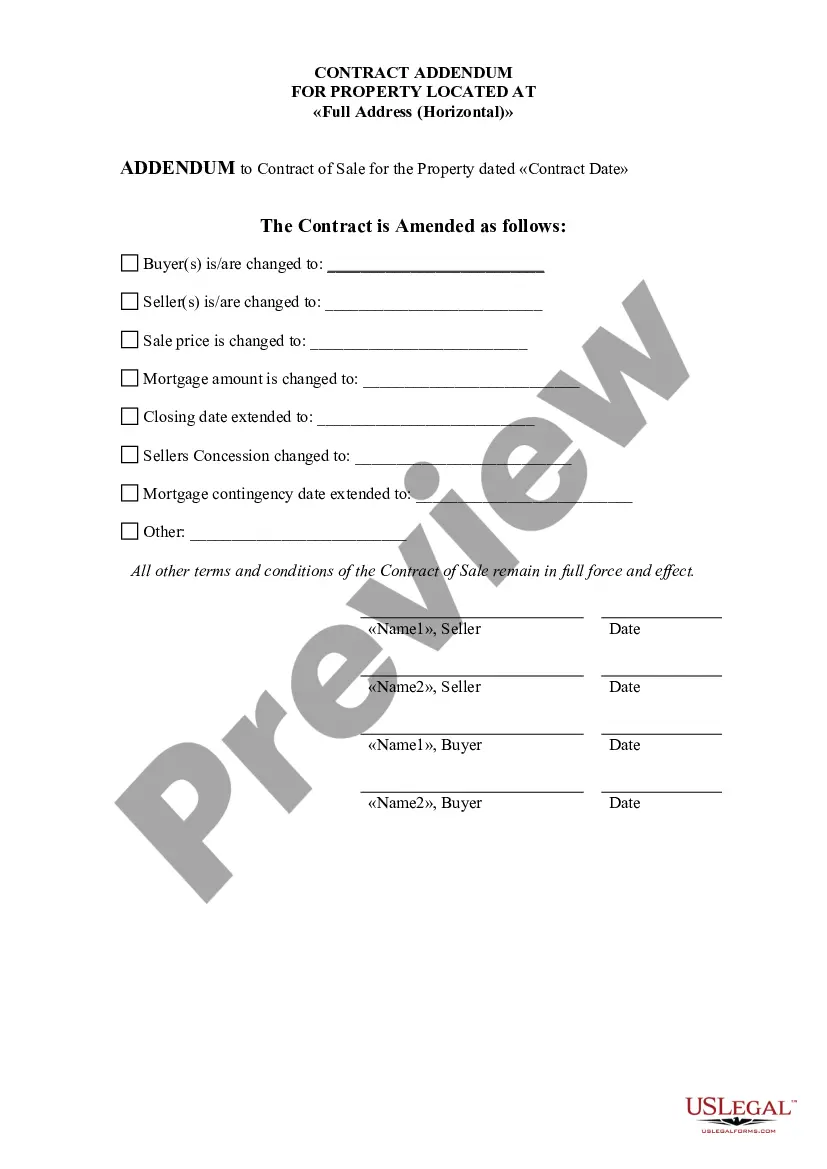



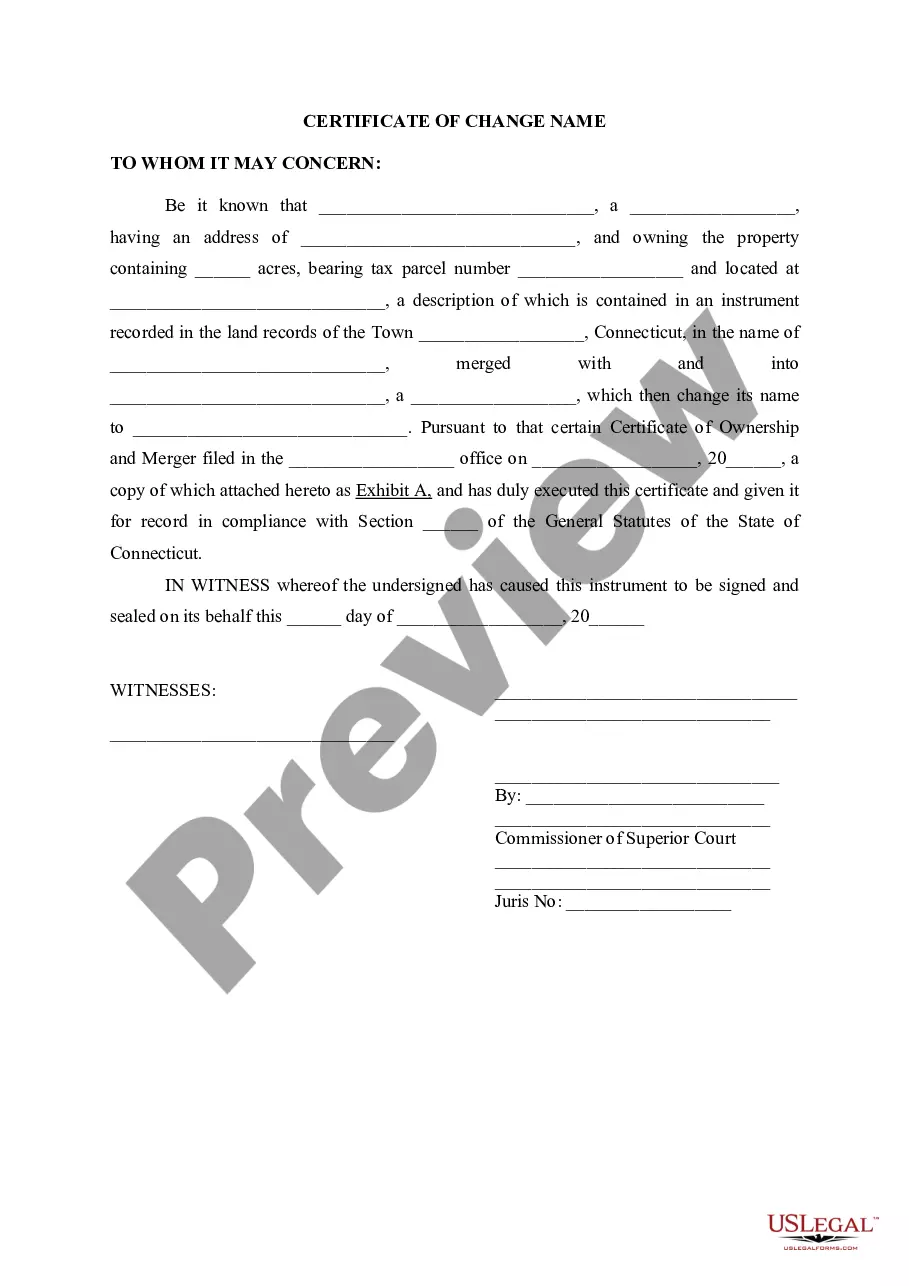

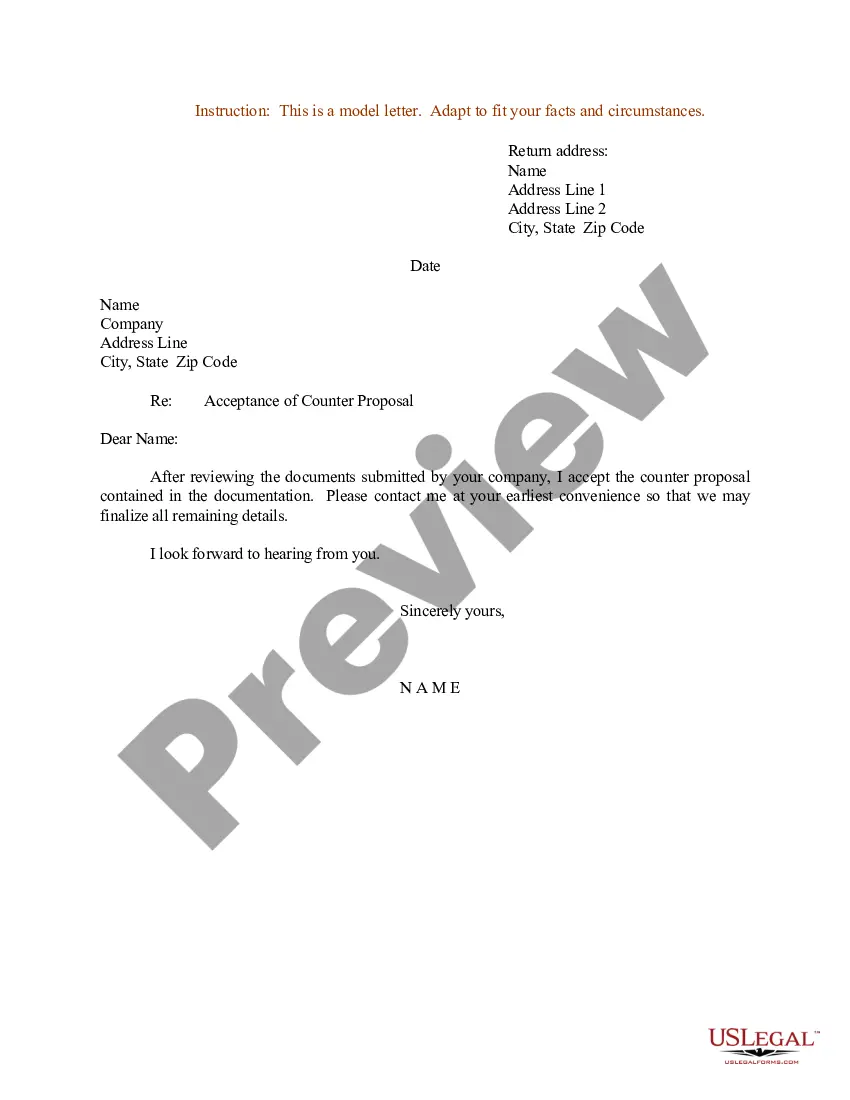


Form popularity
FAQ
How to record reimbursements Decide whether it's a valid reimbursement. First, evaluate whether this expense is an appropriate billable expense for this client. Keep your receipts. Add reimbursement costs to client bill. Bill client up to agreed-upon limits. Determine whether it's tax deductible. Add to your records.
Entertainment Expenses (Non-Travel) Includes business meals when not traveling, food and beverage served at meetings and events.
There are 2 ways to create a reimbursement request: from the Concur home page or the manage expenses screen. From the home page, click Start a Report at the top of the page. You'll see a window labeled Create New Report.
You need to attach an itemized receipt or other sufficient documentation to each expense in your reimbursement request. If you don't have sufficient documentation, you need to use the missing receipt affidavit. Click the button Upload New Receipt to browse your files for the image.
Which receipts must I keep? Receipts are required for lodging, rental cars, gas purchases when using a rental car, and any other expenses over $75.
Completing the expense claim form: Typically, at the end of the month (or after the trip), the employee fills out an expense claim form. This form should capture details like the date, time, location, business purpose of the expense, and the corresponding receipt of the invoice.
If you choose to claim an expense without a receipt, make sure you have other proof of the transaction, either on a bank statement or as detailed notes. You need to be able to demonstrate that the expense is solely for business use and that the amounts have been recorded and calculated accurately.
Deductions you can take without receipts include home office expenses such as rent and utilities, self-employment taxes, self-employed health insurance premiums, and certain vehicle expenses.
What are the steps of a travel reimbursement process? Pre-travel approval. Expense guidelines and policies. Expense documentation. Expense report preparation. Review and approval. Reimbursement processing. Reconciliation and reporting.

