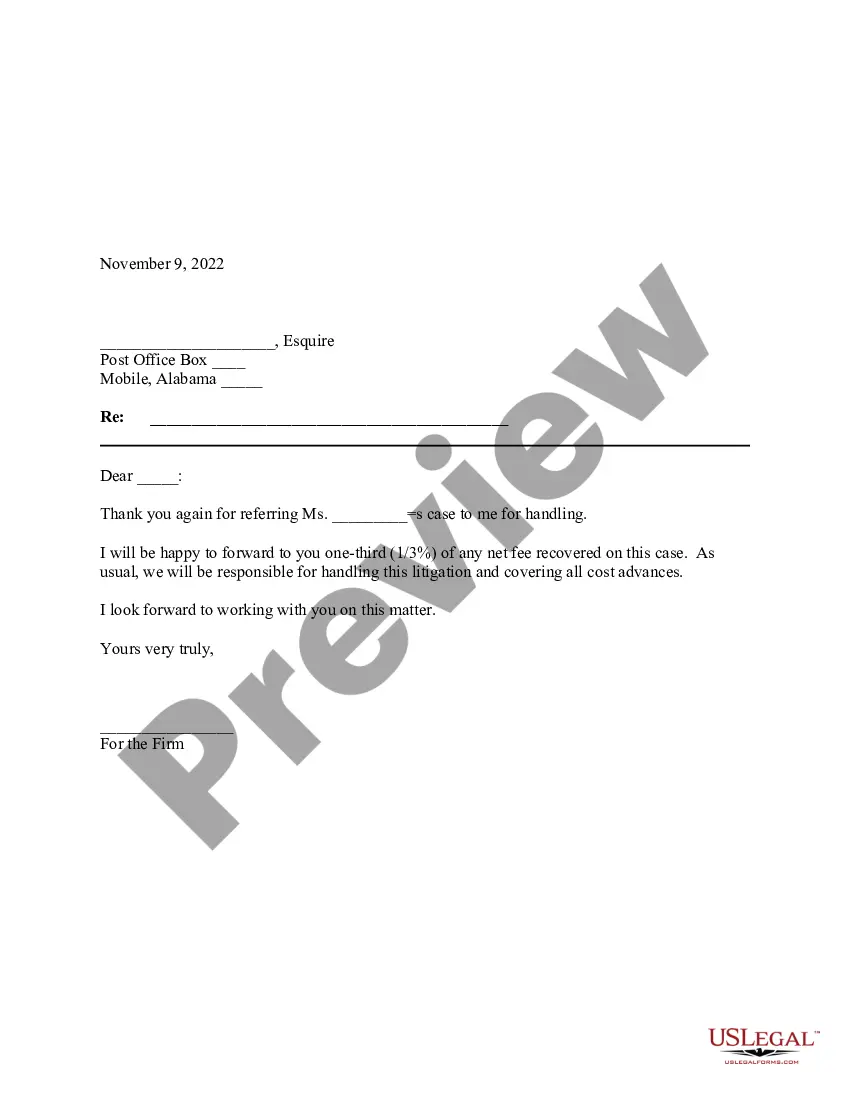
Letter Instruction Sample With Greetings In Washington
Description

Get your form ready online
Our built-in tools help you complete, sign, share, and store your documents in one place.
Make edits, fill in missing information, and update formatting in US Legal Forms—just like you would in MS Word.
Download a copy, print it, send it by email, or mail it via USPS—whatever works best for your next step.
Sign and collect signatures with our SignNow integration. Send to multiple recipients, set reminders, and more. Go Premium to unlock E-Sign.
If this form requires notarization, complete it online through a secure video call—no need to meet a notary in person or wait for an appointment.
We protect your documents and personal data by following strict security and privacy standards.

Make edits, fill in missing information, and update formatting in US Legal Forms—just like you would in MS Word.

Download a copy, print it, send it by email, or mail it via USPS—whatever works best for your next step.

Sign and collect signatures with our SignNow integration. Send to multiple recipients, set reminders, and more. Go Premium to unlock E-Sign.

If this form requires notarization, complete it online through a secure video call—no need to meet a notary in person or wait for an appointment.

We protect your documents and personal data by following strict security and privacy standards.
Looking for another form?







Form popularity
FAQ
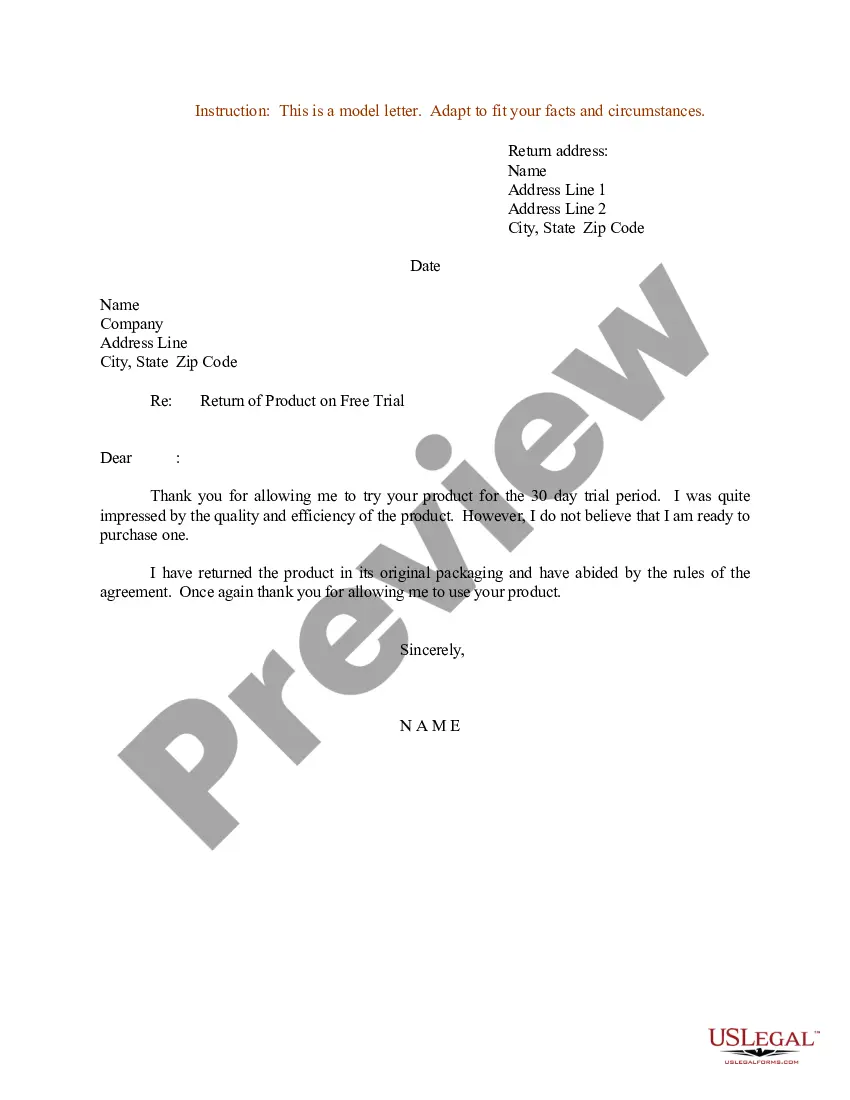
Elements: full mailing address of the sender. date on which letter is written. address of person to whom letter is addressed. subject line. salutation. body (the main message) complimentary closing. signature line (be sure to sign your letter)
5 strong greetings (salutations) Dear full name, Greeting the recipient by their full name is best when you haven't previously interacted with them. Dear title and last name, ... Hi first name, ... Dear team, department, or job title, ... Hello,
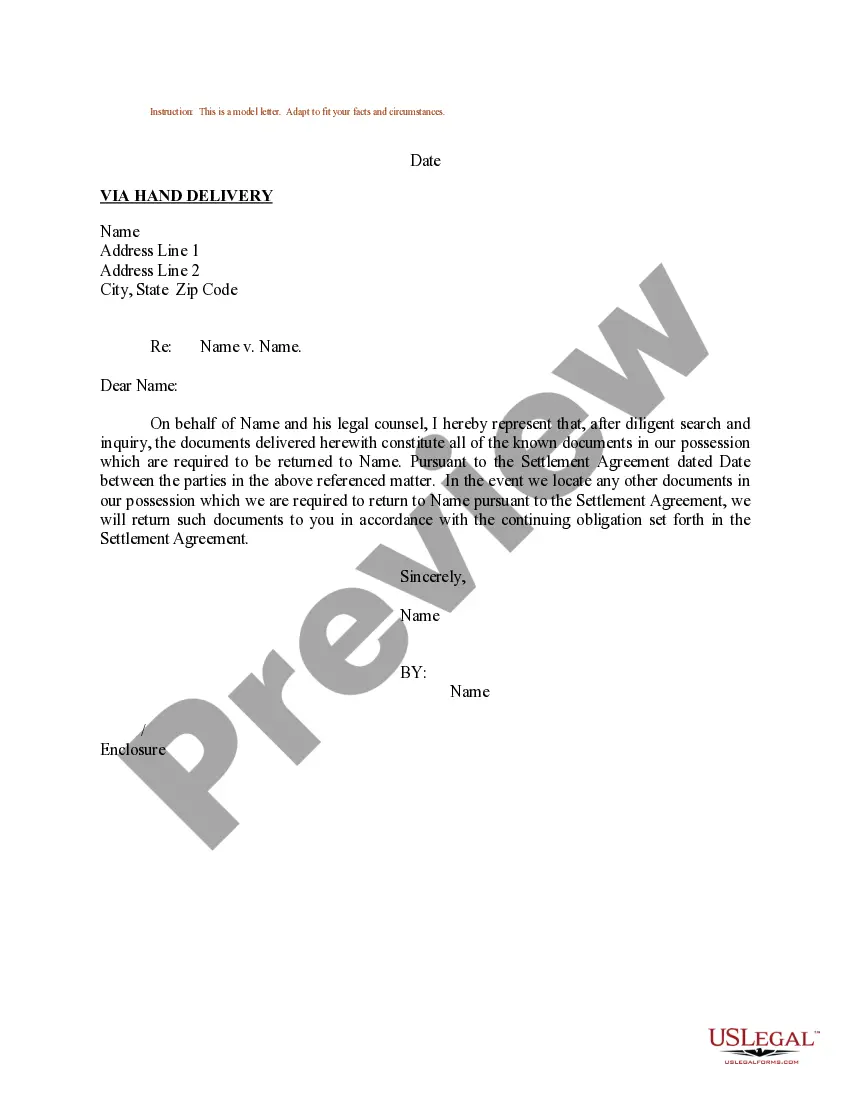
A good letter of instruction should contain the following information: A complete list of all assets. The whereabouts of any tangible assets that are not readily accessible. Necessary information about all liquid assets, including bank, brokerage, retirement, and investment accounts.
8 best ways to start emails Hi Name, Starting an email with “Hi Name,” is best for most circumstances, other than very formal situations. Hello Name, ... Dear Name, ... Good morning / afternoon / evening, ... Greetings, ... Hi there, ... To Name, ... To Whom It May Concern,
You can address the recipient by starting with "Dear" followed by a personal title, such as "Mr." or "Ms." If you have the full name of the recipient of your business letter, you can enhance the formal nature of the letter by starting with "Dear" followed by a personal salutation, such as "Dear Ms. Levatson."
Here are six steps to write a letter of instruction: Create a header. Before you write the content of the letter, create a header at the top left-hand corner of the document. Address the reader. Explain the project or task. List each step. Conclude your letter. Revise the document.
It's a good way to let to those trusted to take care of your affairs know what you would want them to know. Since the letter of instruction is not a legal document, it does not need to be notarized or signed in the presence of witnesses or with any other special formality.
7 elements to include in your letter of last instruction Contact information. Legal form, document, and property locations. Personal and financial passwords. Beneficiary information. Guidance for pets. Funeral or memorial service wishes. Legal and financial information and wishes.
