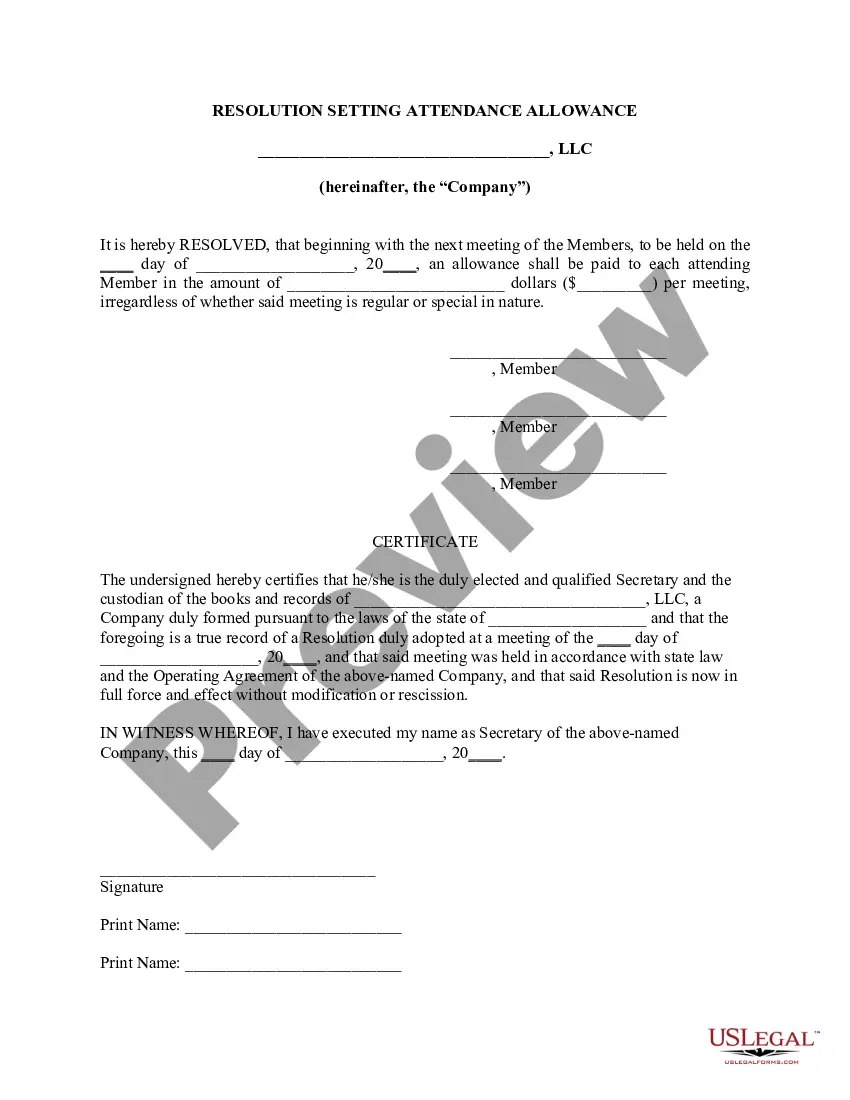
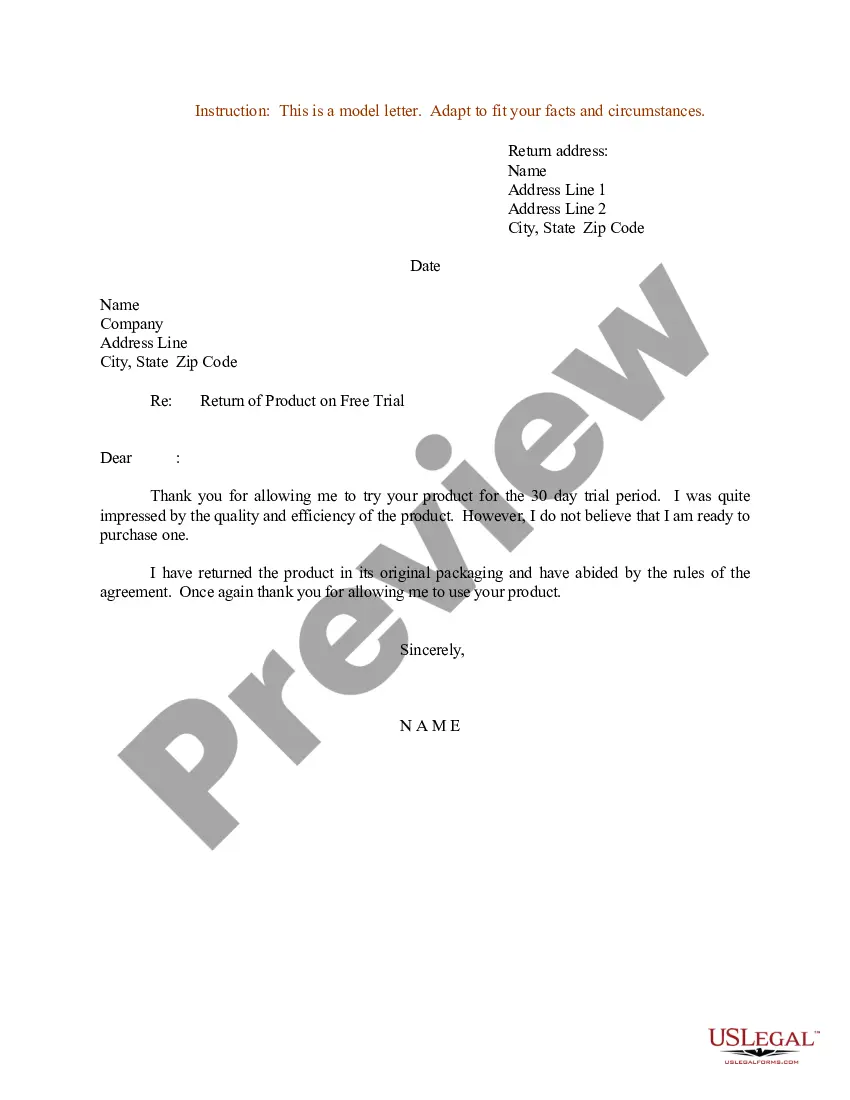
Letter Instruction Sample With Attention In Broward
Description


Get your form ready online
Our built-in tools help you complete, sign, share, and store your documents in one place.
Make edits, fill in missing information, and update formatting in US Legal Forms—just like you would in MS Word.
Download a copy, print it, send it by email, or mail it via USPS—whatever works best for your next step.
Sign and collect signatures with our SignNow integration. Send to multiple recipients, set reminders, and more. Go Premium to unlock E-Sign.
If this form requires notarization, complete it online through a secure video call—no need to meet a notary in person or wait for an appointment.
We protect your documents and personal data by following strict security and privacy standards.

Make edits, fill in missing information, and update formatting in US Legal Forms—just like you would in MS Word.

Download a copy, print it, send it by email, or mail it via USPS—whatever works best for your next step.

Sign and collect signatures with our SignNow integration. Send to multiple recipients, set reminders, and more. Go Premium to unlock E-Sign.

If this form requires notarization, complete it online through a secure video call—no need to meet a notary in person or wait for an appointment.

We protect your documents and personal data by following strict security and privacy standards.
Looking for another form?










Form popularity
FAQ
For technical assistance with the Florida Courts E-Filing Portal, please email support@myflcourtaccess or call 850-577-4609.
The Florida Courts E-Filing Portal is a single statewide website where users can file court documents in Florida's trial and appellate courts. E-filing is the electronic filing of documents to the clerk's office.
EFiling across the state Electronic court filing has been mandatory in Florida since 2013 through their ePortal system. The state's system, and its certified eFiling providers, cover all 67 counties in Florida. eFilings are deemed complete on the date and time the electronic filing is received by the court's system.
How do I submit documents to be issued in Broward County? Summons, writs, subpoenas and other documents that are issued by the clerk should be E-Filed. Choose the appropriate Document Group type from the dropdown list and then choose the appropriate Document Type for that group.
Divisions - Department of State Division of Administrative Services. 850.245.6550. 850.245.6598 (fax) ... Division of Arts and Culture. 850.245.6470. Division of Elections. 850.245.6200. Division of Historical Resources. 850.245.6300. Division of Library and Information Services. 850.245.6600. Secretary of State. R.A. Gray Building.
The Florida Bar / Florida Supreme Court have not approved any standardized forms for unlawful detainers so you will have to hire an attorney. The first step in an unlawful detainer is to issue the occupant a notice to vacate. Then contact us to file the case in court.
For ePortal technical support, attorneys may contact the Florida Courts eFiling Portal via email support@myflcourtaccess, or call the Florida Courts eFiling Portal Support Desk at 850-577-4609.