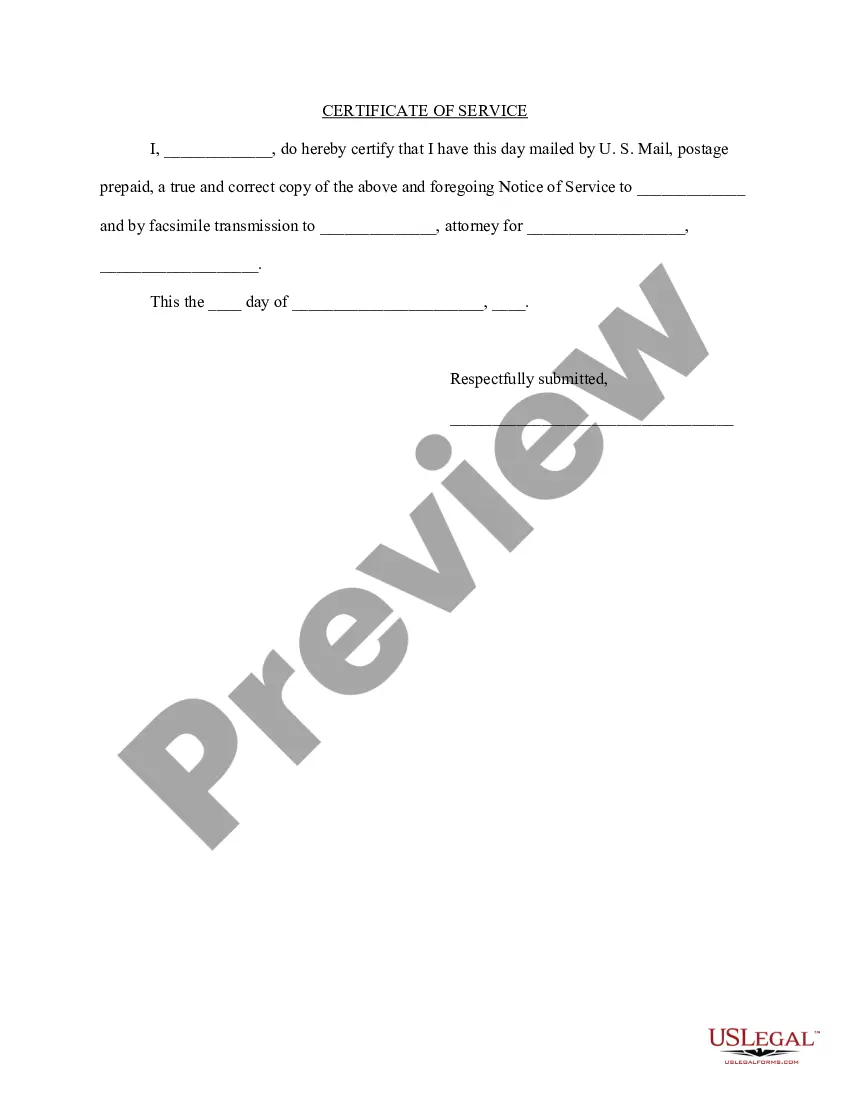
Proof Of Service For Discovery In San Bernardino
Description


Get your form ready online
Our built-in tools help you complete, sign, share, and store your documents in one place.
Make edits, fill in missing information, and update formatting in US Legal Forms—just like you would in MS Word.
Download a copy, print it, send it by email, or mail it via USPS—whatever works best for your next step.
Sign and collect signatures with our SignNow integration. Send to multiple recipients, set reminders, and more. Go Premium to unlock E-Sign.
If this form requires notarization, complete it online through a secure video call—no need to meet a notary in person or wait for an appointment.
We protect your documents and personal data by following strict security and privacy standards.
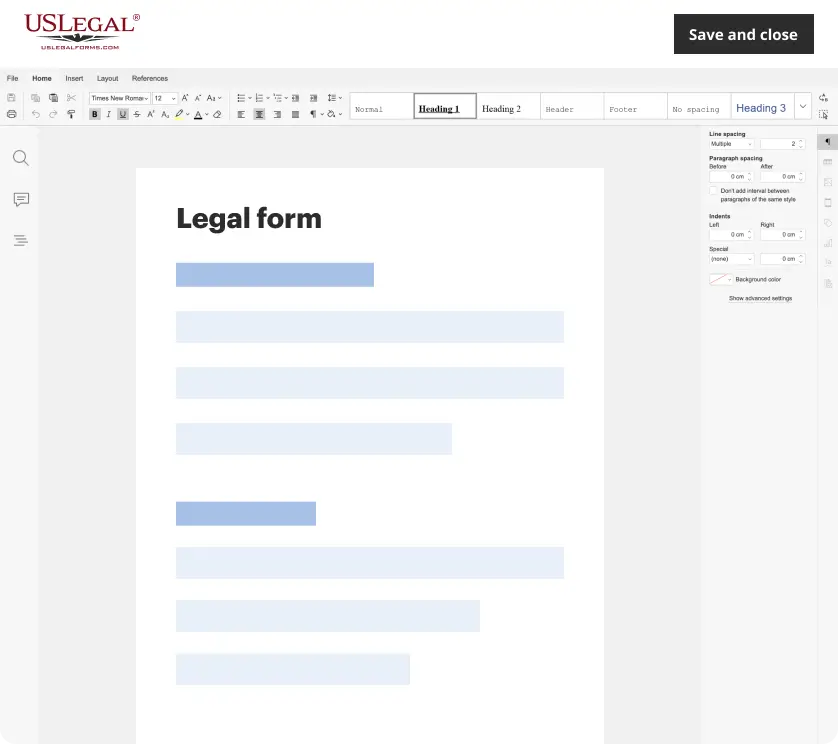
Make edits, fill in missing information, and update formatting in US Legal Forms—just like you would in MS Word.
Download a copy, print it, send it by email, or mail it via USPS—whatever works best for your next step.
Sign and collect signatures with our SignNow integration. Send to multiple recipients, set reminders, and more. Go Premium to unlock E-Sign.
If this form requires notarization, complete it online through a secure video call—no need to meet a notary in person or wait for an appointment.
We protect your documents and personal data by following strict security and privacy standards.
Looking for another form?
Form popularity
FAQ
How many attempts will a process server make in California? Professional process servers in California typically make multiple attempts to serve documents, usually three to five tries, at different times of the day and week to maximize the chance of serving the recipient.
You can also reach out to local legal entities. This could be the court's clerk office. Simply ask if there are any legal documents with your name on them that haven't been delivered yet. This is like calling customer service to check if they've dispatched that order you forgot you made.
To find the right person to serve papers, you can take advantage of online search tools such as Google and social media, check public records, reach out to known associates of the person, use reverse telephone directory, and any other possible means.
Typically, the best first step is to look for information on the court's website. Go to the court's website where the case is filed. Most courts have a section on their website called "online services" or something similar.
Dial 888-882-6878 or visit the CourtCall website at urtcall to schedule a remote appearance for matters scheduled on participating calendars.
Dial 888-882-6878 or visit the CourtCall website at urtcall to schedule a remote appearance for matters scheduled on participating calendars.
A San Bernardino County court records search can be conducted at any of the listed places: The San Bernardino Superior Court clerk's office. A clerk's office in any court where the case filing took place. Public access terminals at the courthouse. Remote access portals maintained by the Superior court.
If appearing remotely, you are required to participate in your hearing using a device that has video and audio capability (i.e. computer, smartphone, or tablet) unless you apply in writing to the Court and receive permission from the Court (3) days prior to your scheduled court date to appear by telephone.
Once your server fills out and signs the Proof of Service, you must file it with the court at least 5 days before your court date. If you do not have a Proof of Service for each person served, or if the Proof of Service is filled out wrong, the judge may not be able to hear your case.