Corporate Resolution Form Florida In Virginia
Description


Get your form ready online
Our built-in tools help you complete, sign, share, and store your documents in one place.
Make edits, fill in missing information, and update formatting in US Legal Forms—just like you would in MS Word.
Download a copy, print it, send it by email, or mail it via USPS—whatever works best for your next step.
Sign and collect signatures with our SignNow integration. Send to multiple recipients, set reminders, and more. Go Premium to unlock E-Sign.
If this form requires notarization, complete it online through a secure video call—no need to meet a notary in person or wait for an appointment.
We protect your documents and personal data by following strict security and privacy standards.

Make edits, fill in missing information, and update formatting in US Legal Forms—just like you would in MS Word.

Download a copy, print it, send it by email, or mail it via USPS—whatever works best for your next step.

Sign and collect signatures with our SignNow integration. Send to multiple recipients, set reminders, and more. Go Premium to unlock E-Sign.

If this form requires notarization, complete it online through a secure video call—no need to meet a notary in person or wait for an appointment.

We protect your documents and personal data by following strict security and privacy standards.
Looking for another form?







Form popularity
FAQ
(b) “Resolution” means an expression of a governing body concerning matters of administration, an expression of a temporary character, or a provision for the disposition of a particular item of the administrative business of the governing body.
They provide a clear trail of decisions made by a board, which is essential for legal compliance and accountability. Corporate resolutions also serve as a historical reference for the board's actions, and may be required for certain transactions or financial activities.
Obtain a copy of the corporate resolution form California from the Secretary of State's website or local office. Fill in the necessary information on the form, such as the name of the corporation, its address, and the date of the resolution.
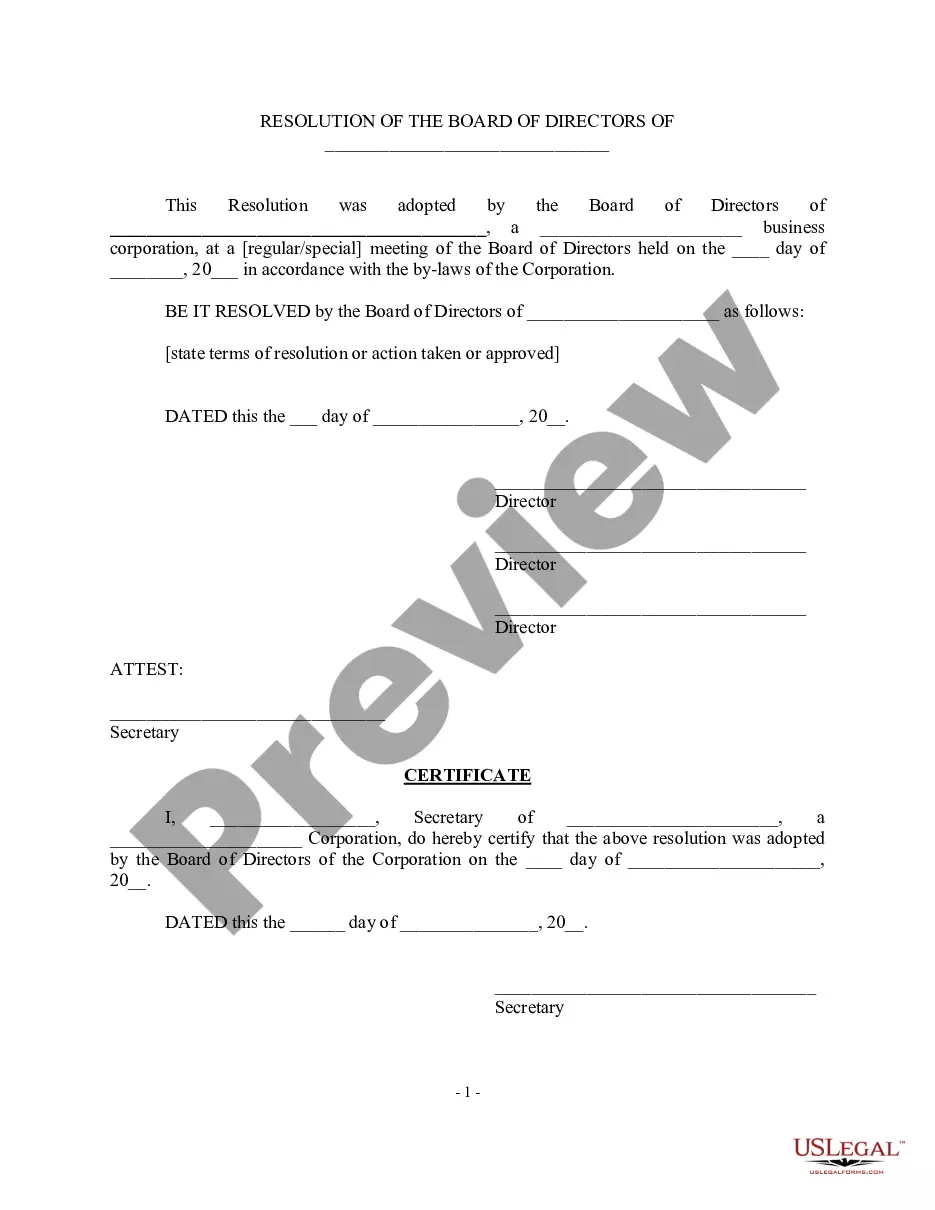
The purpose of a corporate resolution form in Florida is to document important decisions made by the corporation's board of directors. This form is used to record corporate actions such as the appointment of officers, adoption of bylaws, changes in corporate structure, and the authorization of major transactions.
A corporate resolution document does not need to be notarized, although if it involves other transactions then those might have to be notarized. Once the document has been signed off and dated by the chairperson, vice-chairperson, corporate treasurer, and secretary, it becomes a binding document.
A corporate resolution (or “board resolution”) is a written legal document recording a decision made by the board of directors on behalf of the corporation. It is yet another vital business document for recordkeeping. Corporate stock certificates.
Outlined below is a detailed description of the process to guide you to produce legally binding corporate resolution documents. Write the Company's Name. Indicate Further Legal Identification. Include Location, Date, and Time. List the Board Resolutions. Sign the Document and Write the Document.
Guidelines for Valid Corporate Resolutions. The certification must bear an original signature by an officer of the corporation, (preferably the secretary), and this signature must be someone other than the person who signed the RFP, RFQ, RFI, etc.
Typically, a board of directors will create corporate resolutions and sign them at a board meeting. Before the meeting, all board members should receive a meeting agenda that includes any decisions or actions to be resolved. Resolutions must follow a format approved by the state where the business is registered.
