Single Member Llc Corporate Resolution Template For California In Contra Costa
Description


Get your form ready online
Our built-in tools help you complete, sign, share, and store your documents in one place.
Make edits, fill in missing information, and update formatting in US Legal Forms—just like you would in MS Word.
Download a copy, print it, send it by email, or mail it via USPS—whatever works best for your next step.
Sign and collect signatures with our SignNow integration. Send to multiple recipients, set reminders, and more. Go Premium to unlock E-Sign.
If this form requires notarization, complete it online through a secure video call—no need to meet a notary in person or wait for an appointment.
We protect your documents and personal data by following strict security and privacy standards.

Make edits, fill in missing information, and update formatting in US Legal Forms—just like you would in MS Word.

Download a copy, print it, send it by email, or mail it via USPS—whatever works best for your next step.

Sign and collect signatures with our SignNow integration. Send to multiple recipients, set reminders, and more. Go Premium to unlock E-Sign.

If this form requires notarization, complete it online through a secure video call—no need to meet a notary in person or wait for an appointment.

We protect your documents and personal data by following strict security and privacy standards.
Looking for another form?




Form popularity
FAQ
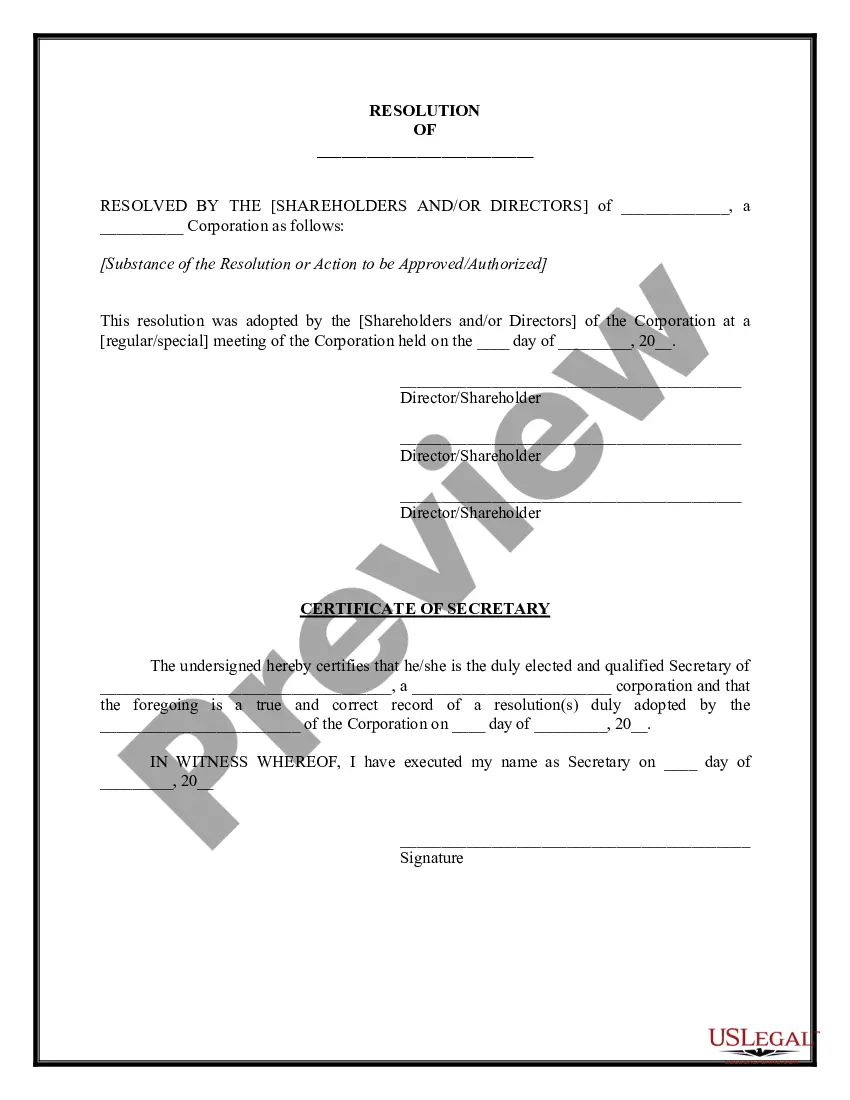
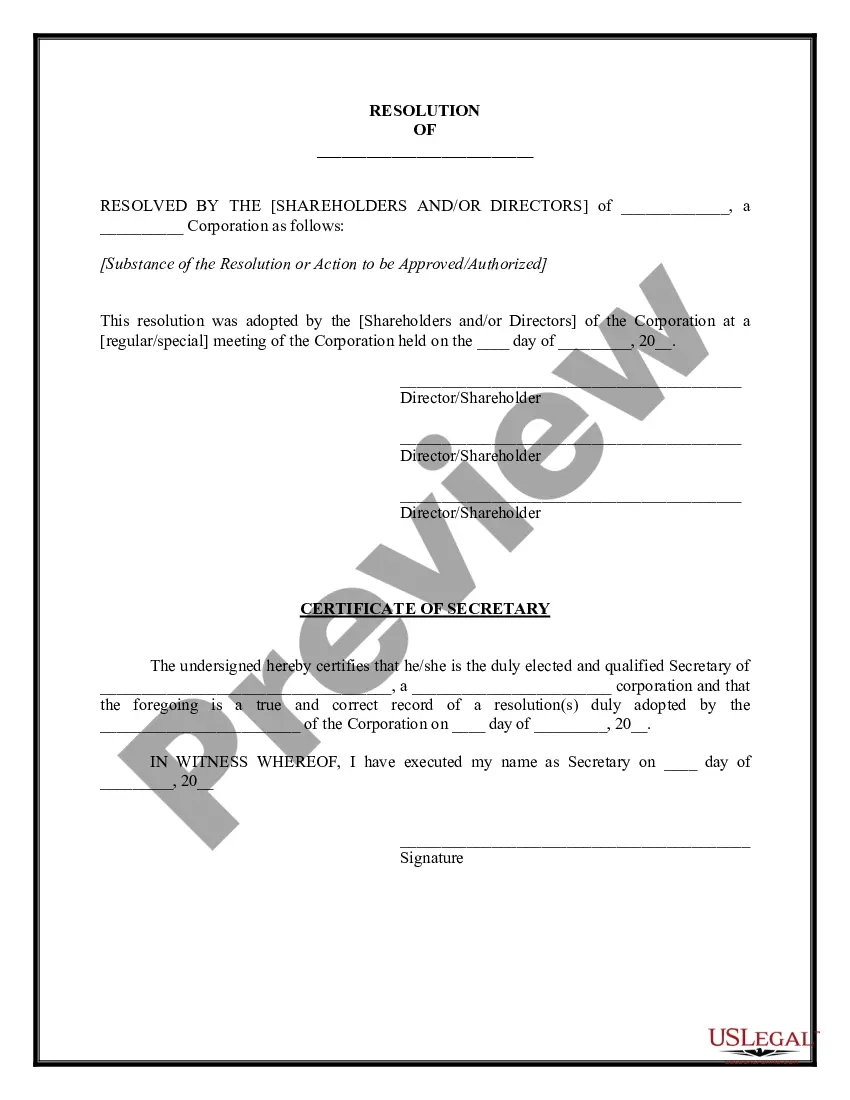
The title of the resolution must appropriately reflect the intent. Resolutions begin with "Whereas" statements, which provides the basic facts and reasons for the resolution, and conclude with "Resolved" statements which, identifies the specific proposal for the requestor's course of action.
What is corporate resolution form california? A corporate resolution form is a document used to record major decisions made by a corporation's board of directors. In California, this document is required by law to be filed with the California Secretary of State.
7 steps for writing a resolution Put the date and resolution number at the top. Give the resolution a title that relates to the decision. Use formal language. Continue writing out each critical statement. Wrap up the heart of the resolution in the last statement.
The corporate resolution for signing authority is a specific corporate resolution that authorizes specific corporate officers with the legal standing to sign contracts on behalf of the corporation.
A member resolution may describe a problem or situation and contain an action to help correct it. This is a “substantive resolution.” A resolution may also be a statement or declaration intended to honor a person, group or entity or commemorate an important person, entity, or event.
Examples of corporate resolutions include the adoption of new bylaws, the approval of changes in the board members, determining what board members have access to certain finances, such as bank accounts, deciding upon mergers and acquisitions, and deciding executive compensation.
An LLC's corporate resolution form will need to include the following: The business name. Member signatures. If a vote is taken, a record of who voted and their vote. Signatures of others involved/present (secretaries, corporate officers, lawyers, third-party representatives, etc.) Date and location.
How to write a corporate resolution Hold a board meeting. Board members typically create corporate resolutions at their board meetings to summarize what they discussed. Include introductory elements. Write a statement of consent. List the resolutions. Conclude with a statement of resolution. Proofread the document.
If your LLC fails to file Form 568 on or before the extended due date, you will be assessed a penalty. The penalty is 5% of the unpaid tax for each month or part of the month, and the return remains unfiled from the due date until it is filed. The maximum penalty is 25% of the unpaid tax.
Form 568 must be filed by every LLC that is not taxable as a corporation if any of the following apply: The LLC is doing business in California. The LLC is organized in California. The LLC is organized in another state or foreign country, but registered with the California SOS.