Non Profit Resolution Template With Logo In Wayne
Description

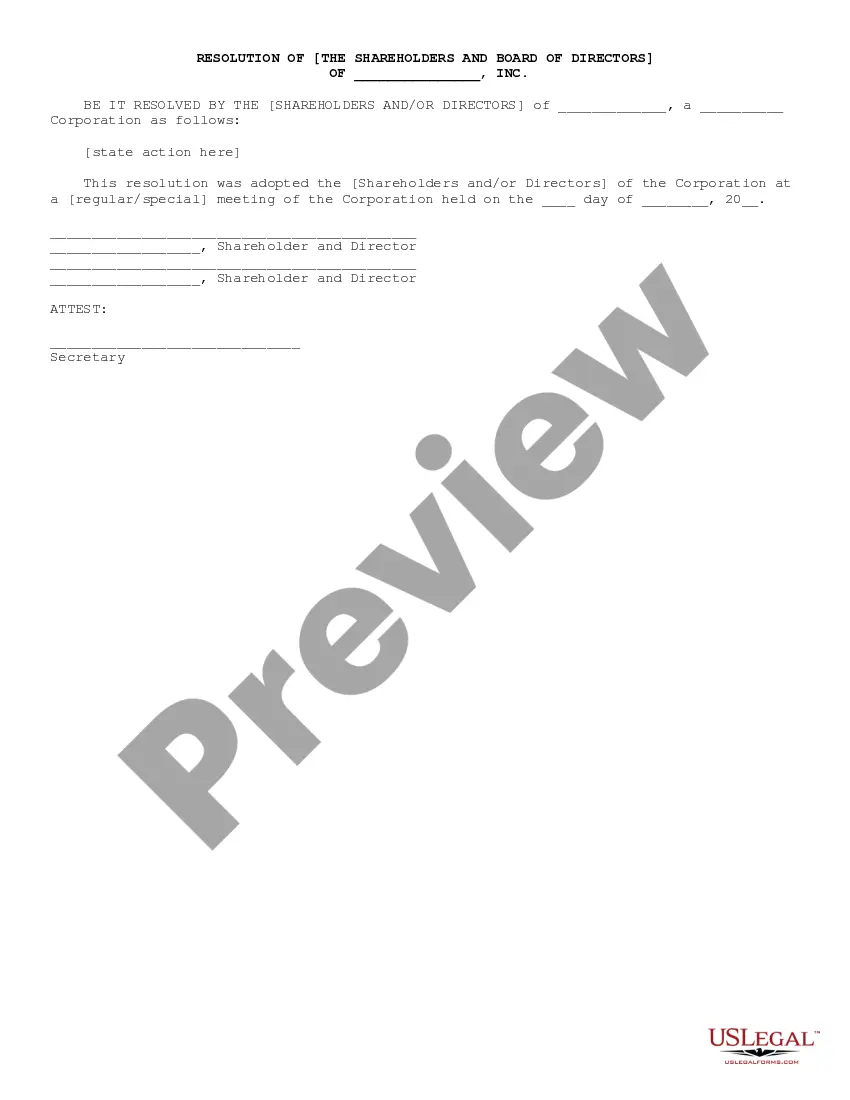

Get your form ready online
Our built-in tools help you complete, sign, share, and store your documents in one place.
Make edits, fill in missing information, and update formatting in US Legal Forms—just like you would in MS Word.
Download a copy, print it, send it by email, or mail it via USPS—whatever works best for your next step.
Sign and collect signatures with our SignNow integration. Send to multiple recipients, set reminders, and more. Go Premium to unlock E-Sign.
If this form requires notarization, complete it online through a secure video call—no need to meet a notary in person or wait for an appointment.
We protect your documents and personal data by following strict security and privacy standards.

Make edits, fill in missing information, and update formatting in US Legal Forms—just like you would in MS Word.

Download a copy, print it, send it by email, or mail it via USPS—whatever works best for your next step.

Sign and collect signatures with our SignNow integration. Send to multiple recipients, set reminders, and more. Go Premium to unlock E-Sign.

If this form requires notarization, complete it online through a secure video call—no need to meet a notary in person or wait for an appointment.

We protect your documents and personal data by following strict security and privacy standards.
Looking for another form?



Form popularity
FAQ
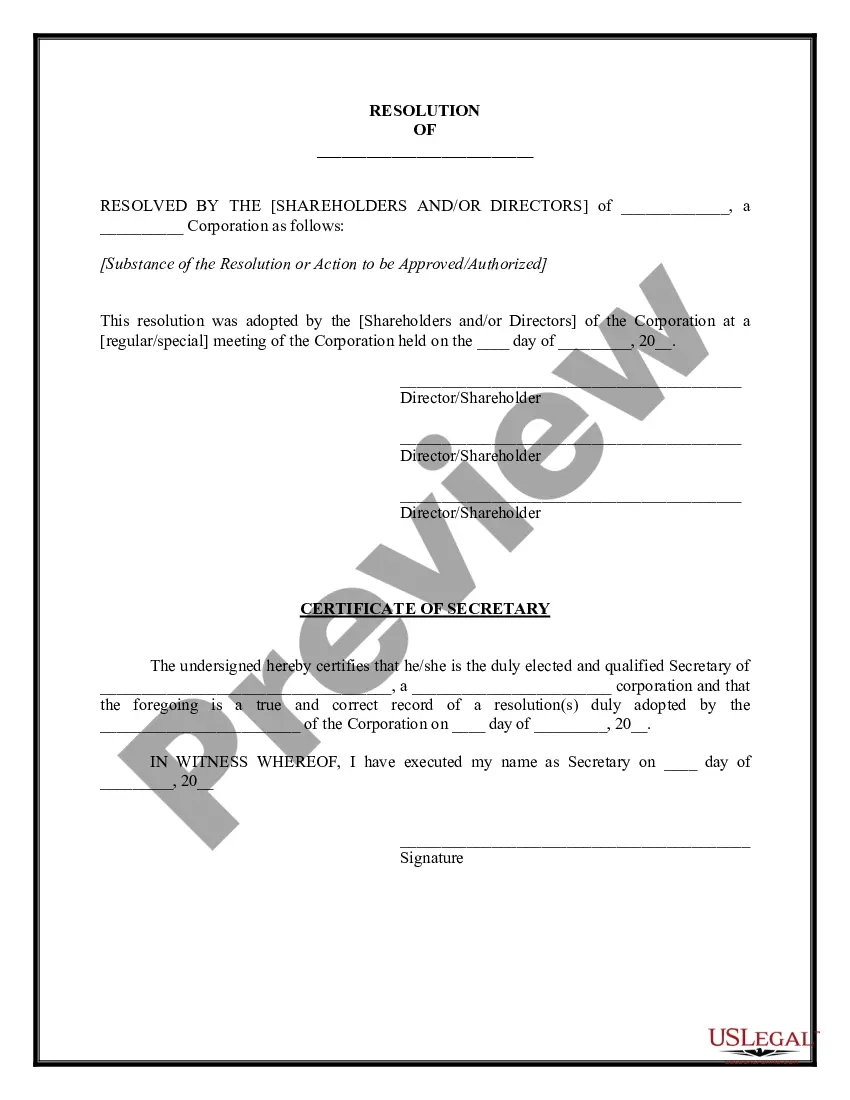
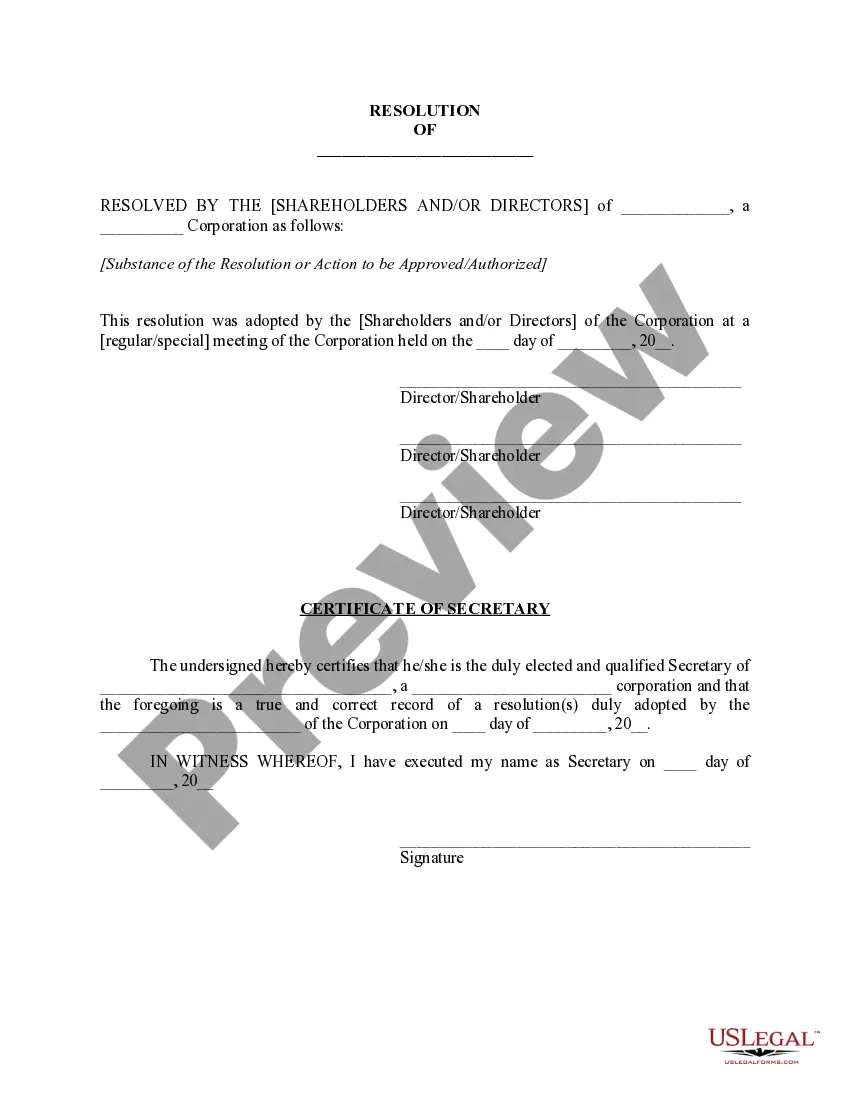
Corporate resolutions are necessary business documents for corporations, whether they be for-profit or nonprofit. Limited liability companies (LLCs) are not required to create corporate resolutions, but oftentimes do so in order to document their decisions in a formal way.
Resolutions begin with "Whereas" statements, which provides the basic facts and reasons for the resolution, and conclude with "Resolved" statements which, identifies the specific proposal for the requestor's course of action.
Launch Canva and search for "Logo" to start creating your own. Choose a professional template. Browse through Canva's massive library of logo templates to customize for your own. Customize your logo design. Get creative with more design features. Download, share and build your brand identity.
Design tips for non profit logos Keep your logo design simple. Don't use too many colors. Choose your fonts wisely. Understand color associations. Make sure your logo looks good in black and white. Don't use too many words. Don't follow design trends only. Make sure your logo looks good in all sizes.
Design tips for non profit logos Keep your logo design simple. Don't use too many colors. Choose your fonts wisely. Understand color associations. Make sure your logo looks good in black and white. Don't use too many words. Don't follow design trends only. Make sure your logo looks good in all sizes.
How to write a board resolution Put the date and resolution number at the top. Give the resolution a title that relates to the decision. Use formal language. Continue writing out each critical statement. Wrap up the heart of the resolution in the last statement.
Resolutions begin with "Whereas" statements, which provides the basic facts and reasons for the resolution, and conclude with "Resolved" statements which, identifies the specific proposal for the requestor's course of action.
Key Takeaways. A corporate resolution is a written document created by the board of directors of a company detailing a binding corporate action. A corporate resolution is a legal document that provides the rules and framework for how the board can act under various circumstances.
Certified True Copy (CTC) of a Board resolution is a physical document, which has to be printed on the letter head of the Company, affirming the outcome of a particular resolution that has been passed by the Board of Directors who have consented and approved in their duly convened meeting.