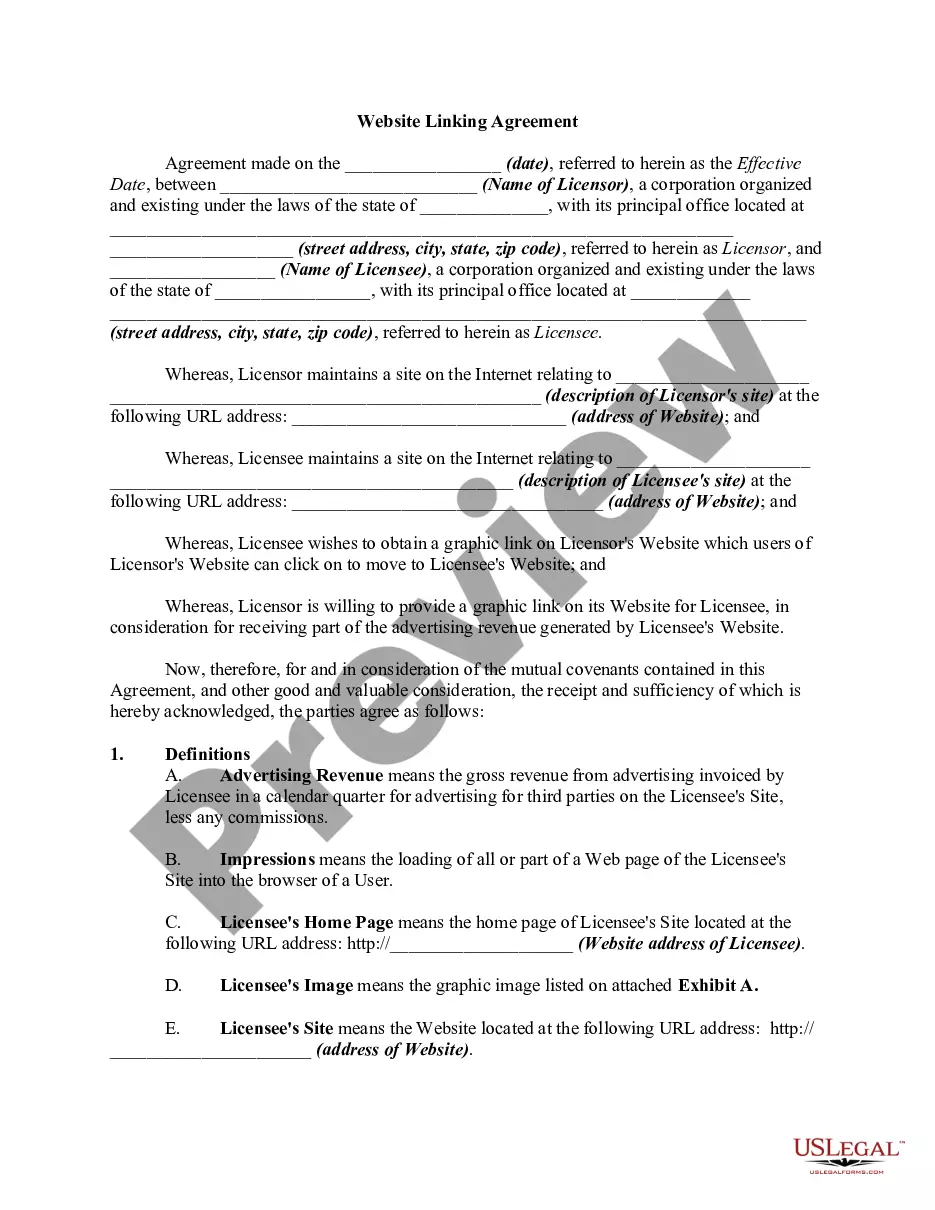
Nonprofit Resolution Template Forecast In Broward
Description


Get your form ready online
Our built-in tools help you complete, sign, share, and store your documents in one place.
Make edits, fill in missing information, and update formatting in US Legal Forms—just like you would in MS Word.
Download a copy, print it, send it by email, or mail it via USPS—whatever works best for your next step.
Sign and collect signatures with our SignNow integration. Send to multiple recipients, set reminders, and more. Go Premium to unlock E-Sign.
If this form requires notarization, complete it online through a secure video call—no need to meet a notary in person or wait for an appointment.
We protect your documents and personal data by following strict security and privacy standards.

Make edits, fill in missing information, and update formatting in US Legal Forms—just like you would in MS Word.

Download a copy, print it, send it by email, or mail it via USPS—whatever works best for your next step.

Sign and collect signatures with our SignNow integration. Send to multiple recipients, set reminders, and more. Go Premium to unlock E-Sign.

If this form requires notarization, complete it online through a secure video call—no need to meet a notary in person or wait for an appointment.

We protect your documents and personal data by following strict security and privacy standards.
Looking for another form?







Form popularity
FAQ
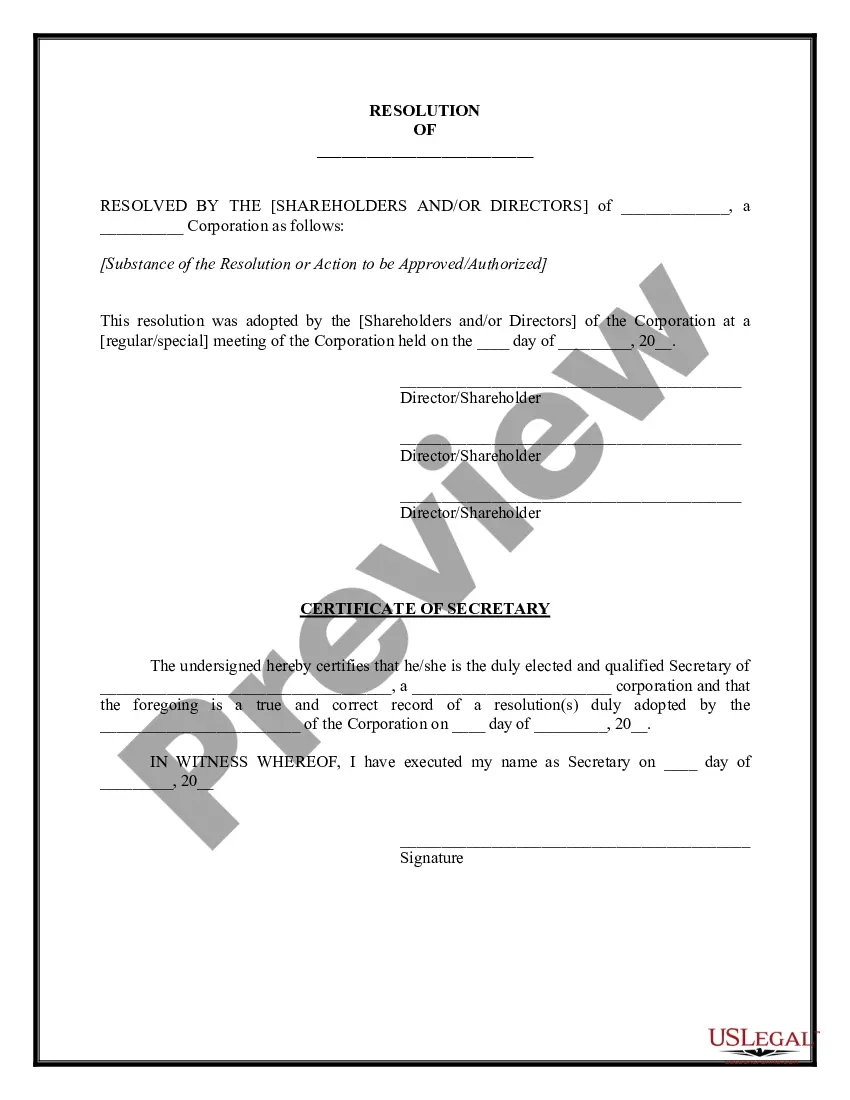
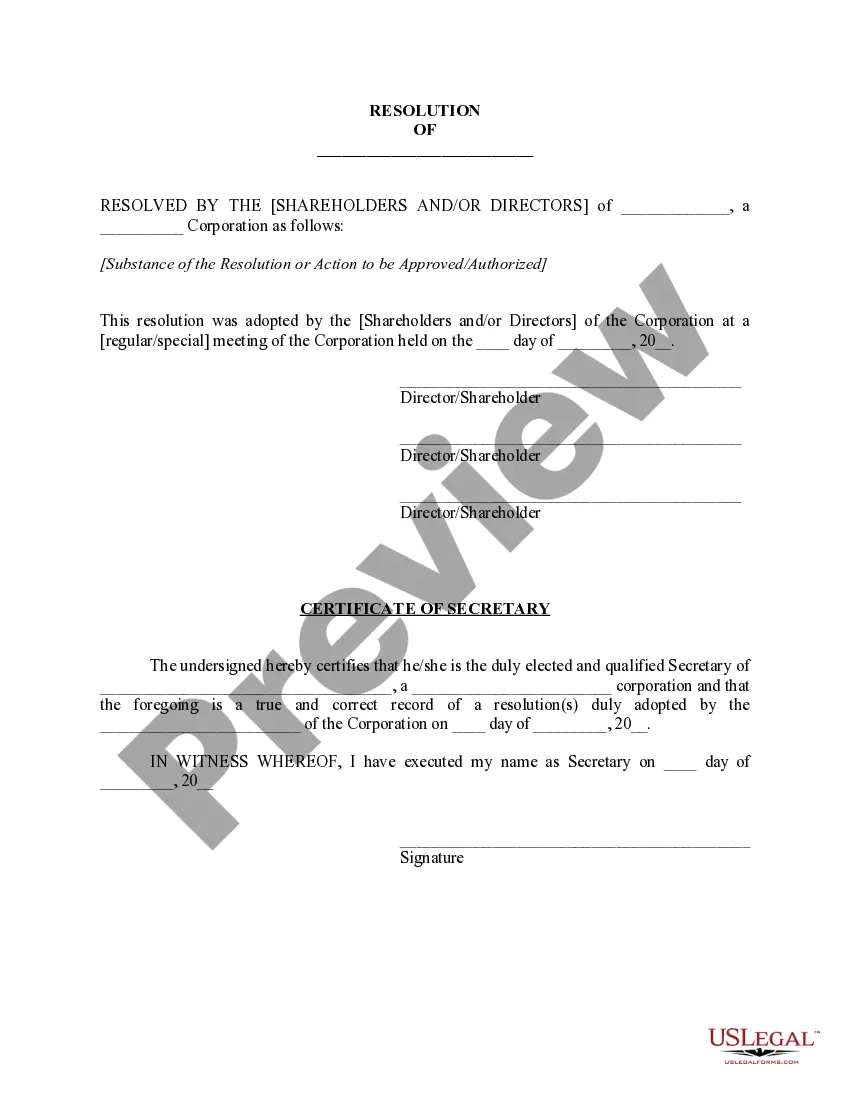
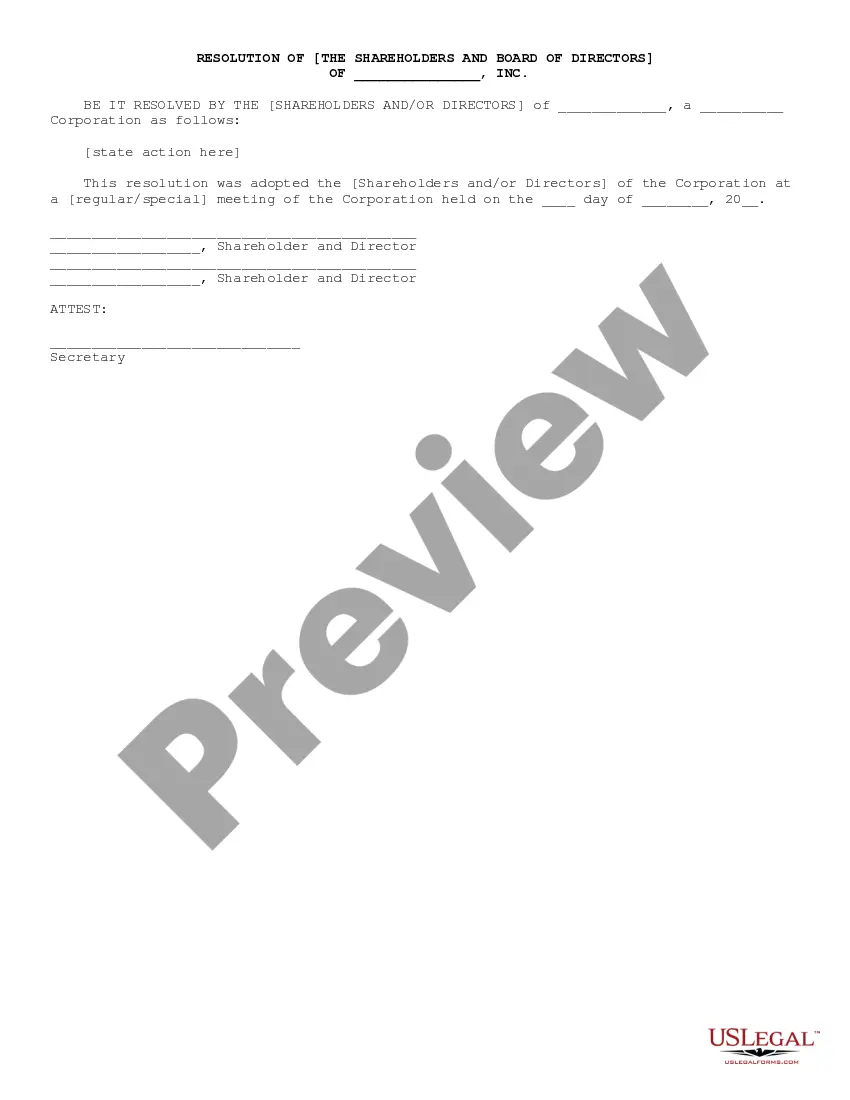
Corporate resolutions are necessary business documents for corporations, whether they be for-profit or nonprofit.
How to write a board resolution Put the date and resolution number at the top. Give the resolution a title that relates to the decision. Use formal language. Continue writing out each critical statement. Wrap up the heart of the resolution in the last statement.
A board resolution is essentially a written legal record of a decision that was made by the board. Resolutions allow the board to document their important decisions so that they are easy to access and refer back to if needed. These resolutions are typically stored with the board's meeting minutes.
How to write a board resolution Put the date and resolution number at the top. Give the resolution a title that relates to the decision. Use formal language. Continue writing out each critical statement. Wrap up the heart of the resolution in the last statement.
How to Write a Board Resolution (Step-by-Step) Establish Resolution Title. The resolution title should capture the board's name and a concise statement about the issue you want to record. Document Resolution. Use formal language to record the resolutions. Document Board of Director Votes.
Or by Mail: Records, Taxes and Treasury Division, Recording 115 S. Andrews Avenue, Room 114 Fort Lauderdale, FL 33301 For more information, please visit Broward/RecordsTaxesTreasury, call 954-831-4000, or by email records@broward. Visit Broward County's notice of commencement website for more information.
A Notice of Commencement is a document that establishes the formal start date of a construction project. It identifies stakeholders such as the property owner, lender, and GC. NOCs are filed in the county the project if located in, and usually posted at the job site and distributed to all participants.
The Broward County Records, Taxes and Treasury Division: places or “records” official documents, such as deeds, into the Official Record. maintains a searchable database of recorded documents, including deeds, at our offices at the Broward County Governmental Center, 115 S. Andrews Ave., Fort Lauderdale.