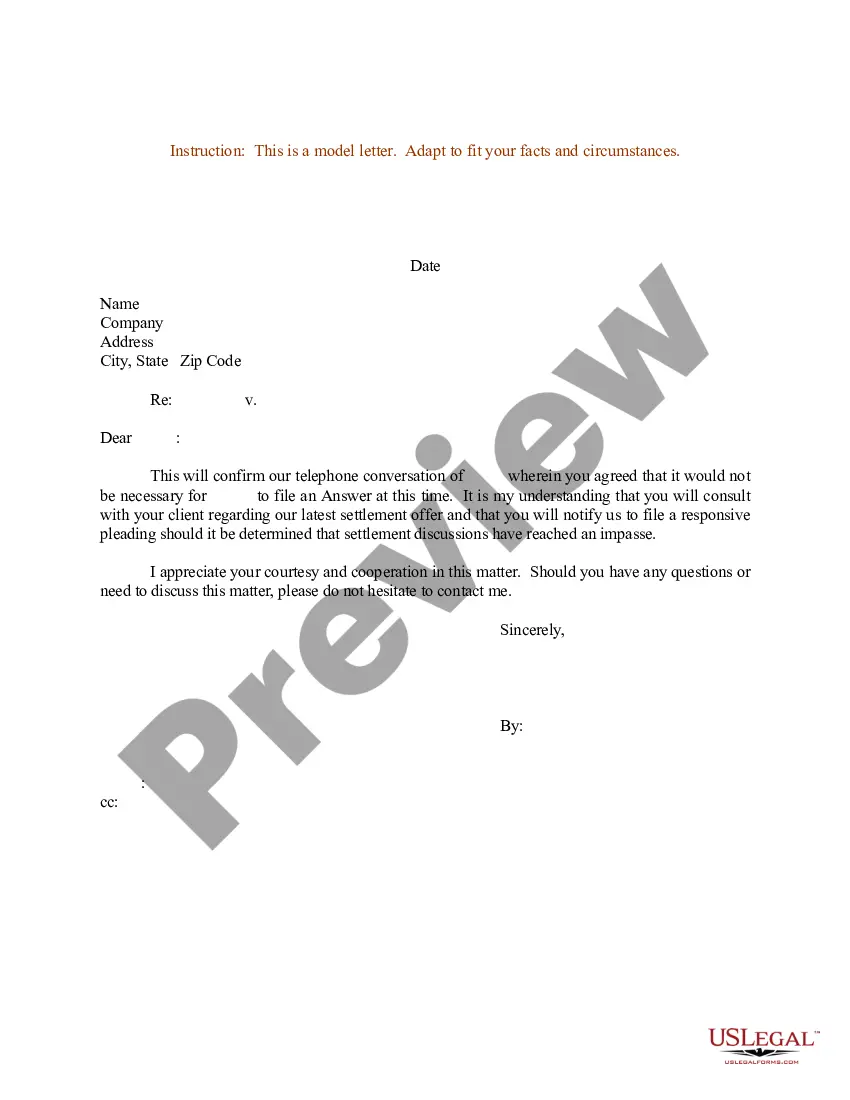
Confirmation Letter For Employment In Travis
Description




Get your form ready online
Our built-in tools help you complete, sign, share, and store your documents in one place.
Make edits, fill in missing information, and update formatting in US Legal Forms—just like you would in MS Word.
Download a copy, print it, send it by email, or mail it via USPS—whatever works best for your next step.
Sign and collect signatures with our SignNow integration. Send to multiple recipients, set reminders, and more. Go Premium to unlock E-Sign.
If this form requires notarization, complete it online through a secure video call—no need to meet a notary in person or wait for an appointment.
We protect your documents and personal data by following strict security and privacy standards.

Make edits, fill in missing information, and update formatting in US Legal Forms—just like you would in MS Word.

Download a copy, print it, send it by email, or mail it via USPS—whatever works best for your next step.

Sign and collect signatures with our SignNow integration. Send to multiple recipients, set reminders, and more. Go Premium to unlock E-Sign.

If this form requires notarization, complete it online through a secure video call—no need to meet a notary in person or wait for an appointment.

We protect your documents and personal data by following strict security and privacy standards.
Looking for another form?






Form popularity
FAQ
Click the Personal Information icon. Click Verification of Employment (External Links menu). Follow the instructions to submit your request (you may select a verification with or without your salary). Go to your Workday Inbox to download your letter.
The most common proof of employment is an employment verification letter from an employer that includes the employee's dates of employment, job title, and salary. It's also often called a "letter of employment," a "job verification letter," or a "proof of employment letter."
How to Request the Letter Ask your supervisor or manager. This is often the easiest way to request the letter. Contact Human Resources. Get a template from the company or organization requesting the letter. Use an employment verification service.
Employees or verifiers may verify employment or income of current Postal Service employees by calling The Work Number at 800-367-5690 or by visiting .theworknumber. The requester must use Employer code 12946. The employee will need to set up a salary key if wages need to be verified.
How to Request the Letter Ask your supervisor or manager. This is often the easiest way to request the letter. Contact Human Resources. Get a template from the company or organization requesting the letter. Use an employment verification service.
An employment verification letter (EVL), also referred to as a proof of employment letter, is a document that an employer uses to write and confirm the employment status of their current or former employees. A verification letter usually includes information such as: Employment start or end dates. Salary information.
If the letter has the sole purpose of proving employment, you could ask your accountant to write it for you (certifying you are working for the company you own) or write it yourself on company letterhead.
Contact the human resources department It may be your company's policy that you direct all employment verification requests to the human resources department. In some cases, an HR representative may write the letter, or they may provide a template that your direct supervisor can use.
Drafting Other Formal Confirmation Letters Type your letter in formal business letter format. Use an appropriate salutation. Confirm the specific arrangement made. Include any other important information. Ask for a follow-up if needed. Thank the recipient. Edit and proofread your letter before printing.
Subject: Confirmation of Employment – Job Classification Dear Mr./Ms. Last Name of Selected Applicant: Welcome to Agency/Department/Office Name. I am pleased to confirm your acceptance of our offer for the full-time/part-time position of job classification reporting to supervisor's name.