Confirmation Letter For School In Houston
Description




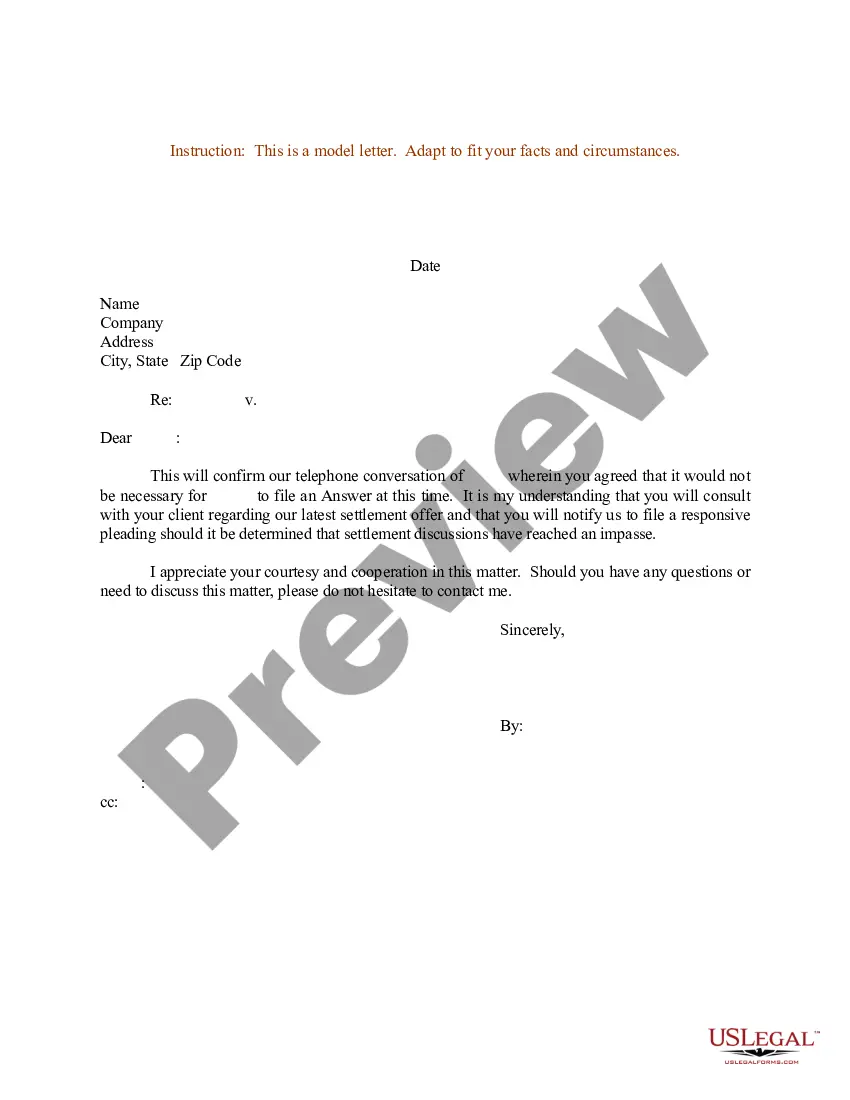
Get your form ready online
Our built-in tools help you complete, sign, share, and store your documents in one place.
Make edits, fill in missing information, and update formatting in US Legal Forms—just like you would in MS Word.
Download a copy, print it, send it by email, or mail it via USPS—whatever works best for your next step.
Sign and collect signatures with our SignNow integration. Send to multiple recipients, set reminders, and more. Go Premium to unlock E-Sign.
If this form requires notarization, complete it online through a secure video call—no need to meet a notary in person or wait for an appointment.
We protect your documents and personal data by following strict security and privacy standards.

Make edits, fill in missing information, and update formatting in US Legal Forms—just like you would in MS Word.

Download a copy, print it, send it by email, or mail it via USPS—whatever works best for your next step.

Sign and collect signatures with our SignNow integration. Send to multiple recipients, set reminders, and more. Go Premium to unlock E-Sign.

If this form requires notarization, complete it online through a secure video call—no need to meet a notary in person or wait for an appointment.

We protect your documents and personal data by following strict security and privacy standards.
Looking for another form?
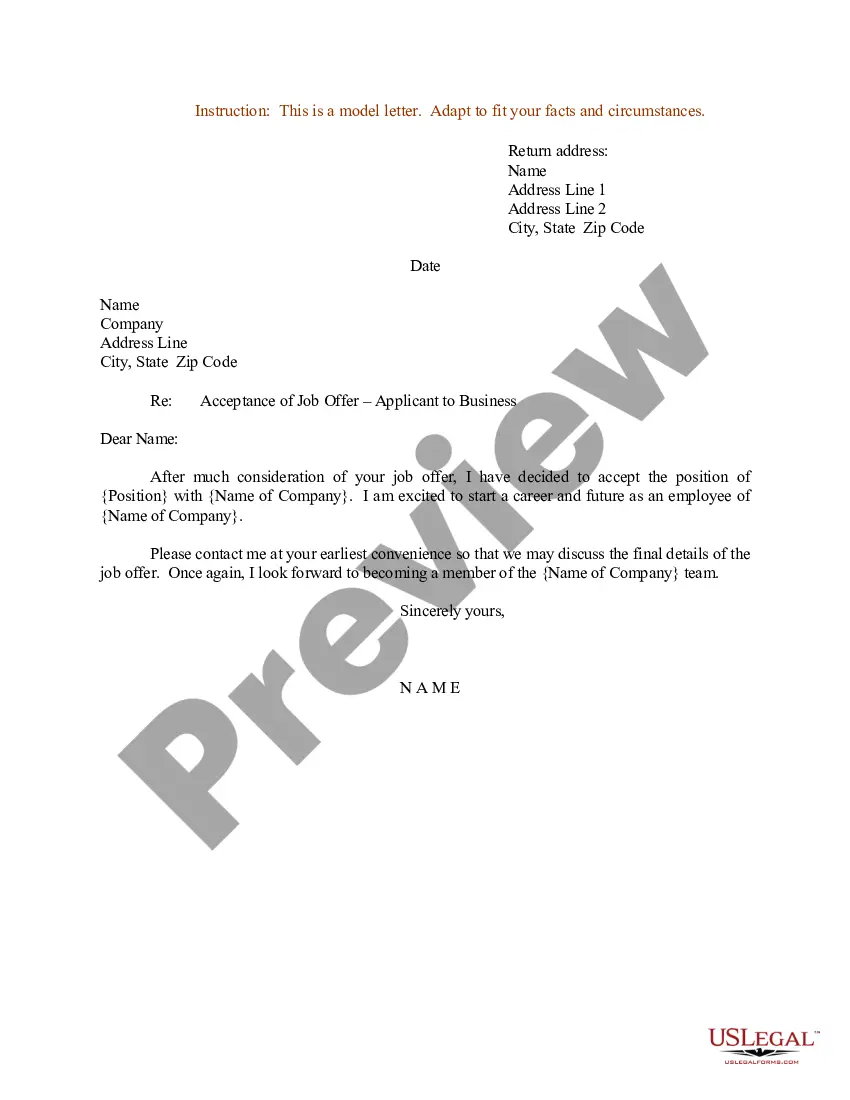

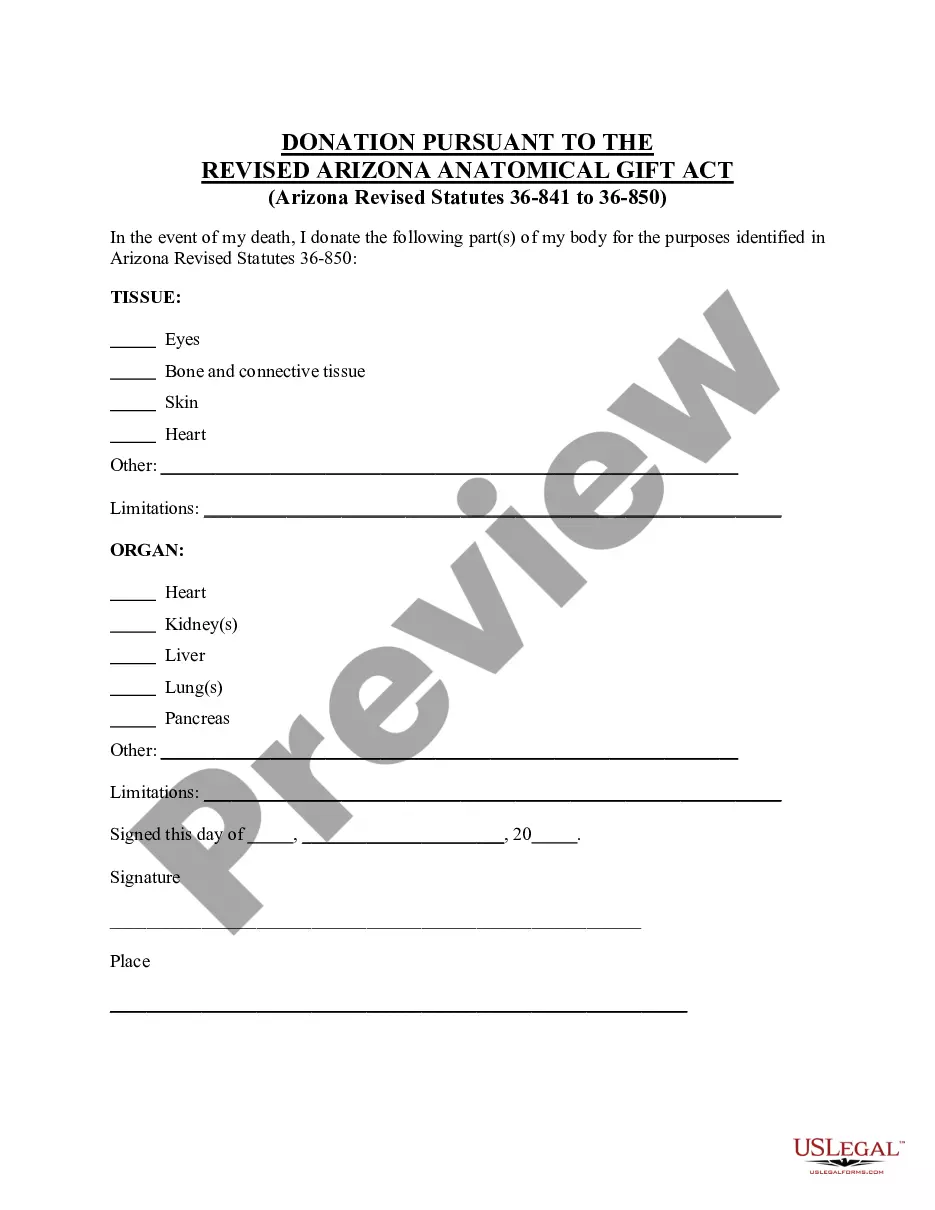



Form popularity
FAQ
Visit your high school's official website and explore their alumni or student services section. Look for instructions on how to request a duplicate diploma online. If your high school offers online services, you'll likely need to create an account or log in to an existing one. Follow the prompts to submit your request.
If you graduated from high school, contact the school district from which you graduated to request your diploma and transcript.
Official high school transcript from a state approved high school. copy of a United States High School Diploma from a state approved high school. High School Equivalency Transcript (GED/TASC Test Scores) official transcript from a U.S. regionally accredited college or university showing conferral of an associate degree.
If you graduated from high school, contact the school district from which you graduated to request your diploma and transcript.
What is a student confirmation letter? A student confirmation is a letter that confirms an individual's education history at Activate Learning. It provides details on the name of the course, whether the course is full time or part time.
Preparing to Write a Verification Letter This includes the details of the individual you are verifying, such as their full name, job title, employment period, salary, or education details. You should also include any other specific details required by the company or organization requesting the verification letter.
I am writing to verify that Student Name is a currently enrolled doctoral/MSW/undergraduate (whichever applies) student at University/College/Institution name. The student's projected graduation date is Month/Semester and Year.
To verify your student status: Sign in to your existing ID.me account or create a new account. Select Begin. Enter your school name and personal information to confirm your school enrollment. To upload your documents, choose the document type you'd like to use and upload the corresponding acceptable student document.
A school enrollment letter should include the following information: 1. The name of the school and the student's enrollment status (e.g. full-time or part-time). 2. The student's start date and anticipated graduation date.
Organizations or individuals who need to verify the enrollment status or degree status of UHD students and alumni may do so through the National Student Clearinghouse by submitting a request through NSC Verification Services.