Example Of Installment Contract In Tarrant
Description

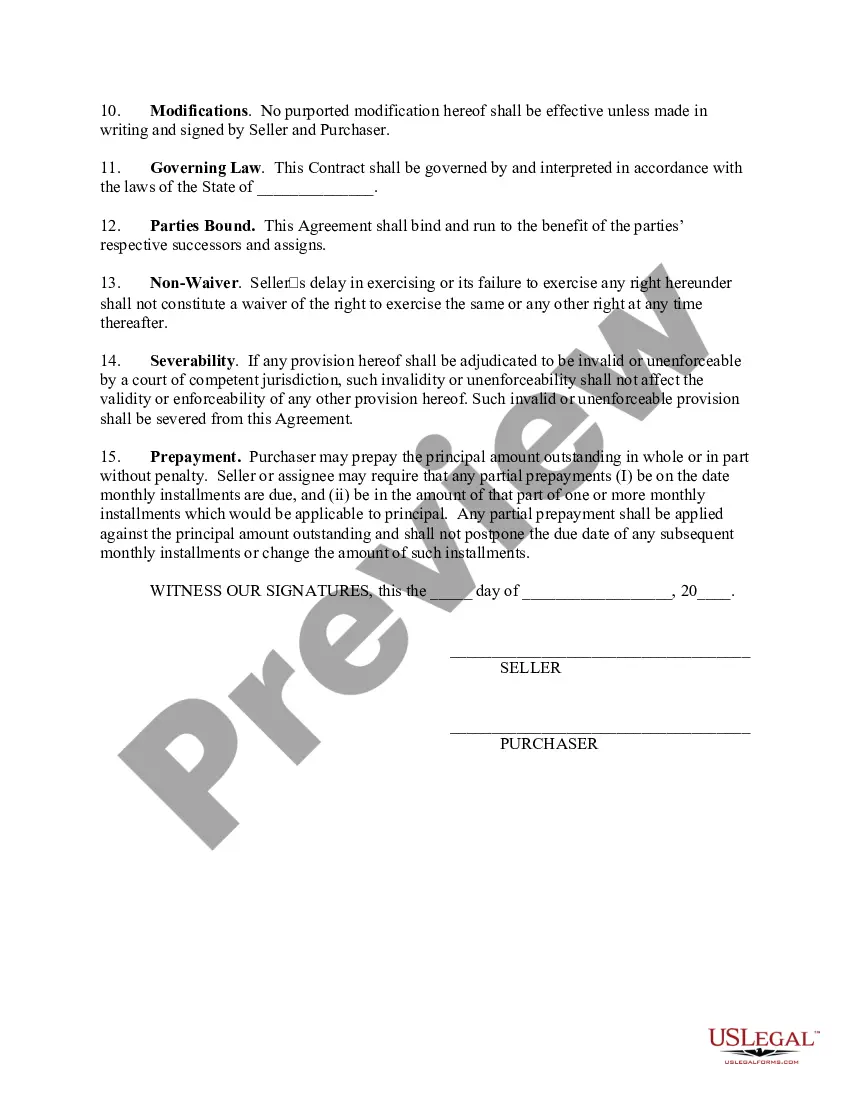

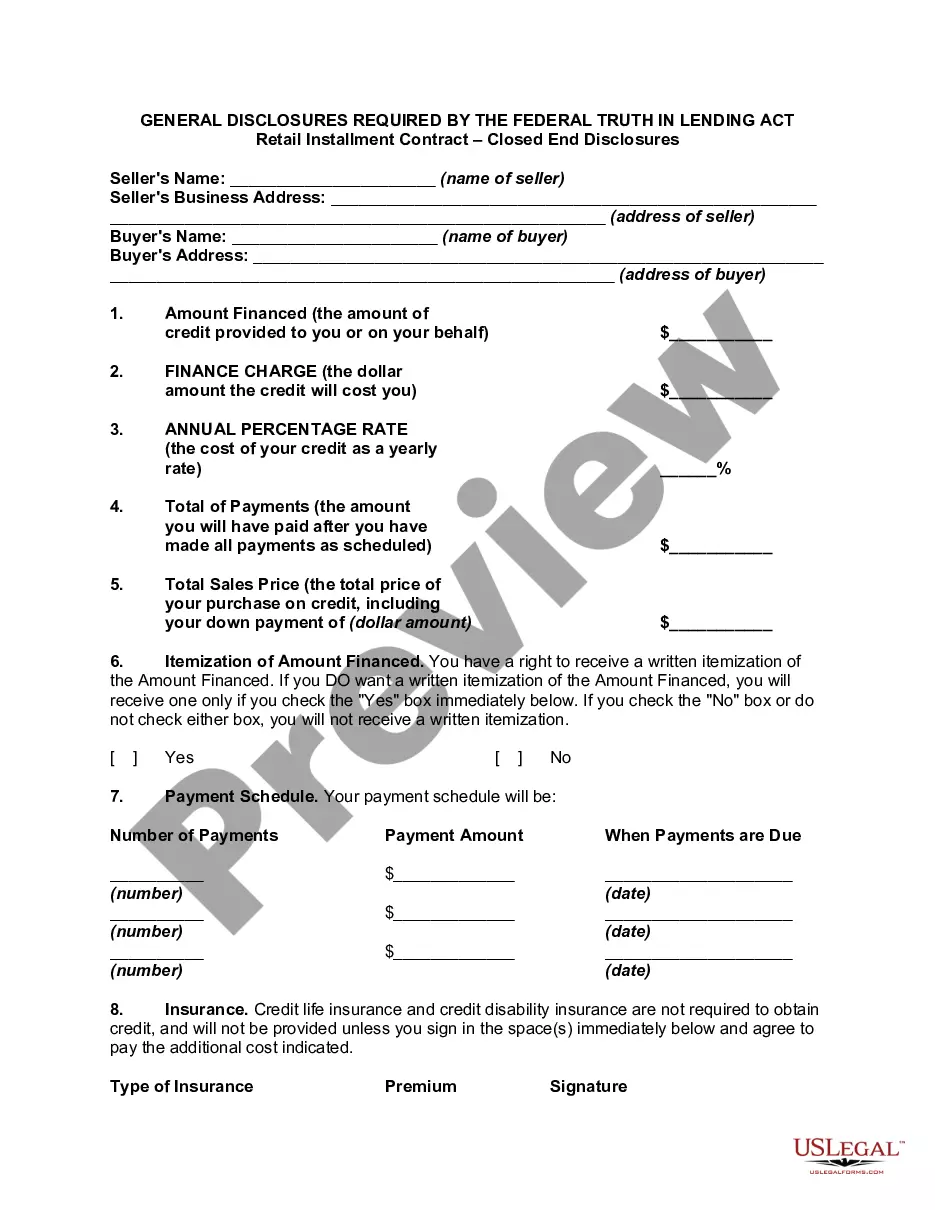

Get your form ready online
Our built-in tools help you complete, sign, share, and store your documents in one place.
Make edits, fill in missing information, and update formatting in US Legal Forms—just like you would in MS Word.
Download a copy, print it, send it by email, or mail it via USPS—whatever works best for your next step.
Sign and collect signatures with our SignNow integration. Send to multiple recipients, set reminders, and more. Go Premium to unlock E-Sign.
If this form requires notarization, complete it online through a secure video call—no need to meet a notary in person or wait for an appointment.
We protect your documents and personal data by following strict security and privacy standards.

Make edits, fill in missing information, and update formatting in US Legal Forms—just like you would in MS Word.

Download a copy, print it, send it by email, or mail it via USPS—whatever works best for your next step.

Sign and collect signatures with our SignNow integration. Send to multiple recipients, set reminders, and more. Go Premium to unlock E-Sign.

If this form requires notarization, complete it online through a secure video call—no need to meet a notary in person or wait for an appointment.

We protect your documents and personal data by following strict security and privacy standards.
Looking for another form?









Form popularity
FAQ
An installment contract is a single contract that is completed by a series of performances –such as payments, performances of a service, or delivery of goods–rather than being performed all at one time. Installment contracts can provide that installments are to be performed by either one or both parties .
Write the contract in six steps Start with a contract template. Open with the basic information. Describe in detail what you have agreed to. Include a description of how the contract will be ended. Write into the contract which laws apply and how disputes will be resolved. Include space for signatures.
Paying for your credit card purchases through an installment plan can allow you added flexibility and control over your purchases, while still earning your card rewards as usual.
Basic Guidelines To Fill Out Form 433-A These guidelines are: Wage earners are required to complete sections 1, 2, 3, 4, and 5. This includes the signature line on page 4. Self-employed individuals are required to complete sections 1, 3, 4, 5, 6, and 7 and the signature line on page 4.
You'll include: Your name, spouse's name if you file jointly, and current address. Social security number or employer tax identification number, depending on which you used to file. All phone numbers: home, cell, work, etc. Employer's address and contact information (if you're not self-employed or a business owner)
Here's a five-step guide on how to fill out your W-4. Step 1: Enter your personal information. Fill in your name, address, Social Security number and tax filing status. Step 2: Account for multiple jobs. Step 3: Claim dependents, including children. Step 4: Refine your withholdings. Step 5: Sign and date your W-4.
Computer Service Contracts: Contracts for computer or technology services, such as software subscriptions, often involve installment payments being made over a set period of time; Agricultural Sales Contracts: In these contracts, the goods are subject to seasonal cycles, such as produce or agricultural goods.
It asks for your name, address, Social Security or Employee Identification Number, and your phone number. Next, fill out the box asking what kinds of taxes you are trying to obtain the installment agreement for. Be sure to include the form numbers corresponding to the relevant tax forms.
Computer Service Contracts: Contracts for computer or technology services, such as software subscriptions, often involve installment payments being made over a set period of time; Agricultural Sales Contracts: In these contracts, the goods are subject to seasonal cycles, such as produce or agricultural goods.
