Request With Proposal In Chicago
Description


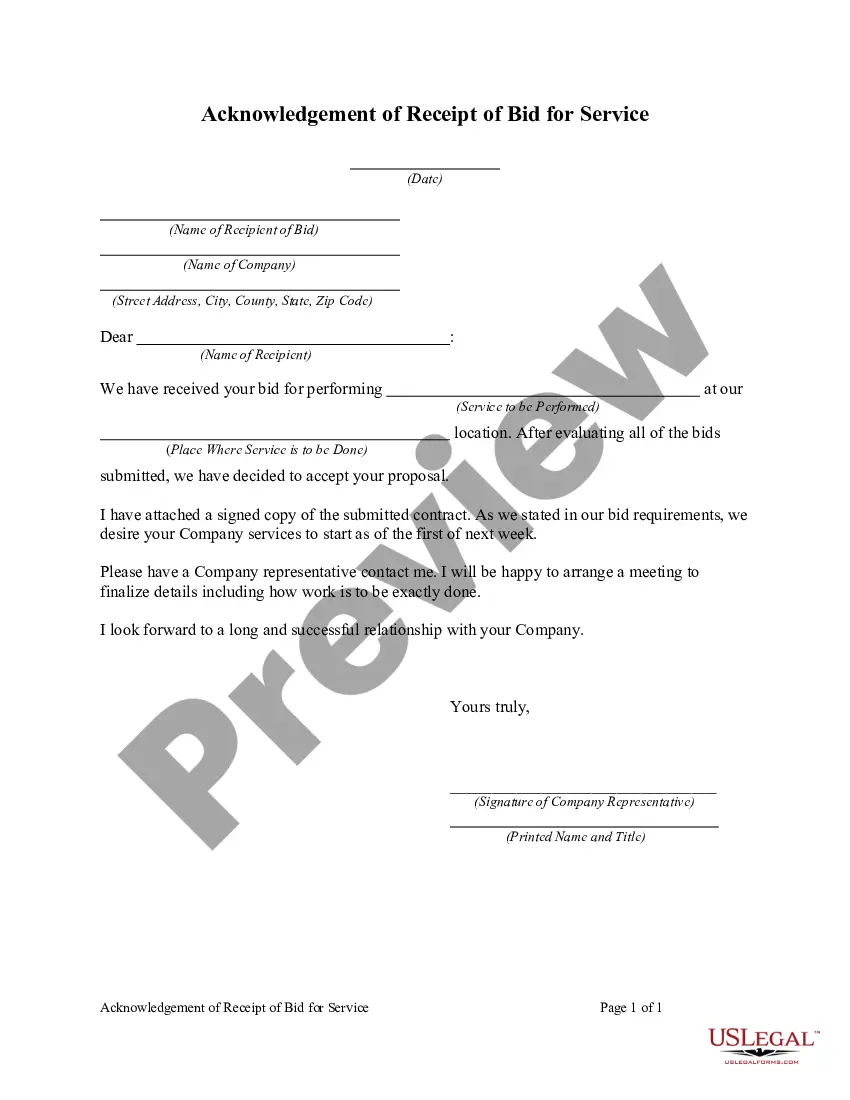
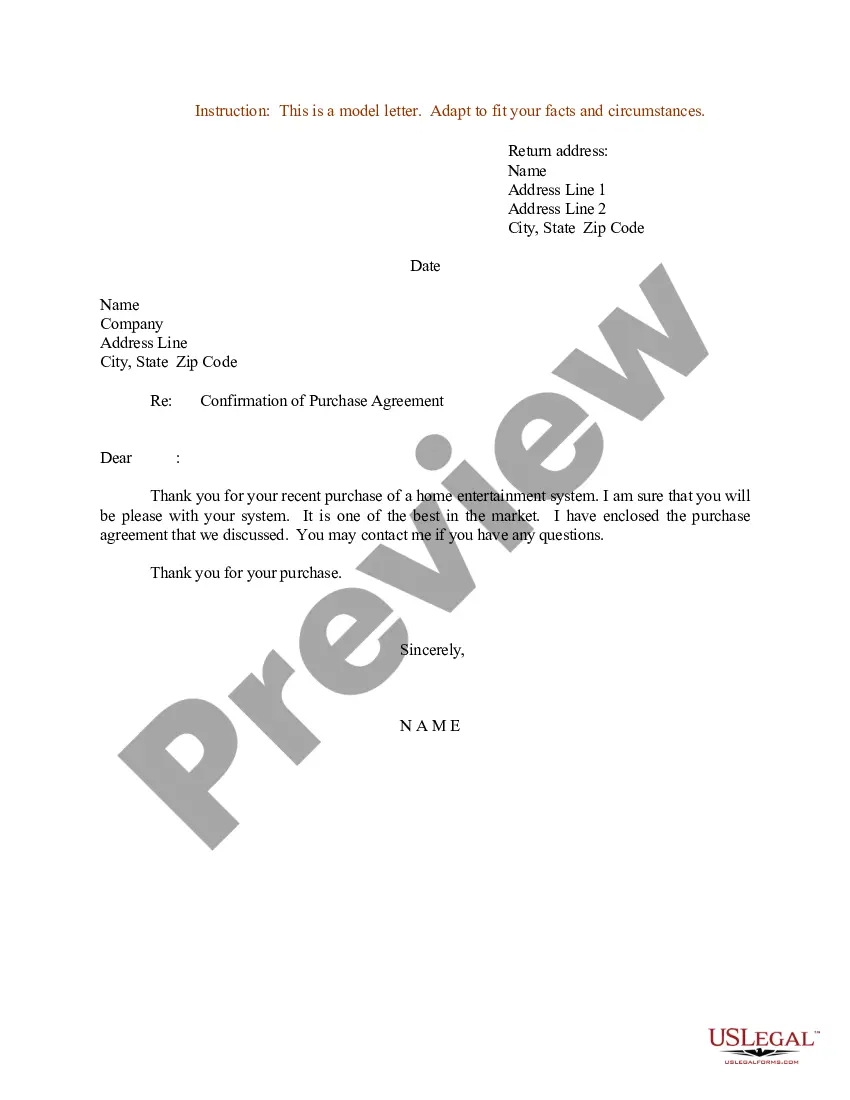

Get your form ready online
Our built-in tools help you complete, sign, share, and store your documents in one place.
Make edits, fill in missing information, and update formatting in US Legal Forms—just like you would in MS Word.
Download a copy, print it, send it by email, or mail it via USPS—whatever works best for your next step.
Sign and collect signatures with our SignNow integration. Send to multiple recipients, set reminders, and more. Go Premium to unlock E-Sign.
If this form requires notarization, complete it online through a secure video call—no need to meet a notary in person or wait for an appointment.
We protect your documents and personal data by following strict security and privacy standards.

Make edits, fill in missing information, and update formatting in US Legal Forms—just like you would in MS Word.

Download a copy, print it, send it by email, or mail it via USPS—whatever works best for your next step.

Sign and collect signatures with our SignNow integration. Send to multiple recipients, set reminders, and more. Go Premium to unlock E-Sign.

If this form requires notarization, complete it online through a secure video call—no need to meet a notary in person or wait for an appointment.

We protect your documents and personal data by following strict security and privacy standards.
Looking for another form?
Form popularity
FAQ
Cal eProcure: Cal eProcure stands as the state's online marketplace where government agencies post their California RFPs, bids, and solicitations. Businesses and individuals can register on the site and receive notifications about relevant opportunities, making it an indispensable tool for any RFP seeker.
The RFP process explained in 8 steps Identify sourcing potential with spend analysis. Scope and specification. RFP preparation. Await the RFP responses. Evaluation and supplier selection. Negotiation and contracting. Implementation and handover. Lessons learned.
Government-wide contracts, bids, request for proposal (RFP, RFPs) and request for quotation (RFQ, RFQs) are available daily for review at .findrfp. This electronic government service also provides a direct link to the request. Find RFP is the source for companies wishing to thrive in government contracting.
LinkedIn is the most popular social network for finding RFPs, but you will also see some on Twitter. Luckily, the search functionality on these networks makes RFPs easy to find. Simply search your industry and 'RFP' to browse through the results and find the latest open opportunities.
A Look at a Detailed RFP The proposal describes the project, provides an overview of the organization, defines the goals for the services it is pursuing, and explains how proposals will be evaluated. It communicates the expected format, budget limitations, and deadline requirements.
How to write an RFP that will get a response Define your project and needs. Write an introduction. Explain your company's and project's history. Describe your project's requirements. Explain how vendors should respond. Outline your selection criteria. Note your timelines. Proofread and revise your RFP.
A request for proposal (RFP) checklist catalogs the steps, information and documents required to create and complete an RFP.
Provide background information. Your RFP should always start with an introduction and overview of your business. Define your project purpose and goals. After you introduce yourself, provide an overview of the project. Outline the budget and scope of work. Call out any barriers or roadblocks.
What are the essential steps in the RFP process? Identify stakeholders. Collect RFP requirements. Create RFP. Evaluate RFP responses. Select winning vendor. Create vendor contract.
What are the essential steps in the RFP process? Identify stakeholders. Collect RFP requirements. Create RFP. Evaluate RFP responses. Select winning vendor. Create vendor contract.

