Request For Bid In Bronx
Description


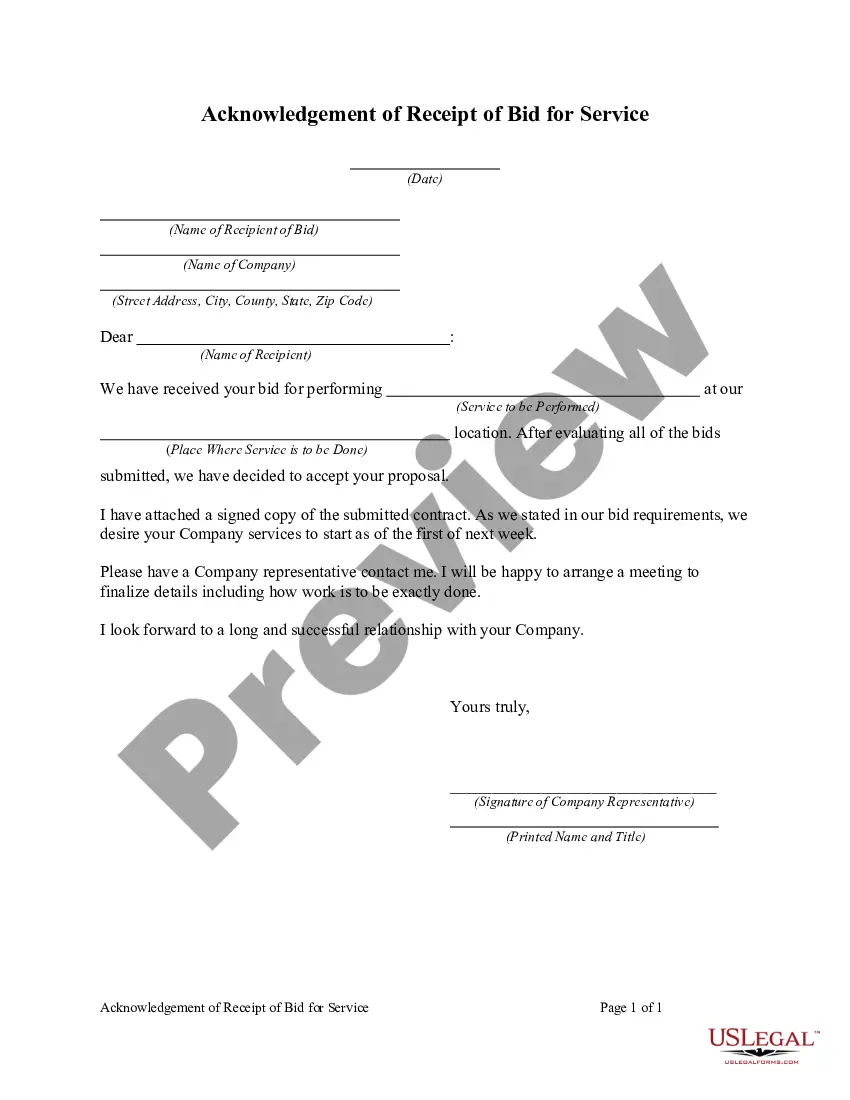
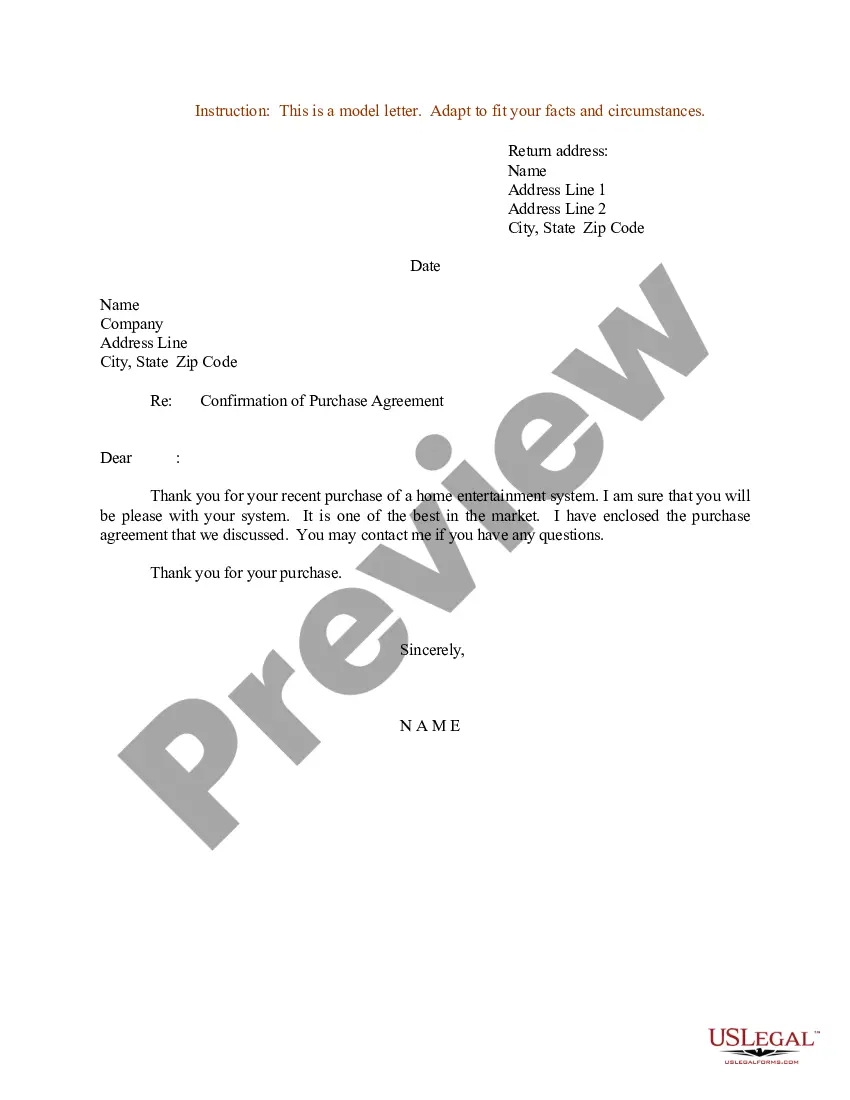

Get your form ready online
Our built-in tools help you complete, sign, share, and store your documents in one place.
Make edits, fill in missing information, and update formatting in US Legal Forms—just like you would in MS Word.
Download a copy, print it, send it by email, or mail it via USPS—whatever works best for your next step.
Sign and collect signatures with our SignNow integration. Send to multiple recipients, set reminders, and more. Go Premium to unlock E-Sign.
If this form requires notarization, complete it online through a secure video call—no need to meet a notary in person or wait for an appointment.
We protect your documents and personal data by following strict security and privacy standards.

Make edits, fill in missing information, and update formatting in US Legal Forms—just like you would in MS Word.

Download a copy, print it, send it by email, or mail it via USPS—whatever works best for your next step.

Sign and collect signatures with our SignNow integration. Send to multiple recipients, set reminders, and more. Go Premium to unlock E-Sign.

If this form requires notarization, complete it online through a secure video call—no need to meet a notary in person or wait for an appointment.

We protect your documents and personal data by following strict security and privacy standards.
Looking for another form?






Form popularity
FAQ
LinkedIn is the most popular social network for finding RFPs, but you will also see some on Twitter. Luckily, the search functionality on these networks makes RFPs easy to find. Simply search your industry and 'RFP' to browse through the results and find the latest open opportunities.
A bid request is a piece of code used to sell display ads and inventory details. It allows visitors to see ads most suited to them, and for multiple advertisers to utilize the same ad spot on a given publisher's platform.
Key takeaways. Bid requests allow advertisers and publishers to work out a mutually beneficial ad spend deal. The information gathered makes it possible for the advertiser to target their ideal audience, but it also helps the publisher get the most out of each ad spot.
Experts assert that a well-drafted RFP document should include: The purpose of the RFP. A clear description of project goals and results. A rubric or criteria that will be used to evaluate submitted proposals.
Steps in the RFP Process Develop a draft RFP and timeline. Create a bidders list. Approve RFP by Contract Unit and Legal Counsel. Advertise in the Contract Reporter. Release the RFP. Develop the evaluation methodology. Establish the evaluation committee. Receive Proposals.
Here are five RFP process steps to ensure you find the right vendor for your needs. Step 1: Identify stakeholders. Step 2: Create a project plan and scope. Step 3: Prepare your RFP document. Step 4: Review and evaluate RFP responses. Step 5: Contract negotiation.
The lifecycle of an RFP response starts with an initial assessment of the value of bidding and ends with the ultimate submission of a custom proposal. For organizations responding to RFPs, the process can be broken down into six parts: Holding a kickoff meeting. Prepping the RFP document. Crafting the RFP response.
What are the 7 Steps in the RFP Process? Discovery: Defining the Business Case. Requirements Gathering: Understanding Business Needs. Create and Issue RFP. Vendor Comparison. Shortlisting Best-fit Solution Vendors. Demos and Decision-making. Selecting the Right Software Vendor.
Once you have planned and prioritized all the requirements for your project and processes, you can populate the content needed for your RFP in 8 easy steps. Introduce the company and project. Outline project background. Provide bid deadline and proposal timeline. Specify budget. Outline project scope.
First, include our company's name and contact information at the top. Below that, add the date and the recipient's details: name, title, and organization. After the salutation (e.g., "Dear Recipient's Name"), write the body of the letter which should explain who we are, our reason for writing, and our intent to bid.

