Request For Bid Template In Allegheny
Description


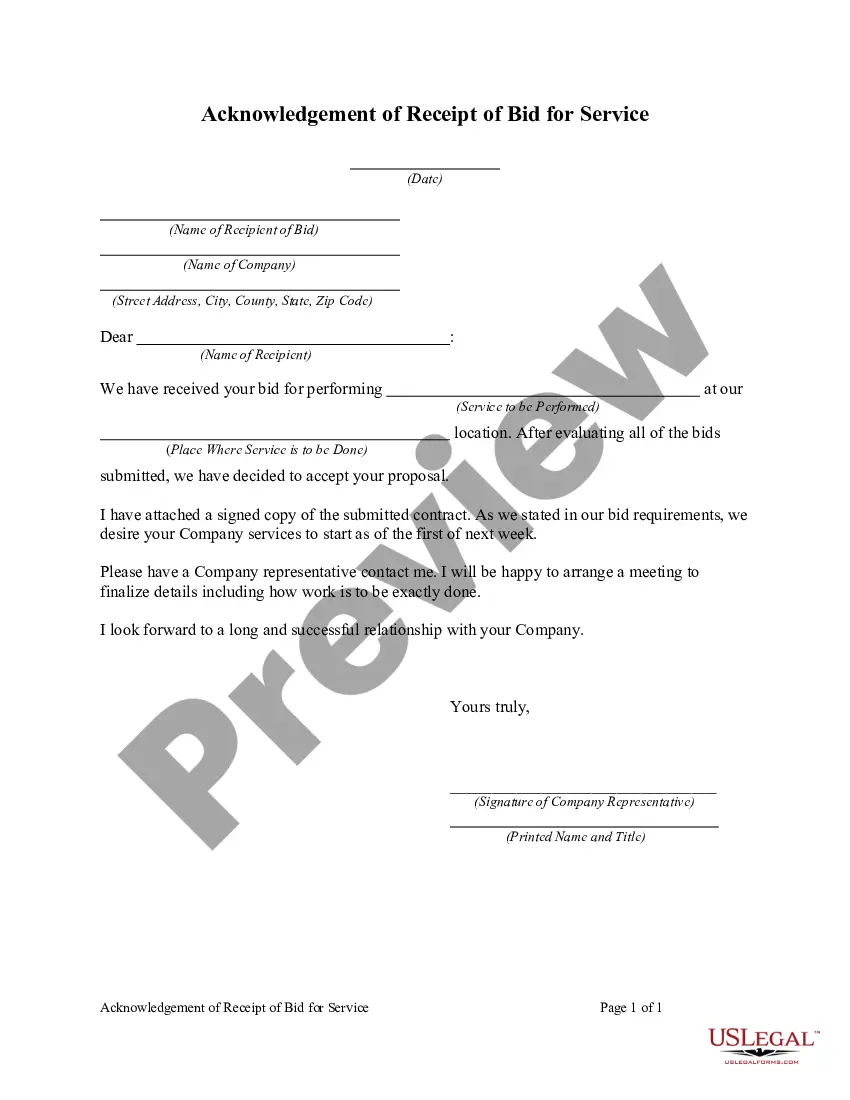

Get your form ready online
Our built-in tools help you complete, sign, share, and store your documents in one place.
Make edits, fill in missing information, and update formatting in US Legal Forms—just like you would in MS Word.
Download a copy, print it, send it by email, or mail it via USPS—whatever works best for your next step.
Sign and collect signatures with our SignNow integration. Send to multiple recipients, set reminders, and more. Go Premium to unlock E-Sign.
If this form requires notarization, complete it online through a secure video call—no need to meet a notary in person or wait for an appointment.
We protect your documents and personal data by following strict security and privacy standards.

Make edits, fill in missing information, and update formatting in US Legal Forms—just like you would in MS Word.

Download a copy, print it, send it by email, or mail it via USPS—whatever works best for your next step.

Sign and collect signatures with our SignNow integration. Send to multiple recipients, set reminders, and more. Go Premium to unlock E-Sign.

If this form requires notarization, complete it online through a secure video call—no need to meet a notary in person or wait for an appointment.

We protect your documents and personal data by following strict security and privacy standards.
Looking for another form?








Form popularity
FAQ
Contract Opportunities: Search, find, bid Government agencies use sam to list contracts over $25,000. Find a contract that fits your business and submit a bid.
Sites such as GovernmentContracts, BidSync, BidNet Direct and The RFP Database collect RFP and bid postings from various sources (just like our newly developed bid-finding tool, Bid Banana!). All of these sites list RFPs for public searching.
Below are some of the items necessary to include in your bid template. Heading. Client's information. Contractor information. Name of project. Summary of services. Proposed budget. Additional information. Terms and conditions.
5 tips for crafting RFP bids that win Centralize your proposal content. Assign proposal tasks early. Make the issuer's job as easy as possible. Highlight how you are different, but don't give away your secret sauce. Leverage purpose-made RFP software.
The RFP process begins with drafting a request for proposal. Bidders review the solicitation and submit suggestions for improvement. After implementing feedback, the final request for proposal is issued. Bidders then submit their proposals.
How to write an RFP in 7 steps. Introduce the company and project. Outline project background. Provide bid deadline and proposal timeline. Specify budget. Outline project scope. Express concerns or roadblocks. Explain evaluation criteria.
The RFP document template starts with an introduction to your company where you can input your company name, logo, and contact info such as phone number and address. After the company information is the Project section where you include the scope of work, where the project stands, and your desired objectives.
8 tips to write a request for proposal Detail the project and what your organization needs. Write an executive summary. Include vendor qualifications and the project budget. Be transparent about the selection process. Provide timelines. Format for readability. Have the expertise. Detail the job but not how to do it.
What are the 7 steps in writing an RFP? Introduce the company and project. Outline project background. Provide bid deadline and proposal timeline. Specify budget. Outline project scope. Express concerns or roadblocks. Explain evaluation criteria.

