International Independent Contractor Agreement With Employer In Miami-Dade
Description

Form popularity
FAQ
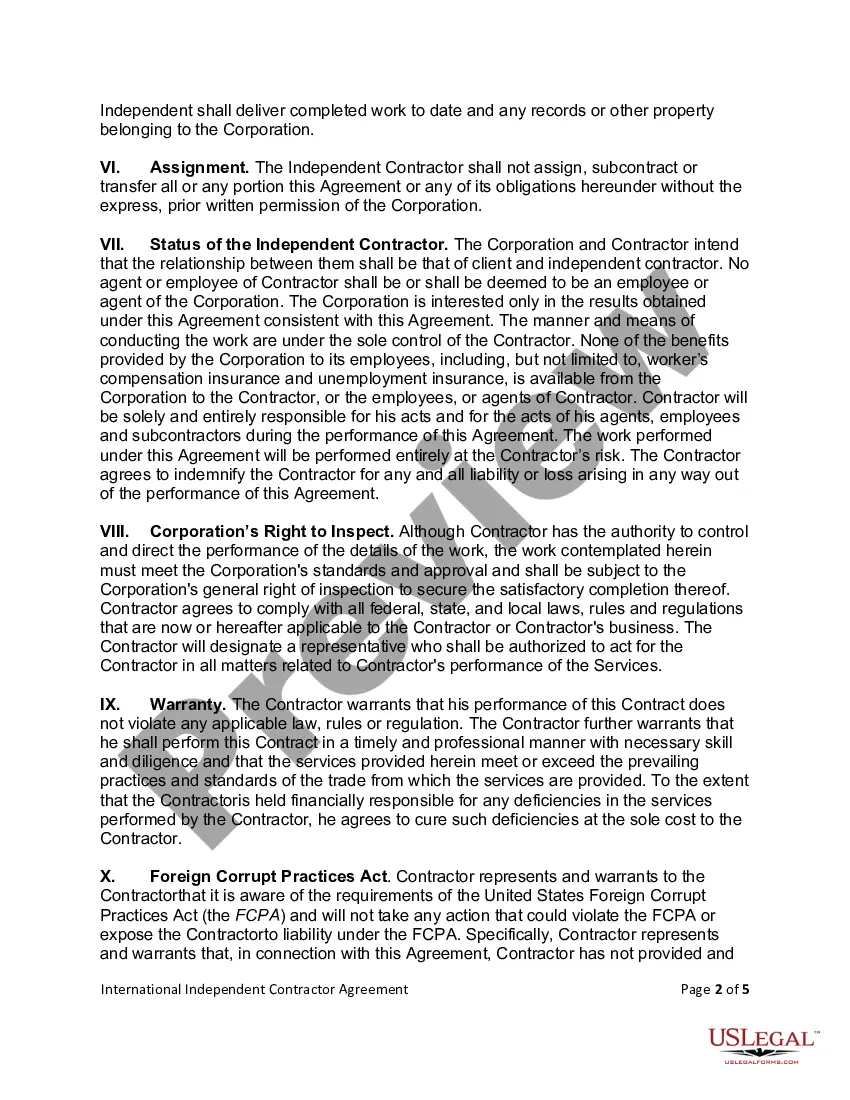
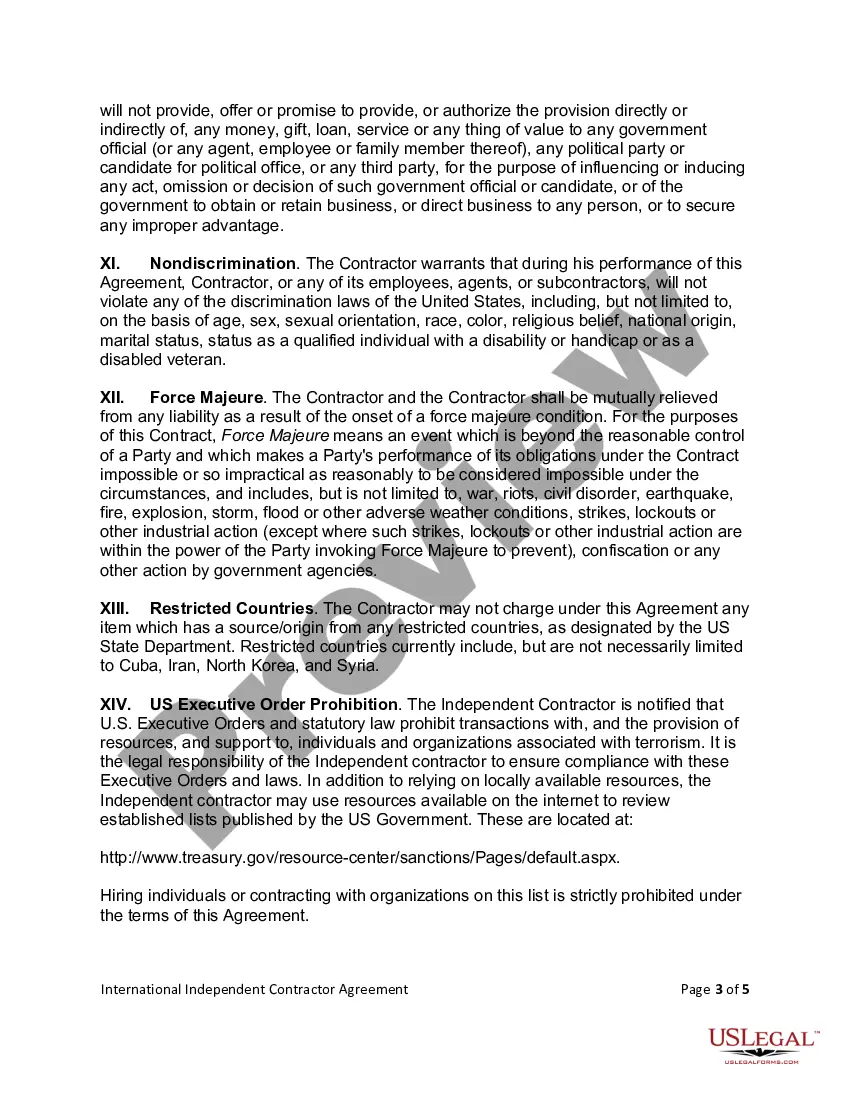
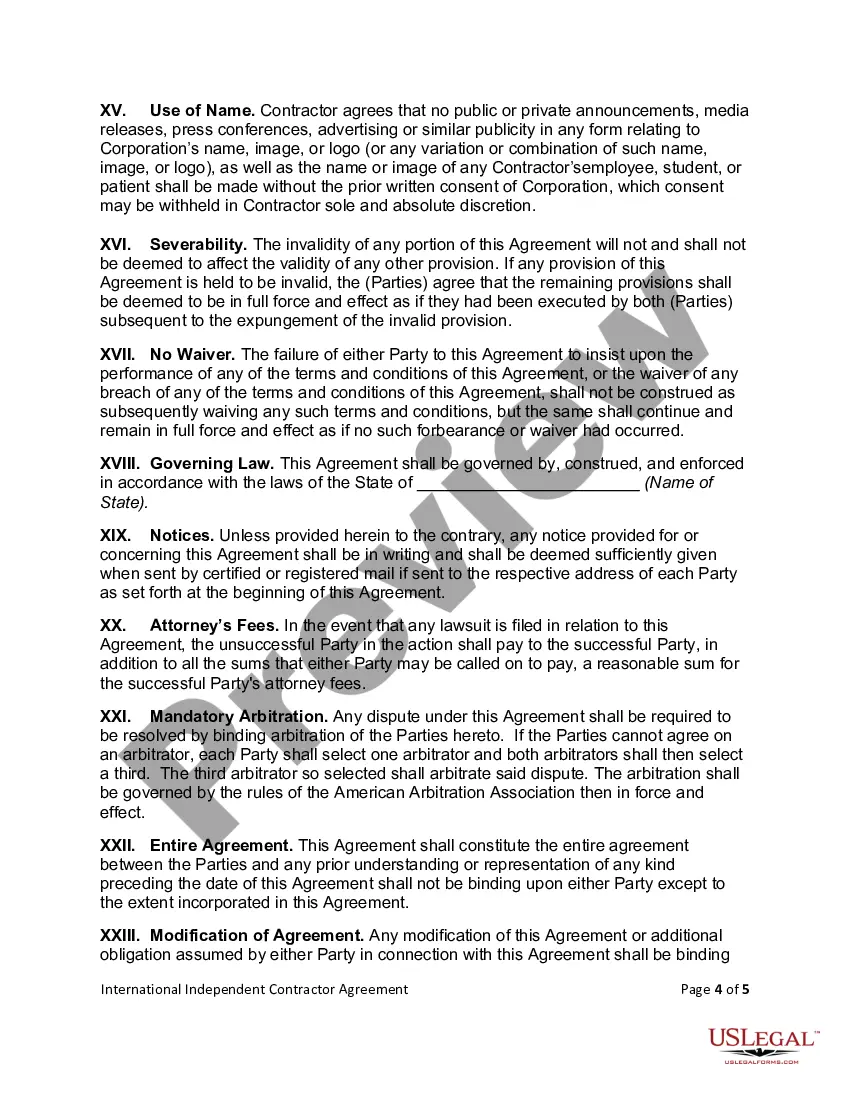
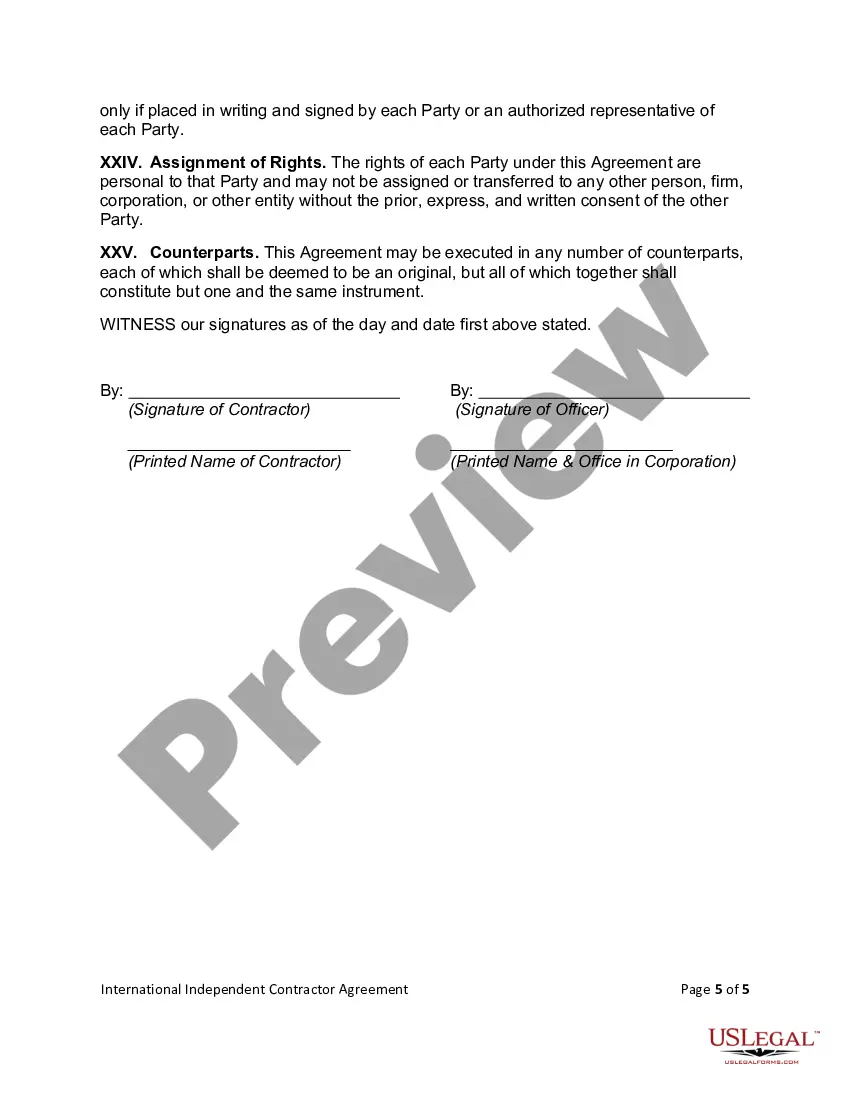
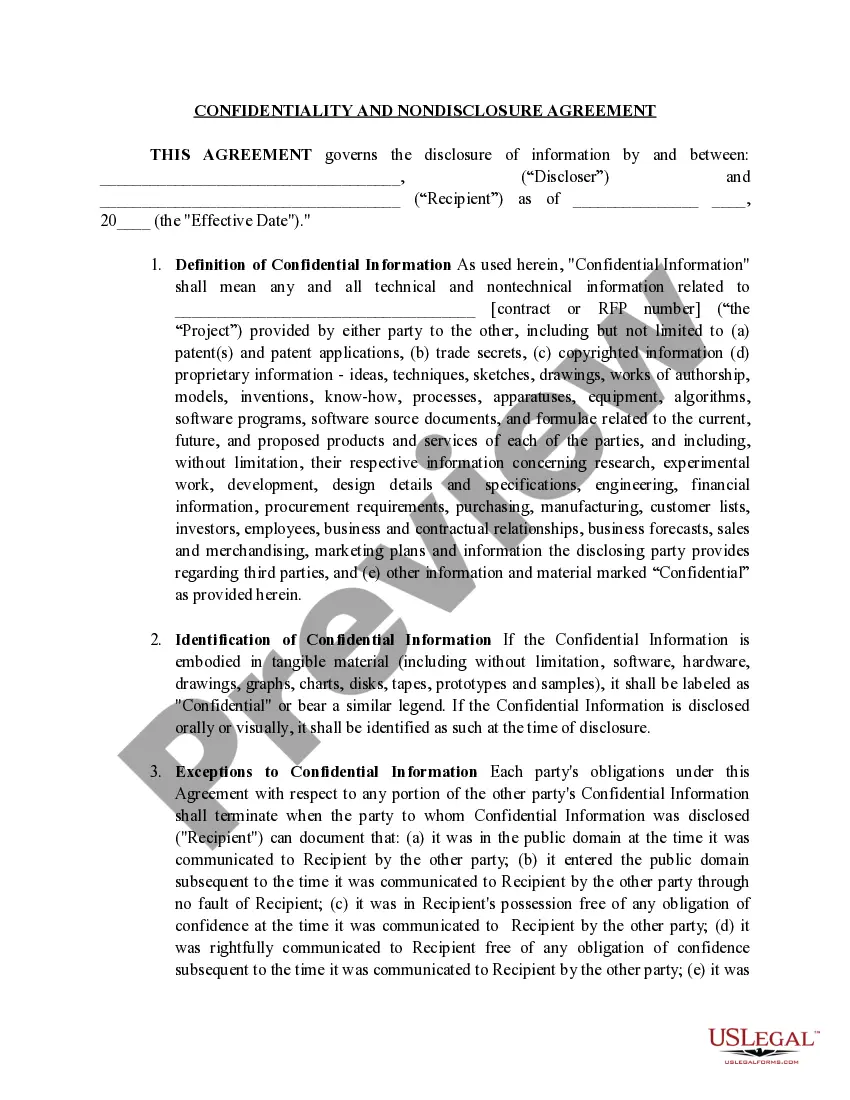
An independent contractor agreement is a contract that lays out the terms of the independent contractor's work. It covers the contractual obligations, scope, and deadlines of the work to be performed. It affirms that the client and contractor are not in an employer-employee relationship.
To create a contractor agreement, start by outlining the scope of work, including specific tasks and deliverables. Clearly define the payment terms, including rates and schedules, and specify the project's start and end dates. Include clauses for confidentiality, dispute resolution, and termination conditions.
Below are eight important points to consider including in an independent contractor agreement. Define a Scope of Work. Set a Timeline for the Project. Specify Payment Terms. State Desired Results and Agree on Performance Measurement. Detail Insurance Requirements. Include a Statement of Independent Contractor Relationship.
Add/Update Your Building Professional Once in iBuild, select 'Manage Application' and select Add/Update Contractor (GC, subs like electricians, etc.). You will need your contractor's company + qualifier license number, as they have to be registered to do work in the City of Miami.
Subcontractors are hired to take on specialized jobs and tasks. Where an independent contractor is a generalist, a subcontractor is a specialist with advanced proficiency in a particular field of construction, like masonry, plumbing, heating, painting, electrical work, or carpentry.
How to Write a Contractor Agreement Outline Services Provided. The contractor agreement should list all services the contractor will provide. Document Duration of the Work. Specify the duration of the working relationship. Outline Payment Terms. Outline Confidentiality Agreement. Consult with a Lawyer.
Change of Contractor requested by New contractor use sample letter COC-4. This letter must be on Company letterhead, signed by the qualifier and notarized. Documents required if the existing Contractor is NOT WILLING to provide letter of withdrawal.
On the DBPR Mobile App Home select either Verify License By Name or Verify License By License Number. After clicking Verify License By Name, the Verify License By Name page will open. On this page licenses can be searched by First Name, Last Name or City. Once the necessary fields are filled, click Search.
To upgrade your license, you must pass the appropriate state certification examination and submit an application for initial licensure in the new category.
