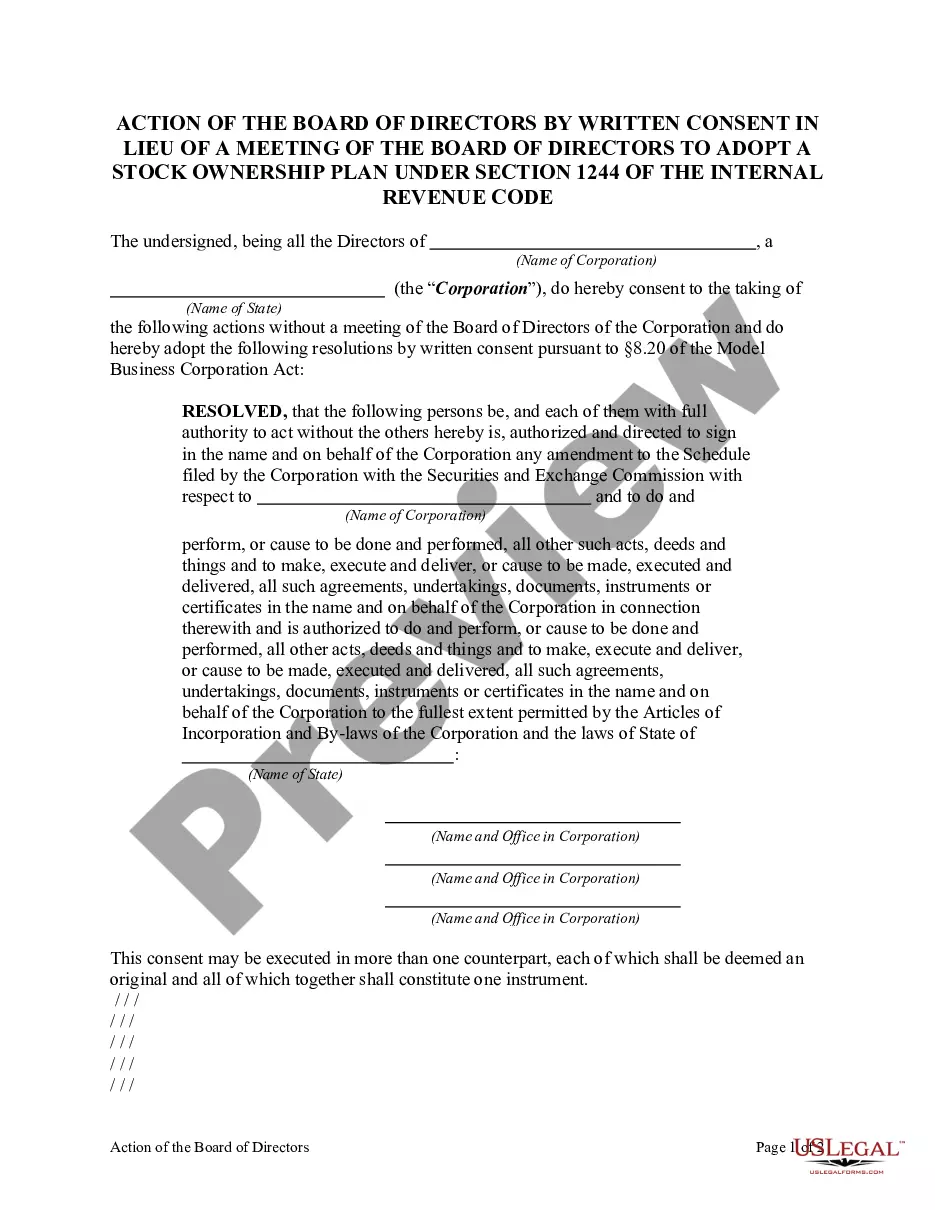
International Agreement Template For Car In Cook
Description

Get your form ready online
Our built-in tools help you complete, sign, share, and store your documents in one place.
Make edits, fill in missing information, and update formatting in US Legal Forms—just like you would in MS Word.
Download a copy, print it, send it by email, or mail it via USPS—whatever works best for your next step.
Sign and collect signatures with our SignNow integration. Send to multiple recipients, set reminders, and more. Go Premium to unlock E-Sign.
If this form requires notarization, complete it online through a secure video call—no need to meet a notary in person or wait for an appointment.
We protect your documents and personal data by following strict security and privacy standards.

Make edits, fill in missing information, and update formatting in US Legal Forms—just like you would in MS Word.

Download a copy, print it, send it by email, or mail it via USPS—whatever works best for your next step.

Sign and collect signatures with our SignNow integration. Send to multiple recipients, set reminders, and more. Go Premium to unlock E-Sign.

If this form requires notarization, complete it online through a secure video call—no need to meet a notary in person or wait for an appointment.

We protect your documents and personal data by following strict security and privacy standards.
Looking for another form?







Form popularity
FAQ
You should have a written Sale Contract, stating the terms of the sale.
Top ten tips in drafting and negotiating an international contract The language of the contract. Clear contract prose. Common law versus civil law. Jurisdictional issues. Terms of art. Personnel. In negotiations, expect the unexpected. Negotiation logistics.
How to write an agreement letter Title your document. Provide your personal information and the date. Include the recipient's information. Address the recipient and write your introductory paragraph. Write a detailed body. Conclude your letter with a paragraph, closing remarks, and a signature. Sign your letter.
How to draft a contract between two parties: A step-by-step checklist Know your parties. Agree on the terms. Set clear boundaries. Spell out the consequences. Specify how you will resolve disputes. Cover confidentiality. Check the legality of the contract. Open it up to negotiation.
Look for the Government Department/Agency name on the rental contract. Confirm that your Government Department/Agency name is spelled out on the rental contract at the time of pick-up and will be charged during use of the rental vehicle.
Virtually all rental cars have little barcode stickers on the windshield, the rear window, and at least one side window. There's a reason for this: rental car companies want thieves to know exactly which cars are rentals, so the thieves can break in while you're sleeping and steal your camera equipment.
To determine if a vehicle is part of the U.S. Government Rental Car Program, check the rental agreement or reservation confirmation for specific mentions of government rates or affiliations. Look for logos or identification tags on the vehicle indicating government use.
Open to all federal government employees and service members traveling on official business, the U.S. Government Rental Car Program offers reduced rates and special benefits when renting cars and passenger vans through approved rental car companies. Not all vendor locations globally participate in the program.
Look for the Government Department/Agency name on the rental contract. Confirm that your Government Department/Agency name is spelled out on the rental contract at the time of pick-up and will be charged during use of the rental vehicle.