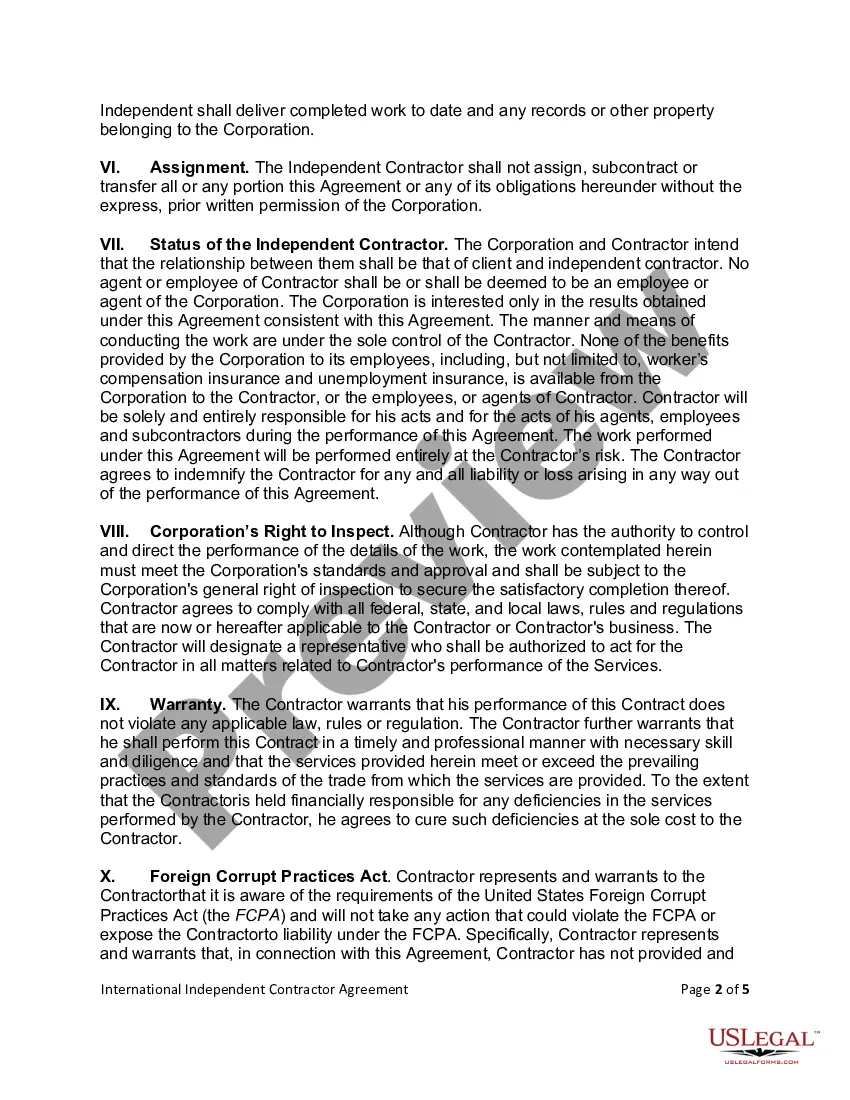
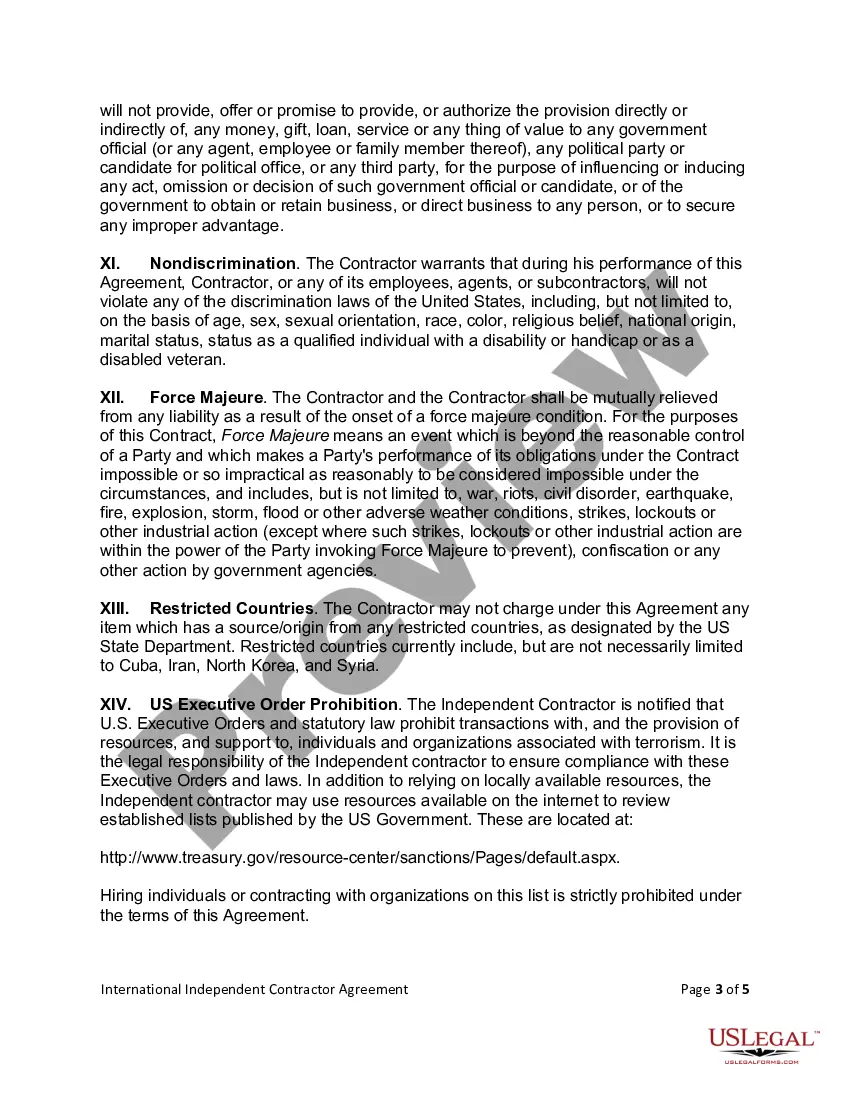
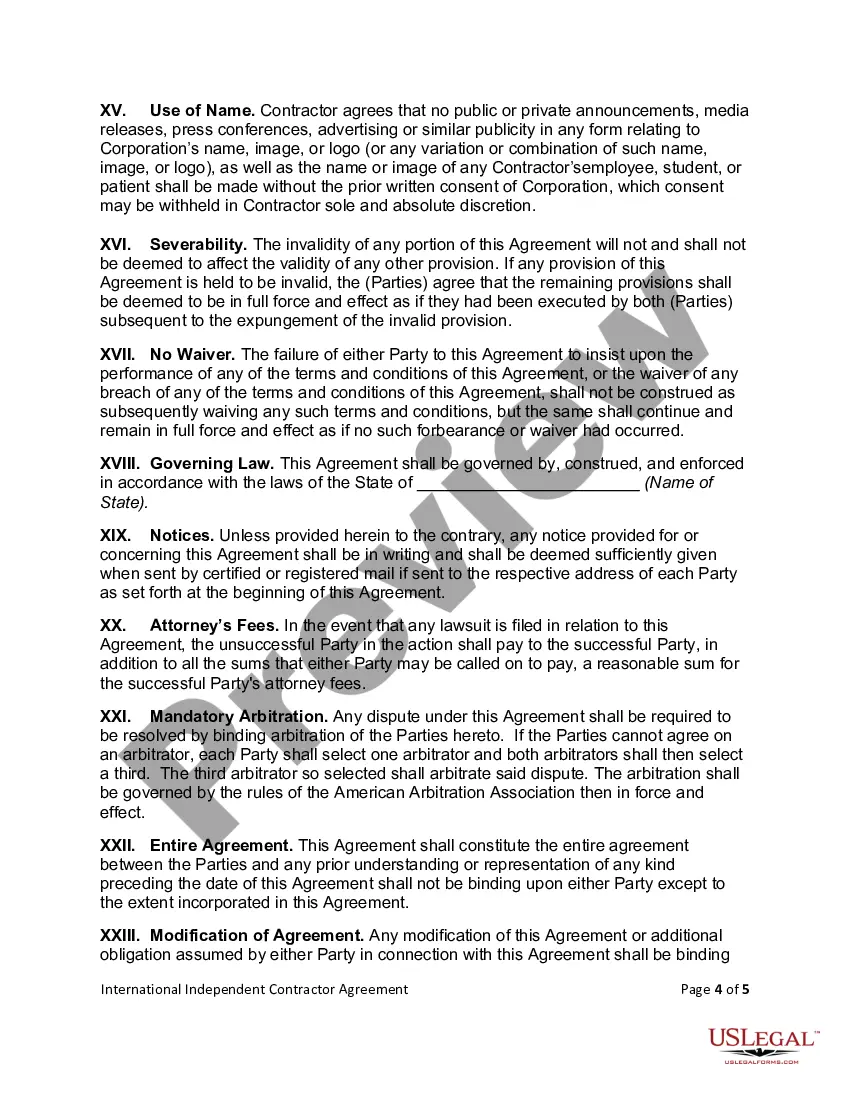
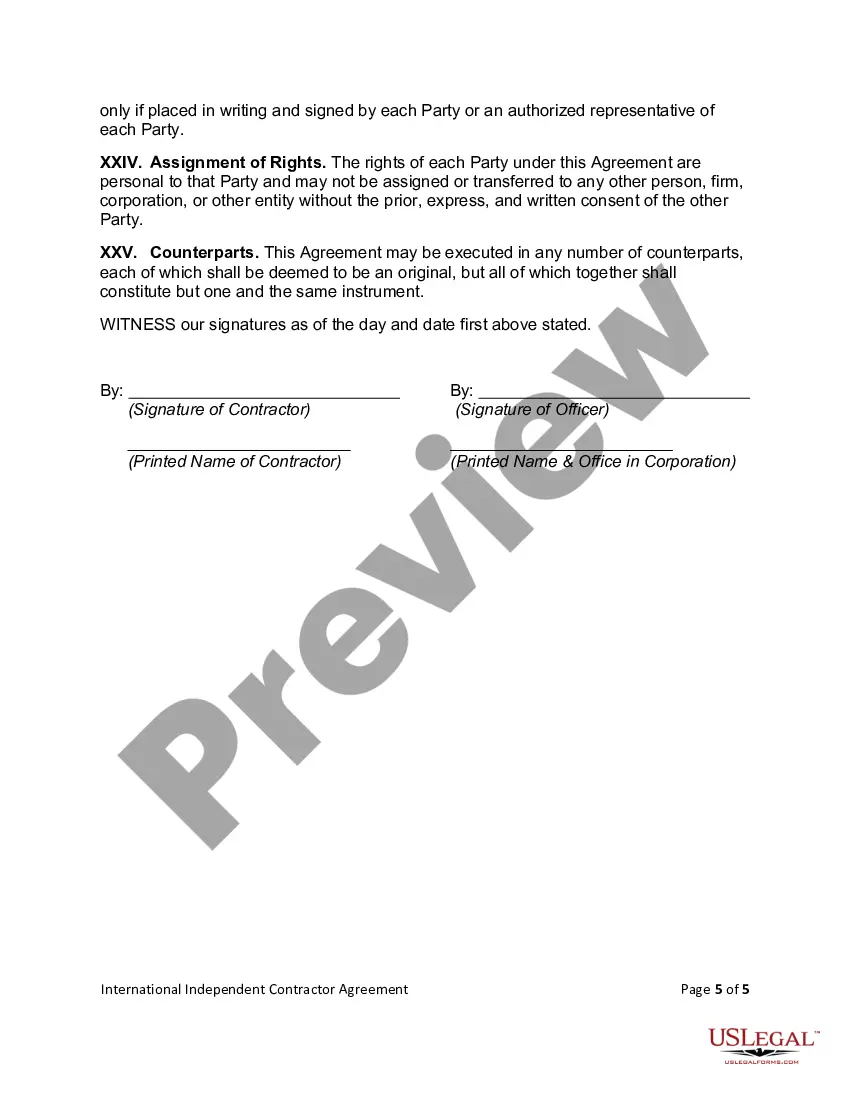
International Contractor Agreement Form Download In Broward
Description

Get your form ready online
Our built-in tools help you complete, sign, share, and store your documents in one place.
Make edits, fill in missing information, and update formatting in US Legal Forms—just like you would in MS Word.
Download a copy, print it, send it by email, or mail it via USPS—whatever works best for your next step.
Sign and collect signatures with our SignNow integration. Send to multiple recipients, set reminders, and more. Go Premium to unlock E-Sign.
If this form requires notarization, complete it online through a secure video call—no need to meet a notary in person or wait for an appointment.
We protect your documents and personal data by following strict security and privacy standards.

Make edits, fill in missing information, and update formatting in US Legal Forms—just like you would in MS Word.

Download a copy, print it, send it by email, or mail it via USPS—whatever works best for your next step.

Sign and collect signatures with our SignNow integration. Send to multiple recipients, set reminders, and more. Go Premium to unlock E-Sign.

If this form requires notarization, complete it online through a secure video call—no need to meet a notary in person or wait for an appointment.

We protect your documents and personal data by following strict security and privacy standards.
Looking for another form?








Form popularity
FAQ
Write the contract in six steps Start with a contract template. Open with the basic information. Describe in detail what you have agreed to. Include a description of how the contract will be ended. Write into the contract which laws apply and how disputes will be resolved. Include space for signatures.
A contractor agreement should describe the scope of work, contract terms, contract duration, and the confidentiality agreement. It should also include a section for the two parties to sign and make the agreement official. If the contract doesn't meet these requirements, it may be inadmissible in a court of law.
What to avoid in construction contracts Unclear scope of work and specifications: An ambiguous scope of work can cause misinterpretation. Missing change order procedures: Not having change order procedures is a risk as construction projects rarely go exactly ing to plan.
The template library in Word includes a wide selection of contract templates for various needs. Users access industry-specific options, ensuring relevance and legal appropriateness. Each template offers a comprehensive structure, including essential clauses and standard legal language.
Write the contract in six steps Start with a contract template. Open with the basic information. Describe in detail what you have agreed to. Include a description of how the contract will be ended. Write into the contract which laws apply and how disputes will be resolved. Include space for signatures.
If a property owner plans to act as their own contractor and provide direct onsite Supervision themselves of all work not performed by a licensed contractor, they may be able to get an Owner Builder Permit per Florida statutes 489.103(7).
Write the contract in six steps Start with a contract template. Open with the basic information. Describe in detail what you have agreed to. Include a description of how the contract will be ended. Write into the contract which laws apply and how disputes will be resolved. Include space for signatures.
Details of the parties to the contract, including any sub-contracting arrangements. duration or period of the contract. definitions of key terms used within the contract. a description of the goods and/or services that your business will receive or provide, including key deliverables.
Structure payments on a per-project basis, and require the contractor to submit invoices. Avoid salary payments, hourly payments, or any guaranteed “retainer” that is not tracked to performance. Specify the conditions for termination of the relationship—and do not make the arrangement terminable at will.
